Your LinkedIn campaign is running, email follow-ups live somewhere else, and the CRM still needs updating. By Friday afternoon, someone is copying replies between tools instead of booking meetings. You don't necessarily need more automation. You need fewer broken handoffs.
Teams don't outgrow PhantomBuster because it stops working. They outgrow the effort required to connect prospect extraction, enrichment, outreach, and reporting. The right PhantomBuster alternative depends on which part you need to replace.
For combined LinkedIn and email campaigns, shortlist outreach platforms. For agency work, prioritize sender management and client separation. For Sales Navigator exports or custom data pulls, choose a data tool rather than paying for campaign features you won't use.
LinkedIn-first outreach: Waalaxy, Dripify, Expandi, Linked Helper, and Dux-Soup.
LinkedIn plus email: Flowkon and La Growth Machine.
Agency multi-account operations: HeyReach.
Raw extraction: Apify.
Sales Navigator exports: Evaboot.
These categories overlap, but they're more useful than ranking tools by feature count. For broader software discovery beyond sales outreach, this guide to ten agent platforms grouped by buyer type uses a similar buyer-first approach.
No tool removes LinkedIn account risk entirely. Cloud hosting, adjustable limits, and warm-up controls change how you operate. They don't turn prohibited automation into approved activity.
Flowkon
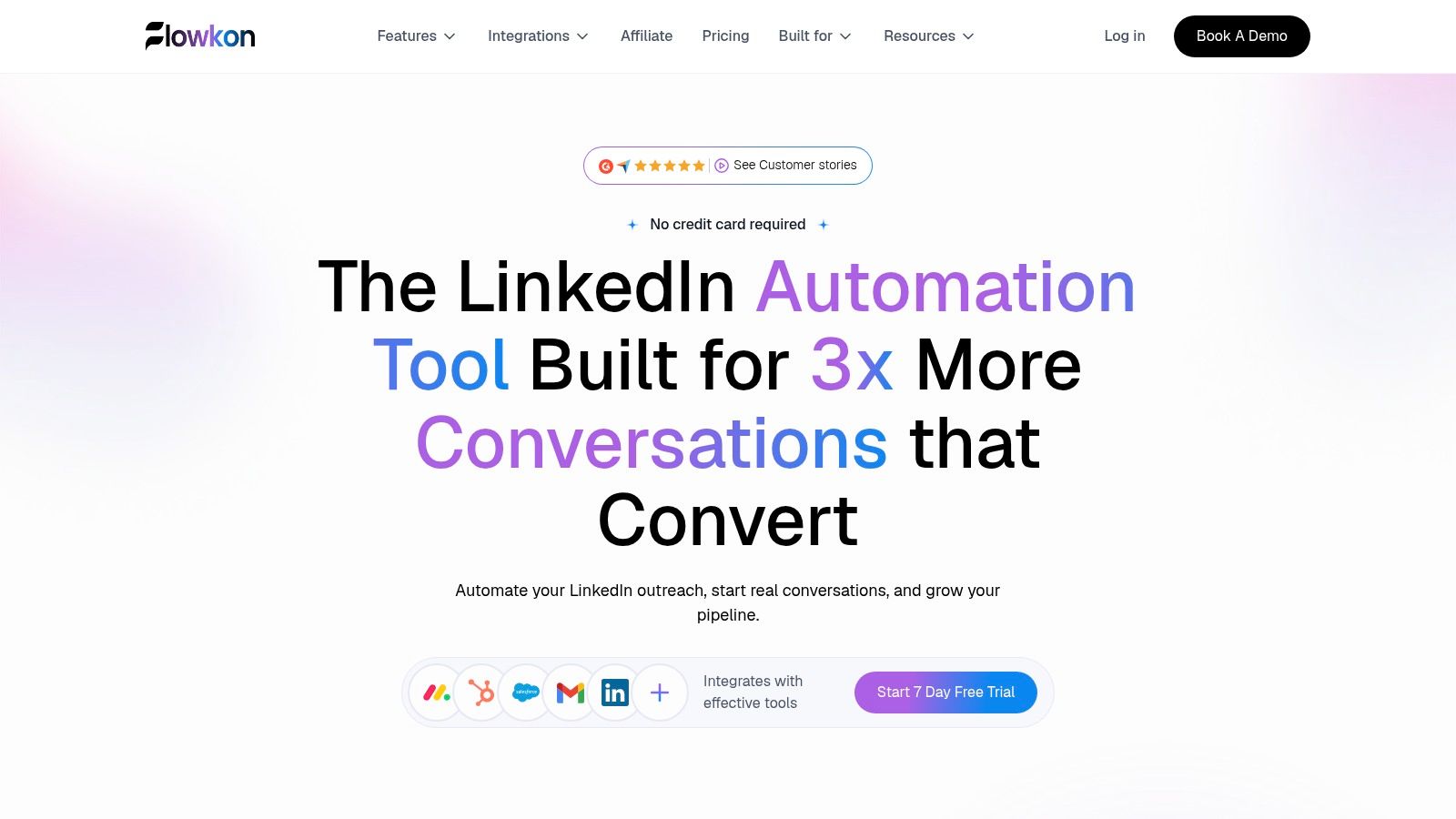
Best fit for combined LinkedIn and email campaigns. Flowkon suits teams whose main problem is coordinating outreach, replies, and CRM activity rather than extracting more profiles.
The cloud-based visual builder combines connection requests, follow-ups, and email touchpoints with conditions, triggers, scheduling, and personalized variables. Its centralized inbox brings LinkedIn messages and email replies together, so an SDR can review the conversation before sending another touchpoint.
Where the workflow improves
Say a founder accepts your connection request but doesn't answer. You can build a follow-up path that uses email when appropriate, then manage the response alongside the LinkedIn conversation. Configure reply-based stopping rules before launch, and test them rather than assuming every branch behaves correctly.
Email finding, verification, enrichment, and warm-up tools sit alongside campaign execution. Adjustable activity limits and usage monitoring provide operational controls, not guarantees against restrictions.
CRM connections: HubSpot, Salesforce, Pipedrive, Zoho, and Monday.com integrations connect records and activity. Webhooks support external workflows.
Team governance: Role-based workspaces separate users or client operations, while read-only reporting gives stakeholders visibility without editing access.
Campaign operations: Unlimited campaigns, cloning, template sharing, and smart time-zone scheduling help teams reuse a working process.
Reporting: Campaign analytics track acceptance, replies, clicks, and conversions rather than just completed actions.
Choose this if you want prospecting and conversation management in the same campaign workflow. Skip this if your main requirement is scraping unrelated websites, or if an available meeting scheduler is essential. That scheduler is announced as coming soon.
Where cost grows: Flowkon's pricing starts at $37 per user/month for Growth on monthly billing, or $30 per user/month billed annually. Professional is $60 per user/month on monthly billing, or $47 per user/month billed annually. Custom pricing requires a quote. Compare the number of users and the plan your workflow needs before committing. Our 7-day trial requires no credit card, so you can test the actual handoffs before choosing a plan.
Waalaxy
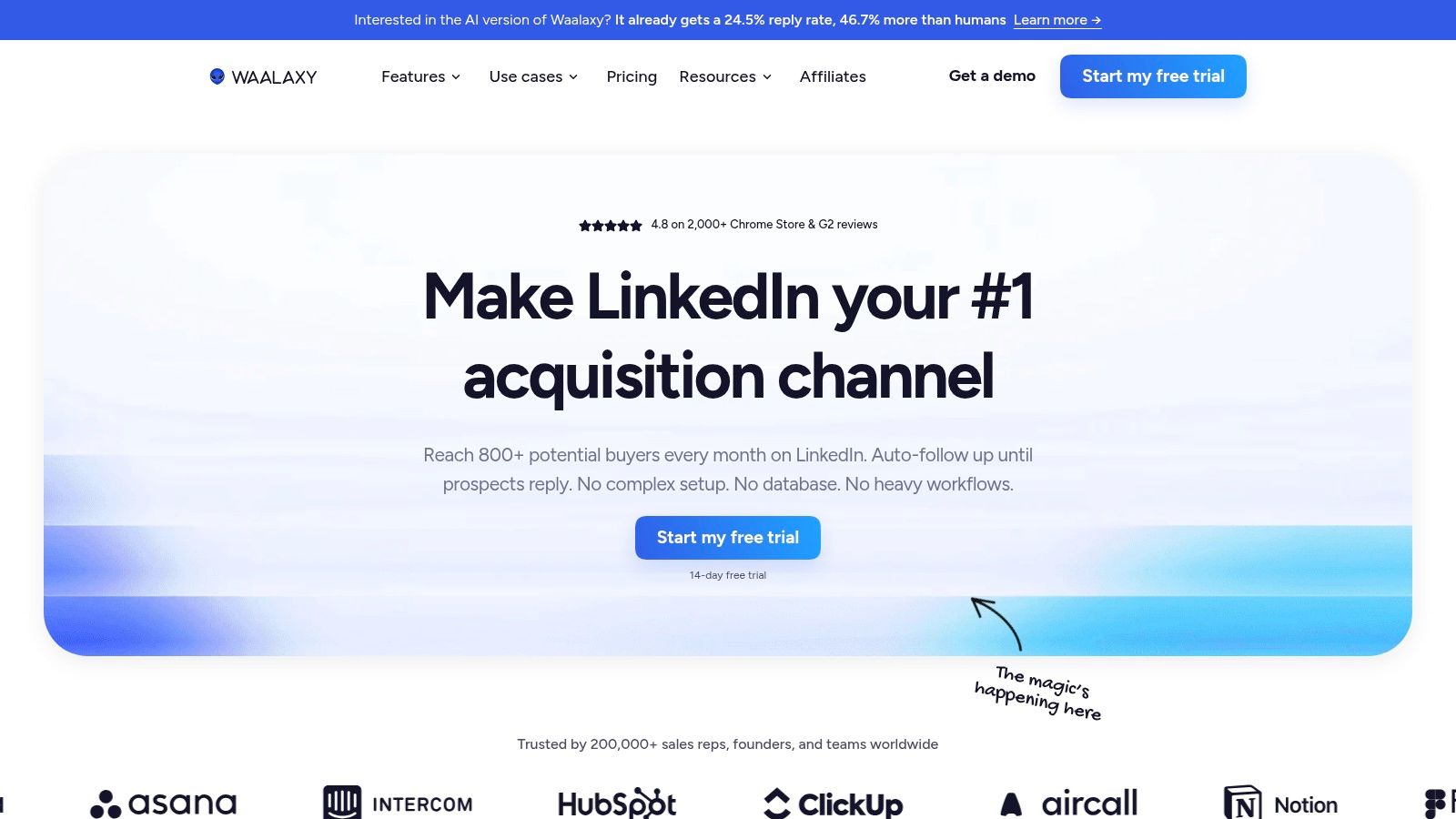
A solo seller usually needs a clear sequence before needing a flexible automation engine. Waalaxy fits guided prospecting, with connection requests, follow-ups, ready-made campaign templates, and imports from LinkedIn, Sales Navigator, and Recruiter Lite.
The catch is plan selection. Cold email belongs to Business, so don't evaluate the entry plan as though it replaces your entire multichannel setup.
Waalaxy lists Pro at €19, Advanced at €49, and Business at €69 per user/month, alongside a 14-day trial. CRM synchronization and shared team analytics depend on the relevant plan.
Choose this if: You're a founder, recruiter, or small sales team replacing manual LinkedIn follow-ups with guided campaigns.
Skip this if: You need broad web scraping or expect every plan to include email campaign execution.
Where cost grows: Each additional user adds subscription cost, and moving senders onto the email-enabled tier changes the budget.
A useful trial is to import a relevant search, launch a simple connection-and-follow-up sequence, and inspect what reaches the CRM. Check record ownership and duplicate handling, not just whether the campaign starts.
If your decision comes down to sequencing depth or team controls, compare the Waalaxy alternatives against the workflow you intend to run. Don't pay for a higher tier merely because its feature list is longer.
Dripify
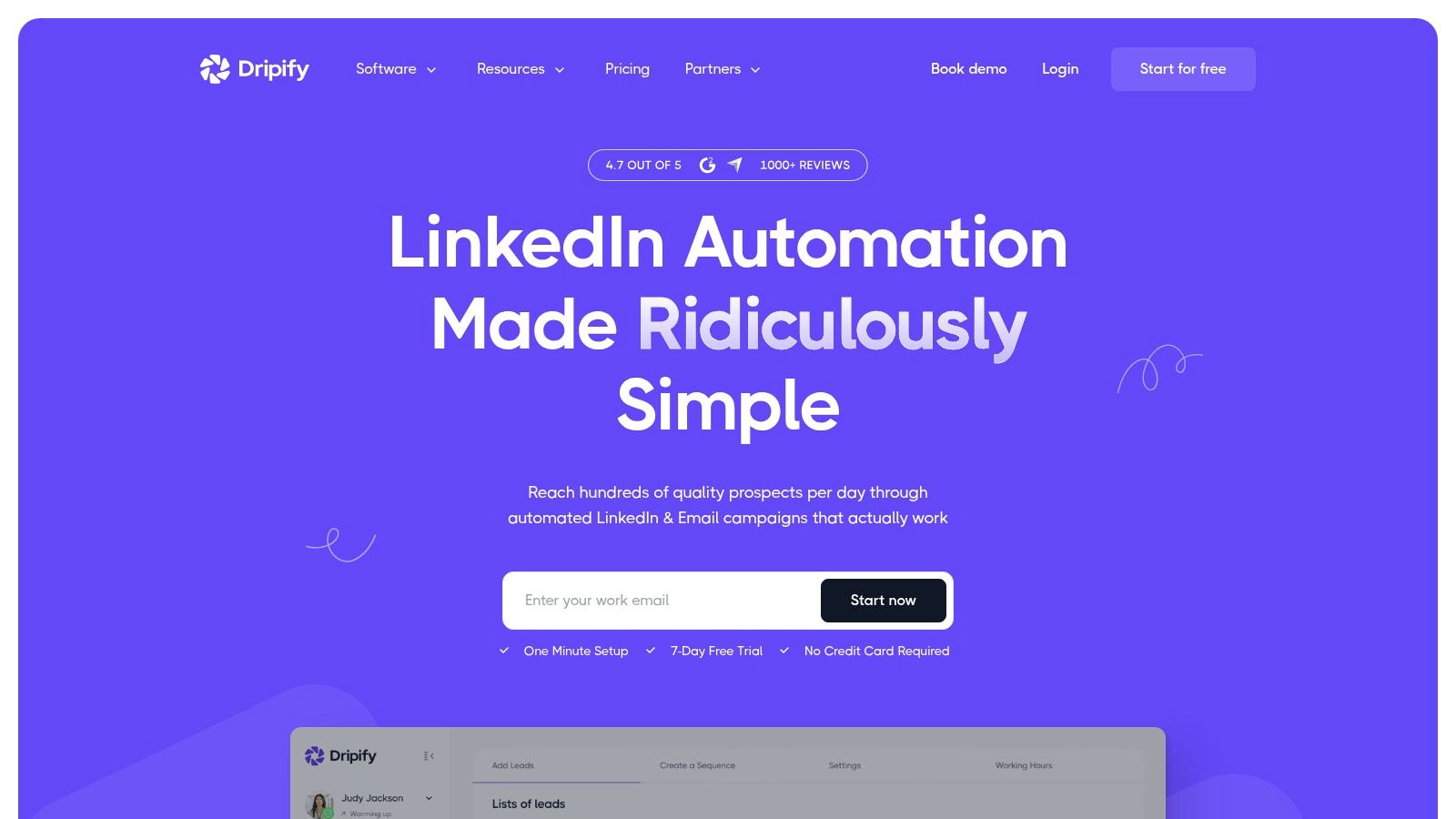
Dripify is an outreach replacement, not a general extraction replacement. Its cloud campaigns combine LinkedIn and email steps, with templates, personalization, analytics, and an email finder using verification credits.
That distinction matters when your current process starts with a lead file. Dripify can help execute the follow-up process, but it shouldn't be evaluated as a substitute for arbitrary website scraping.
Check the seat and plan boundaries
Dripify lists annual-billing prices of $39/user/month for Basic, $59 for Pro, and $79 for Advanced, plus a 7-day trial without a credit card. Each seat connects a single LinkedIn account, while unlimited campaigns, fuller team capabilities, a dedicated inbox, and webhooks depend on higher plans.
Practical rule: Test the reply-handling workflow on the plan you'll buy, not just the trial configuration.
Choose this if you want structured follow-ups and campaign measurement without leaving a local computer running. Skip this if your core requirement is multi-site data collection or custom extraction logic.
Where cost grows: Additional senders require additional seats. Verification credits and access to higher-tier workflow features also deserve attention when comparing the total setup.
During evaluation, send a test reply after a prospect reaches an email step. Confirm what stops, where the reply appears, and what your team must update manually. The Dripify alternatives comparison is useful when those operational details determine your shortlist.
Expandi
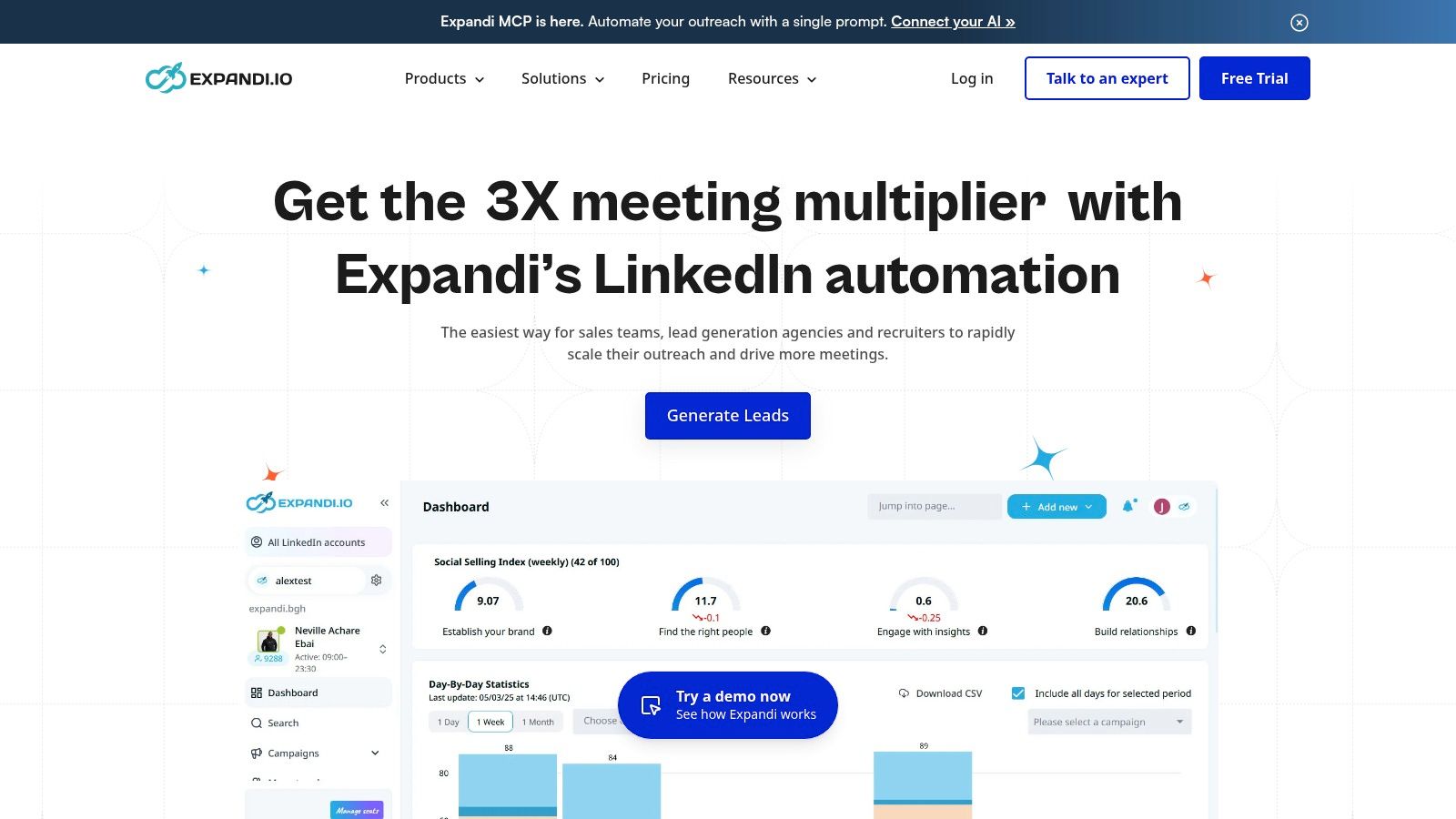
If maintaining scripts is the problem, Expandi offers a more focused route into cloud-based outreach. It supports LinkedIn campaigns, follow-up sequences, email steps, personalization, and account activity controls.
Expandi advertises a $99 monthly plan, an annual option, and a 7-day trial. A main product plan makes feature comparison simpler, although the monthly cost deserves scrutiny when you're evaluating a single sender.
Don't confuse activity controls with platform approval. LinkedIn's prohibited software policy prohibits third-party software and extensions that scrape or automate activity, and says violations can lead to temporary or permanent account restrictions.
Choose this if: Your missing piece is campaign execution without managing scripts or keeping a desktop application open.
Skip this if: You mainly need raw data exports across unrelated websites.
Where cost grows: Budget for the full sender arrangement rather than treating the headline plan as a team-wide total.
For a pilot, separate essential steps from optional ones. Start with a relevant audience, a specific reason to connect, and a restrained follow-up path.
Also define who pauses activity when an account warning appears. A campaign operator needs clear authority to stop execution, not a chain of approvals while queued actions continue. Cloud execution is operational convenience, not evidence of lower policy risk.
La Growth Machine
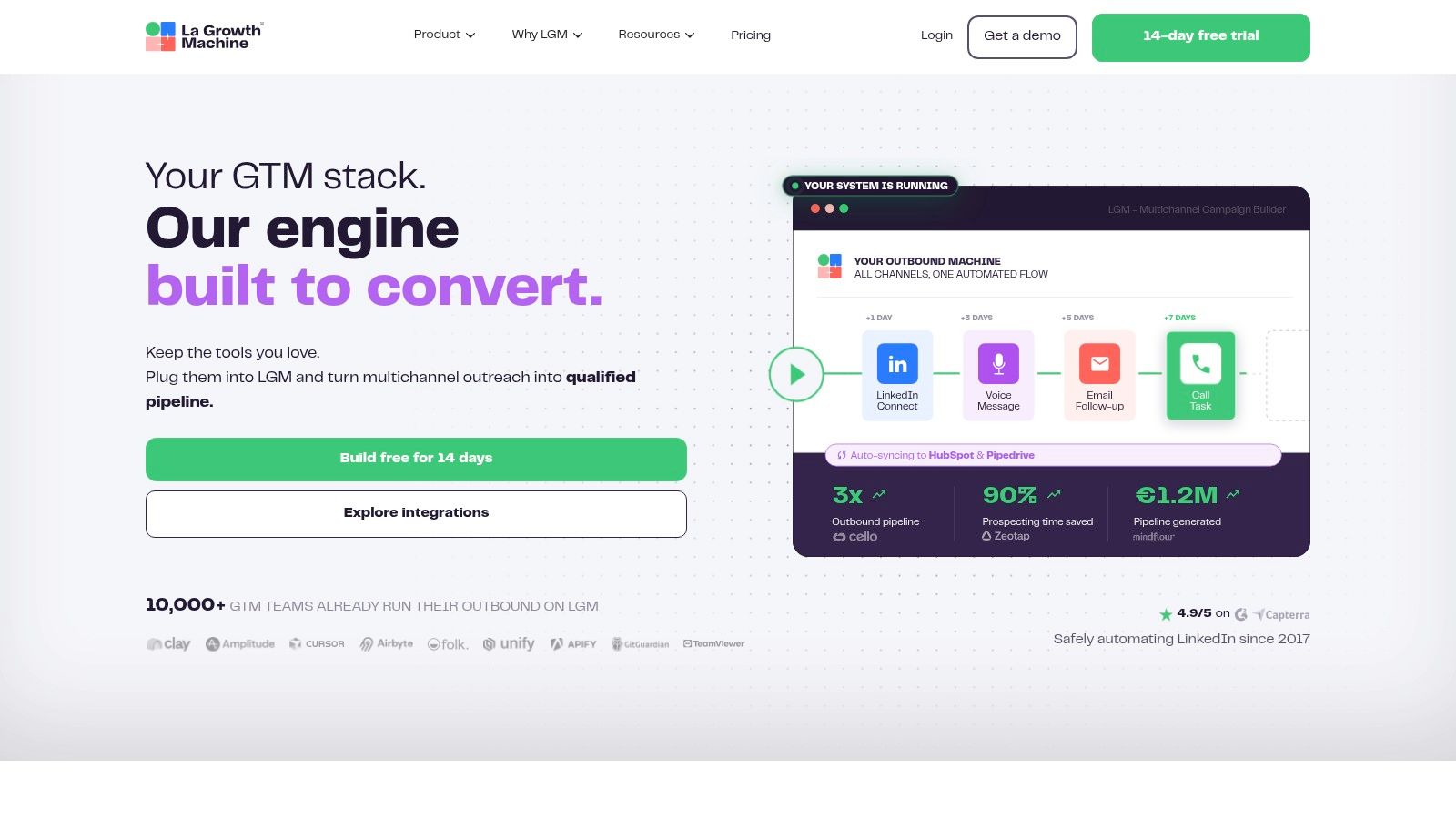
Multichannel outreach becomes difficult when nobody knows which conversation is current. La Growth Machine combines LinkedIn and email sequences with enrichment and a unified inbox, making it relevant when channel coordination is the main requirement.
Its broader workflow includes calls and X on certain plans. CRM synchronization, team management, and custom workflows also depend on the tier, so map your intended sequence before choosing.
La Growth Machine lists Basic at €60/month per identity and Pro at €120/month per identity, with a 14-day trial without card details.
Use channels for a reason
A sensible campaign doesn't repeat the same pitch everywhere. Use the LinkedIn touchpoint to establish context, then use email for a clearer explanation when you have an appropriate business address and lawful basis.
For example: “You mentioned consolidating your sales tools. Is CRM activity cleanup part of that project, or is someone else handling it?”
Choose this if: You want enrichment, multichannel execution, and conversation management together.
Skip this if: You only need a clean export or a basic LinkedIn follow-up sequence.
Where cost grows: Per-identity billing expands with senders, and advanced custom workflows require moving beyond the entry plan.
Test whether the added channels help your reps make better decisions. If they create more queued messages, the broader platform may add complexity without fixing your process.
HeyReach
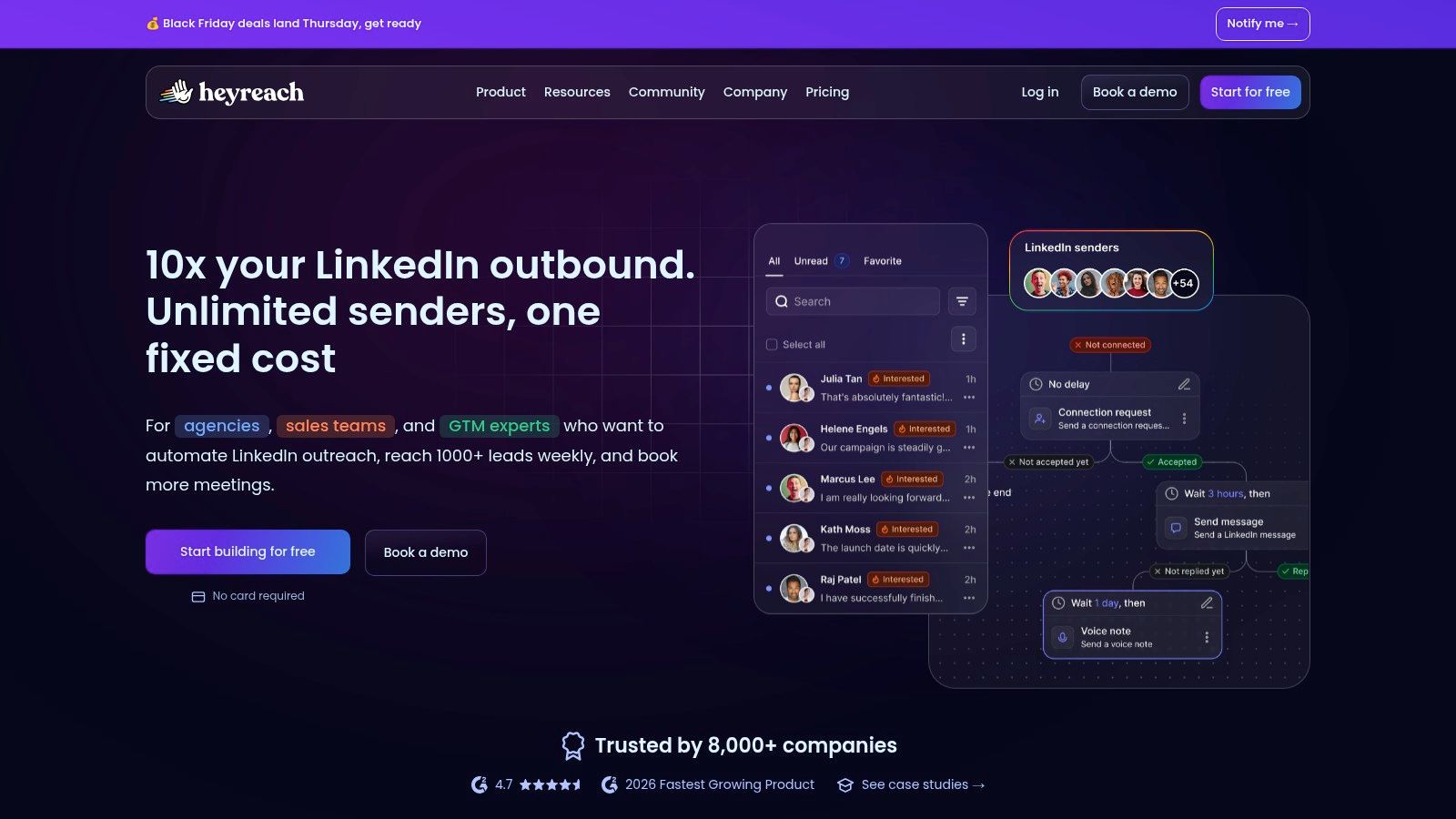
Agency outreach breaks differently from founder-led prospecting. The problems become sender ownership, client separation, permissions, and making sure the right person handles each reply.
HeyReach fits multi-sender LinkedIn operations. Its agency tiers include workspaces, permissions, a unified inbox, and listed API, webhook, and integration capabilities.
For monthly billing with fewer than 10 senders, HeyReach lists Growth at $79 per sender/month, with lower per-sender pricing available for larger sender counts or longer billing commitments. Don't assume the entry plan includes every agency feature.
A shared inbox only helps an agency if operators can identify the client, sender, and next action without opening another system.
Choose this if you manage LinkedIn campaigns across multiple client or SDR accounts. Skip this if your main task is extracting data from multiple websites, or you need a complete email sequencing platform rather than LinkedIn outreach.
Where cost grows: Sender count is the central variable. Compare the required agency tier and billing commitment before judging the headline rate.
During a pilot, create separate client workspaces and test access with an operator account. Then inspect whether reporting and conversation ownership match your service process.
For a closer comparison of sender management and agency workflows, use the HeyReach alternatives guide. Prioritize controllable client operations over the largest possible account count.
Linked Helper
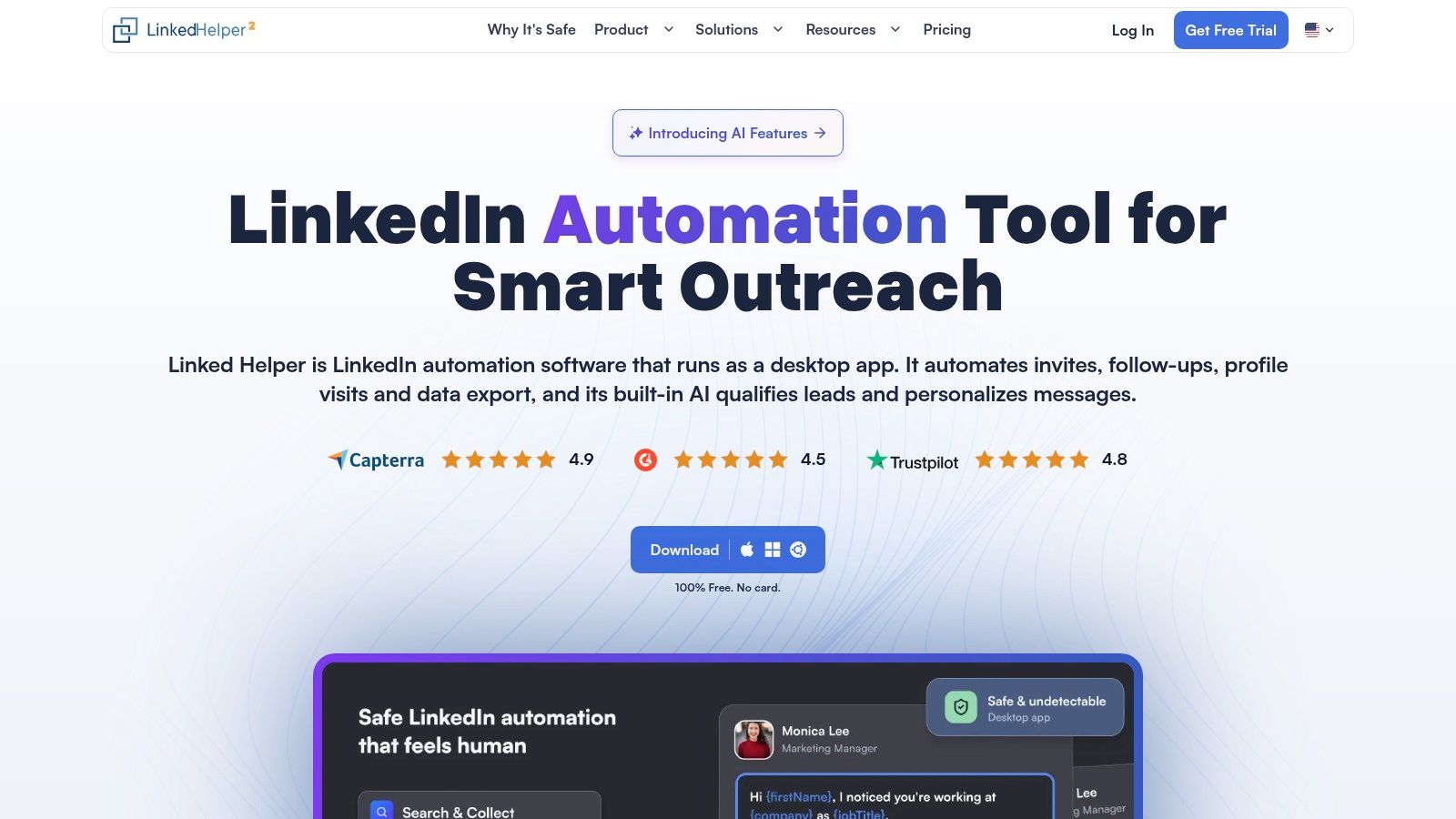
Linked Helper gives you control over where the application runs. That also means you own the execution environment.
It's a desktop application that runs on your computer or a separately managed VPS. Cloud storage is a different purchase decision from cloud execution, so don't assume a storage plan means the vendor runs the automation for you.
Linked Helper lists Local Standard at $15/month and Local Pro at $45/month, with a 14-day Pro trial without a credit card; a license covers a single LinkedIn account.
Count the operating work
The application supports LinkedIn campaigns, profile actions, enrichment, exports, webhooks, and CRM connections. It works with LinkedIn, Sales Navigator, and Recruiter accounts, with workspace roles and client separation supporting agency-style operations.
Choose this if: You want a lower starting subscription and are comfortable maintaining a local machine or VPS.
Skip this if: Nobody on your team will own runtime availability, updates, or environment troubleshooting.
Where cost grows: Additional accounts need licenses, while VPS hosting and more expensive storage arrangements add separate costs.
Before migrating, deliberately stop the application and inspect what happens to queued work. Your team should understand what resumes, what needs intervention, and how operators detect an interruption.
A cheap license isn't necessarily a cheap workflow. Include the administrator's time when comparing it with managed cloud execution.
Dux-Soup (STACKED)
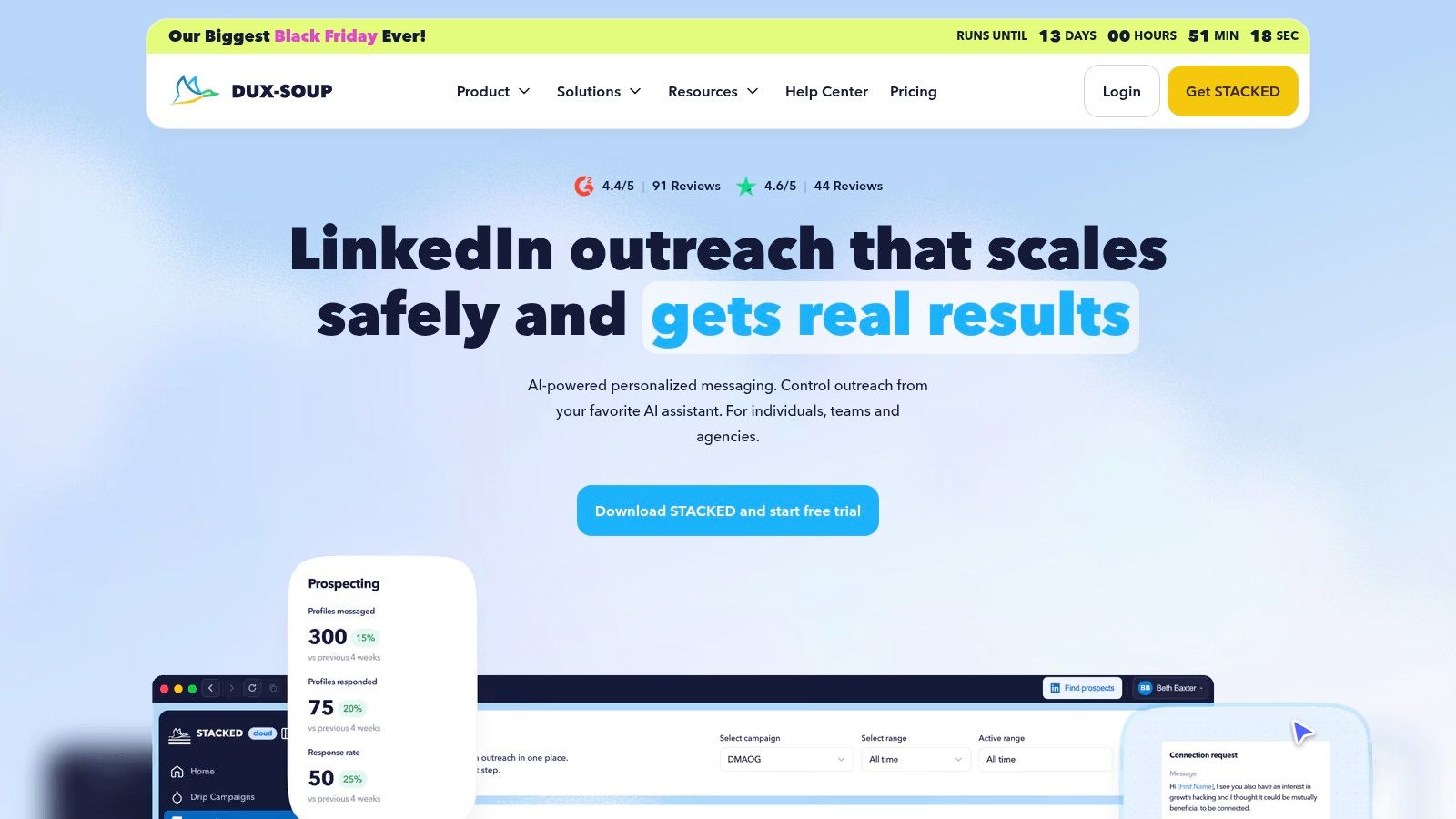
Choose the deployment model before choosing the tier. Dux-Soup, now marketed as STACKED, offers locally run and cloud-based options for LinkedIn prospecting.
Its LinkedIn actions include connection requests, messages, and profile visits. Drip campaigns, campaign statistics, CRM connections, and workflow integrations vary across paid tiers.
Dux-Soup lists Pro Dux at $14.99/month, Turbo at $55/month, and Cloud Dux at $99/month. Those prices represent different operating arrangements, not interchangeable versions of the same workflow.
Local execution: Suits an operator who wants direct control and accepts the machine's operating requirements.
Cloud execution: Suits teams that need campaigns to run without keeping a local computer on.
Higher-tier connections: Matter when CRM updates and external workflows are part of the replacement decision.
Choose this if you need LinkedIn-focused prospecting and want deployment options. Skip this if you need general-purpose extraction or expect the basic tier to include the full campaign and integration stack.
Where cost grows: Compare the appropriate deployment and feature tier for every intended sender. Don't extrapolate the lowest advertised price into a team budget without confirming licensing.
Test an entire operating day, including replies and CRM updates. A successful connection request proves little if the operator still needs to reconcile campaign activity manually afterward.
Apify
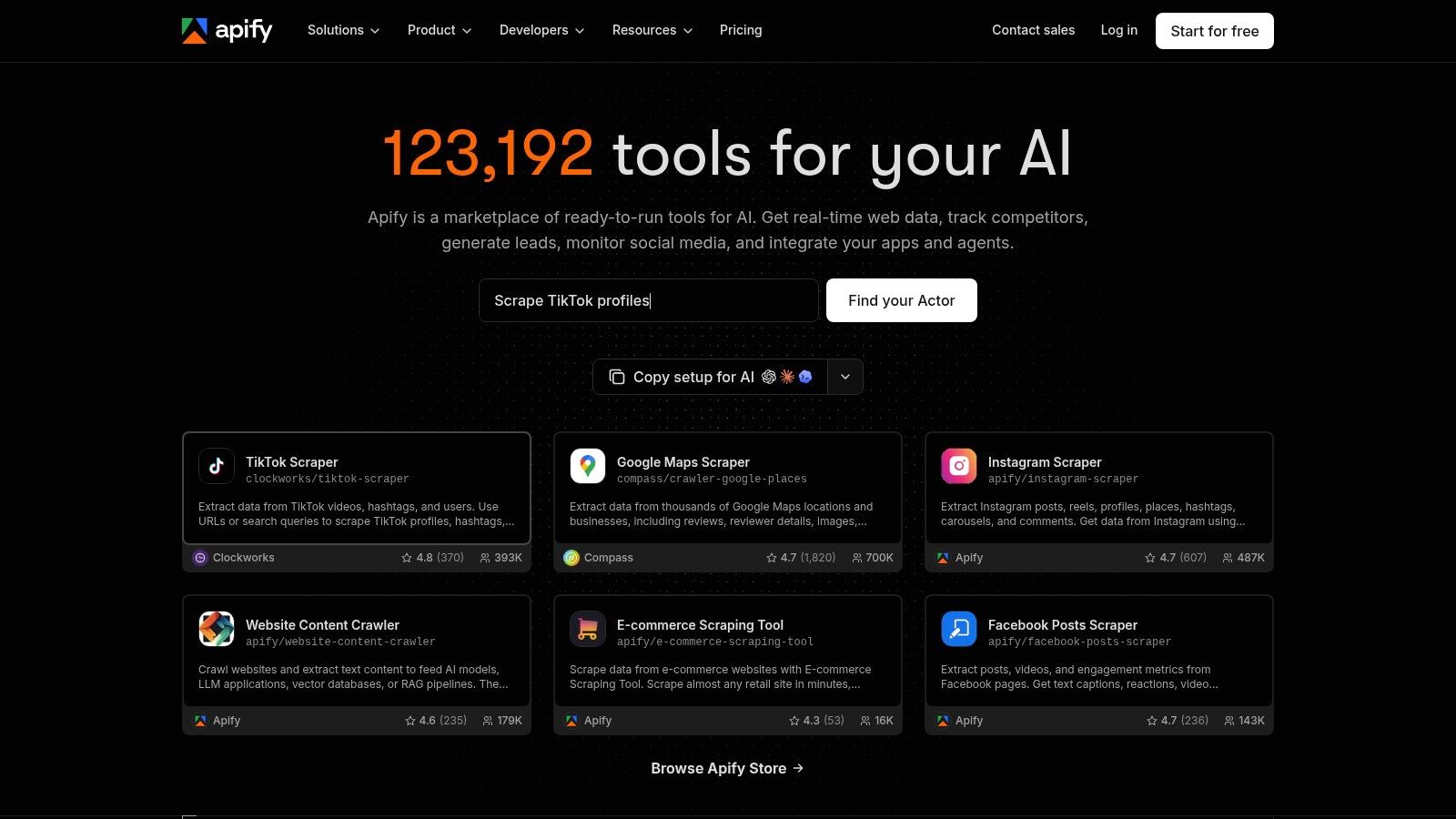
Apify is the closest fit here for raw data extraction. It uses configurable Actors for scraping, processing, and automation rather than packaging everything as a sales campaign.
You can use marketplace Actors or build custom ones, schedule jobs, and connect output through APIs and webhooks. That flexibility is useful when someone on your team owns the data pipeline.
Apify lists a free plan with $5 of platform usage credit and Starter at $19/month plus usage, while individual Store Actors may carry separate charges.
Treat the Actor as a dependency
Don't evaluate the platform without evaluating the specific Actor. Its output structure, maintenance, pricing, and error handling determine whether your downstream workflow remains usable.
Choose this if: You need custom or multi-source extraction and have an operator who can clean, validate, and route results.
Skip this if: You want a packaged LinkedIn-plus-email campaign builder with a sales inbox.
Where cost grows: Usage and Actor-specific charges matter more than sender count. More salespeople can increase the extraction workload they request.
Buying advice: Price a complete usable dataset, including failed runs and cleanup, rather than comparing subscription entry points.
For a pilot, define required fields before running extraction. Reject records missing the identifiers your CRM needs, retain source context, and review whether collecting the information is permitted.
An exported file is an input. It isn't a qualified lead list, a compliant outreach program, or a finished campaign.
Evaboot
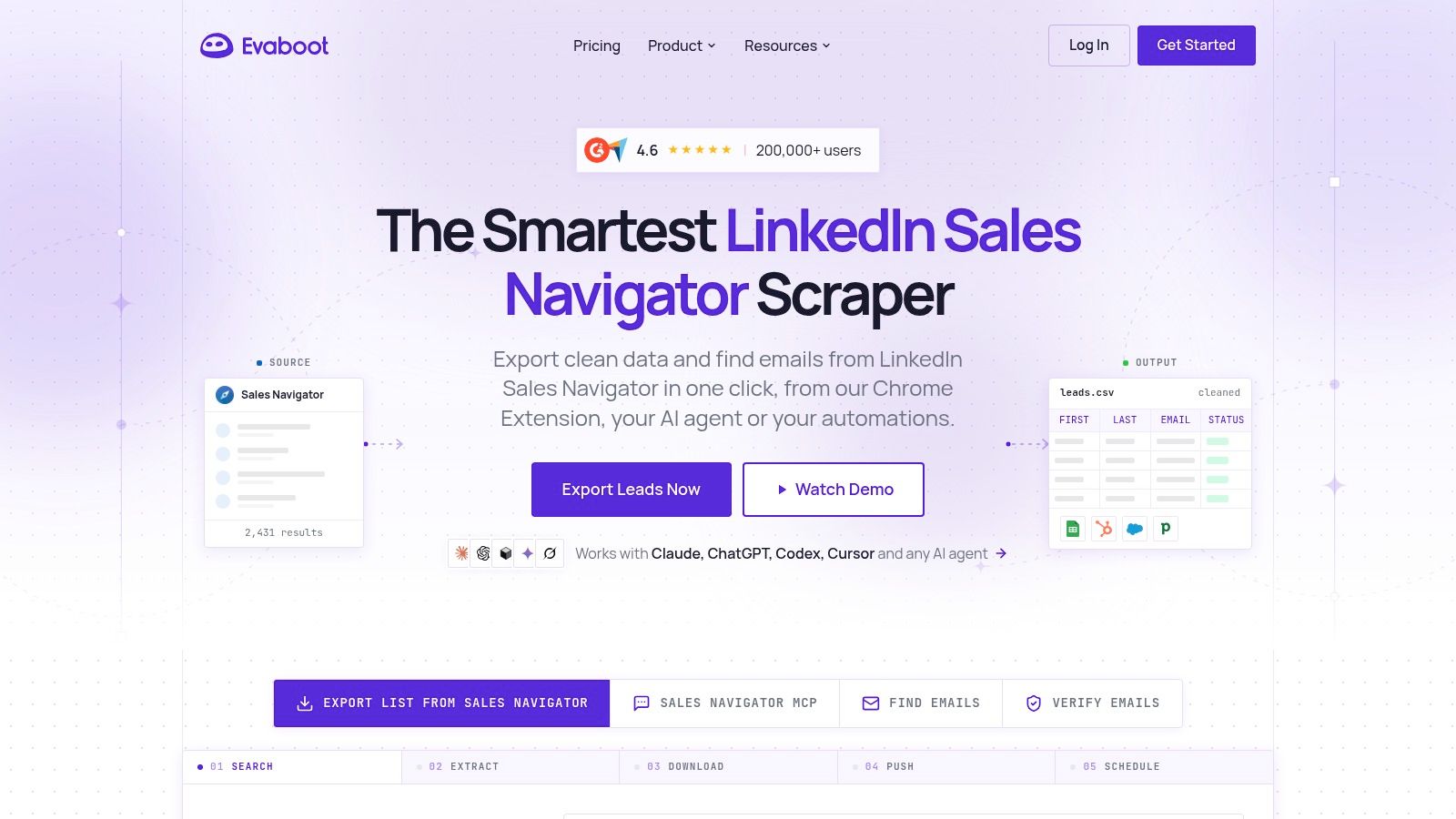
If your recurring task is getting Sales Navigator searches into usable lead files, Evaboot is a more focused choice than a broad automation platform.
It exports searches to CSV or XLSX, cleans names and company information, checks exported leads against search filters, and adds professional email data. You still need somewhere to qualify prospects, run outreach, and manage replies.
Evaboot uses credit-based billing, with each exported lead costing one credit. Its workflow requires an active Sales Navigator account and a Chrome extension, and daily export limits apply.
Choose this if: Sales Navigator is your starting point and cleaner exports are the missing step.
Skip this if: You need campaign sequencing, a shared inbox, or scraping across unrelated websites.
Where cost grows: Export volume consumes credits, while Sales Navigator and the downstream outreach platform remain separate budget items.
The useful test isn't whether the export downloads. Check whether your intended search produces prospects who meet your qualification criteria.
Then import the cleaned file into a test destination. Inspect name formatting, company matching, duplicate behavior, and email availability before letting reps launch.
Don't turn missing email data into a reason to guess addresses or add irrelevant LinkedIn touches. Route incomplete records for review, enrich them through an appropriate source, or leave them out. A smaller usable list is preferable to a larger file that operators must repair.
PhantomBuster alternatives at a glance
| Item | Listed starting price | Free trial | Best for | Email in campaigns |
|---|---|---|---|---|
| Flowkon | $37/user/month; $30/user/month billed annually | 7 days, no credit card required | Teams combining LinkedIn and email outreach | Yes |
| Waalaxy | €19/user/month | 14 days | Guided LinkedIn prospecting and follow-ups | Yes, on Business plan |
| Dripify | $39/user/month, annual billing | 7 days, no credit card required | LinkedIn-first campaigns with email steps | Yes |
| Expandi | $99/month | 7 days | Cloud-based LinkedIn outreach | Yes |
| La Growth Machine | €60/month per identity | 14 days, no card details required | Multichannel outreach and conversation management | Yes |
| HeyReach | $79/sender/month | Not specified | Teams and agencies coordinating LinkedIn senders | No |
| Linked Helper | $15/month | 14-day Pro trial, no credit card required | Lower-cost desktop LinkedIn automation | Not specified |
| Dux-Soup (STACKED) | $14.99/month | Not specified | LinkedIn automation with local or cloud options | Not specified |
| Apify | Free plan; Starter at $19/month plus usage | Free plan available | Custom web scraping and automation | No packaged email campaigns |
| Evaboot | Credit-based; starting price not specified | Not specified | Exporting and cleaning Sales Navigator leads | No campaign email |
Choose by Workflow, Then Test One Campaign Before You Commit
Start with the workflow you run every week: LinkedIn only, LinkedIn plus email, multi-sender agency work, Sales Navigator exports, or custom data pulls. Shortlist the tools that fit that job, calculate the cost as senders are added, and confirm how campaign activity reaches your CRM.
Don't migrate the whole team because a demo sequence looks clean. Run a real campaign on a small, relevant list and include the awkward cases: an existing contact, a missing email, a reply, an opt-out, and a record owned by another rep.
Test the handoffs, not just the launch
Use the same audience definition and offer when comparing tools. Otherwise, you won't know whether a difference came from software, targeting, or copy.
Import and enrichment: Check field mapping, duplicate handling, source context, and usable business email coverage.
Sequence behavior: Confirm scheduling, conditional paths, reply-based stopping, and what happens when enrichment fails.
Conversation ownership: Make sure a named rep receives the reply and can see previous contact.
CRM updates: Verify contact ownership, campaign attribution, activity writes, and failure visibility.
Operating cost: Include subscriptions, credits, hosting, and the manual work left after automation.
Measure replies, qualified conversations, meetings, and successful CRM updates. Don't declare a winner based on opens alone: the GDMA International Email Benchmark 2025 reported a 98.7% acceptance rate but a 2.9% click-through rate, illustrating why delivery and downstream engagement need separate evaluation.
Make stopping as reliable as sending
The FTC's CAN-SPAM compliance guide explains that commercial email requirements cover sender information, subject lines, and recipients' right to stop future emails. Test suppression across lists and queued follow-ups, not merely the unsubscribe text.
Also document who can access prospect data, who can export it, and who handles account restrictions. These are buying criteria, not administrative tasks to postpone until after migration.
Flowkon offers a no-credit-card trial, and our plans can be upgraded or downgraded at any time. Use that flexibility to test a complete workflow before moving the team.
Keep the incumbent if the alternatives don't reduce work. A replacement earns its place when your reps can launch, respond, and maintain accurate records with fewer manual repairs.
Flowkon brings LinkedIn and email sequences, centralized conversations, enrichment, and CRM synchronization into the same workflow. Visit Flowkon to start a 7-day free trial without a credit card, then test a real campaign from prospect import through reply handling and CRM updates.