Built for How Zoho CRM Actually Works
.png)
Map Any Field
.png)
One way sync


Trusted by Industry Leaders


Frequently Asked Questions
Do I need a paid Zoho CRM plan to connect?
You need an active Zoho CRM account.
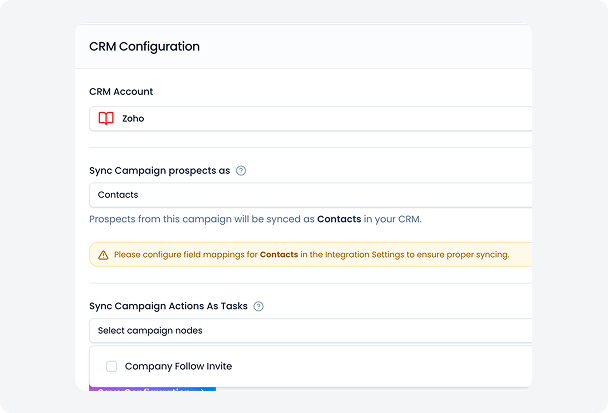
Can I choose whether prospects sync as Contacts or Leads?
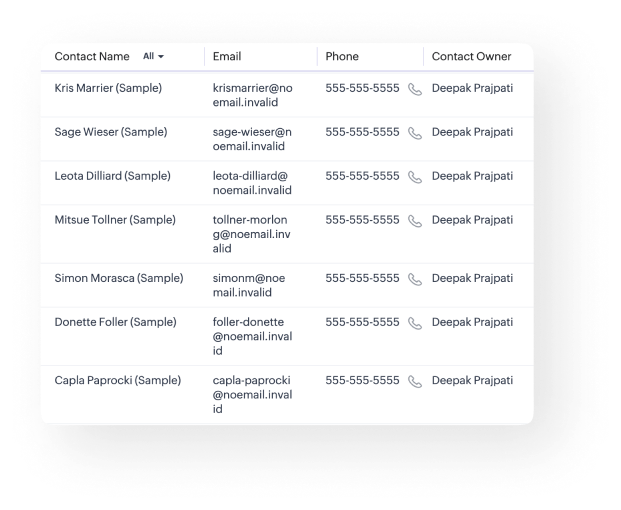
Yes. During setup, you select the record type — Contact or Lead — and Flowkon applies that choice across every campaign using this integration.
Will Flowkon overwrite existing records in Zoho CRM?
No. Flowkon creates new records and logs activity against them. It does not overwrite or delete any existing data in your Zoho CRM.
How quickly does data sync into Zoho CRM?
Sync is real-time. The moment a campaign action fires on a prospect, the record and task are pushed into Zoho CRM instantly.
What campaign actions get logged as Tasks in Zoho?
Any action you select in the CRM Sync configuration — such as View Profile, Like Post, Follow Profile, or message sent — gets logged as a Task in Zoho Tasks against the prospect's record.
Can I map custom fields from Flowkon to Zoho CRM?
Yes. The Field Mapping page lets you map any Flowkon prospect field to any Zoho CRM column, with support for fallbacks, defaults, and transforms.
Is this a one-way sync?
Yes. Flowkon pushes data into Zoho CRM. Flowkon acts as the source of truth for engagement, and Zoho CRM is the destination for visibility and sales usage.
.png)