LinkedIn & Salesforce CRM integration

Flowkon connects your LinkedIn account directly to Salesforce —Sync leads, log activities, and keep your pipeline updated—automatically.

Flowkon LinkedIn and Salesforce CRM integration page – the easiest linkedin automation tool to sync leads and contacts to Salesforce automatically

The Easiest CRM Integration You'll Ever Do.

0

Sync actions

0

Salesforce fields mapped

0

Setup time

0

Real-time sync

Connect Salesforce in 60 Seconds. No Dev Work Required.

1
Select your CRM

Go to Flowkon → Integrations → choose Salesforce from the list.
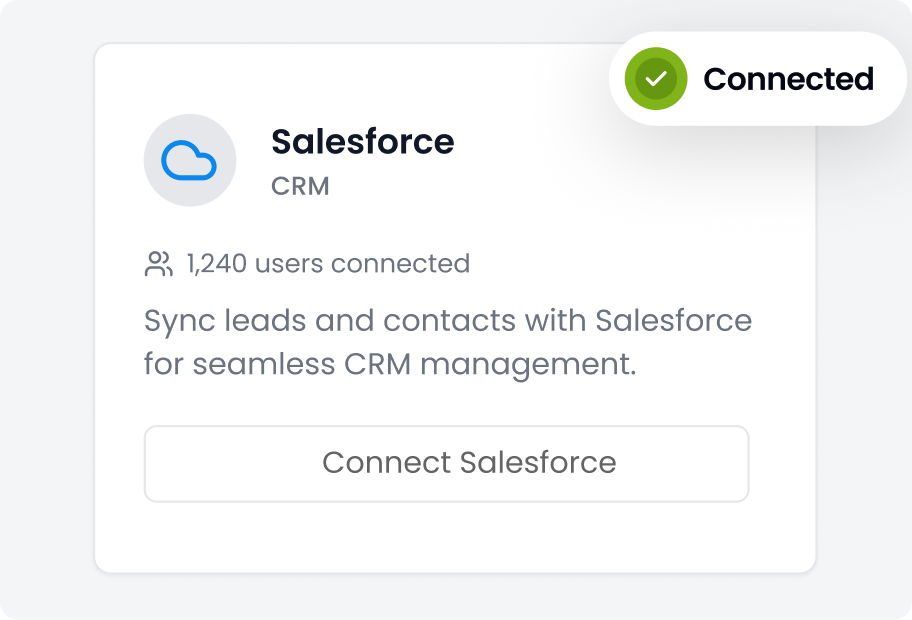
Step 1 to connect Flowkon linkedin automation software with Salesforce CRM – go to Flowkon integrations and select Salesforce from the list
2
Authorise your account

Log in to Salesforce and grant Flowkon access. One click. Done.
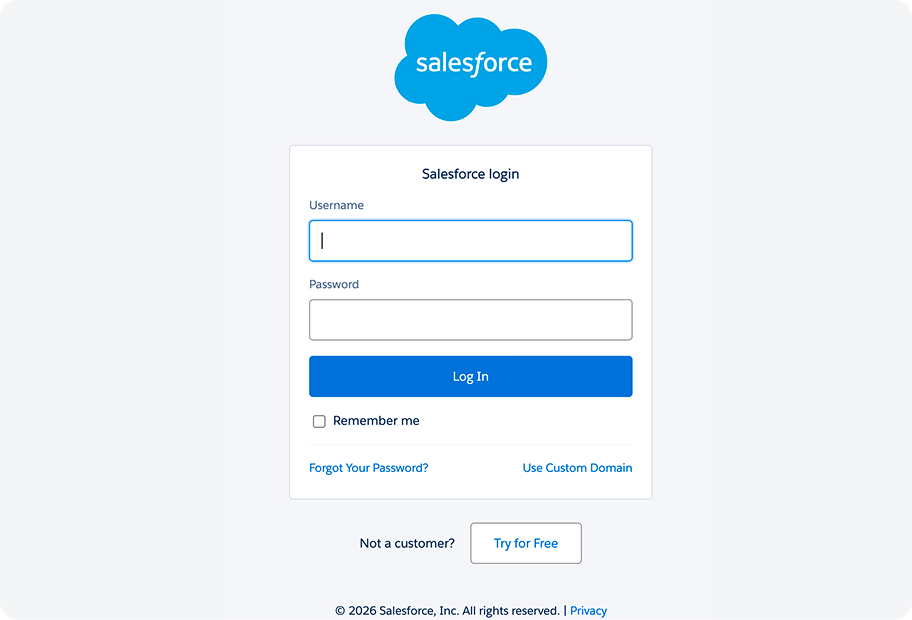
Step 2 to set up Flowkon linkedin outreach automation with Salesforce – log in to Salesforce and grant Flowkon access in one click
+
3
Configure and launch

Choose how prospects sync, which actions create Tasks, and which Salesforce Campaign to link. Then run your outreach — Flowkon handles the rest.
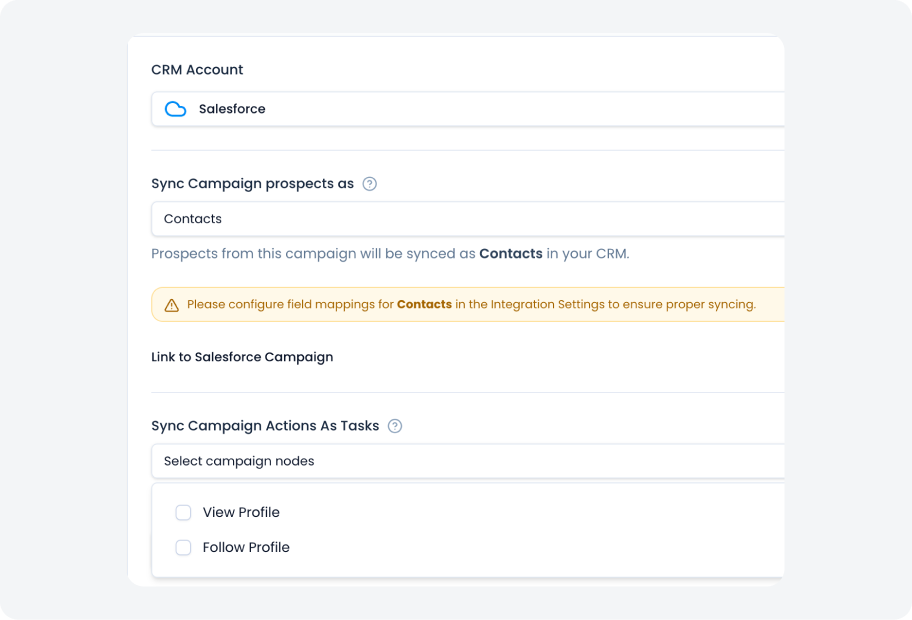
Step 3 to integrate Flowkon linkedin automation tools with Salesforce – configure prospect sync as contacts, link Salesforce campaign, select campaign actions as tasks and launch outreach
+
Step 1 to connect Flowkon linkedin automation software with Salesforce CRM – go to Flowkon integrations and select Salesforce from the list Step 2 to set up Flowkon linkedin outreach automation with Salesforce – log in to Salesforce and grant Flowkon access in one click Step 3 to integrate Flowkon linkedin automation tools with Salesforce – configure prospect sync as contacts, link Salesforce campaign, select campaign actions as tasks and launch outreach

Everything That Matters — Flowing In to Salesforce Automatically

Leads & Contacts

Prospects from your LinkedIn campaigns created automatically as Leads or Contacts in Salesforce.

Campaign Analytics

Campaign action like connection sent, message delivered, follow-up triggered, logged as a Task against the contact’s record.

Salesforce Campaign Members

Prospects added as Members to a new or existing Salesforce Campaign, keeping outreach tied to your CRM reporting.

Reply Status

When a prospect replies, Flowkon instantly creates a Task in Salesforce.

Activity Log

A full history of every LinkedIn touchpoint, visible inside the contact’s Salesforce timeline.

Real-Time Sync

Data doesn’t wait for a nightly export. Every action triggers an instant push to Salesforce.

From Reply to Record, Salesforce Syncs in Seconds

Real-time sync

With lots of unique blocks, you can easily build a page easily without any coding.

Message Sent

Task logged against the contact with message details and timestamp

Reply Received

Task created in Salesforce with reply content, sender name, and timestamp.

Campaign Finished

Final status synced · Campaign Member record updated

Built for How Salesforce Actually Works

Flowkon doesn't just push data, it creates the right objects in the right places inside Salesforce.
Flowkon linkedin lead generation tool built natively for Salesforce – syncing linkedin outreach data directly into Salesforce workflows and pipeline

What Flowkon creates in Salesforce

Lead or Contact

record Prospect details — name, company, job title, LinkedIn URL — mapped to the correct Salesforce fields. You decide Lead vs Contact during setup.

Task records

Each campaign action generates a Task assigned to the record owner. Subject, date, and activity type included — visible in the activity timeline.

Manage Campaigns

Create campaigns or add prospects to existing ones. Member status updates automatically as they move through your sequence.

One way sync

Flowkon acts as the source of truth for engagement, and the CRM is just a destination for visibility and sales usage.
Flowkon linkedin outreach automation pushing lead and engagement data one way to Salesforce CRM automatically – no manual data entry required

Start Your 7-Days Free Trial

Ready to take your business to the next level?
Start Free Trial

Trusted by Industry Leaders

Nihanth Badugu, COO at Reevo CRM – Flowkon LinkedIn automation tools customer review
Nihanth Badugu, COO at Reevo CRM
Flowkon helped us turn outreach into a more predictable and measurable growth channel instead of a manual, inconsistent process.
Akanksha, CEO at DigiMaveric – Flowkon LinkedIn outreach automation customer review
Akanksha, CEO at DigiMaveric
Flowkon changed the way we scale outreach. What took hours is now automated. It’s like having a reliable growth system running 24/7.
Samir Singh, CTO at BytoLix – Flowkon LinkedIn automation software customer review
Samir Singh, CTO at BytoLix
Before Flowkon, our outreach process was fragmented across multiple tools and manual steps. Flowkon brought everything into one structured system and made execution consistent and trackable.
Deepti Pawar, Founder at WyteFyre Communications – Flowkon automated LinkedIn outreach customer review
Deepti Pawar, Founder at WyteFyre Communications
Flowkon helped us bring structure to our outreach and communication efforts. We can now scale campaigns while still keeping messaging targeted and relevant.

Automate your CRM with Flowkon

Every contact, every activity, every reply — synced into Salesforce automatically the moment it happens.

Frequently Asked Questions

What does the Flowkon and Salesforce integration do?

How does contact sync work?

What prospect activities are synced into Salesforce?

How are replies synced?

How does this save my team time?

Is my data secure?

Why should we use flowkon for salesforce and linkedin integration? 

How often does data sync to Salesforce?

Do I need to configure field mappings?

Does this work with multiple LinkedIn accounts?