
Find a Verified Email Right From the Prospect Profile
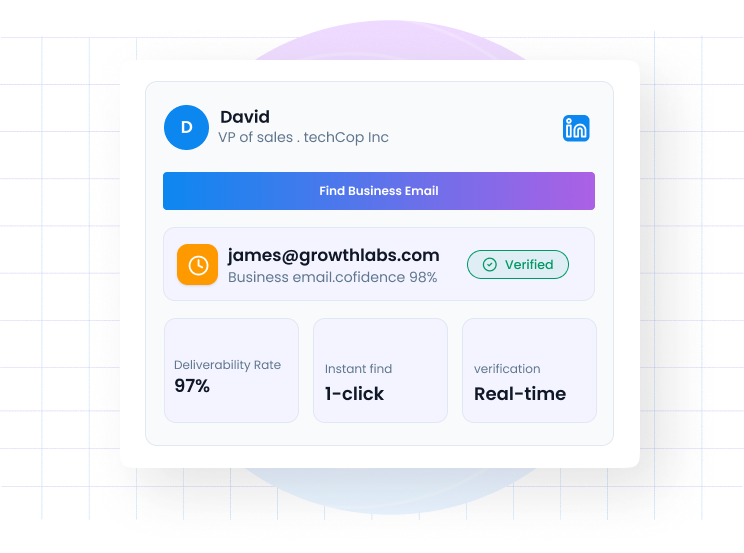
Find Verified Business Emails in One Click

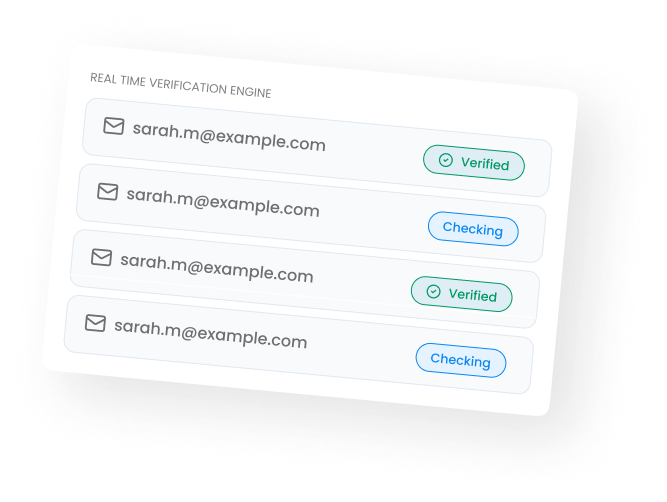
Every Email
Verified in Real Time
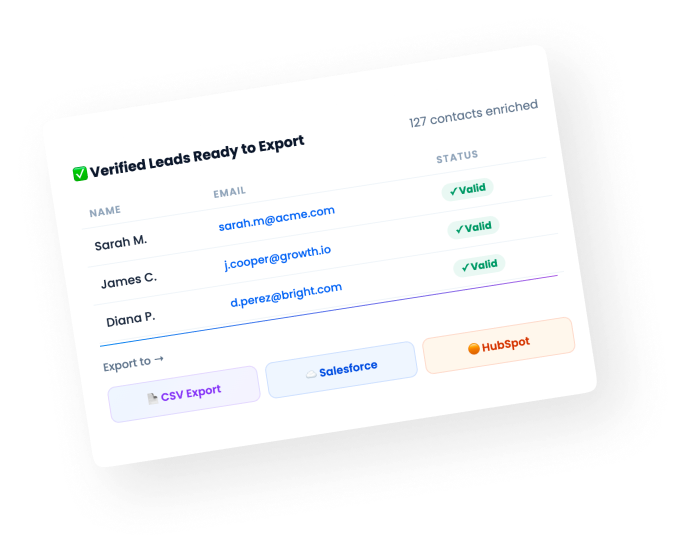
Export and
Sync to CRM
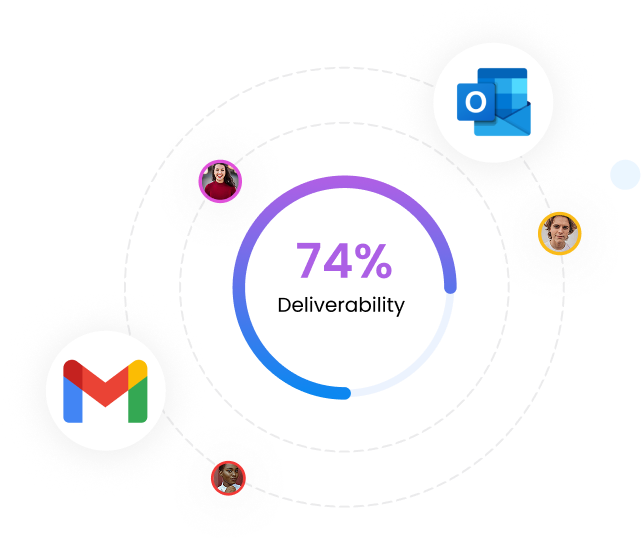
Start reaching out to people with your gmail or outlook

.png)

Frequently Asked Questions
What is the Flowkon Email Finder?
The Flowkon Email Finder lets you find verified business email addresses from LinkedIn prospects in seconds.
How does email verification work?
Flowkon verifies every email address in real time before it is added to your campaign.
Can I export verified emails to a CSV?
Yes. Once your leads are enriched with verified emails, you can export the entire list as a CSV file.
Does Flowkon sync verified emails to my CRM?
Yes. Verified emails sync automatically into HubSpot, Salesforce, or Monday .Contacts are created with accurate email data and ready for your sales team instantly.
How accurate are the emails found by Flowkon?
Flowkon uses real-time verification to ensure maximum accuracy and deliverability.
Can Flowkon find and verify email addresses from LinkedIn profiles?
Yes — Flowkon's built-in email finder locates and verifies business email addresses directly from LinkedIn profiles. Verified emails are added to the contact record and can be used immediately in a multichannel sequence step, removing the need for a separate enrichment tool like Hunter or Apollo.
Why is email verification important before sending outreach emails from LinkedIn?
Sending to unverified emails increases bounce rates, which damages sender reputation and can trigger spam filters. Flowkon verifies emails before they enter a sequence, so your domain health stays intact and deliverability remains high across the email steps in your campaigns.
How do I find a business email address from a LinkedIn profile for outreach?
Flowkon's email finder runs automatically during campaign setup — select a LinkedIn profile or import from Sales Navigator, and Flowkon attempts to locate and verify the associated business email. Found addresses populate directly into the contact record ready for the email steps in your sequence.
.webp)