Lead and
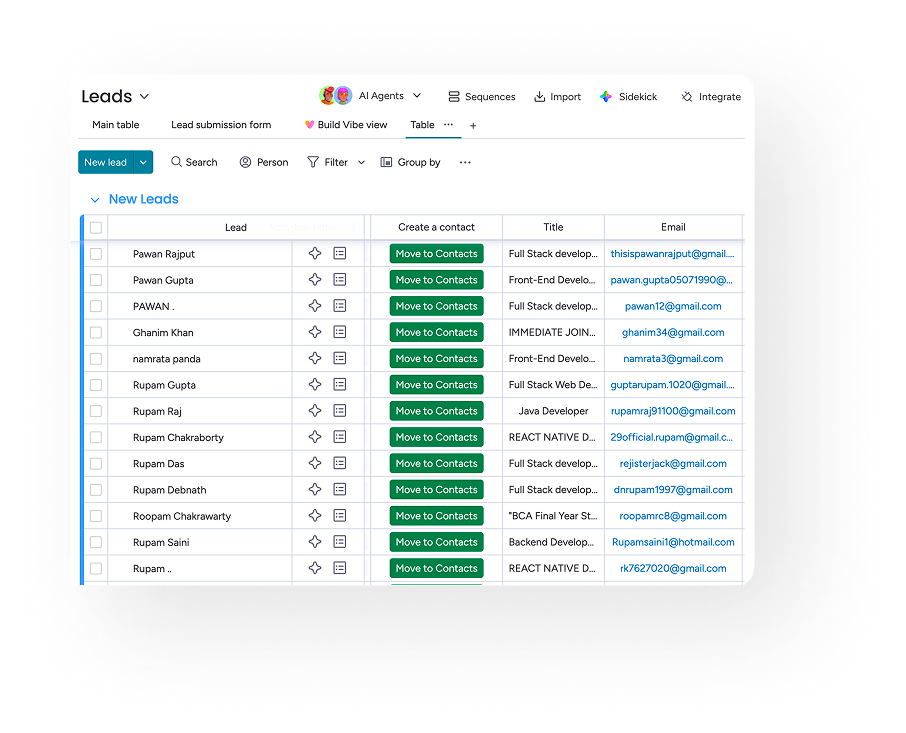
Contact Creation

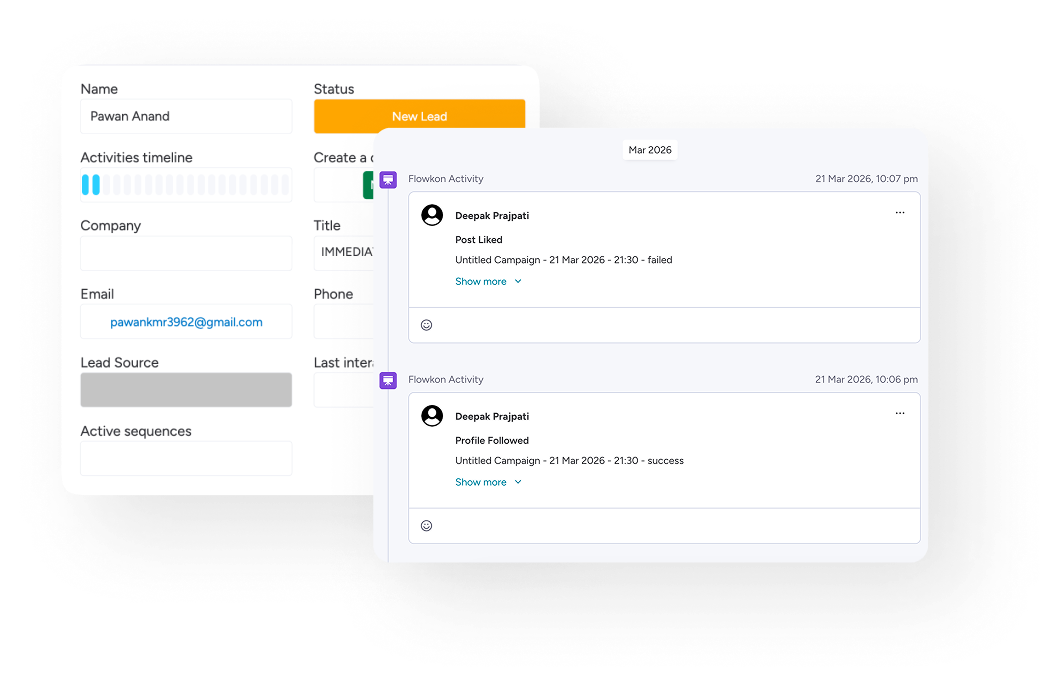
Campaign Activity Sync

Campaign Activity Timeline
Map Any Field
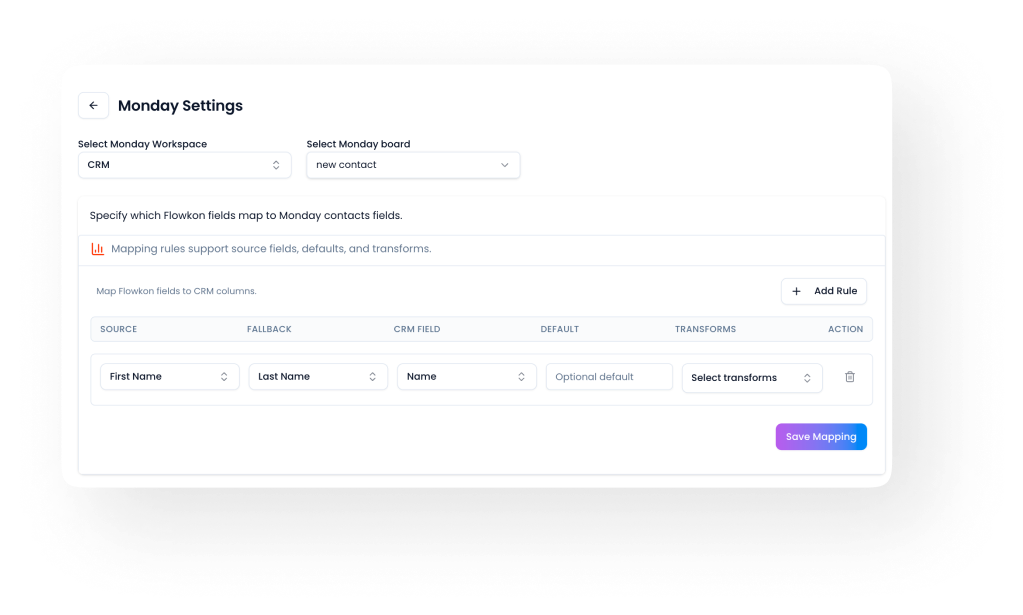
One way sync


Trusted by Industry Leaders


Frequently Asked Questions
What does the Flowkon Monday CRM integration do?
The Flowkon Monday CRM integration automatically creates leads and contacts in your Monday board and logs every LinkedIn outreach activity — profile visits, follows, connection requests, and follow-up messages — as tasks in your Monday Activities board. Everything syncs in real time with no manual entry.
What information gets synced when a lead is created on Monday?
When Flowkon enriches a LinkedIn prospect, it automatically creates a lead in your Monday CRM board with their name, job title, email address, and phone number — all pulled from LinkedIn data.
What activities does Flowkon log in Monday CRM?
Flowkon logs every outreach action as an activity item on Monday — including profile views, profile follows, connection requests, and follow-up messages. Each activity shows the prospect name, activity type, status, and timestamp.
Does the activity status update automatically on Monday?
Yes. Every activity synced from Flowkon into Monday CRM shows a real-time status — Done, In Progress, or Pending — updated automatically as Flowkon runs your campaigns.
Is this integration available on all Flowkon plans?
The Monday CRM integration is available on the Professional and Custom plans.
How do I set up the Monday CRM integration?
Connect your Monday account from the Flowkon integrations settings page. The setup takes one click and requires no technical configuration. Once connected, all lead and activity syncing begins immediately.
Will Flowkon create duplicate contacts in Monday CRM?
No. Flowkon checks for existing contacts before creating new ones — preventing duplicate records and keeping your Monday CRM clean and accurate.
.png)