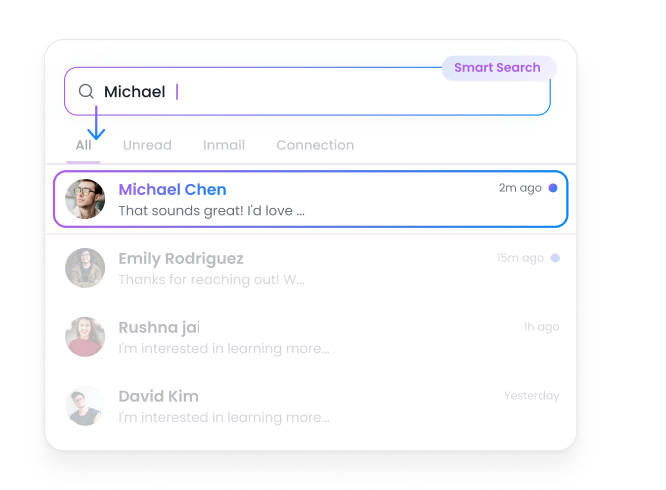
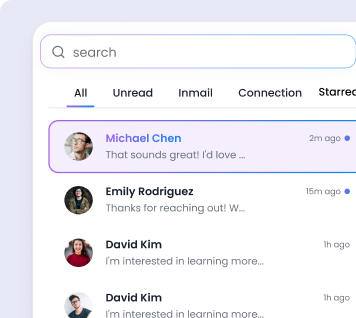
Search Conversations Instantly

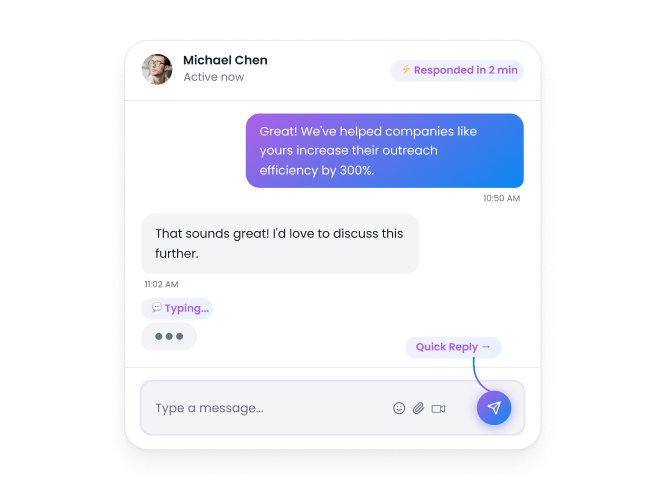
Respond Faster to Prospects

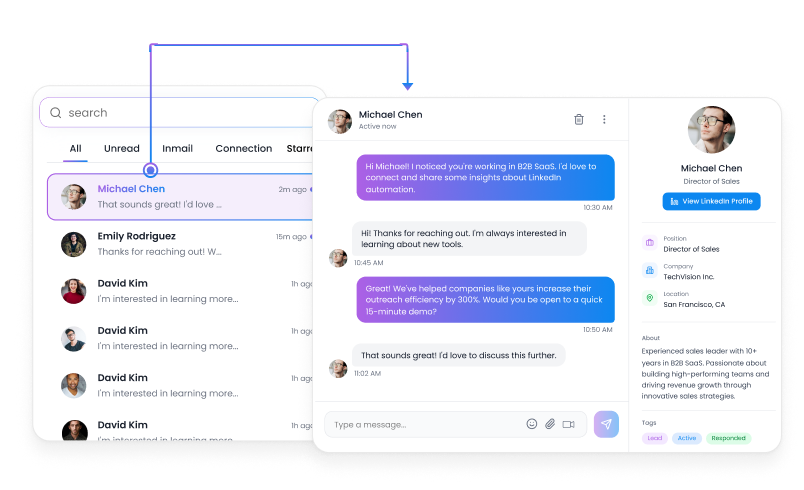
Keep Your Outreach Organized


.png)


Trusted by Industry Leaders


Explore what else you can do with Flowkon
Discover other award-winning features of Flowkon, the most trusted LinkedIn automation tool

Frequently Asked Questions
What is the FlowKon Unified Inbox?
The FlowKon Unified Inbox is a centralized place where you can manage all your LinkedIn conversations. It brings together messages, connection requests, and InMail responses so you can view and respond to everything from one organized dashboard.
What types of LinkedIn conversations can I manage in the inbox?
You can manage:
- LinkedIn messages
- Connection request conversations
- InMail responses
- Replies from your outreach campaigns
This ensures every interaction with prospects is visible in one place.
Can I search for specific conversations?
Yes. The inbox includes a search feature that allows you to quickly find conversations.
How do the filters work in the inbox?
FlowKon provides simple filters that help you organize conversations:
- All : Displays every conversation in your inbox
- Unread : Shows messages that still require a response
- InMail : Displays replies from LinkedIn InMail campaigns
- Connection : Shows conversations from connection requests
Does the inbox help improve response time?
Yes. By centralizing all conversations and highlighting unread messages, the inbox makes it easier to respond quickly and keep conversations active.
Can I manage messages from multiple LinkedIn accounts?
Yes. FlowKon allows you to view LinkedIn interactions from multiple accounts in one inbox, so you don’t need to switch between accounts or campaigns.
How does the inbox help keep outreach organized?
By centralizing conversations, the inbox allows teams to track prospect discussions, follow up effectively, and maintain a clear communication workflow as outreach campaigns grow.
.png)