Smarter Outreach Better Outcomes.
LinkedIn Outreach That Flies on Autopilot
Automate Connection
Requests at Scale
.png)
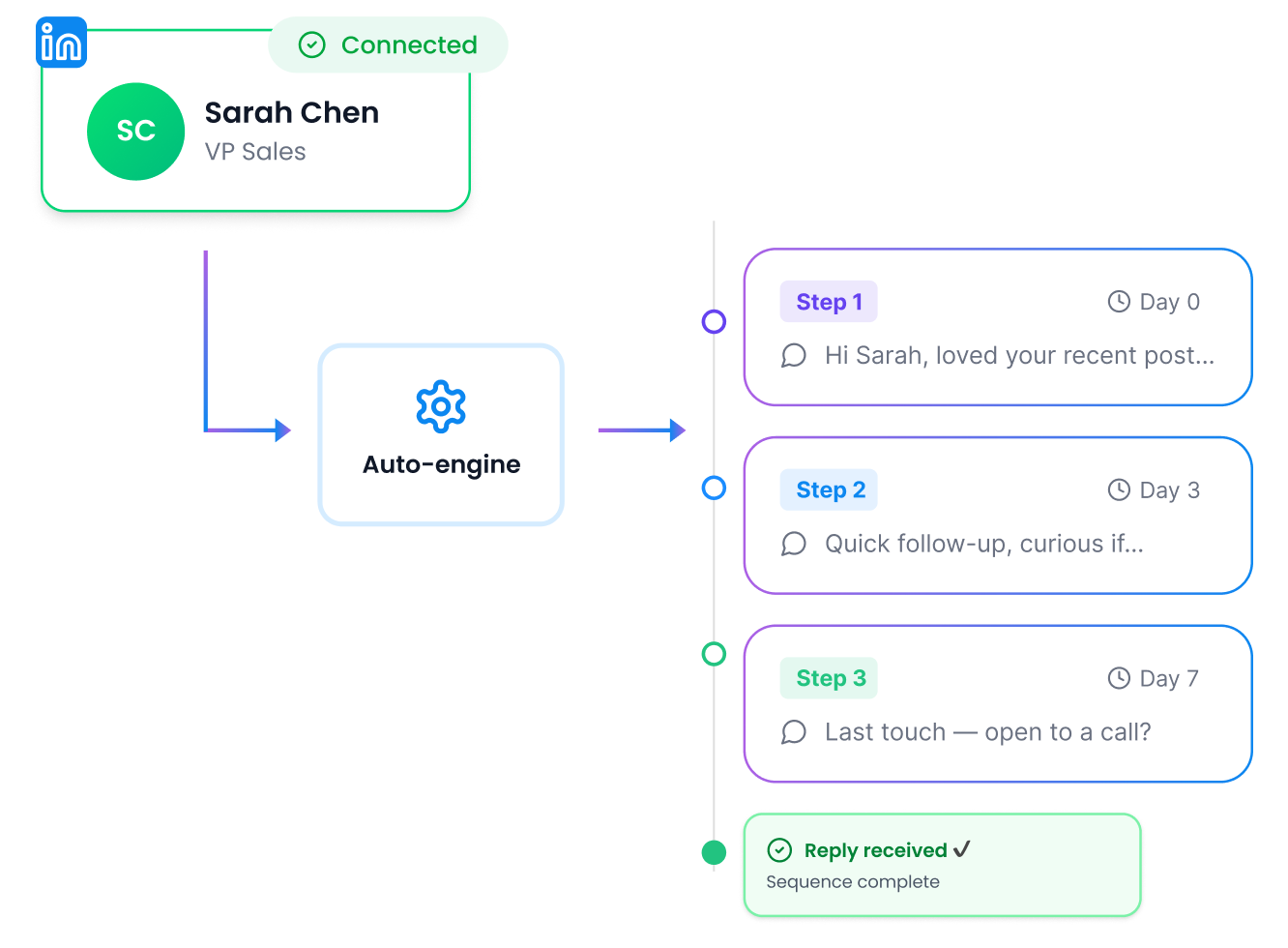
Set Up Message Sequences That Run Themselves

Stay Within
LinkedIn Limits

Warm Up Prospects
Before You Reach Out

Target the Right
Prospects From the Start

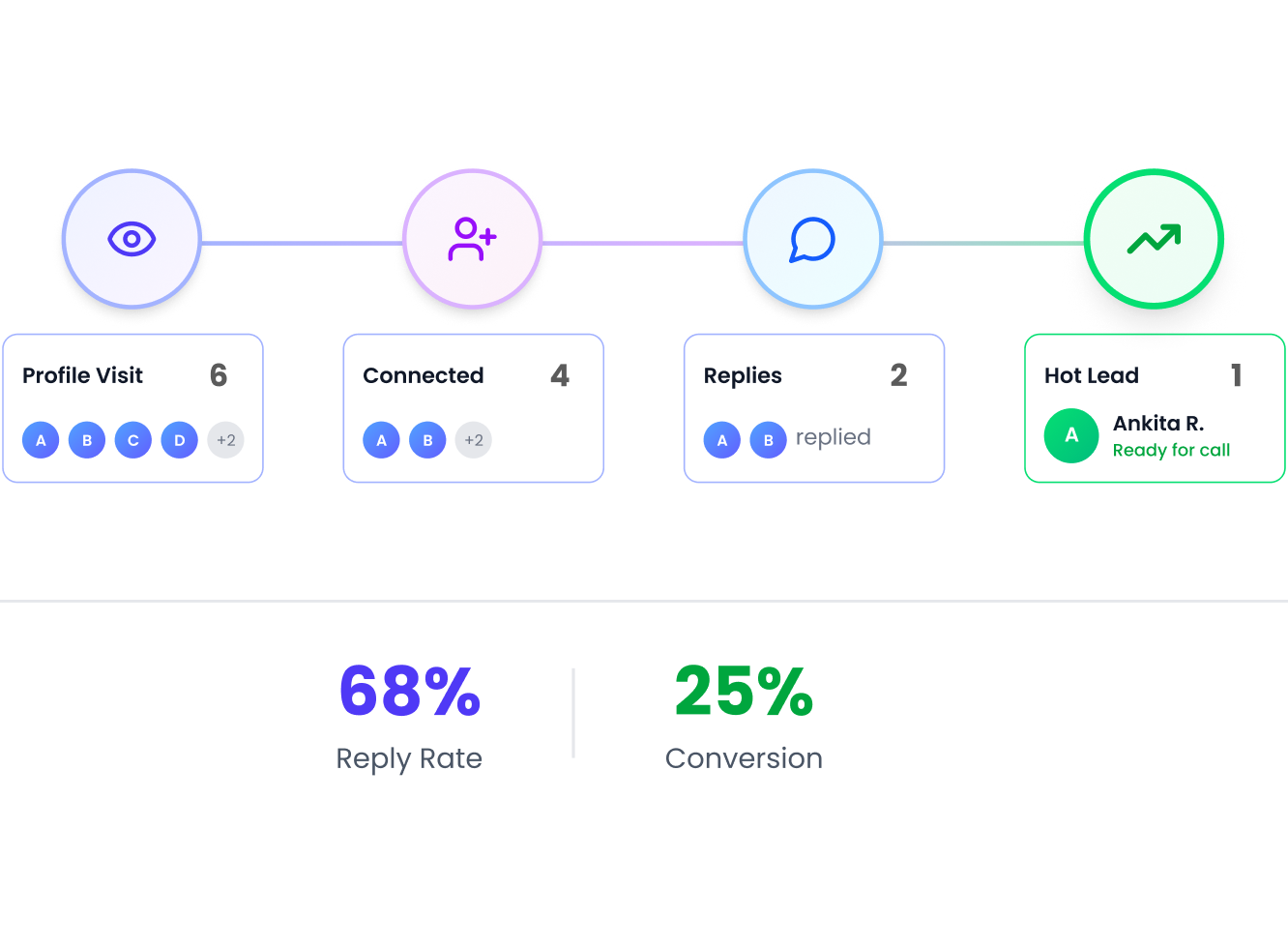
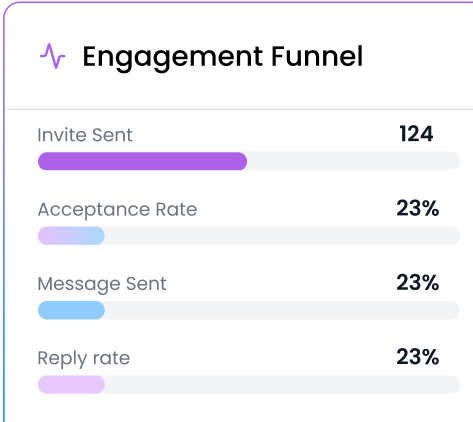
Track Every Action From First Visit to Final Reply


.png)

Explore what else you can do with Flowkon
Discover other award-winning features of Flowkon, the most trusted LinkedIn automation tool
Frequently Asked Questions
What LinkedIn actions can Flowkon automate?
Flowkon automates profile visits, connection requests, follow-up messages, and InMail outreach.
Can I personalize automated messages?
Absolutely. Every message supports dynamic fields - first name, company, job title, industry, and more.
Can I run multiple campaigns at the same time?
Yes. Flowkon lets you run multiple LinkedIn automation campaigns simultaneously
Does Flowkon include warm-up actions?
Yes. You can add profile visits, follows, and post engagement steps before your connection request goes out - so prospects recognize your name before you reach out.
How do I know if my automation is working?
The analytics dashboard shows acceptance rates, reply rates, message open rates, and overall campaign performance in real time - all in one place.
What is LinkedIn Automation?
LinkedIn automation is the use of LinkedIn automation tools to automate tasks like sending connection requests, LinkedIn messaging, and follow-ups, helping businesses improve LinkedIn lead generation and save time in outreach.
Is LinkedIn Automation Safe?
LinkedIn automation is safe when used with a safe LinkedIn automation strategy, including human-like behavior, personalization, and controlled limits. Poor or spammy usage of LinkedIn automation tools can increase the risk of account restrictions.
Why Choose Flowkon for LinkedIn Automation?
flowkon.io is a LinkedIn automation tool for lead generation that helps businesses run safe and scalable LinkedIn outreach campaigns with personalized messaging, automated follow-ups, and improved B2B lead generation results.
How to Automate LinkedIn Outreach with Flowkon?
To automate LinkedIn outreach with Flowkon, define your target audience for LinkedIn lead generation, create personalized messaging sequences, set automated follow-ups, and launch your campaign using Flowkon’s LinkedIn outreach automation system to generate qualified leads.
Can LinkedIn automation with Flowkon get my account banned?
No, when used correctly, LinkedIn automation with flowkon.io is designed to support safe outreach and reduce risk.
What is the fastest way to automate personalised LinkedIn connection requests?
Import prospects from Sales Navigator or CSV,add a custom note, and let Flowkon send requests at a controlled daily pace.Dynamic fields like first name, company, and job title personalise each inviteto improve acceptance rates.
Why choose a cloud-based LinkedIn automation tool instead of a browser extension?
Cloud-based tools like Flowkon run 24/7 without needing your browser open, reducing the risk of IP inconsistency flags. Browser extensions tie activity to a single device; cloud solutions distribute safely and keep campaigns running across time zones.
How do I import a Sales Navigator list into Flowkon and filter by industry?
Paste your Sales Navigator search URL into Flowkon or export a CSV directly. After import,use Flowkon's filter panel to segment by industry, company size, seniority, or geography before assigning contacts to a campaign.
Is LinkedIn automation allowed under LinkedIn's terms of service?
LinkedIn's terms prohibit bots that scrape or perform bulk automated actions using unofficial APIs. Cloud-based tools like Flowkon operate within LinkedIn's web interface at human-like speeds — they don't scrape data or bypass LinkedIn's systems. Staying within safe daily limits (typically 20–40 connection requests per day) and using personalised messages significantly reduces any risk of restriction.
What are safe daily limits for LinkedIn connection requests and messages?
Most practitioners recommend sending 20–40 connection requests per day and 80–100 messages per day, increasing gradually after a warm-up period of two to four weeks. Flowkon's warm-up feature starts you at lower limits and scales incrementally, mimicking natural usage patterns to protect account standing.
How do I avoid LinkedIn account restrictions when using automation?
Use a cloud-based tool running from a consistent IP, keep daily action limits conservative, personalise every message, avoid connecting to obviously irrelevant profiles, and maintain a complete, active LinkedIn profile. Flowkon enforces these best practices automatically — setting limits per campaign and adding randomised delays between actions.
What is the difference between cloud-based LinkedIn automation and a browser extension?
Browser extensions run only when your browser is open, tie activity to your local IP address, and stop if your computer sleeps or crashes. Cloud-based tools like Flowkon run 24/7 on dedicated servers, maintain consistent IP addresses, and continue campaigns even when you're offline — reducing both disruption and the IP-variance signals that can trigger LinkedIn flags.
Why is cloud-based LinkedIn automation considered safer than a browser extension?
LinkedIn monitors IP consistency and activity patterns. Browser extensions switch IPs every time you move networks or use a VPN, creating anomalous signals. Cloud automation runs from a fixed server IP that LinkedIn sees as normal recurring activity, paired with randomised delays between actions to mimic human behaviour.
Can I control what each team member can see and do in Flowkon?
Yes — Flowkon's role-based permissions let admins define access at the workspace level. Assign a team member as an editor who can build and launch campaigns, a reviewer who can only read reports, or an inbox-only user who handles replies. This keeps client data separated and prevents accidental changes to live sequences.
What steps should I follow when setting up LinkedIn automation for the first time?
Complete your LinkedIn profile fully (photo,headline, featured section), start with a warm-up period of one to two weeks atlow daily limits, write connection notes under 300 characters, use behaviour-based follow-up steps so non-openers get a different message, and integrate your CRM before launching at scale so no reply data is lost.
.webp)