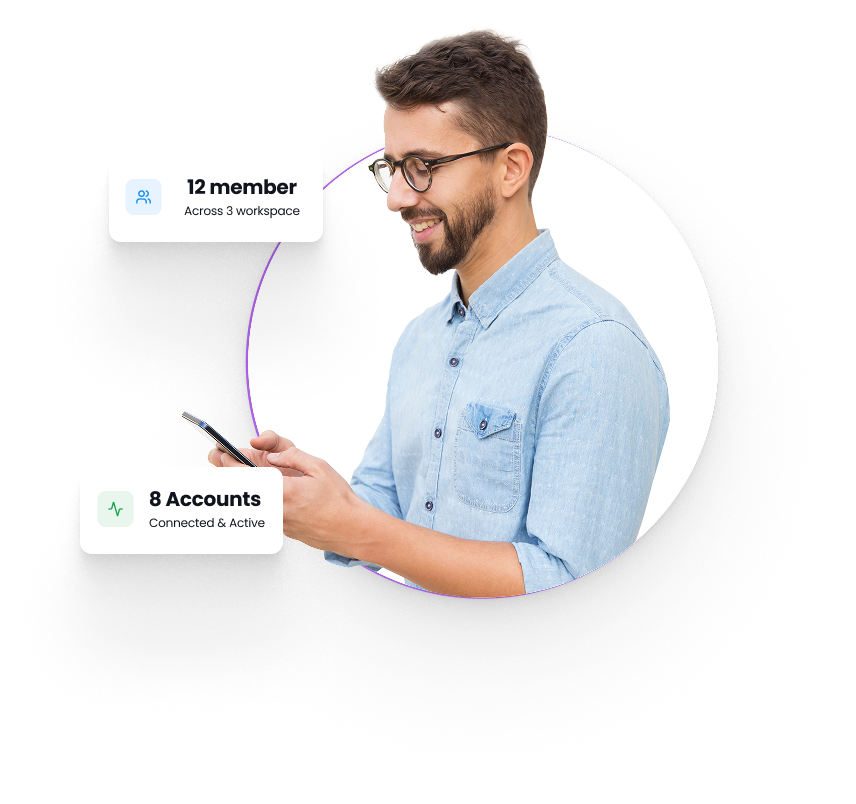
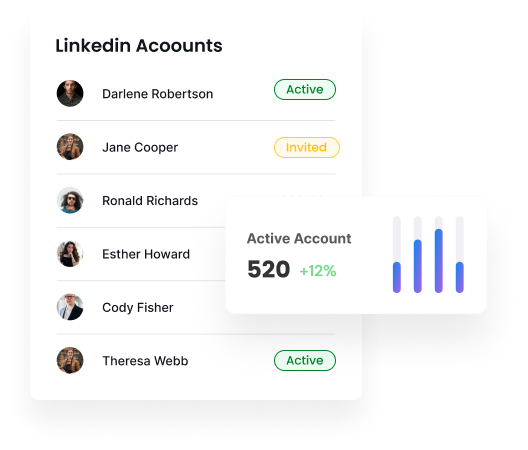
Manage Multiple LinkedIn Accounts From One Workspace
Connect and manage multiple LinkedIn accounts all from one workspace.
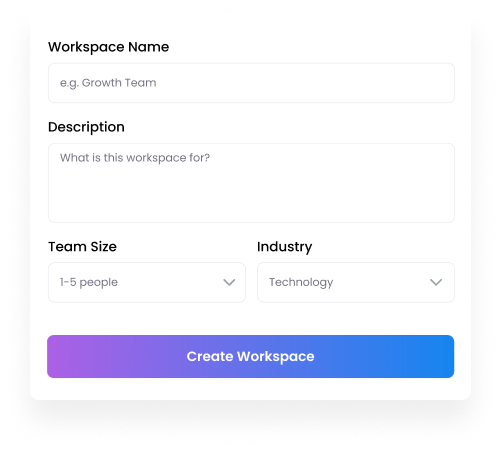
Create Dedicated Workspaces for Team members
Set up dedicated workspaces for different teams or projects in minutes.
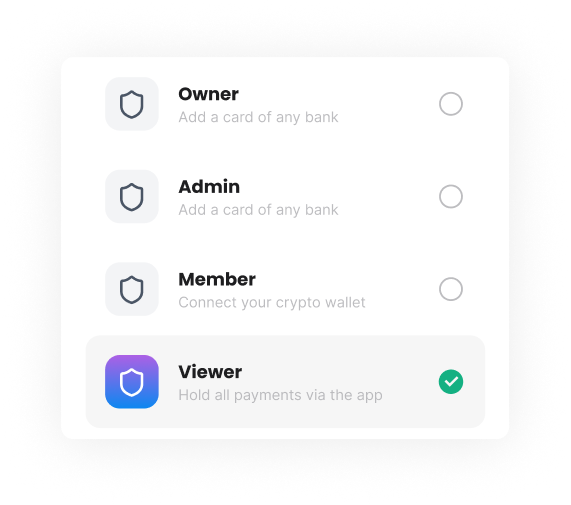
Give Team Member the Right Level of Access
Assign roles like Owner, Admin, Member and Viewer to team members in your workspace.


Trusted by Industry Leaders


Frequently Asked Questions
What is a Workspace?
A workspace is a dedicated space where you manage your team, LinkedIn accounts, campaigns, and settings. You can create multiple workspaces for different teams and projects.
What roles can I assign to team members?
Flowkon supports four roles — Owner, Admin, Member, and Viewer.
What is seat management?
Seat management controls how many LinkedIn accounts can be connected within your workspace.
Can I connect multiple LinkedIn accounts in one workspace?
Yes. You can connect multiple LinkedIn accounts to a single workspace and manage all of them from one place — depending on your subscription plan.
How do I invite team members?
From your workspace dashboard, simply enter a team member's email address. They will receive an invitation and get access based on the role you assign instantly.
Can I change a team member's role after they join?
Yes. Workspace owners and admins can update any team member's role at any time directly from the dashboard.
Can I remove a team member from a workspace?
Yes. Owners and admins can remove any team member from a workspace at any time
How many workspaces can I create?
You can create multiple workspaces based on your subscription plan.
.png)