You've got a LinkedIn sequence running on Monday, an email follow-up scheduled in another tool on Wednesday, and a prospect replying somewhere your account manager hasn't checked. By Friday, someone is rebuilding the client report from exports.
That's why to compare HeyReach alternatives. The gap is usually campaign handoffs, reply ownership, and reporting that stays coherent when several clients are live at once.
For a multi-client agency, I'd shortlist Flowkon and Expandi first. Flowkon combines LinkedIn and email campaigns with a shared inbox and read-only reporting for stakeholders. Expandi belongs on the list if LinkedIn-led sequencing is the priority and its account administration fits your client roster.
Compare the working week, not the feature count:
Monday setup: Import prospects, assign senders, approve messages, and check exclusions.
Midweek execution: Handle replies, stop inappropriate follow-ups, and update the CRM.
Friday reporting: Show clients what happened, what needs attention, and what produced qualified conversations.
The order below follows that workload. Where a vendor does not publish a price or channel clearly, I treat it as a gap and score accordingly.
One caveat runs through the list: pacing controls and cloud execution still sit inside LinkedIn's rules. A smoother workflow can carry platform-policy risk.
Flowkon
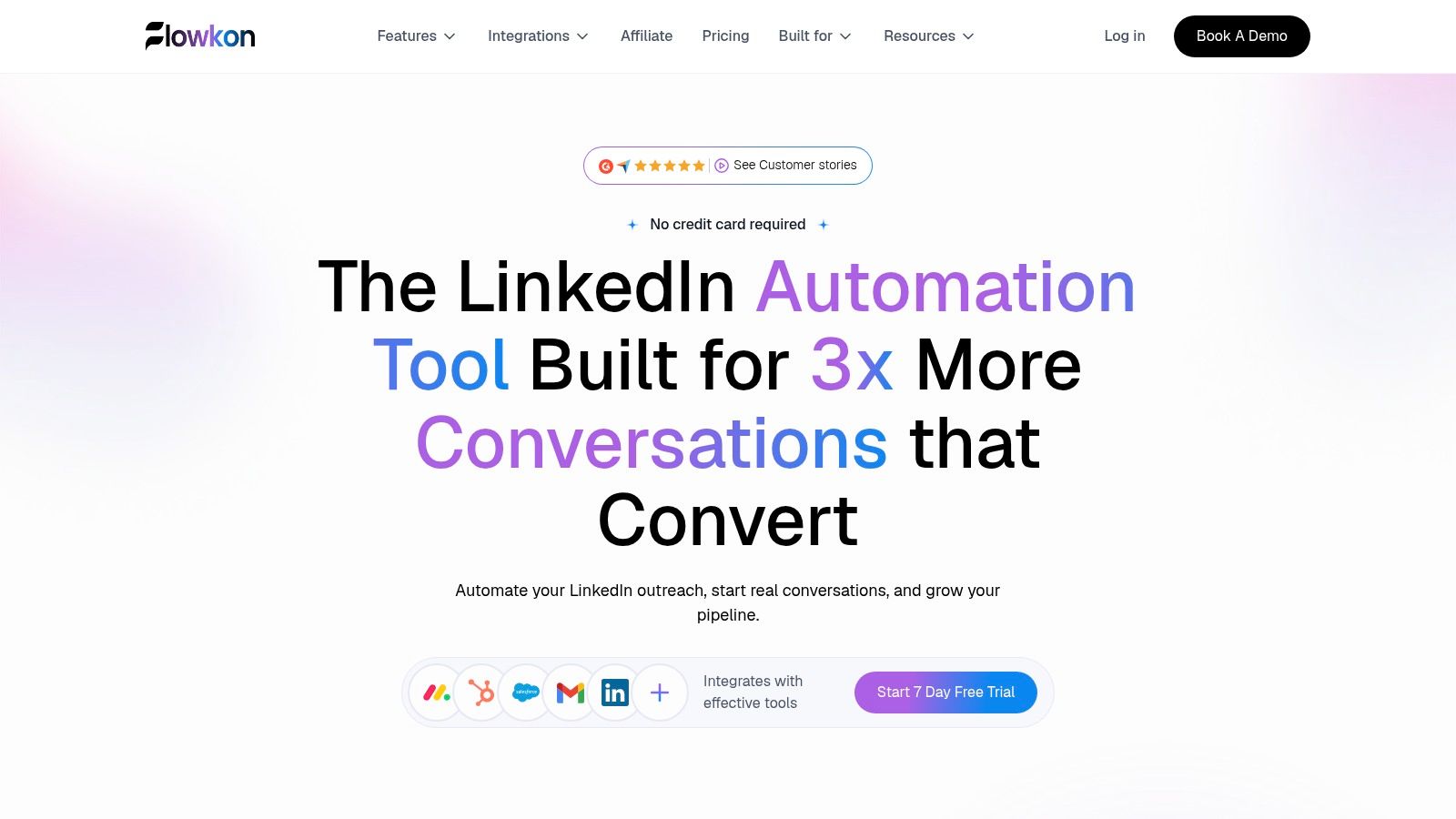
Best fit for agencies that want prospecting, LinkedIn, email, and reply handling in one working environment. Flowkon combines connection requests, follow-ups, email steps, delays, and behavior-based branching in a visual campaign builder.
The practical benefit is coordination. A rep works from a shared conversation history instead of checking whether another system already contacted the prospect. Email discovery and verification sit alongside campaign preparation, so lists stay in one place. A CIENCE reviewer described running multiple LinkedIn accounts and campaigns from a single platform rather than tracking them separately.
Where it fits a multi-client week
Workspaces and role-based permissions give account managers separate responsibilities. Flowkon's Viewer role lets stakeholders see reports with read-only access, without permission to edit campaigns. Native CRM integrations include HubSpot, Salesforce, Pipedrive, Zoho, and Monday.com, so lead records and activities stay connected to the sales process.
Say an agency targets operations leaders for a recruiting client. It can enrich leads before outreach, personalize LinkedIn and email steps, and use reply detection to change the sequence when someone responds. Callbox Inc boosted reply rates by 200% on Flowkon without raising client costs, an outcome that matters when campaign performance is billed against a fixed retainer.
What works: A shared LinkedIn-and-email inbox, verified email discovery, campaign analytics, and CRM synchronization cover related jobs rather than just adding sending channels.
What needs testing: Workspace permissions, CRM field mapping, and report access against your client contracts.
Commercial gap: A 7-day free trial is available with no credit card, and plans can be upgraded or downgraded. Prices themselves aren't confirmed here, so don't budget from an assumed seat price.
Product gap: The meeting scheduler is listed as coming soon, not a live booking feature.
Adjustable activity limits, account warm-up, and pacing controls help teams manage execution deliberately. They don't guarantee protection from LinkedIn restrictions.
I'd prioritize this option when the problem is fragmented work rather than insufficient sending capacity, since the case rests on workflow fit rather than a documented switch from HeyReach.
Expandi
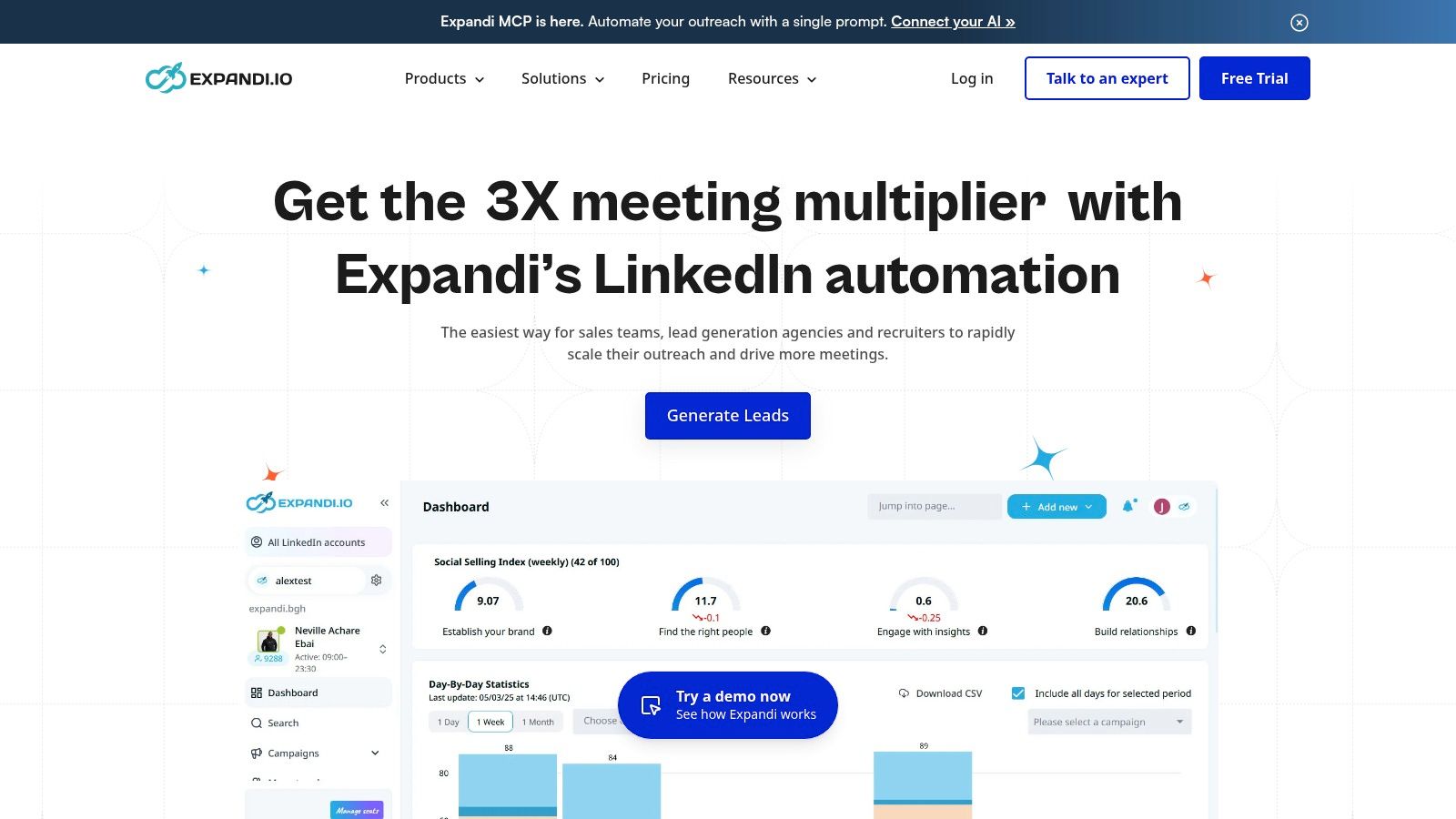
A prospect accepts a connection request but never replies. Another ignores the request entirely. Expandi is worth evaluating when those prospects need different campaign paths, rather than the same fixed follow-up schedule.
Expandi provides cloud-based LinkedIn campaigns, a visual campaign builder, and email steps through a connected mailbox. Its documented integrations include HubSpot, Pipedrive, and Zapier, which covers the CRM handoff for most small and mid-sized agencies.
Test the account-manager workflow
Build a campaign with an accepted-connection path and an email follow-up path. Then ask the account manager to identify outstanding replies, pause a sender, and explain campaign performance without help from the person who built it.
That exercise matters more than whether the campaign diagram looks complex. A flexible builder can still leave your agency with awkward account switching or unclear ownership across client rosters.
Practical rule: Cloud execution removes dependence on an open local browser. It doesn't establish that an automated LinkedIn action is authorized.
The trade-off is account-level cost and administration. Expandi's published pricing runs at $99 per month per account, or $79 per month with annual billing, and there's a free trial to validate the workflow first. Multiply the seat rate by the sender accounts your agency needs, including client permissions and reporting access, and use the Expandi pricing breakdown to structure that comparison before you commit.
Expandi is a strong candidate for LinkedIn-led branching. Confirm how replies are handled across clients before choosing it as a shared reply desk.
Dripify
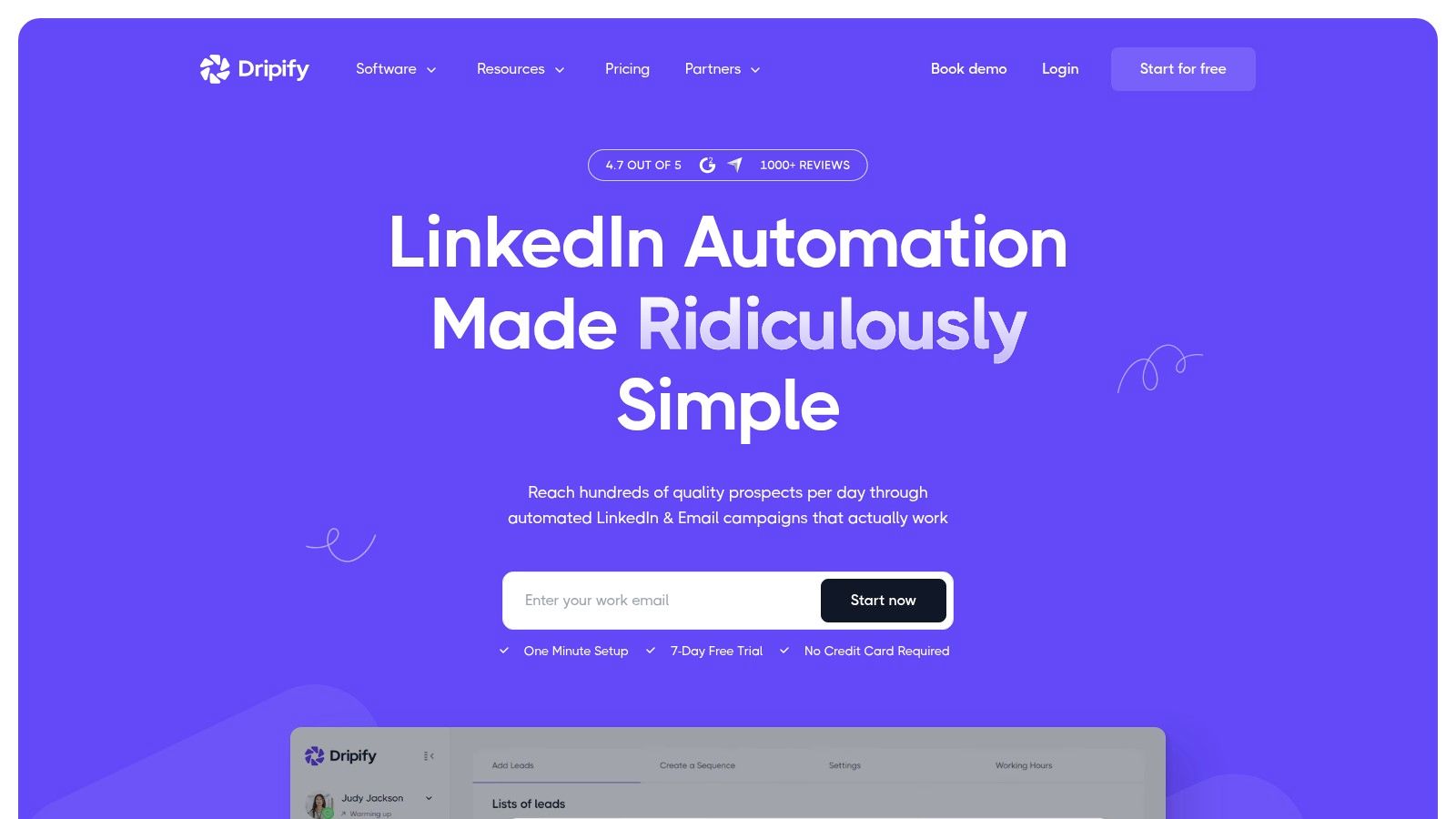
A founder and one SDR can get value from Dripify quickly when the priority is turning LinkedIn outreach into a repeatable sequence. Its product information describes LinkedIn and email steps, templates, campaign analytics, and plan-dependent inbox and team capabilities.
Run the trial as one working week. Build the same prospecting motion for two audiences, assign ownership, send LinkedIn steps and email follow-ups, then check whether the campaign view makes performance and replies easy to separate.
Campaign capacity: Entry plans can restrict active campaigns. Count the sequences you need by audience before assuming one workspace can cover them all.
Reply handling: Inbox access depends on the plan. Confirm whether the subscription includes the workflow your rep will use every day.
Integrations and administration: Webhooks and added team capabilities are tier-dependent. Test the exact permissions and handoff setup you expect to operate.
Price status: Treat an advertised starting rate as a billing-basis reference. Price the required tier on Dripify's current pricing page, including annual terms and trial scope.
Dripify looks sensible for a small sales team that wants guided setup. If you manage multiple clients, check that campaign limits and ownership controls still work at that scale. The HeyReach versus Dripify comparison provides more context.
Waalaxy

For a freelance recruiter or founder testing outbound, Waalaxy offers a more accessible starting point than buying an agency-oriented stack immediately. Its product information describes a free tier, LinkedIn prospecting sequences, follow-ups, and paid packages with different channel and integration capabilities.
The important qualification is the package. Waalaxy places email sequences and email-finder credits in its Business offering, so a LinkedIn-focused entry plan isn't an equivalent multichannel purchase.
Buy the workflow you actually need
Start with a narrow campaign, such as recruitment outreach to a clearly defined professional audience. Prepare relevant connection copy, an appropriate follow-up, and a rule for who handles responses.
If two people prospect the same audience, check duplicate prevention before expanding the campaign. Waalaxy's simpler setup suits an individual operator or small team; an agency should verify client separation and reporting ownership before adopting it.
Price status: Current euro-denominated prices, billing terms, and regional variations aren't confirmed here. Compare the package that includes the channels you need, not the free tier against another product's multichannel plan.
La Growth Machine
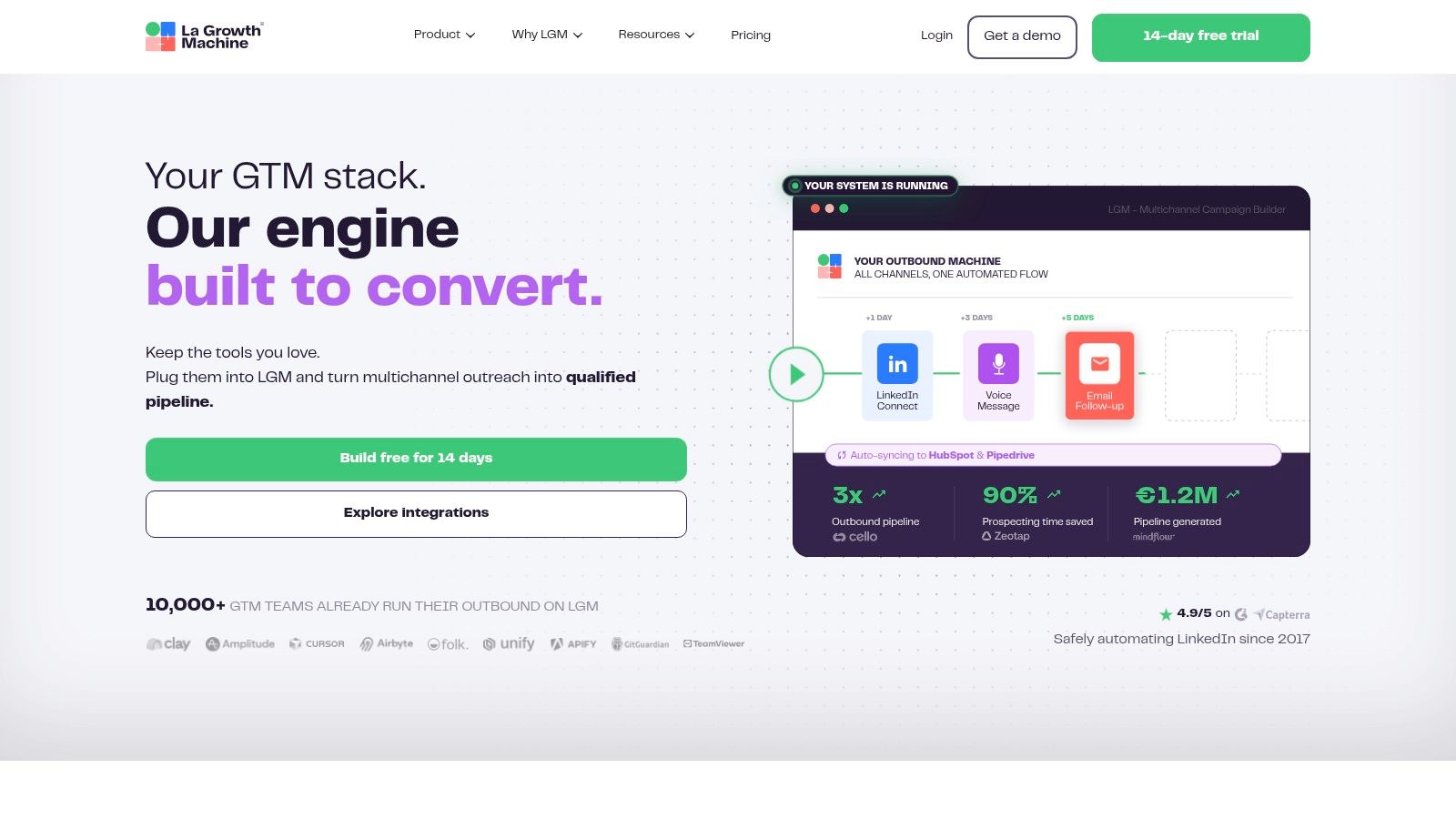
La Growth Machine earns a look when enrichment and conversation handling belong in the same evaluation as outreach. Its documented offering combines LinkedIn and email, lead enrichment, verified emails, and CRM connections including HubSpot and Pipedrive.
Higher plans add capabilities such as a unified conversation inbox and calls. With La Growth Machine, the buying decision therefore depends on both the sender identity and the workflow tier, which makes it a different purchase from a per-seat LinkedIn tool.
That distinction fits how B2B buyers communicate. McKinsey's global survey of nearly 4,000 B2B decision-makers across 13 countries found buyers use an average of 10 interaction channels during a purchase journey. The practical lesson is that channels need coordination, not that every prospect should hear from you everywhere.
A multichannel campaign should preserve context when the buyer changes channels, not restart the pitch.
Run the trial against one realistic scenario. Import a prospect with an existing CRM record, enrich it, start the appropriate sequence, and check whether a reply surfaces to the seller who owns that account. If the inbox and CRM sync hold up under that test, the tool handles the part of agency work that breaks first.
Trade-off: Per-identity packaging means sender growth matters separately from operator headcount. A campaign manager supervising client senders isn't the same commercial unit as the people whose identities send messages, so model your cost on identities first.
Price status: The comparison table lists a starting figure of €60 per identity per month with a 14-day trial. Confirm the tier that includes the inbox, enrichment allowance, and CRM behaviour you need before comparing total cost.
Skylead
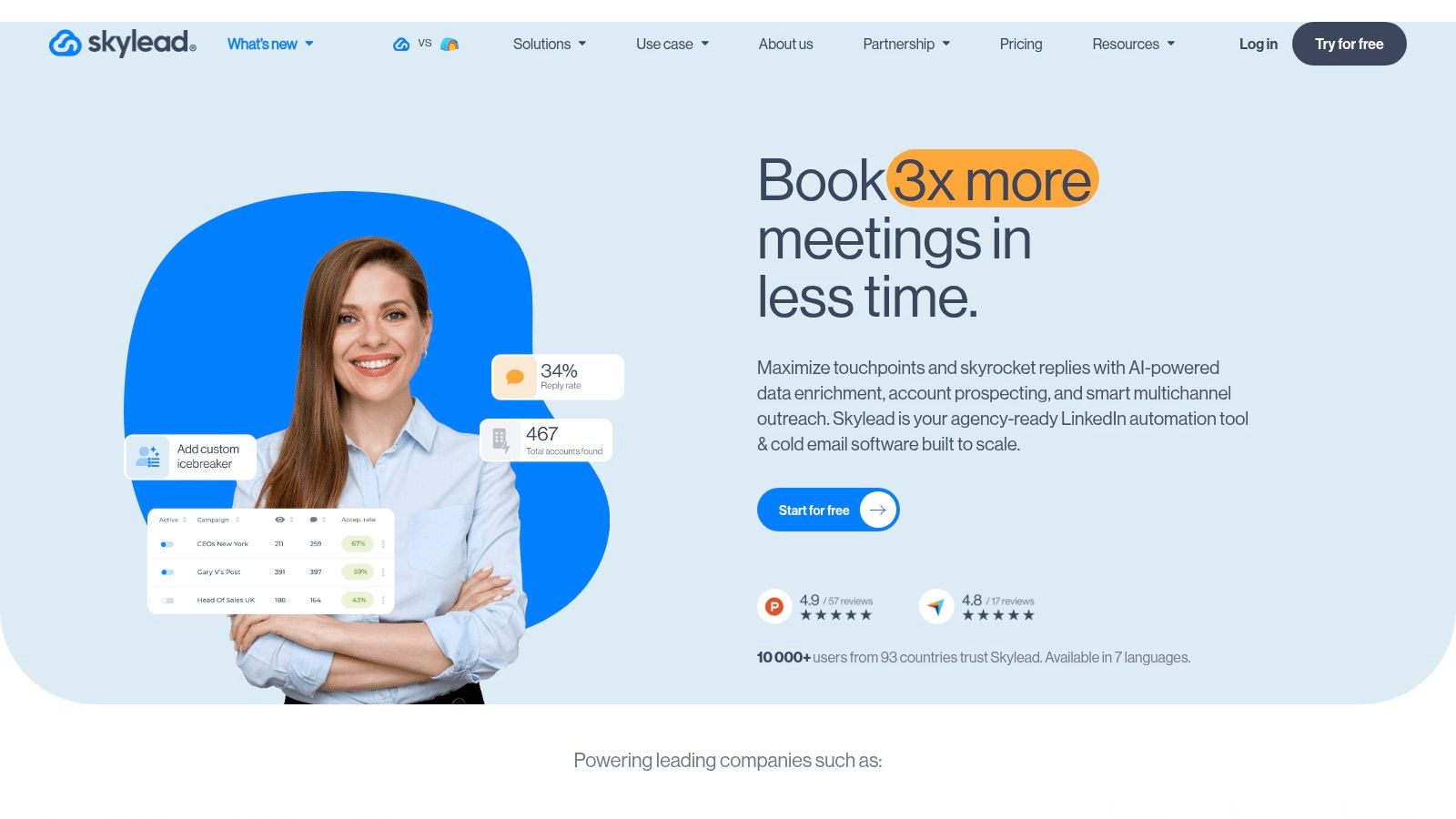
Wednesday afternoon, three client accounts running, and a customer's SDR needs access to reply to a hot lead. That scenario is where Skylead earns a look: its documented client administration matters more to an agency than its image personalization.
Skylead combines LinkedIn and email sequences with email finding, verification, warm-up, and image or GIF personalization. Its agency offering describes shared-inbox functionality, client roles, and optional white-label features.
Put permissions through a practical test
Create a client-facing user and an internal operator. Have each open campaign results, inspect conversations, and attempt to change campaign settings.
You're checking whether the permission model supports the service you sell. A reporting-only client relationship needs different access from a client whose SDRs actively answer replies. If a client user can edit a live sequence by accident, you'll find out during a paid engagement rather than during the trial.
Operational upside: Outreach and email tooling sit alongside agency-oriented administration.
Creative option: Personalized images can support a relevant message, but shouldn't replace a specific reason for contacting the buyer.
Commercial caution: Additional data-enrichment and automated SDR capabilities may involve add-ons.
Price status: The $100 per seat per month shown in the comparison table is a listed reference point; confirm current seat pricing and agency terms directly with Skylead before budgeting.
Don't judge the email component by delivery alone. The DMA's 2025 Email Benchmarking Report reported a 98% delivery rate in 2024 across anonymized data from participating email service providers, a broad industry benchmark rather than a cold-outreach target or a vendor performance claim.
Your agency still needs separate visibility into replies, qualified conversations, and downstream outcomes.
lemlist
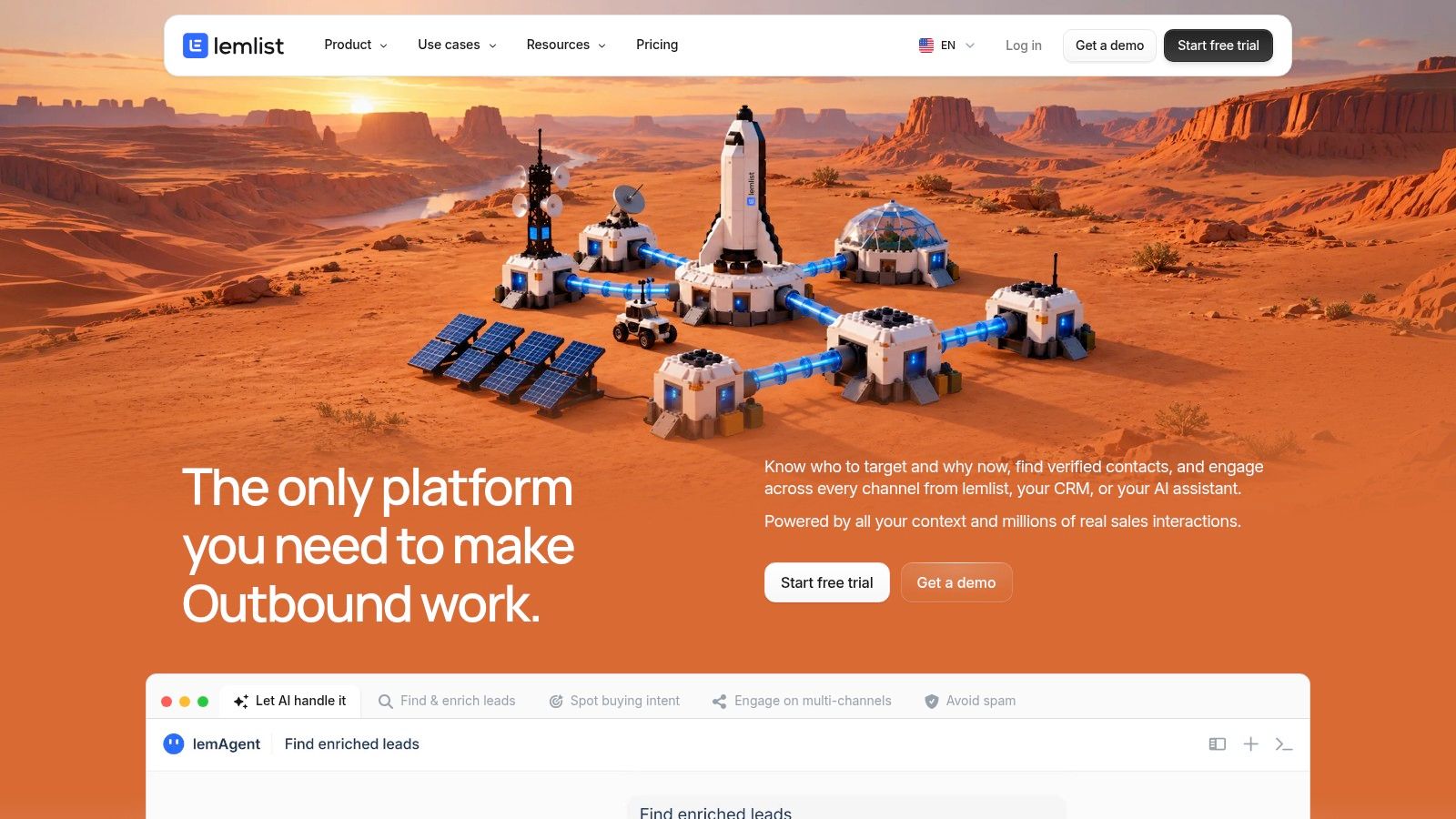
Shortlist lemlist when email is central to your outbound process and LinkedIn should support it. Its Multichannel offering combines email, LinkedIn actions, calling, and additional outreach options with prospect data and a centralized inbox.
The plan distinction is essential. lemlist doesn't include LinkedIn automation in its Email plan, so that lower package isn't a like-for-like replacement for a LinkedIn-and-email workflow.
For an SDR team, test a campaign around an actual account hypothesis. A concise email might say, “Your careers page lists several implementation roles. Is onboarding capacity something your team is reviewing?” A later LinkedIn touch should continue that relevant conversation, not pretend you've already spoken.
Keep sender identity intact
The FTC's CAN-SPAM compliance guidance requires accurate sender information and prohibits deceptive subject lines. During setup, check the sending domain, reply routing, and follow-up subjects across each client identity.
That's particularly important when an agency copies templates between accounts. A technically successful send is still a bad outcome if the message identifies the wrong business.
Trade-off: Calling and other channels add ownership and configuration work. Current Multichannel prices and sender allowances aren't confirmed here; check the required package and budget separately for credit-based data or channel usage.
Meet Alfred
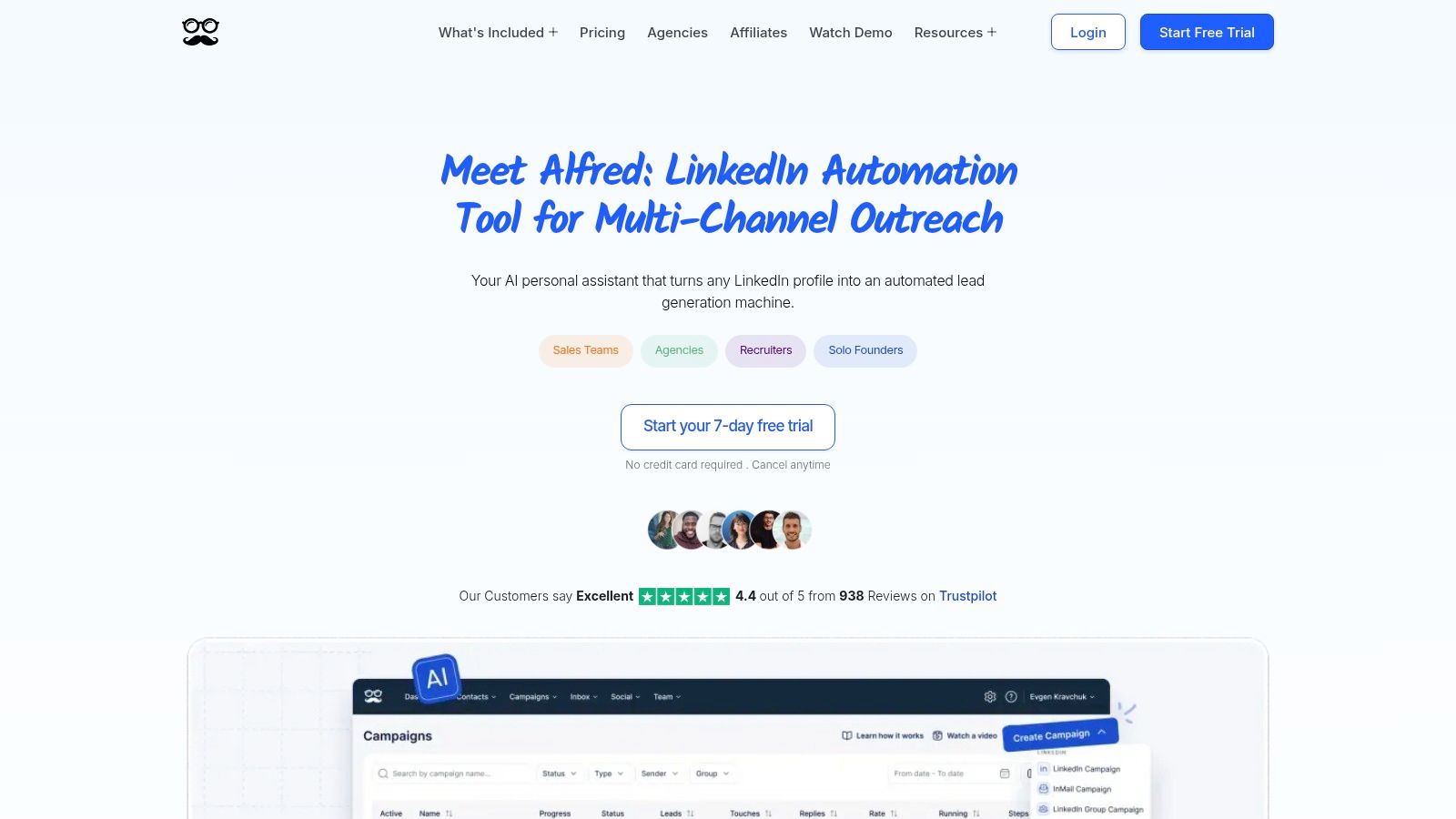
Meet Alfred is worth testing for a small team seeking cloud-based campaign execution and multichannel outreach. Its product information describes LinkedIn and email sequences, campaign tracking, and team-management options.
The uncertainty is package scope. Meet Alfred lists Basic, Pro, and Team offerings, but you should confirm channel access and team functionality against the current plan you're considering.
Confirm channels: LinkedIn and email are described in the offering. Additional social-channel availability isn't established sufficiently here to treat it as a buying reason.
Confirm administration: Demonstrate who can manage accounts, answer replies, and change live campaigns.
Confirm reporting: Produce a client-ready report during the trial rather than accepting a dashboard tour.
Price status: Current subscription amounts aren't confirmed here.
Cloud operation means your local browser doesn't have to remain open. It doesn't remove the need for a named person to monitor warnings, disconnected accounts, and unanswered conversations.
For UK campaigns, recipient classification also matters. The ICO's direct-marketing guidance distinguishes individual subscribers from corporate subscribers when applying electronic-mail marketing rules.
Don't label a list B2B and assume every address qualifies for the same treatment. Test whether your operating process preserves source records, exclusions, and workable opt-outs, whichever package you choose.
Linked Helper
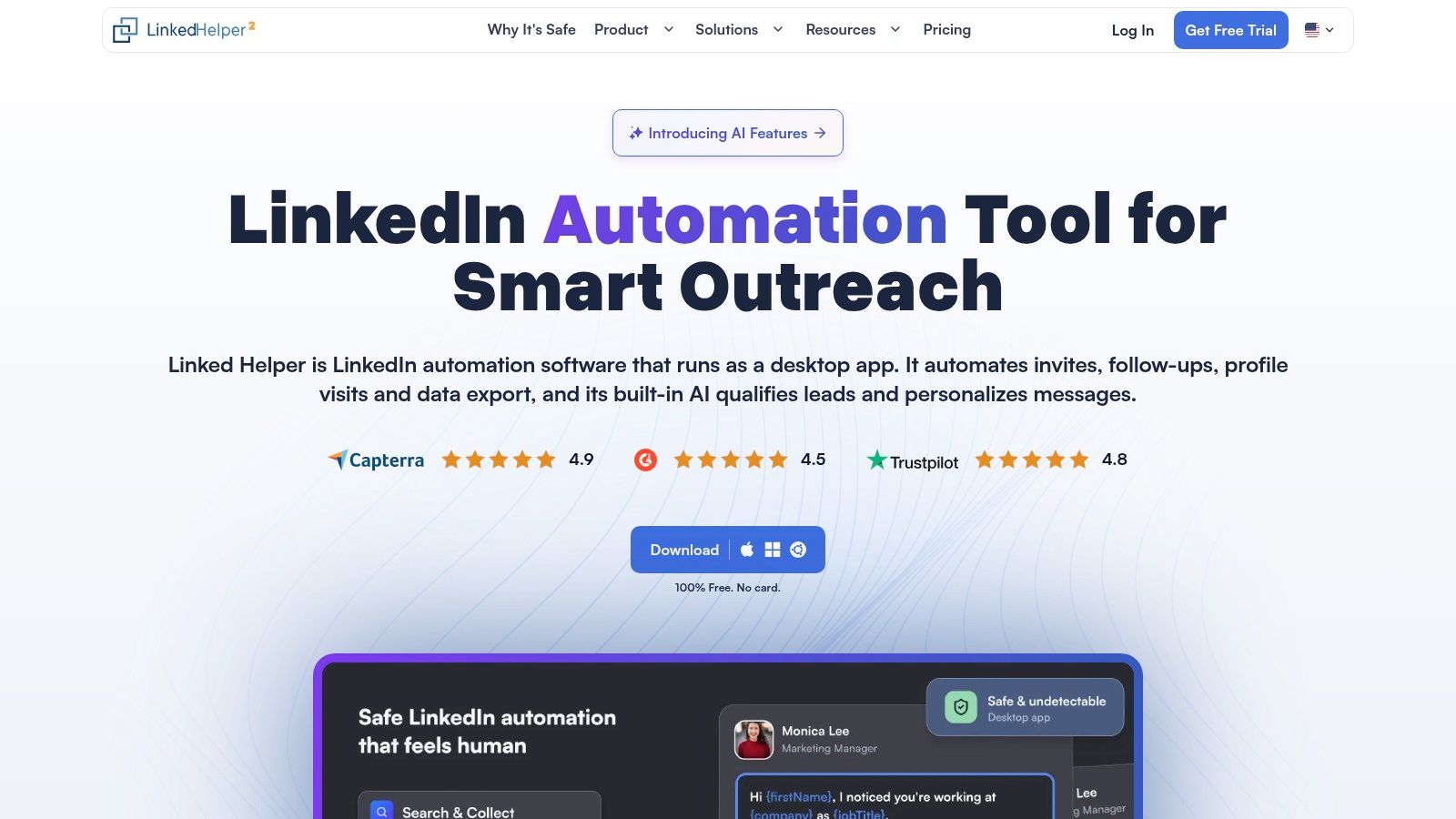
Linked Helper is a different architectural choice, not another cloud agency platform. Its desktop application and local-storage options may appeal to an individual operator who prefers more direct control over execution and data handling.
Linked Helper documents LinkedIn campaign actions, prospecting workflows, lead-list management, and licensing options with different storage arrangements. Integrated email sending and a unified multichannel inbox aren't confirmed here.
Test an ordinary interruption
Restart the workstation during a controlled setup exercise. Check what resumes, what requires attention, and how another authorized operator would take over if the primary user were unavailable.
That's a business-continuity test, not a criticism of desktop software. Local execution can be a reasonable preference, but someone must own device availability and maintenance.
Buying advice: A lower subscription bill doesn't automatically mean a lower operating cost. Include the work required to keep campaigns running and records accessible.
Price status: Current Standard licensing and separate cloud-storage pricing aren't confirmed here. Compare the deployment you intend to use, not just the least expensive license description.
Also separate storage choices from platform authorization. LinkedIn's User Agreement prohibits bots and unauthorized automated methods for activities including accessing the service, adding contacts, and sending messages.
Neither local execution nor cloud execution overrides that policy. I'd evaluate Linked Helper for a focused individual workflow, not assume it replaces centralized agency operations.
Salesflow

A sales leader may care less about campaign-building flexibility than whether reps can hand qualified conversations into the CRM consistently. Salesflow belongs on that team-oriented shortlist.
Salesflow describes LinkedIn prospecting, automated follow-ups, email outreach capabilities, and team campaign management. Integration availability and package scope need confirmation against your existing stack.
Start the evaluation with a reply, not an import. Have a test prospect respond positively, then follow the record through owner assignment, activity logging, and the next sales action.
CRM fit: Verify the exact integration, supported objects, field direction, and duplicate-handling behavior.
Channel fit: Email functionality is described, but demonstrate whether your required LinkedIn-and-email logic runs as a coordinated process.
Team fit: Check who can edit campaigns, supervise senders, and produce reports.
Price status: Current prices and package-specific feature access aren't confirmed here.
The team-workflow comparison provides another way to frame the evaluation. Don't substitute a comparison page for testing your actual CRM handoff.
For European outreach, the European Commission's explanation of electronic direct marketing rules emphasizes consent-related restrictions under national ePrivacy laws and the right to object to direct marketing.
Translate that into an operational requirement: once a prospect opts out, your team must stop the relevant marketing processing. Test suppression handling across the campaign and CRM, rather than assuming synchronization automatically covers it.
How the 10 HeyReach alternatives compare on price, trials, channels, and fit
Vendor pricing shifts faster than most comparison pages get updated, so the table below shows each tool's billing model rather than a figure. Where a trial length or channel isn't confirmed here, the cell says so.
| Item | Pricing model | Free trial or free tier | Email in the same sequence | Best for |
|---|---|---|---|---|
| Flowkon | Tiers for individuals, growing teams, and enterprise; amounts not stated | 7-day free trial; no credit card required | Yes | Teams and agencies coordinating LinkedIn and email outreach |
| Expandi | Per account | Free trial available; duration not stated | Yes | Sales teams and agencies seeking cloud-based LinkedIn campaigns |
| Dripify | Per user | 7-day trial; no credit card required | Yes | Solo users and small teams building guided sequences |
| Waalaxy | Per user, with a free tier | Free tier and 14-day trial | Yes | Freelancers, recruiters, and small sales teams |
| La Growth Machine | Per identity | 14-day trial; no card details required | Yes | Teams seeking multichannel outreach and lead enrichment |
| Skylead | Per seat | 7-day trial | Yes | Agencies managing outreach across multiple client accounts |
| lemlist | Per user | Not stated | Yes | Email-first teams adding LinkedIn and other channels |
| Meet Alfred | Not stated | No-card trial listed; duration not stated | Yes | Small teams seeking cloud-based multichannel outreach |
| Linked Helper | Flat license; current amount not confirmed here | Not stated | Not stated | Individual users prioritizing low cost and local execution |
| Salesflow | Not stated | Not stated | Yes | Sales teams seeking coordinated LinkedIn and email outreach |
Read the billing unit against a week of real work. Per-account and per-identity pricing scale with client count, while per-seat and per-user pricing scale with team size, and those curves diverge quickly for an agency running several clients at once. Trial windows matter for the same reason: seven days has to cover sender connection, a rebuilt sequence, and at least one reply cycle before you learn anything. For Linked Helper, I'd treat the unconfirmed email channel as the first gap to close before counting it as a multichannel option.
Shortlist Two, Run a Real Test, Then Decide
Pick alternatives that match your client count and channel mix, then run a two-week evaluation using comparable, non-overlapping prospect segments. Don't enroll the same person in competing campaigns, and don't let separate tools execute against the same LinkedIn sender during the comparison.
For a multi-client agency, my starting pair remains the integrated platform featured first and Expandi. The former addresses consolidated prospecting, conversations, and reporting; the latter deserves consideration for a structured LinkedIn-led sequence workflow. If centralized client administration is your dominant requirement, bring Skylead into the final evaluation.
Rebuild work you already understand
Use an existing campaign with known audience criteria and approved copy. Avoid changing the offer, targeting, sending identity, and tool simultaneously, because you won't know what caused a different result.
Before launch, preserve the information that prevents embarrassing follow-ups:
Prospect history: Export lead lists, tags, ownership, exclusions, and relevant conversation context.
Campaign logic: Record delays, branches, templates, and the conditions that stop outreach.
Account setup: Reconnect approved LinkedIn accounts and mailboxes, then configure deliberate activity limits.
CRM mapping: Test contact matching, activity logging, owner assignment, and suppression propagation.
The setup work isn't just importing a CSV. Rebuilding sequence state requires deciding who should continue, who needs manual handling, and who must never re-enter outreach.
There's no verified migration case here establishing which task took longest for a former HeyReach customer. Treat lead cleanup, sequence rebuilding, account reconnection, and CRM validation as work to scope before you commit.
Measure the Friday workload
Track reply volume, qualified conversations, tool-switching time, and report preparation. Record delivery, bounces, clicks, replies, meetings, and conversions separately so that a healthy delivery metric doesn't hide weak commercial outcomes.
Have an account manager produce the client report without assistance from the campaign builder. Have a rep locate an earlier conversation and explain the next action. Test an opt-out and confirm that scheduled follow-ups stop appropriately.
Our 7-day free trial requires no credit card, which gives you a short window to test a complete sequence and the surrounding administration. If your evaluation continues beyond that window, confirm the commercial arrangement before proceeding.
Choose the tool that makes reply ownership and client reporting easier without weakening your controls. If neither finalist does, keep your current stack.
Flowkon combines LinkedIn and email sequences, verified prospect data, a shared inbox, and CRM synchronization in one workspace. Visit Flowkon to test a representative client campaign and see whether your team can manage follow-ups and reporting with fewer handoffs.