Your team buys a tool after comparing feature lists, connects three sending profiles, and starts prospecting. Two months later, accounts are restricted, prospects receive duplicated LinkedIn and email messages, and nobody can explain which channel produced the replies. That's a hypothetical scenario, but it's a useful buying test: would the product prevent operational mistakes, or help you make them faster?
The best LinkedIn automation product depends on your prospecting motion. A solo founder needs manageable follow-ups. An agency needs client separation and sender oversight. An in-house SDR team needs reply handling, CRM records, and clear ownership when someone responds.
There's also a nonnegotiable caveat. LinkedIn's User Agreement guidance prohibits third-party tools that automate site activity and warns that accounts can be restricted or shut down. Every tool below carries that risk when used for prohibited automation. No vendor guarantee removes it.
These seven picks are ranked by workflow fit, starting with coordinated LinkedIn-and-email prospecting, then covering simpler solo campaigns, agency operations, customized sequences, and hands-on desktop workflows.
Flowkon
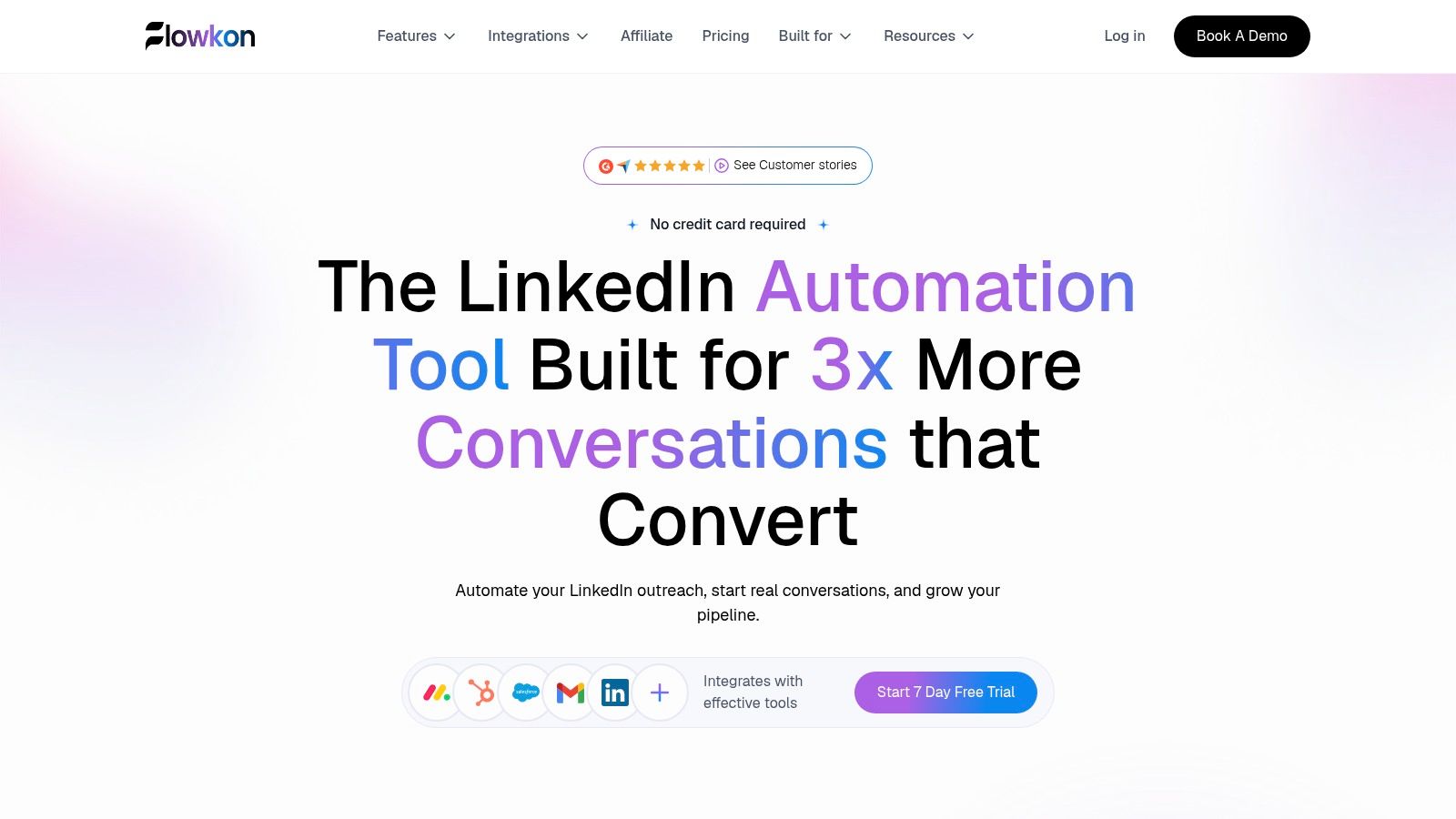
Best for teams that need LinkedIn, email, and CRM activity to stay connected. The practical advantage is coordinating the whole conversation across channels, rather than scheduling more touches in isolation.
Flowkon's cloud-based platform combines connection requests, follow-ups, email steps, delays, and behavior-based branching in a visual sequence builder. LinkedIn messages and email replies sit in a synchronized inbox, and reply detection stops a sequence once someone engages. That matters most on multi-sender campaigns, where a reply on one channel should silence the rest.
Build around the response, not the calendar
Say an SDR targets operations leaders who already know the company through an event. Start with a relevant connection request, follow up with the event context, and hold the email step back unless the LinkedIn thread stays quiet.
A suitable opening might be:
Hi Priya, we both attended the operations roundtable. Your point about handoff delays relates to a workflow we're working on. Happy to connect.
Before launch, test whether a LinkedIn reply stops the remaining email steps. Then check that the contact, activity, and owner appear correctly in the CRM. Skipping that test is how duplicate outreach happens.
Prospect preparation: Built-in business-email discovery and verification support email handoffs without relying on guessed addresses.
CRM alignment: Native integrations include HubSpot, Salesforce, Pipedrive, Zoho, and Monday.com, syncing contacts, activities, and deal creation without manual updates.
Agency governance: Workspaces, role-based permissions, and read-only reporting help separate operators from stakeholders.
Measurement: Dashboards cover acceptance, replies, clicks, and conversions. Evaluate meetings and qualified opportunities alongside those activity metrics.
Pre-built templates and guided setup get a first campaign running quickly, and the 7-day free trial requires no credit card. With annual billing, the Growth plan starts at $30 per user per month. Compare tiers against your team size and required channels during the trial.
The trade-off: Automated pacing, warm-up actions, and daily usage controls reduce account risk, though they never remove it. The meeting scheduler is listed as coming soon, so don't build your current booking workflow around it. Treat published user ratings and performance claims as supporting context, not a forecast of your own results.
La Growth Machine
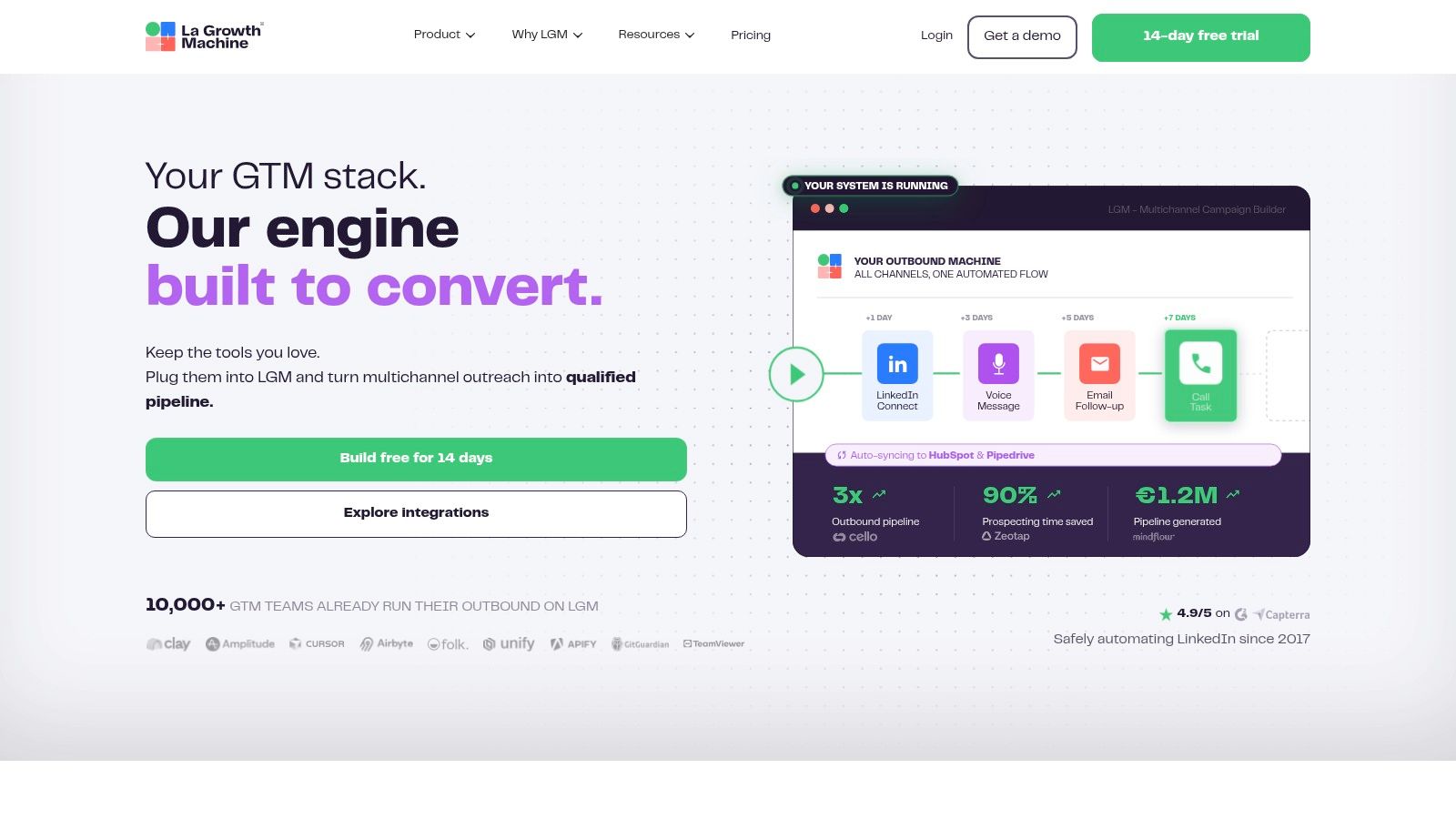
A prospect accepts on LinkedIn, reads your email, and eventually replies to the rep's follow-up. La Growth Machine suits teams that want to manage that cross-channel journey without treating each channel as a separate campaign.
Its LinkedIn-and-email sequences, enrichment, and shared inbox support coordinated outbound. Calls and X are available on higher tiers, but adding channels only helps when each step has a distinct purpose.
La Growth Machine lists Basic at €60 per month per identity, Pro and Ultimate at €120 per month per identity, and a 14-day trial. Verify the applicable billing terms before purchase, especially when comparing plans with similar displayed prices.
A useful workflow for account-based outbound
Use LinkedIn to establish professional context, email to explain the business problem, and a call task for accounts where a conversation warrants the effort. If a mutual contact offers an introduction, stop the cold sequence and let the introduction happen.
What works: Enrichment and coordinated channel steps give an SDR a structured account-development workflow.
What costs extra: The unified inbox starts on Pro, while CRM integrations and workflow triggers sit on Ultimate.
What to model: Per-identity charges and plan-specific enrichment credits affect the cost of adding senders.
Practical rule: Give every channel a different job. Repeating the same pitch through LinkedIn, email, and a call isn't personalization.
The limitation is operational complexity. More channels require clearer ownership, suppression rules, and reply handling. LinkedIn automation also remains subject to account-restriction risk, regardless of how well the sequence is organized.
Waalaxy

Waalaxy is a practical starting point for a founder who needs a guided campaign rather than a complicated outbound system. Prebuilt sequences reduce the amount of campaign logic you need to design yourself.
Waalaxy lists Pro at €19 per user per month, Advanced at €49, and Business at €69, with a 14-day free trial. Cold-email sequences and combined LinkedIn-and-email campaigns require Business, while the LinkedIn inbox is an add-on.
For a solo sender, the useful test is straightforward: can you prepare a relevant audience, review the messages, and manage replies without creating administrative work?
Start narrow: Pick a specific audience, such as finance leaders at companies hiring their first revenue-operations employee.
Use a clear reason: Explain why that hiring signal makes the conversation relevant.
Keep referrals separate: Exclude anyone awaiting a warm introduction instead of enrolling them in a cold sequence.
Where the entry price can mislead
The cheapest plan isn't necessarily the cheapest complete workflow. Compare the plan that includes your required channels, inbox access, and email-finder capacity, rather than comparing headline prices alone.
Waalaxy supports imports from LinkedIn, Sales Navigator, and Recruiter Lite, plus CRM synchronization and team collaboration. Those conveniences don't establish permission to collect or automate data.
Its main trade-off is simplicity versus flexibility. Templates help you start, but you still need to inspect what happens after acceptance, rejection, or a reply. Product invitation allowances are software entitlements, not LinkedIn-approved sending limits.
Dripify
Choose Dripify for a structured, repeatable prospecting sequence, particularly when an individual seller needs clearer follow-up discipline. Its cloud-based visual builder combines LinkedIn and email steps, templates, personalization, and campaign reporting.
Dripify lists annual pricing from $39 per user per month and offers a 7-day trial without a credit card. Basic permits one drip campaign, so sellers testing different audiences need to account for the upgrade required for additional campaigns.
Test the sequence before expanding it
Build a campaign around a single problem, not a broad job title. For example, target sales managers hiring SDRs and offer a useful onboarding resource rather than immediately asking for a demonstration.
A follow-up could read:
Thanks for connecting, Alex. Are you building SDR onboarding internally, or reviewing outside resources? I can send a short outline if it's useful.
That message gives the prospect an easy response without pretending there's an existing relationship.
Strength: Visual sequencing makes the planned order of actions easier to inspect.
Plan constraint: Inbox access, CSV export, and webhooks depend on the subscription.
Integration trade-off: Some CRM workflows may require webhooks or external tools rather than a direct setup.
Before committing, test live-sequence editing and account migration. Confirm what happens to enrolled prospects, conversation history, and reporting when you change the workflow.
Dripify's daily quotas and account-protection controls are operating controls, not LinkedIn authorization. If a prospect replies through a referral introduction or an external email thread, assign someone to remove them from the automated campaign.
HeyReach
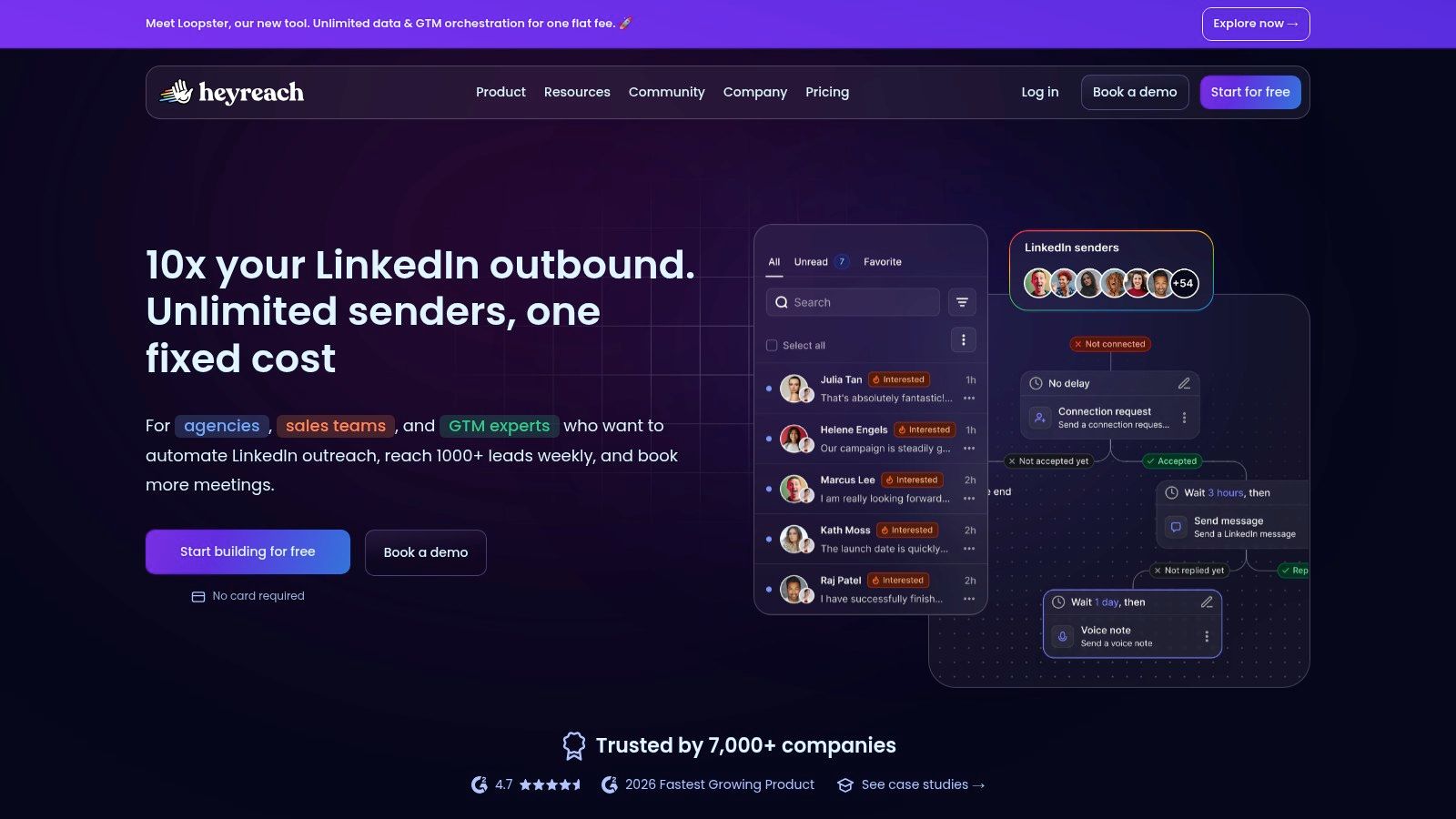
An agency's difficult problem isn't writing another follow-up. It's keeping clients, sending accounts, replies, exclusions, and access permissions separated.
HeyReach is the agency-oriented pick for managing multiple LinkedIn senders. Its unified LinkedIn inbox, workspaces, permissions, API, and webhooks support that operating model, with integrations including Clay, Make, Zapier, and HubSpot.
HeyReach lists Growth at $79 per month per sender for fewer than 10 senders, with agency plans starting at $999 per month for 25 senders. Its 14-day Starter trial includes three LinkedIn accounts and requires no credit card.
Govern the account before launching the campaign
Assign each client a workspace and named operator. Establish who approves messaging, who handles replies, and who can stop activity if LinkedIn displays a warning.
A shared inbox doesn't replace ownership. Every reply still needs a person responsible for the next action.
The key trade-off is LinkedIn specialization versus native multichannel execution. Email outreach relies on integrations with email platforms rather than a built-in email campaign engine. Test suppression in both directions so an email reply doesn't leave LinkedIn follow-ups running.
Good fit: Agencies that need sender-based pricing, client separation, and centralized LinkedIn conversations.
Less attractive: Solo sellers who don't need multi-account administration.
Trial priority: Test lead exclusions, client permissions, and integration failures before evaluating campaign volume.
For referral-led accounts, maintain a shared exclusion list across client campaigns and email tools. Don't use additional senders to compensate for weak targeting or to work around platform restrictions.
Expandi

Expandi fits teams that need more customized campaign flows and personalization. Its cloud-based campaign builder supports LinkedIn follow-ups, email steps, audience filters, blacklists, and analytics.
Expandi lists $99 per month per LinkedIn account, or $79 per month with annual billing, and a 7-day trial. Image and GIF personalization are paid add-ons, so include those costs if they're central to your campaign concept.
Personalization should change the reason for contacting someone, not just the appearance of the message. A prospect's role, relevant initiative, and relationship to your company matter more than inserting their name into an image.
Use customization to improve relevance
For a recruiting campaign, separate people who have already spoken with your team from people you're approaching cold. Give each audience different language and exclude candidates currently managed by another recruiter.
Useful controls: Audience filters and blacklists support deliberate targeting and exclusions.
Practical advantage: Customized follow-up flows suit campaigns that don't fit a basic connection-and-message pattern.
Cost exposure: Per-account pricing grows with the sender roster, and personalization add-ons increase the full workflow cost.
Keep cold email focused on information that genuinely helps the recipient. For U.S. commercial email, the FTC's CAN-SPAM compliance guide requires accurate sender information, nondeceptive subjects, a valid physical postal address, and a clear opt-out method.
Cloud execution doesn't make automated LinkedIn activity platform-approved. Choose Expandi for workflow requirements you can demonstrate during the trial, not because infrastructure or personalization claims make the account risk disappear.
Linked Helper
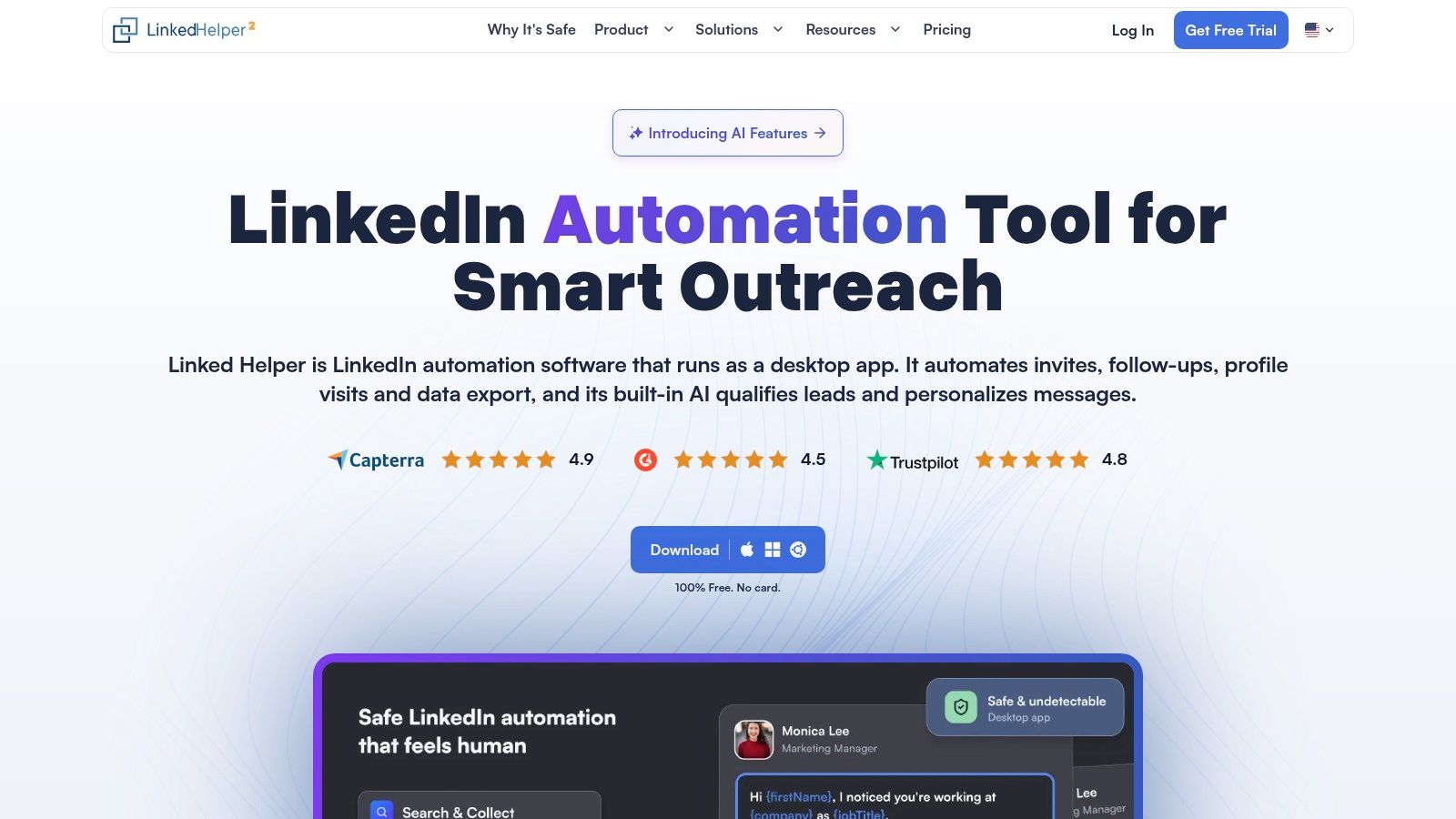
Linked Helper is the hands-on option for operators who want detailed workflow controls and accept responsibility for the runtime environment. It runs on your computer or a user-managed VPS rather than functioning solely as a cloud-first service.
Linked Helper advertises more than 30 campaign action types, local pricing from $8.25 per month, cloud workspace storage from $16.50 per month, and a 14-day Pro trial without a credit card, depending on plan and license.
Its campaign builder, data-collection functions, notes, tags, and CRM-style conversation inbox suit operators who need granular control. Listed integrations include HubSpot, Salesforce, Pipedrive, and Zoho.
Separate software cost from operating effort
The subscription isn't the entire cost. Someone must keep the application or VPS running, manage access, inspect campaign failures, and maintain the workspace.
Workflow strength: Detailed actions and templates support more involved prospecting and Recruiter workflows.
Operational burden: Runtime management requires more attention than a hosted application.
Governance concern: Data collection needs a documented purpose, controlled access, and an appropriate retention policy.
Keep human review closest to the actions with the greatest consequences, especially data collection, messaging, and changes affecting client accounts.
For a recruiter, tags can distinguish contacted candidates, active conversations, and people who shouldn't receive further outreach. For a sales team, the CRM should remain the source of truth for opportunity ownership and referral exclusions.
Linked Helper's software allowances don't override LinkedIn's restrictions. Extensive action choices are useful only when the operator understands which actions the organization is willing and permitted to perform.
LinkedIn Automation Tools at a Glance
Shortlist by the campaign you plan to run, not the longest feature list. A solo seller sending connection requests and follow-ups has different needs than an agency rotating a dozen client accounts, and the price column hides that difference if you only read the first number.
| Tool | Starting Price | Channels | Best For | Free Trial |
|---|---|---|---|---|
| Flowkon | $30/user/month with annual billing | LinkedIn, email | Teams seeking combined prospecting and a shared inbox | 7 days, no credit card |
| La Growth Machine | €60/month per identity | LinkedIn, email; calls and X on higher tiers | Teams running multichannel prospecting | 14 days |
| Waalaxy | €19/user/month | LinkedIn; email on Business plan | Individuals and smaller teams wanting guided campaigns | 14 days |
| Dripify | $39/user/month with annual billing | LinkedIn, email | Sellers and teams seeking structured sequences | 7 days, no credit card |
| HeyReach | $79/month per sender; agency plans from $999/month | LinkedIn; email via integrations | Agencies managing multiple sending accounts | 14 days for Starter |
| Expandi | $79/month per account with annual billing; $99 monthly | LinkedIn, email | Teams needing customized campaigns and follow-ups | 7 days |
| Linked Helper | $8.25/month; cloud storage from $16.50/month | Hands-on users seeking detailed workflow controls | 14 days for Pro, no credit card |
Read the unit behind each price. Per user, per identity, per sender, and per account all scale differently once a second rep or client joins, and Waalaxy's entry tier stays LinkedIn-only until the Business plan. Trial length shapes your test too. I'd treat a 7-day window as a deadline: have the prospect list, copy, and CRM mapping ready before day one, or the trial expires before it proves anything.
How to Choose in the Next 30 Minutes
Start with sending-profile count and channel mix, not the longest feature list. Write down who sends, who handles replies, where contact records live, and whether email must run inside the same campaign.
For a CRM-heavy multichannel motion, test Flowkon's no-credit-card trial and inspect the full journey from enrollment to reply to CRM update. For budget-conscious solo sending, compare Waalaxy with Dripify using the actual plan your workflow requires. Agencies should compare HeyReach's sender-based model against our workspace governance, particularly client separation, permissions, and reporting access.
Make the trial prove the workflow
Use the trial to answer practical questions rather than watching activity counters increase.
Conversation control: Does a reply stop every remaining relevant step, including those on another channel?
Record quality: Can you identify the sender, campaign, contact owner, and next action in the CRM?
Exclusions: Can you suppress customers, active opportunities, opted-out contacts, and pending referrals?
Emergency control: Can an operator stop activity immediately and understand what has already happened?
Judge results by positive conversations, booked meetings, and qualified opportunities. Keep acceptance and reply rates separate, and define whether you're counting unique prospects or individual messages.
Every tool on this list violates LinkedIn's automation policy when used to automate the prohibited site activities described above. Pacing, personalization, and sensible daily controls matter more operationally than vendor safety claims, but they don't establish compliance. LinkedIn's invitation-restriction guidance also warns that repeated suspensions may lead to permanent restriction, so don't treat a warning as a prompt to switch tools and continue.
If your organization can't accept that residual risk, keep LinkedIn activity manual and automate permitted supporting work instead. If you proceed after reviewing the policy and your organization's requirements, take one next action: connect one sending profile, import 50 warm prospects, and run a single small campaign before scaling.
Flowkon brings LinkedIn and email sequences, reply management, and CRM synchronization into a shared prospecting workflow. Visit Flowkon to test how campaign branching, workspace permissions, and reporting fit your team before adding more sending accounts.