.webp)

Are you looking for a cheaper LinkedIn automation tool, or trying to fix a weak outbound workflow? Those are different problems. The right Dripify alternative might need to connect LinkedIn and email, centralize replies, keep CRM records current, or help an agency manage multiple sender accounts without adding operational sprawl.
There is no single best option for every team. The right platform depends on your channels, account structure, reporting needs, and comfort with browser-based execution. This comparison focuses on how these tools work in practice, not just how many features they list. Flowkon is especially relevant when LinkedIn, email, replies, CRM updates, and team governance need to run in one workspace.
What Is the Best Alternative to Dripify?
Which Dripify alternative removes the most manual work from your outbound process? For teams coordinating LinkedIn, email, replies, and CRM updates, the best choice is usually the one that keeps those steps together.
Flowkon fits teams running LinkedIn and email in the same campaign, routing replies through one inbox, finding verified email addresses, and syncing CRM records. Learn more in this Flowkon versus Dripify comparison.
La Growth Machine and Meet Alfred suit teams adding calls or X to LinkedIn. HeyReach supports agencies managing many sender accounts. Expandi suits operators who want cloud-based LinkedIn sequences with conditional logic. Linked Helper and Dux-Soup still work well for LinkedIn-only campaigns.
Test each platform on one live campaign, from lead sourcing through reply handling and CRM follow-up. Check account control, reply visibility, workspace separation, and total operating cost across users, inboxes, enrichment, and manual upkeep.
Why People Look for Dripify Alternatives for Multichannel Outreach
Dripify can handle a basic LinkedIn sequence, but many teams outgrow a linear workflow. They need different follow-ups for accepted connections, unanswered messages, email engagement, and CRM stages. They also need clear reply ownership.
LinkedIn outreach still runs within platform limits, but LinkedIn does not publicly confirm a fixed weekly invite cap in its help documentation. What it does confirm is that commercial use limits exist, that they reset at midnight PST on the first day of each calendar month, and that the remaining allowance is not shown to users in exact numbers.
Dripify Pricing Per User Adds Up as Teams Grow
A per-user model is simple when one founder runs one account. It gets harder to justify when an SDR team needs multiple users, client accounts, inboxes, and reporting views. Add enrichment, email delivery, CRM upkeep, and manual reply handling, and the true operating cost rises quickly.
Limited Depth Beyond LinkedIn
LinkedIn-only automation can start conversations, but it does not solve email verification, bounce control, attribution, or CRM hygiene. Independent reporting recorded 13,218,869 connection requests from 13,302 accounts between May 2025 and April 2026, with a 28.5% overall acceptance rate. The same dataset found connection-note replies fell from 3.5% to 2.2%, while post-connection message replies held at 10.4%. The full outreach dataset points to a simple conclusion: post-connection follow-up and multichannel coordination matter more than sending more notes.
Is Dripify Safe for LinkedIn?
No automation platform can guarantee an account will avoid limits or review. Safer use depends on conservative pacing, relevant targeting, gradual ramp-up, human review of messages, and clear account governance. A tool should support those habits, not push endless volume.
Dripify Alternative for Agencies With Multiple LinkedIn Accounts
Agencies need more than separate seats. They need client workspaces, sender permissions, shared reporting, centralized conversations, and pricing that does not become punitive with every added account. A platform that looks cheap per user can get expensive fast when each client also needs another login and another disconnected inbox.
What to Look for in a LinkedIn and Email Outreach Tool
Choose the workflow before the brand. Build a sample campaign with one LinkedIn step, one email step, a reply branch, a CRM update, and an owner handoff. Then see whether the platform handles the full path without manual copying.
Native LinkedIn and Email Sequences
The best Dripify alternatives let you combine connection requests, follow-ups, email touches, delays, and conditions in one sequence. That avoids the common problem of running LinkedIn in one tool and email in another.
Unified Inbox
A unified inbox matters when a prospect replies on a different channel from the one you started with. Without it, reps miss conversations or respond late. Look for LinkedIn direct messages, InMails, and email replies in one view, with ownership and status controls.
CRM Integration
Native sync should create or update contacts, log activities, and preserve attribution. A sales activity data-sync process monitors email threads, calendar events, and tasks, then ties those activities to the correct CRM record, as described in the Cirrus Insight benchmark report.
Safety and Sending Limits
Check for pacing controls, warm-up, usage monitoring, account separation, and transparent campaign limits. Treat these as controls, not guarantees.
Pricing Model
Compare the cost of users, senders, client workspaces, email accounts, enrichment credits, and CRM access. Ask what happens when the team doubles or one campaign needs several sender accounts.
The Best Dripify Alternatives
Flowkon Best for LinkedIn and Email in One Workflow
Flowkon combines LinkedIn and email prospecting in one cloud-based campaign builder. Teams can create connection requests, follow-ups, profile engagement, and email touches with delays, triggers, and conditional logic. Workflows can change when a prospect accepts a connection, replies, or engages by email.
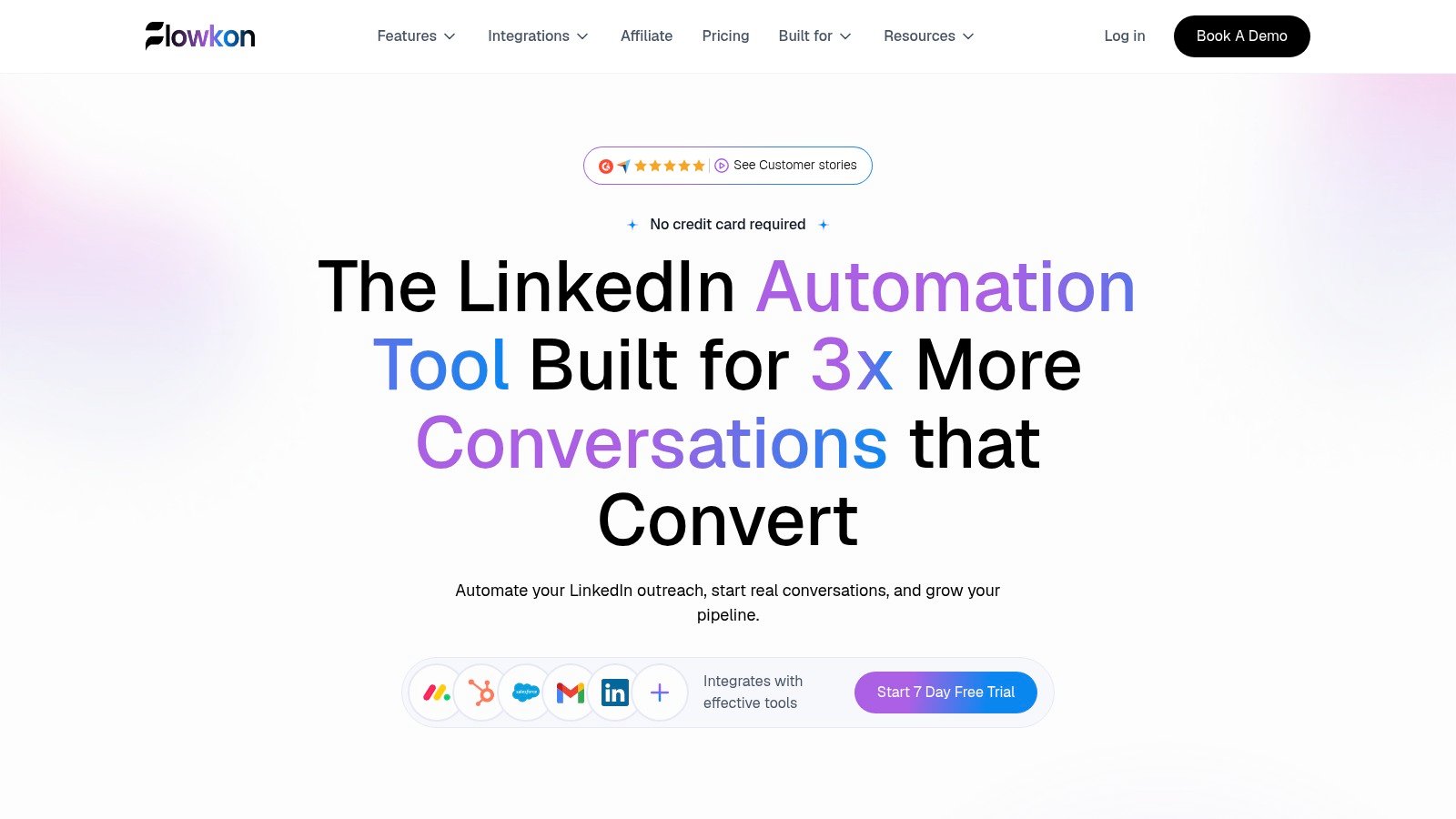
Flowkon combines LinkedIn outreach, email sequences, reply management, and CRM sync in one workspace.
Its centralized inbox brings LinkedIn messages, InMails, and email replies into one workspace. That lowers the chance of missing replies on another channel. Flowkon also includes email discovery and verification, CRM sync with HubSpot, Salesforce, Pipedrive, Zoho, and Monday.com, plus workspaces and role-based permissions.
The platform suits founders, sales teams, recruiters, and agencies that need shared visibility across campaigns. Warm-up, intelligent pacing, usage monitoring, and safety guardrails support controlled execution. They do not remove the account risk tied to LinkedIn automation, so teams still need rules, ownership, and regular reviews.
Flowkon offers tiered plans, a 7-day free trial, and custom enterprise options. Detailed per-user pricing is not published publicly, and its meeting scheduler is listed as coming soon. Test the inbox, CRM mapping, sender governance, and reporting with a real campaign before committing.
Practical rule: Choose this type of platform when LinkedIn activity, email follow-up, replies, and CRM records must stay in one accountable workflow.
La Growth Machine Best for Three-Channel Sequences
La Growth Machine suits teams that need more than LinkedIn and email. Its sequences can include LinkedIn, email, calls, and X, alongside enrichment, verification, branching, and a unified inbox.
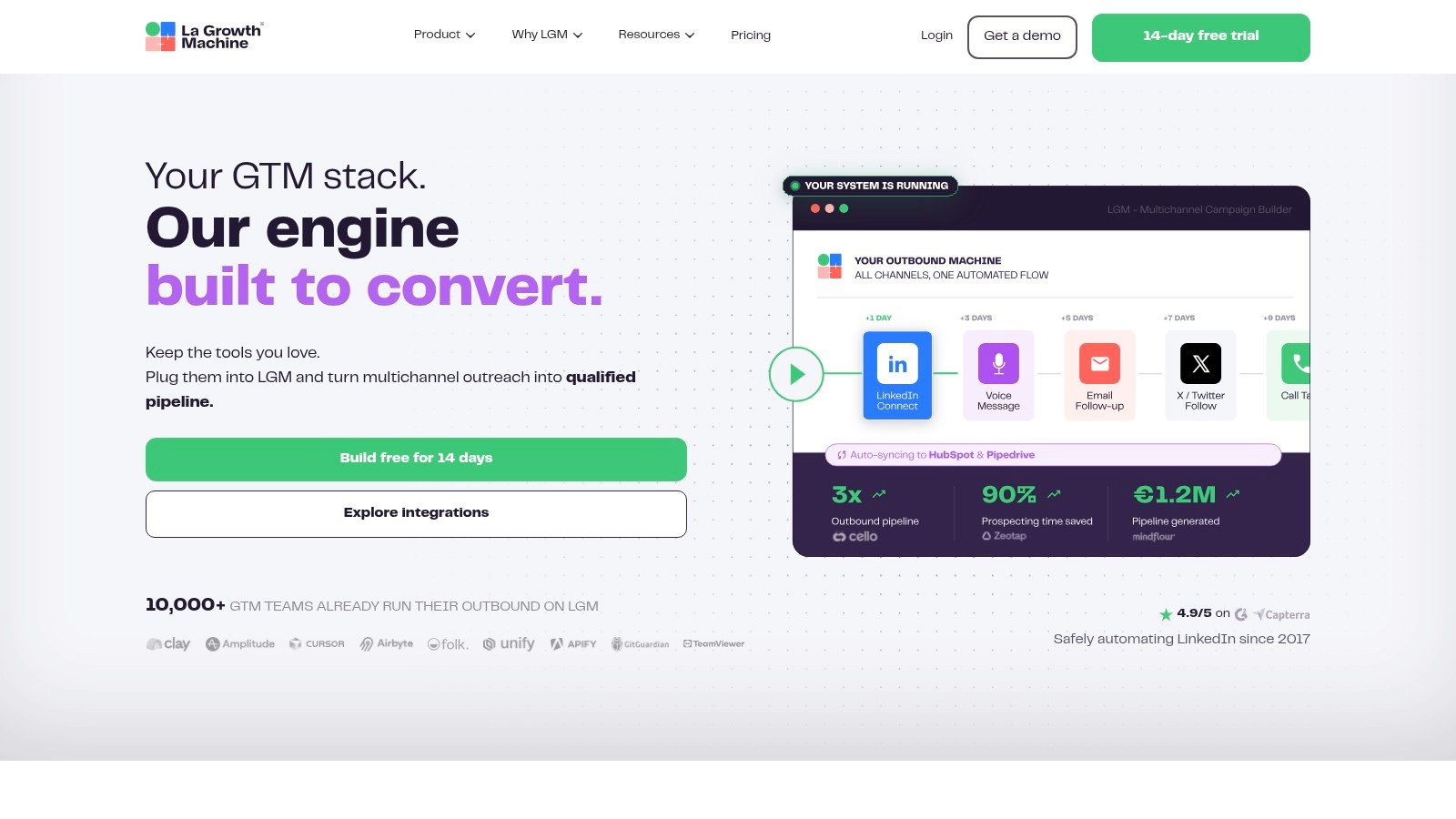
La Growth Machine supports multichannel outreach across LinkedIn, email, calls, and X.
That range helps when your playbook assigns different steps to different channels. It can also add setup overhead for a simple campaign. Start narrow, then add channels only when ownership is clear.
CRM sync and advanced features vary by plan. Enrichment usage can also change the total cost. Evaluate the platform by the channels, identities, and handoffs you actually need.
Waalaxy Best for a Low-Cost Start
Waalaxy is built for beginners who want to launch a LinkedIn campaign quickly. Its browser extension, free tier, and template library make it easy to test messaging without setting up a broader sales engagement stack.
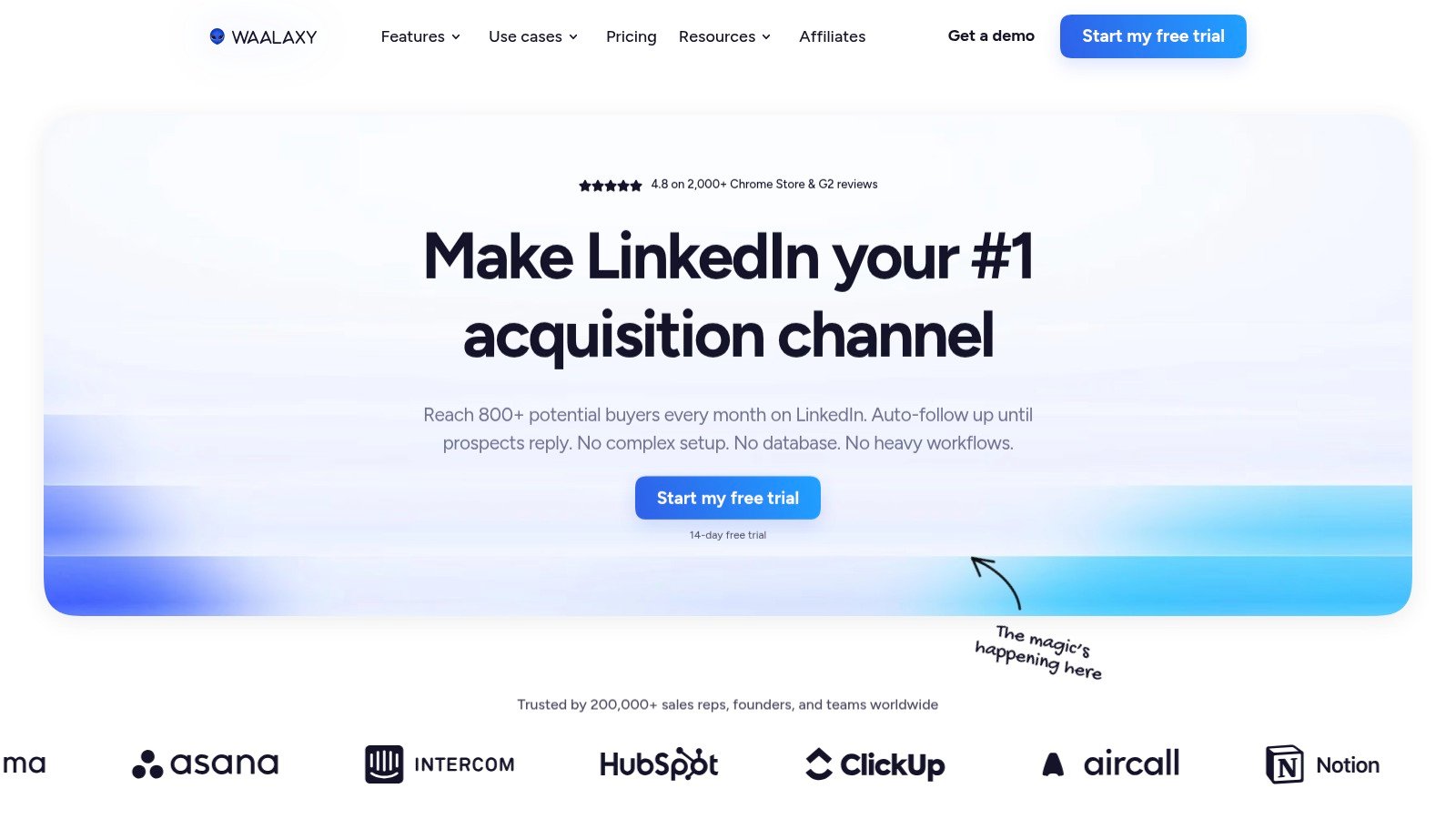
Waalaxy is a simple starting point for teams testing LinkedIn outreach with a lighter setup.
The trade-off is the browser-based model. Execution depends on the computer and browser session, so it differs from an always-on cloud workflow. Review email features and plan limits closely. Waalaxy can work for a founder testing an offer, while growing teams may want stronger controls for ownership, handoffs, and oversight.
Skylead Best for Unlimited Email Sending
Skylead combines LinkedIn automation with email sequences, warm-up, email finding and verification, and image or GIF personalization. It fits teams that want enrichment and email delivery in the same environment as LinkedIn activity.
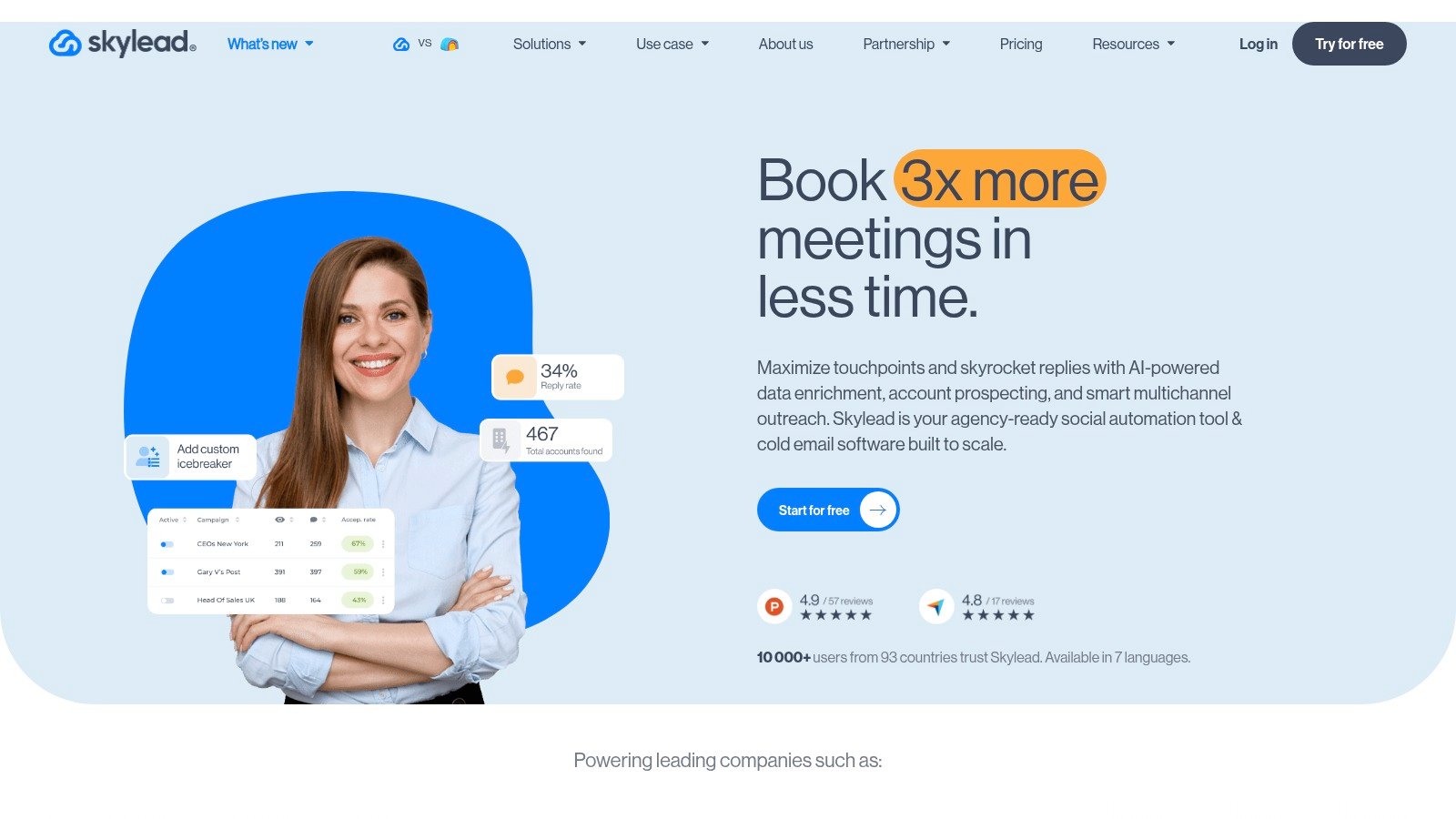
Skylead blends LinkedIn automation with email sending, warm-up, verification, and personalization.
This bundled setup reduces the need to connect separate tools. Solo users should still calculate the full cost of enrichment and personalization credits. Skylead is strongest when email is central to the campaign. Teams running basic LinkedIn follow-up may not use enough of the broader feature set.
HeyReach Best for Agencies With Many Senders
HeyReach focuses on agencies and teams that manage multiple LinkedIn senders. Workspaces, a unified inbox, API access, webhooks, white-label capabilities, sender pools, and agency onboarding support a multi-client model.
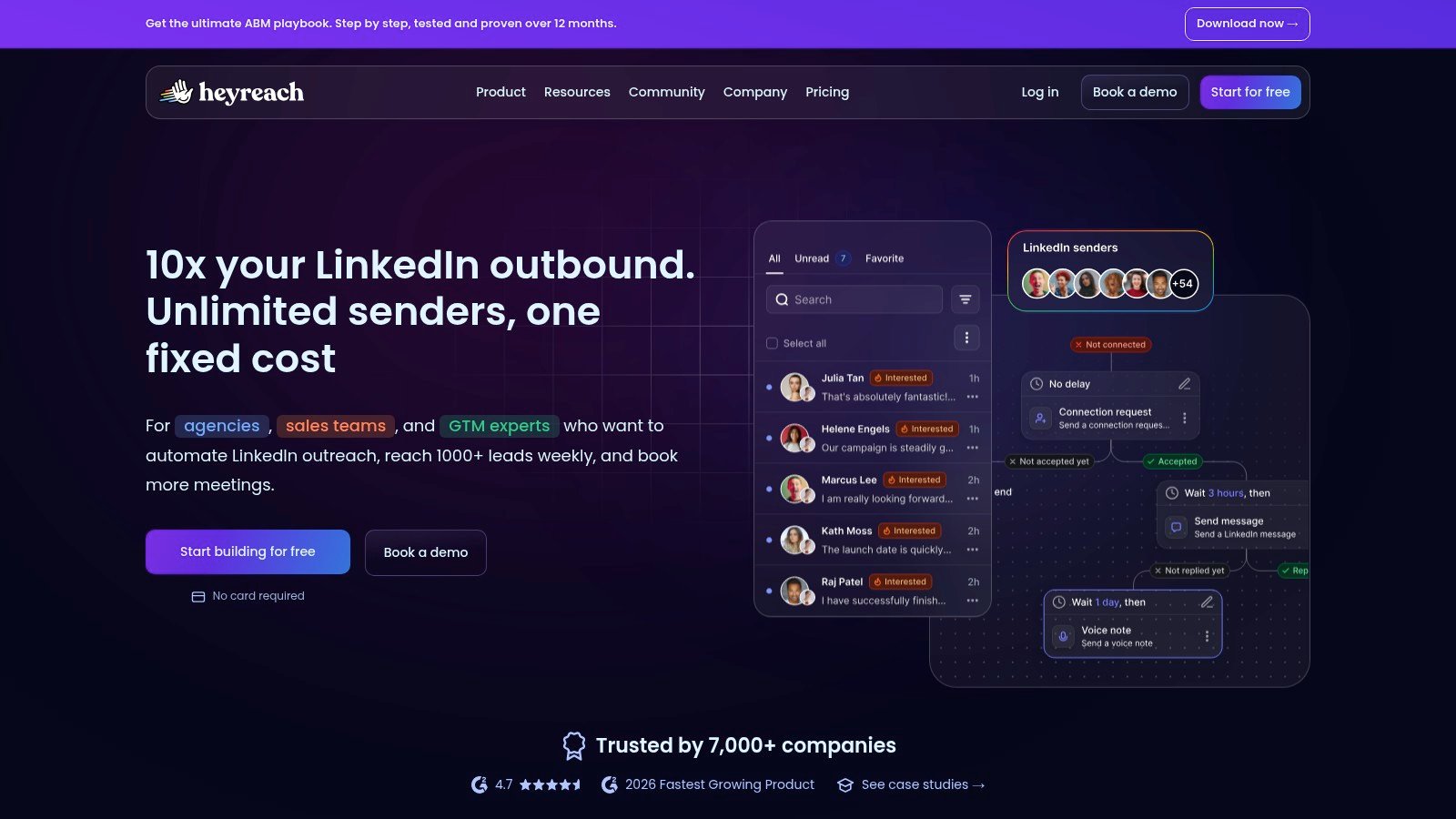
HeyReach is built for agencies and teams managing multiple LinkedIn senders at scale.
Its main value is organizational. Managers can separate client campaigns, permissions, and reporting while keeping visibility into sender activity. Review proxy requirements and plan thresholds before buying, since the economics improve as sender volume rises. HeyReach is less suitable when native email sequencing in the same tool is the main requirement.
Expandi Best for Conditional Logic and Cloud Safety
Expandi provides cloud-based LinkedIn automation with campaign branching, warm-up, personalization, inbox features, integrations, and dedicated country-based IP options. It fits teams that want a controlled LinkedIn workflow rather than a simple linear drip.
Campaign behavior can determine the next action, so accepted connections and silent prospects can receive different follow-ups. The single-plan structure may be more than a basic user needs, and some personalization features can cost extra.
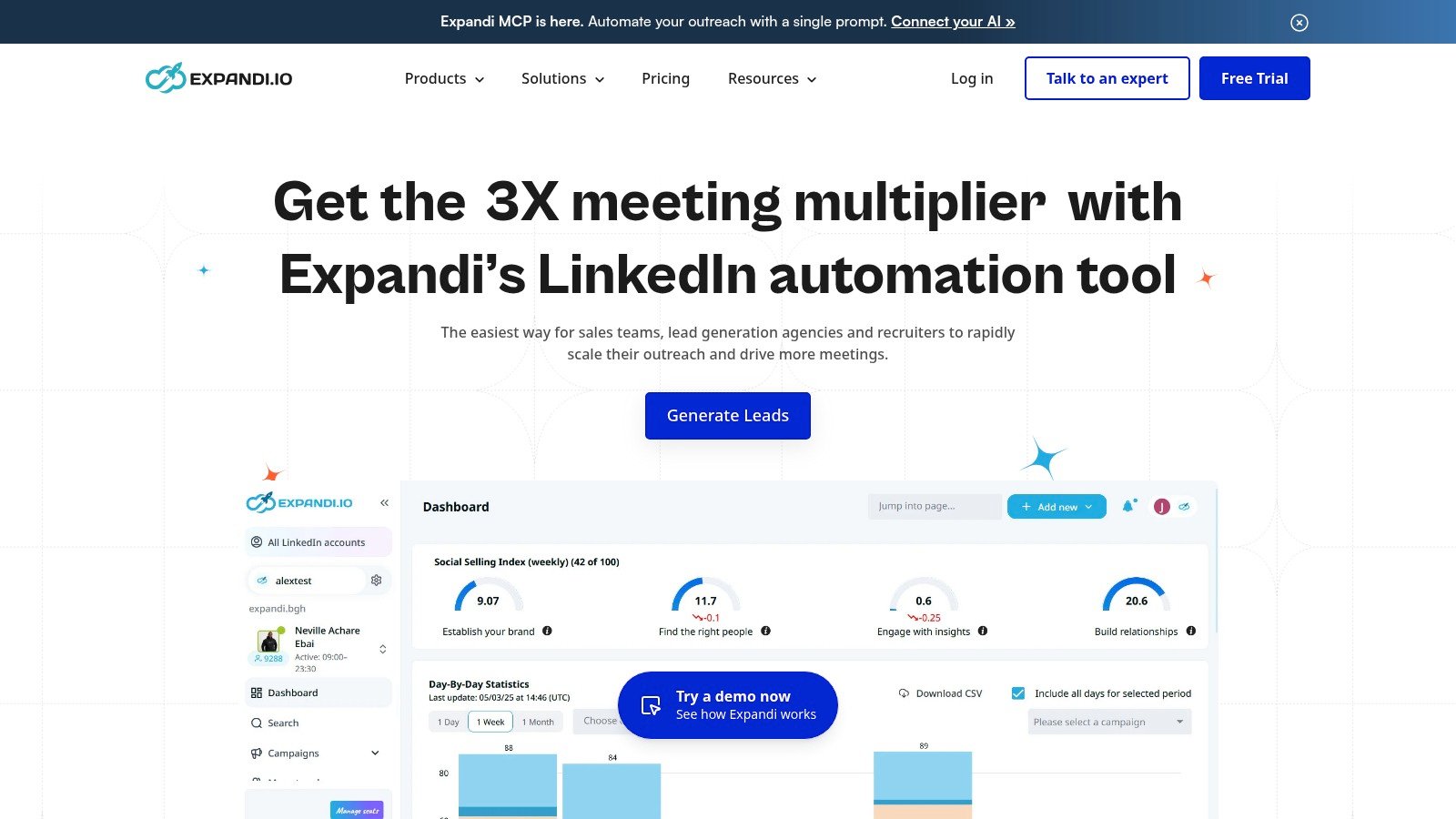
Expandi focuses on cloud-based LinkedIn automation with branching logic and account controls.
For a deeper look at engagement tactics, see this LinkedIn engagement pods comparison tool. Teams comparing LinkedIn controls with broader multichannel operations can also review the Flowkon versus Expandi comparison.
Meet Alfred Best for White Label and Agencies
Meet Alfred covers LinkedIn, email, and X, with team inbox features, permissions, content scheduling, and agency white-label options. It works for agencies that want outbound activity and light social scheduling in one workspace.
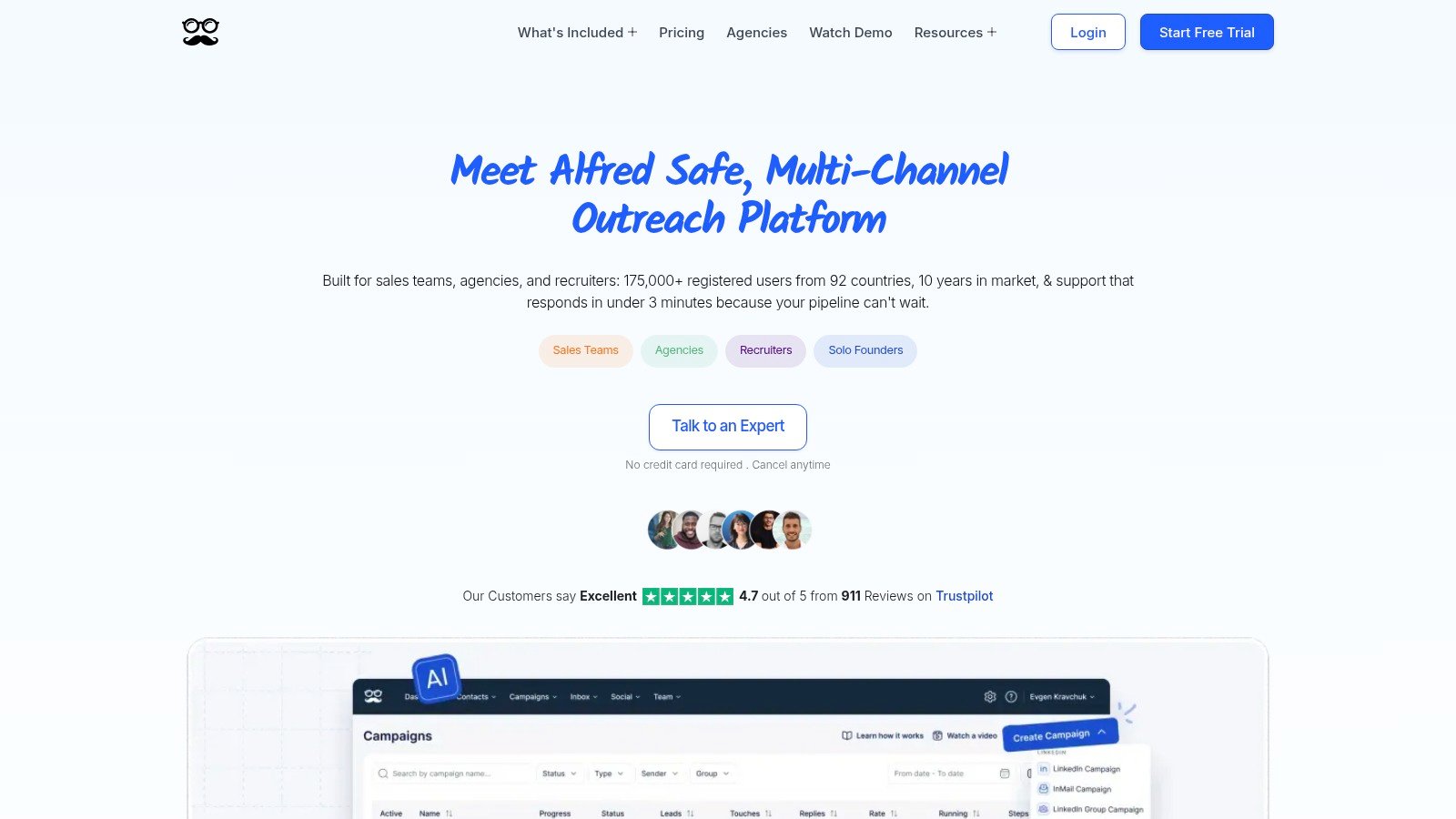
Meet Alfred supports LinkedIn, email, and X outreach with team and agency features.
Lower tiers can restrict active campaigns, and annual billing may offer the best value. Before buying, test whether the team can separate client assets, assign replies, and export useful reports. Meet Alfred covers several channels, though it may feel less focused than a platform built around one LinkedIn and email workflow.
Dux-Soup Best for Browser-Based LinkedIn Automation
Dux-Soup is a browser-based LinkedIn automation option for teams that want profile visits, connection actions, and follow-ups inside a familiar browser workflow. It can suit a small team that values a quick start and direct control.
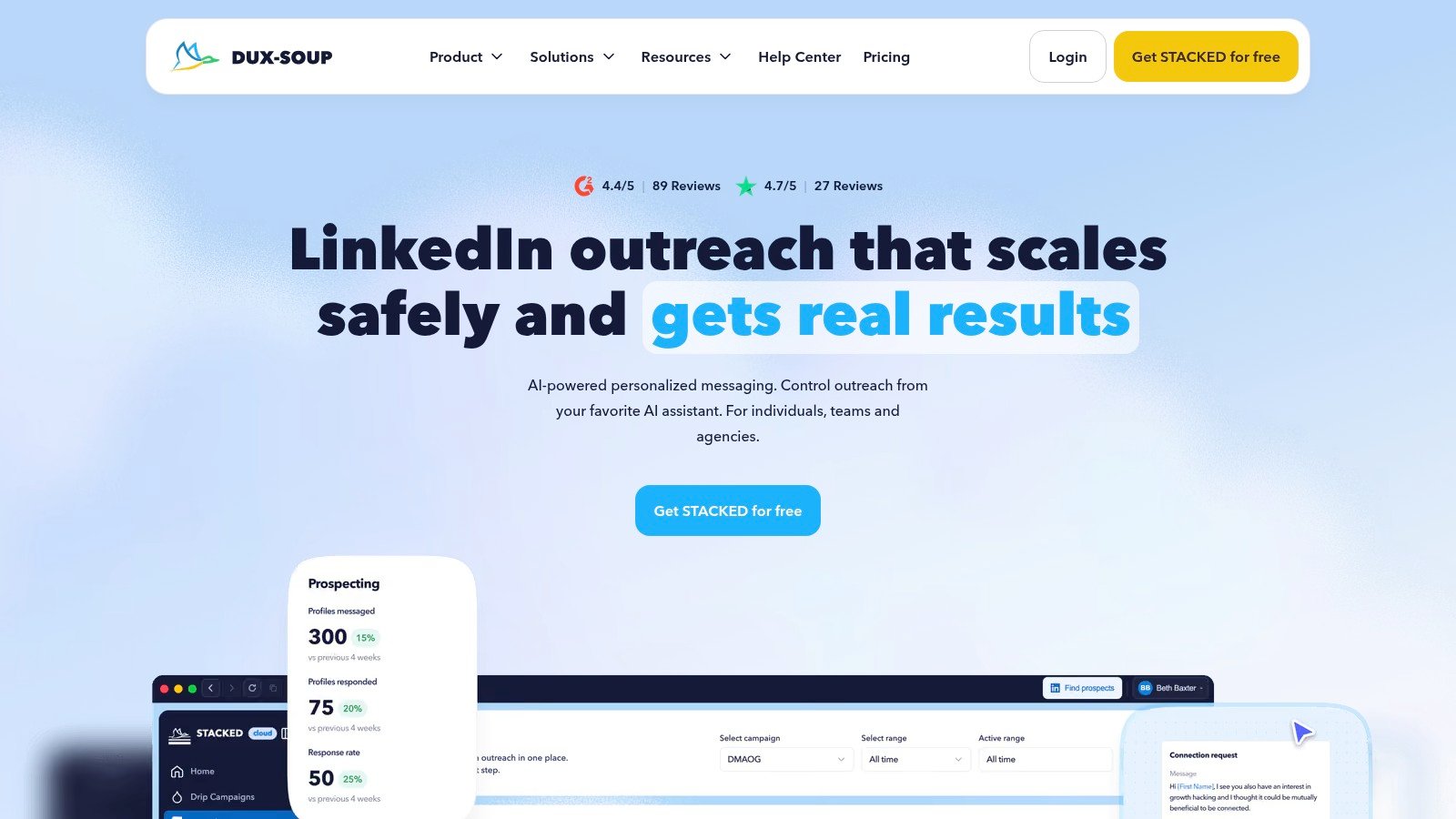
Dux-Soup is a browser-based option for teams that want direct control over LinkedIn activity.
The trade-off is dependence on the browser session and the computer running it. That can make sender governance, team handoffs, and always-on execution harder than with a cloud platform. Review this Dux-Soup comparison before choosing between browser-based automation and a broader campaign workspace. Teams focused on Sales Navigator can also browse Duxsoup automation for Sales Navigator.
Lemlist Best for Email-First Teams
Lemlist is a sensible option when email is the primary outbound channel and LinkedIn is secondary. Its strengths are email personalization and sequence management, not LinkedIn-first execution.
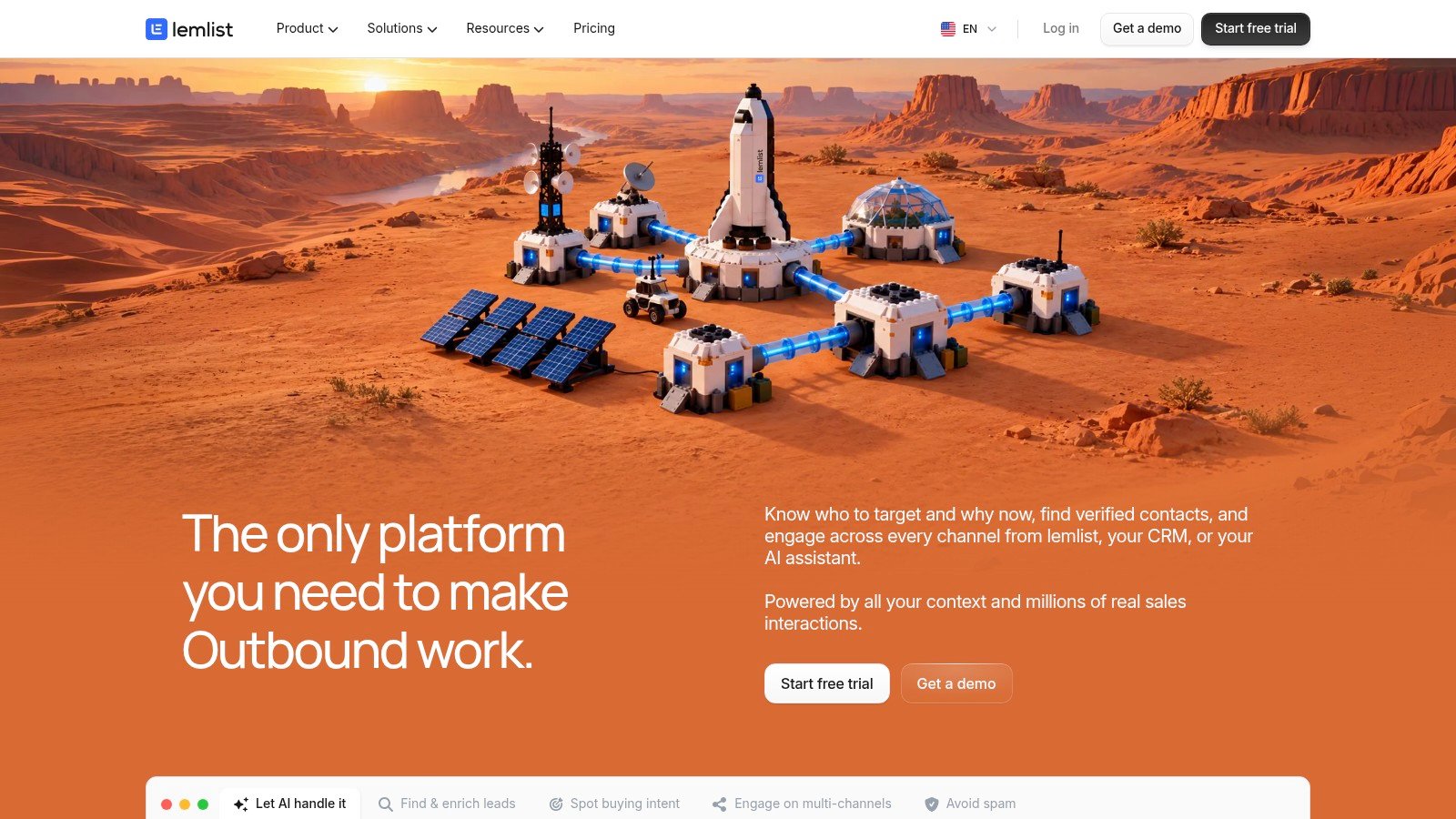
Lemlist is strongest for email-first teams that want personalization and added LinkedIn touches.
Use it when the team already has disciplined email operations and wants to add social touches. It may be less suitable when LinkedIn account governance, sender rotation, or a LinkedIn-centered inbox drives the workflow. Test CRM updates, reply ownership, and task handoffs before going live.
Reply.io Best for Calls, SMS, and WhatsApp
Reply.io fits revenue teams that need outreach beyond LinkedIn and email. Calls, SMS, WhatsApp, email, and social steps can support a broader sales engagement process with channel-specific ownership.
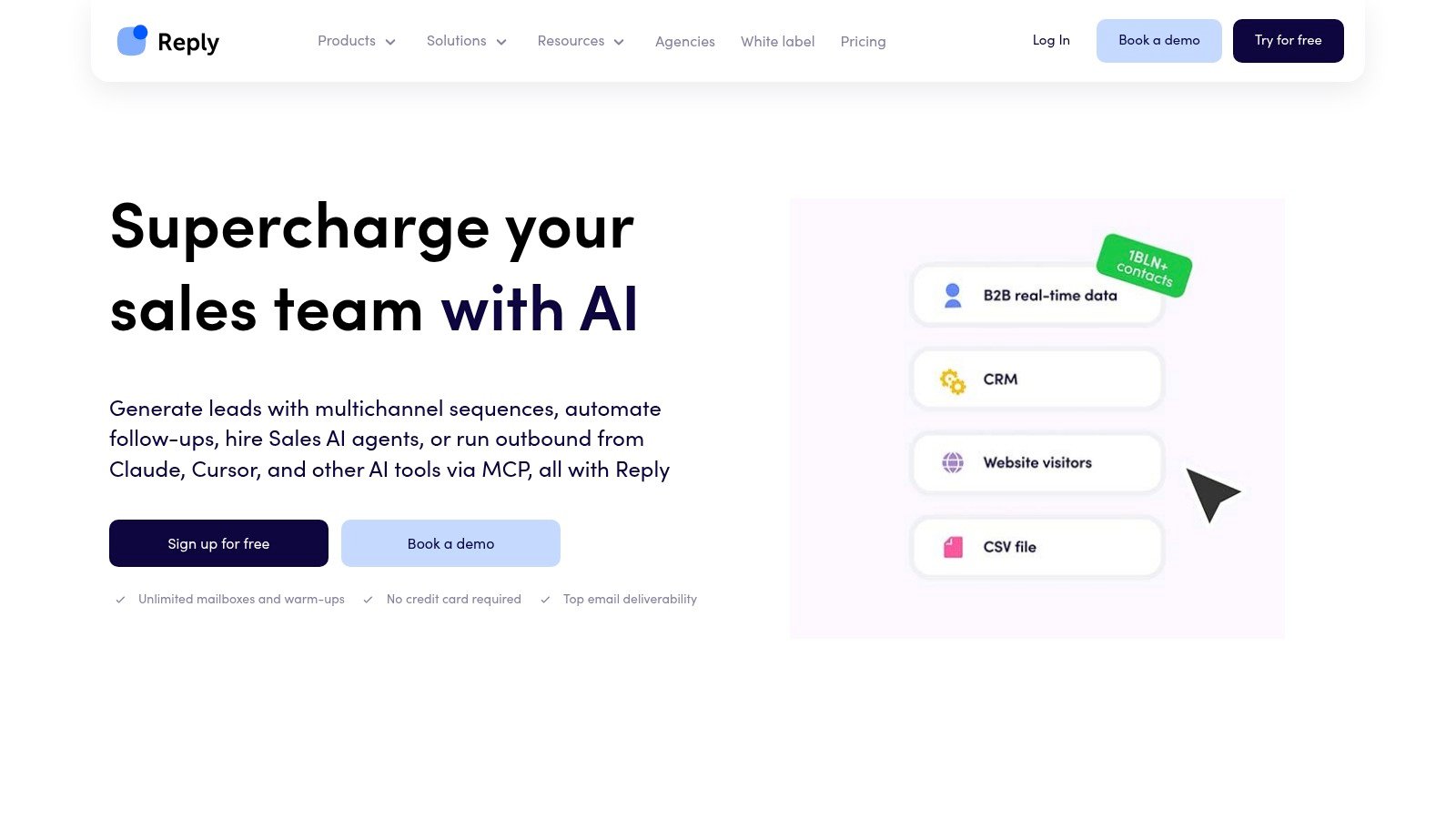
Reply.io supports broader sales engagement with email, calls, SMS, WhatsApp, and social outreach.
That breadth helps when the team has clear rules for who handles each conversation. It can be more system than a solo founder needs if the campaign only requires LinkedIn and email. Confirm regional messaging rules, CRM mapping, and handoff processes before adding more channels.
Closely Best for Low-Cost Multichannel Automation
Closely targets teams that want accessible LinkedIn and email automation with lead management and multichannel sequences. It can suit a small team that needs more than LinkedIn-only activity without adopting a large sales engagement platform.
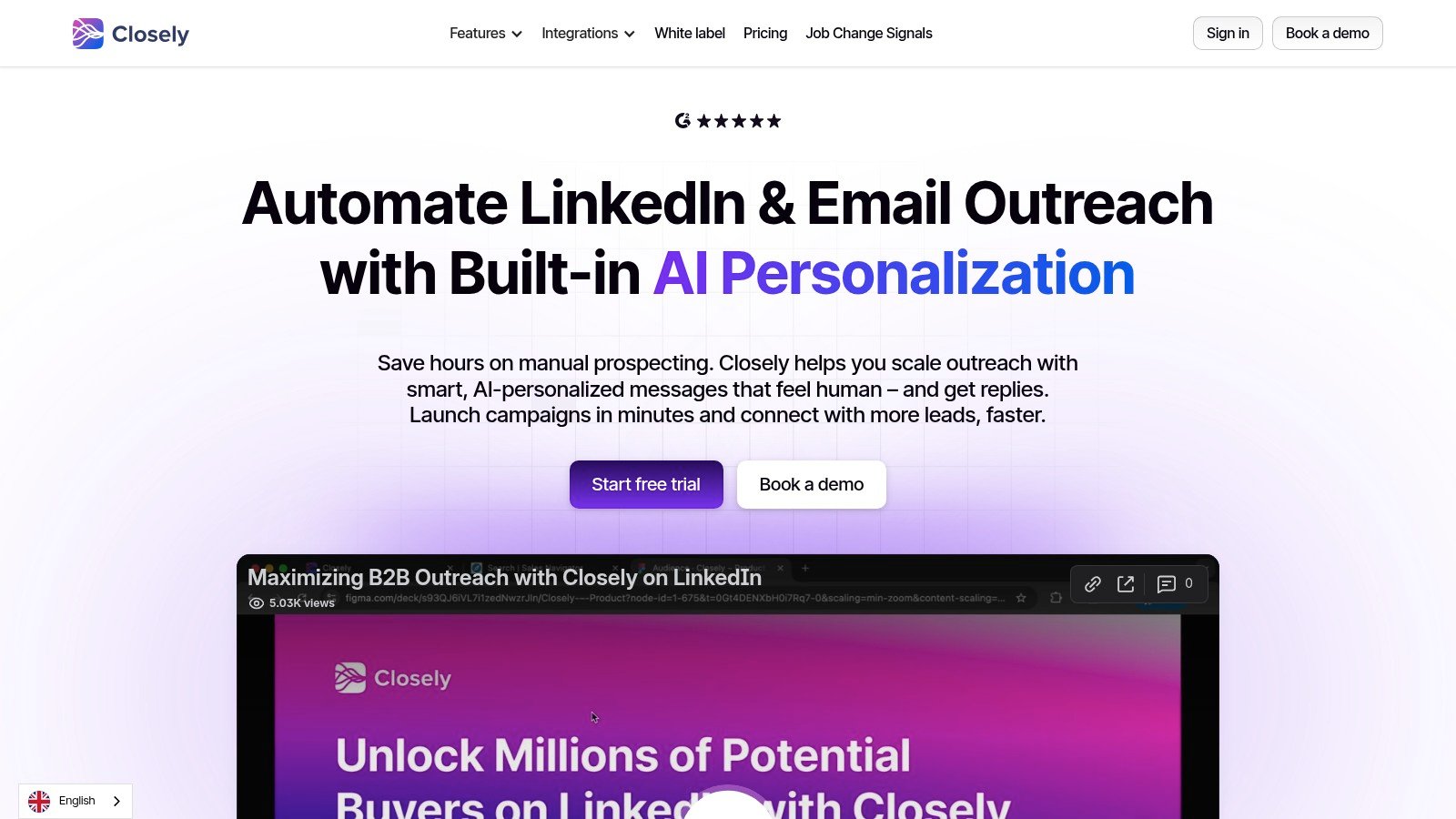
Closely gives small teams a lower-cost way to run LinkedIn and email outreach together.
Inspect limits on active campaigns, accounts, enrichment, inbox access, and reporting. The starting plan matters less than whether the platform still works after adding a second sender, user, or client workspace. Calculate that expanded cost before treating it as the low-cost option.
Dripify Alternatives, Feature Comparison
Dripify Alternatives Compared Pricing and Features
A useful comparison should cover channel support, inbox handling, CRM sync, account governance, and how many separate systems reps need to use. Prices and plan limits change, so verify each vendor's current pricing page before buying.
Is There a Cheaper Alternative to Dripify?
Waalaxy and Dux-Soup are common starting points for budget-conscious users, while Linked Helper offers a low-cost, LinkedIn-first desktop option. A cheaper license is not always cheaper to operate if it also requires a browser session, manual CRM updates, or separate email software.
Dripify Alternative With CRM Integration
Flowkon, We-Connect, Salesflow, La Growth Machine, and other tools in this list support CRM-oriented workflows. Check exactly which objects and events each integration syncs. A logo on an integrations page does not tell you whether the platform logs replies, updates stages, creates contacts, or only sends a webhook.
Best Dripify Alternative by Use Case
For Solo Founders and Small Teams
Start with Waalaxy if you are validating the channel and want a simple entry point. Choose Skylead or Flowkon when email, verification, and reply handling matter from day one. Choose Expandi when cloud LinkedIn controls and conditional sequences matter more than a broader CRM workflow.
For Agencies Managing Client Accounts
HeyReach is designed for many senders, workspaces, and agency operations. Meet Alfred and Flowkon are stronger choices when client reporting, permissions, and multichannel inbox management matter. Compare cost per client workspace, not just cost per seat.
For Sales Teams Scaling LinkedIn and Email
Flowkon, Salesflow, We-Connect, and La Growth Machine are better suited to structured campaigns with CRM activity and team oversight. Skylead is a strong choice when unlimited email sending and personalization are central. Keep LinkedIn and email ownership clear so replies do not sit unassigned.
Can You Use Two Outreach Tools Together?
You can, but split responsibilities clearly. For example, an agency might use HeyReach for multi-sender LinkedIn management and a separate email platform for delivery. A sales team might use Linked Helper for research while keeping email and CRM activity in Flowkon.
Do not run two tools against the same LinkedIn account without a clear reason. Duplicate actions, conflicting pacing, and unclear ownership make account governance harder. One system should remain the source of truth for campaign status and replies.
How to Choose a LinkedIn and Email Outreach Tool
Score each platform against one real campaign. Check lead import, personalization, connection pacing, email verification, reply routing, CRM logging, user permissions, reporting, and account removal.
Then calculate full operating cost. Include seats, sender accounts, workspaces, enrichment, email accounts, proxy requirements, integrations, and the time reps spend moving data. A tool wins when it removes repeated manual work.
How to Switch From Dripify
Export leads, campaign copy, tags, reply history, and CRM identifiers before canceling anything. Preserve the original LinkedIn profile URL and email address for every contact so you can deduplicate the new list.
Rebuild one campaign first. Map the sequence, assign owners, configure conservative pacing, connect the CRM, and test replies from both LinkedIn and email. Keep the old workflow available until the new system logs activity correctly and no important conversation is missed.
How to Use LinkedIn Automation Safely
Use narrow targeting and relevant messages. Ramp new accounts gradually, set conservative limits, avoid identical copy, and review replies manually. Do not treat a platform's warm-up or pacing feature as a guarantee against LinkedIn restrictions.
Email safety needs the same attention. Brevo's email benchmark guidance and its KPI benchmark page indicate that total bounce rates should generally stay below 2%, with 1% closer to top performance and 3.5% below average. Brevo also treats hard bounces above 2% as a red flag for immediate list cleaning. Verify addresses, suppress bad records, and stop sequences when a prospect replies.
Conclusion Which Dripify Alternative Should You Choose?
Choose Flowkon when LinkedIn, email, replies, CRM updates, and team governance need to run in one workspace. Choose La Growth Machine when calls, X, LinkedIn, and email belong in the same motion. Choose Skylead when email sending, warm-up, verification, and personalization are central.
For agencies, HeyReach and Meet Alfred are worth a close look. Choose Expandi when cloud execution, conditional LinkedIn sequences, and account controls matter most. If you only need a LinkedIn-first workflow, Dux-Soup can still be a practical option.
Before switching, compare the full workflow, not just the seat price. Check sender accounts, client workspaces, email verification, CRM events, reply ownership, reporting, and migration effort. Then run one controlled campaign and measure whether your team spends less time switching tools and more time handling qualified conversations.
Use conservative LinkedIn limits, verify email addresses, stop sequences when people reply, and review every automation rule before launch. If you want one place for multichannel campaigns, conversation management, CRM sync, and team controls, visit Flowkon to review the workflow and start with a practical evaluation.






.svg)

