
Teams comparing reply io alternatives are trying to fix the same problem. They need a tool that runs LinkedIn and email in one workflow, shows replies in a place reps will use, and doesn't turn every campaign change into a support ticket. If that sounds familiar, the fastest way to shortlist is to look at the channels each platform runs natively, then test the two or three that match your real outreach mix.
Email still matters because it's still the backbone of outbound. Statista projected worldwide email-marketing revenue to exceed $9.5 billion in 2024 and put the global email-user base at about 4.59 billion people (Statista email marketing overview). That's why the best reply io alternatives aren't just message senders, they're systems for sequencing, tracking, inbox handling, and CRM sync. If you're also looking at structured automation for other business workflows, find sales automation for Business Central.
Lemlist
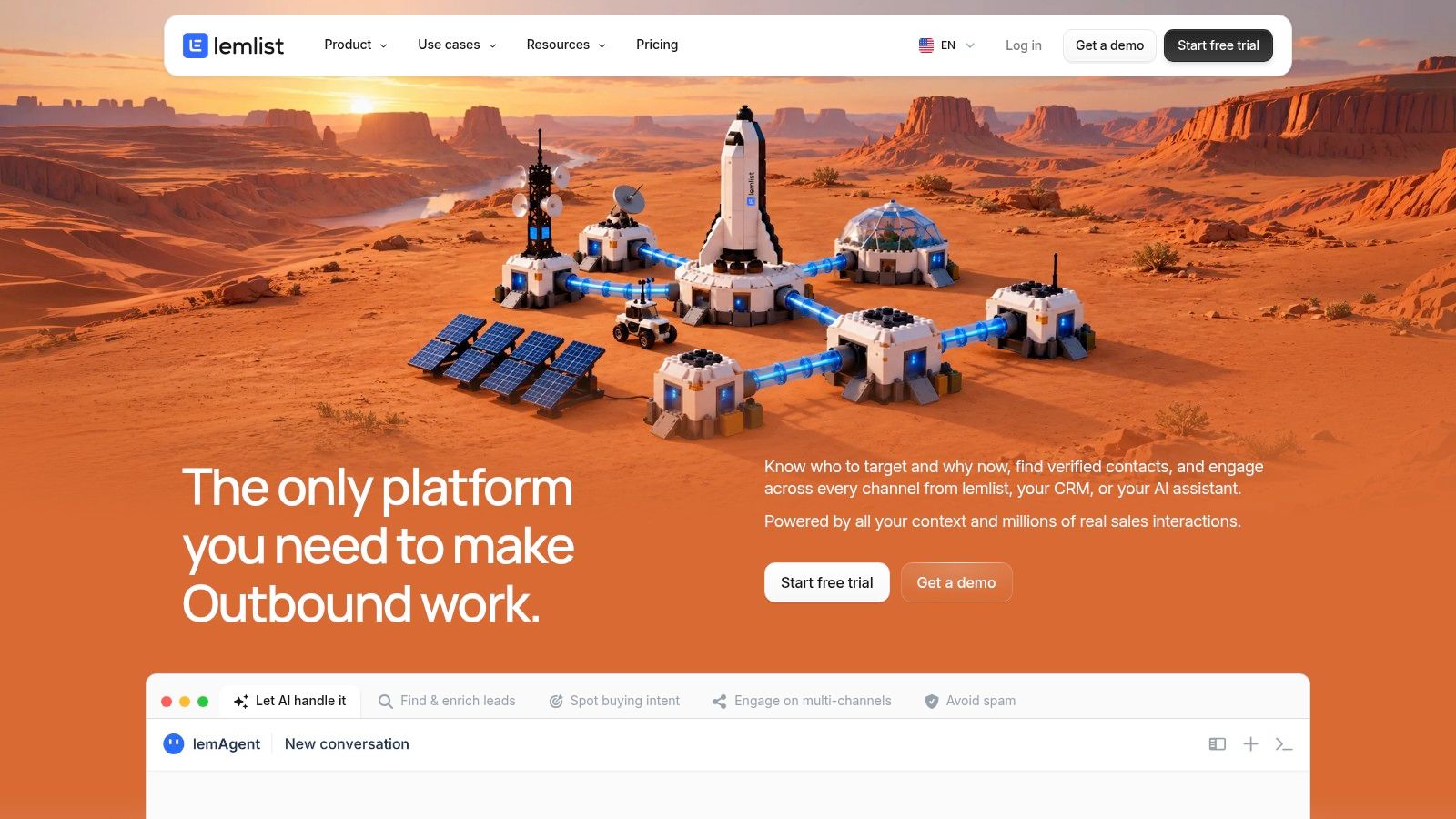
Lemlist is a solid fit when your team wants email and LinkedIn steps inside one outbound flow without giving up visual sequencing. It's one of the cleaner choices for teams that care about personalization but don't want a heavyweight enterprise stack.
Where it fits
The practical win is that reps can build multichannel sequences with email, LinkedIn steps, and manual tasks in the same campaign. That matters when a prospect needs a connection request first, then an email follow-up, then a human task for a later touch. The platform also gives you prebuilt templates, lead import, enrichment, and tracking, which keeps launch time down for smaller teams.
What to watch
The trade-off is cost creep. Credit-based data add-ons can raise the bill as volume grows, and LinkedIn steps still depend on account connection and platform limits. That makes Lemlist a better fit for teams that value campaign flexibility more than deep governance.
Best for: outbound teams that want an all-in-one sequence builder with email and LinkedIn in the same motion.
Not ideal for: teams that need strict enterprise controls or predictable data spend.
Visit the Lemlist website if you want a platform with a broad template library and enough structure to run coordinated outreach without building everything from scratch.
Flowkon
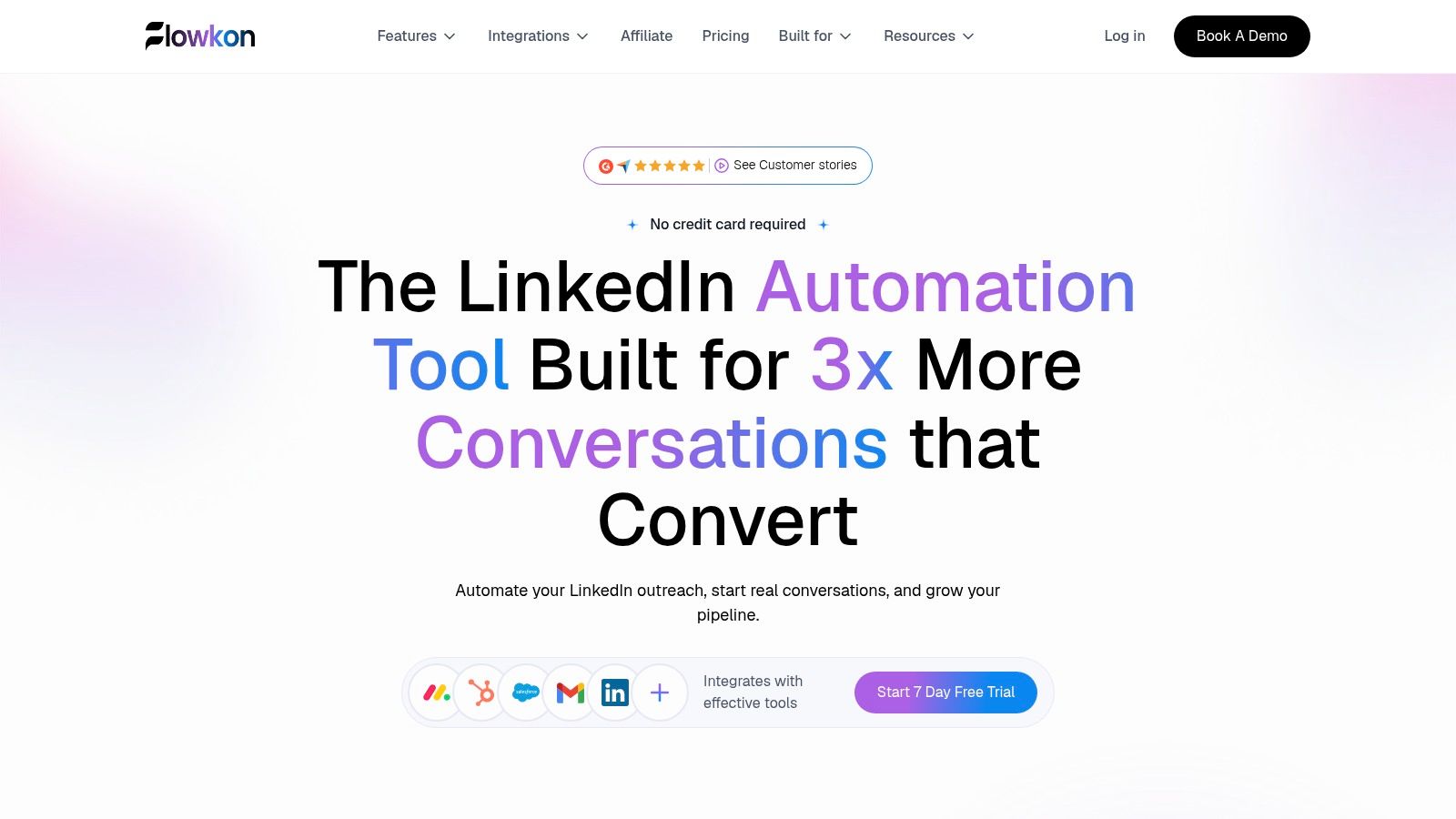
Flowkon fits teams that want LinkedIn and email in one workflow, plus a single inbox for replies. Separate channels usually create missed replies, duplicate follow-ups, and more manual checking, especially after a switch from Reply.
Why it stands out
Flowkon puts connection requests, follow-ups, email touchpoints, timing rules, and personalized templates into one campaign builder. It also includes business email enrichment and verification, then routes LinkedIn DMs, InMails, and email replies into a synchronized inbox. For day-to-day sales ops, that means fewer handoffs and less guessing about whether a prospect already replied on another channel.
It also helps when several people need access to the same account. Workspaces, role-based permissions, and read-only stakeholder access make it easier to manage agencies, founders, SDRs, and RevOps in one system. There's a 7-day free trial with no credit card required, and plans exist for individuals, teams, and enterprise customers. Check the pricing page for current rates.
Practical rule: if LinkedIn is your primary channel, choose the platform that centralizes replies first. You can add more automation later, but you cannot recover a missed prospect reply.
Where Flowkon is the better fit
Flowkon makes the most sense when you want one inbox, one sequence builder, and CRM sync without stitching together separate tools. It integrates with HubSpot, Salesforce, Pipedrive, Zoho, and Monday.com, which helps keep outreach activity tied to pipeline instead of floating in a separate workspace. The meeting scheduler is listed as coming soon, so if scheduling is core to your process today, plan around that limitation.
The website also shows a 5.0/5 G2 rating, and Flowkon's positioning emphasizes unified inbox handling, campaign analytics, and multi-account governance. The right way to evaluate it is simple. Launch the same LinkedIn-plus-email sequence you already run, then check whether reply handling becomes faster and cleaner. For a broader side-by-side view of the tools in this guide, use the comparison table near the end of the article.
Waalaxy
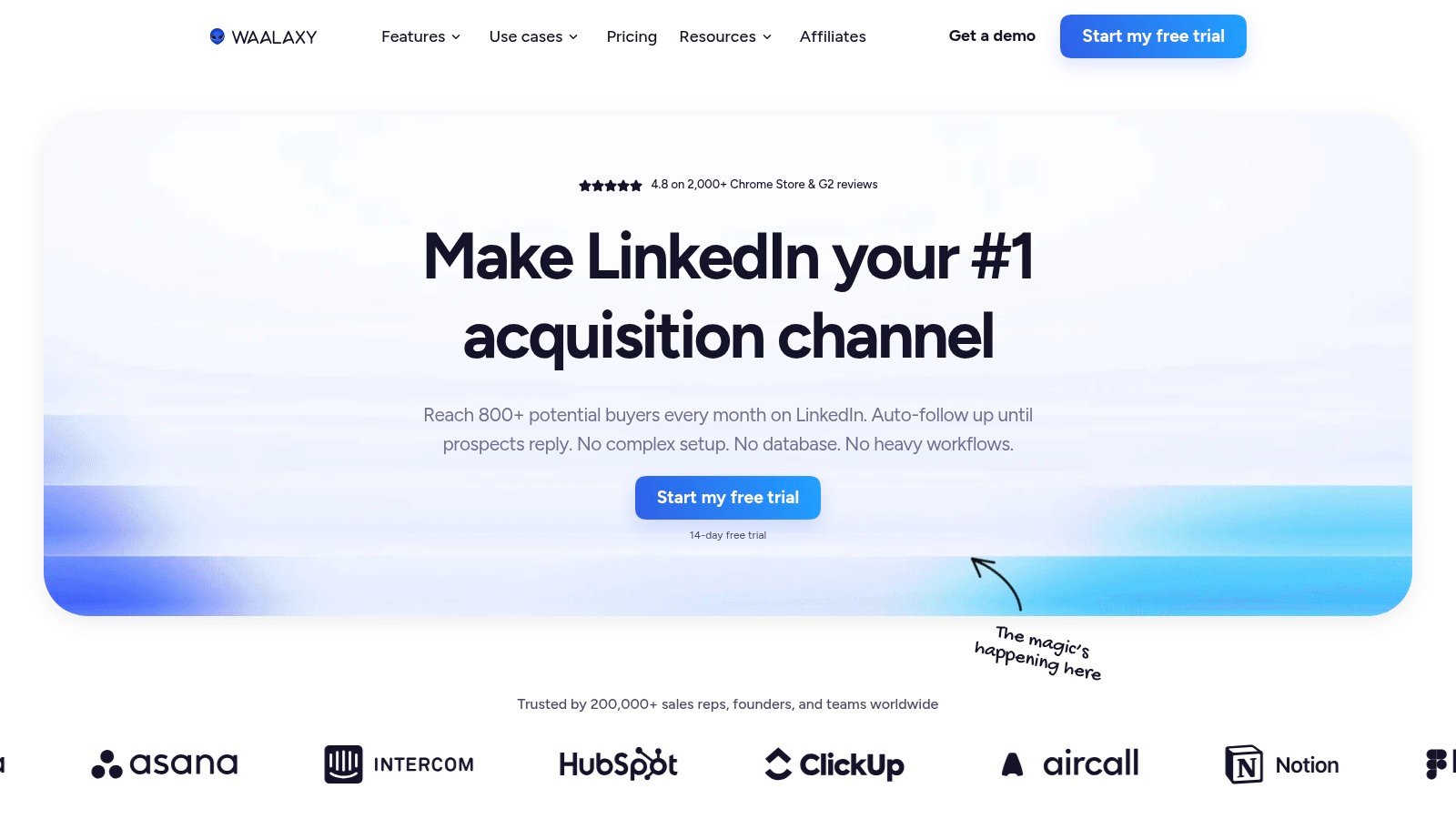
Waalaxy is a good entry point for small teams that want cloud LinkedIn automation without a lot of setup friction. It's especially appealing if you're testing outreach before committing to a larger system.
What it does well
The core value is straightforward. Waalaxy gives you LinkedIn connection, messaging, follow-up, and prebuilt sequences, and its Business plan adds cold email sequences. That makes it useful for founders or lean SDR teams that want to move from manual LinkedIn messaging to a repeatable process.
It also supports team collaboration and basic CRM synchronization, plus integrations with Zapier, Make, and n8n. For smaller teams, that's often enough to connect outreach to the rest of the stack without hiring ops help right away.
Where the limits show up
The main catch is that multichannel outreach sits behind the Business tier, so the "cheap" entry point doesn't always cover the workflow you want. Invite and message caps also vary by plan and are subject to LinkedIn limits, which means you still need good pacing and realistic expectations.
Waalaxy works best when the goal is a simple LinkedIn motion that can later expand into email, not when you need a fully governed outreach program on day one.
If you're comparing other LinkedIn-first tools, this Dripify alternatives guide is useful for understanding where Waalaxy sits in the market.
For the product itself, go to the Waalaxy website if you want quick onboarding and a low-friction path into LinkedIn outreach.
Expandi
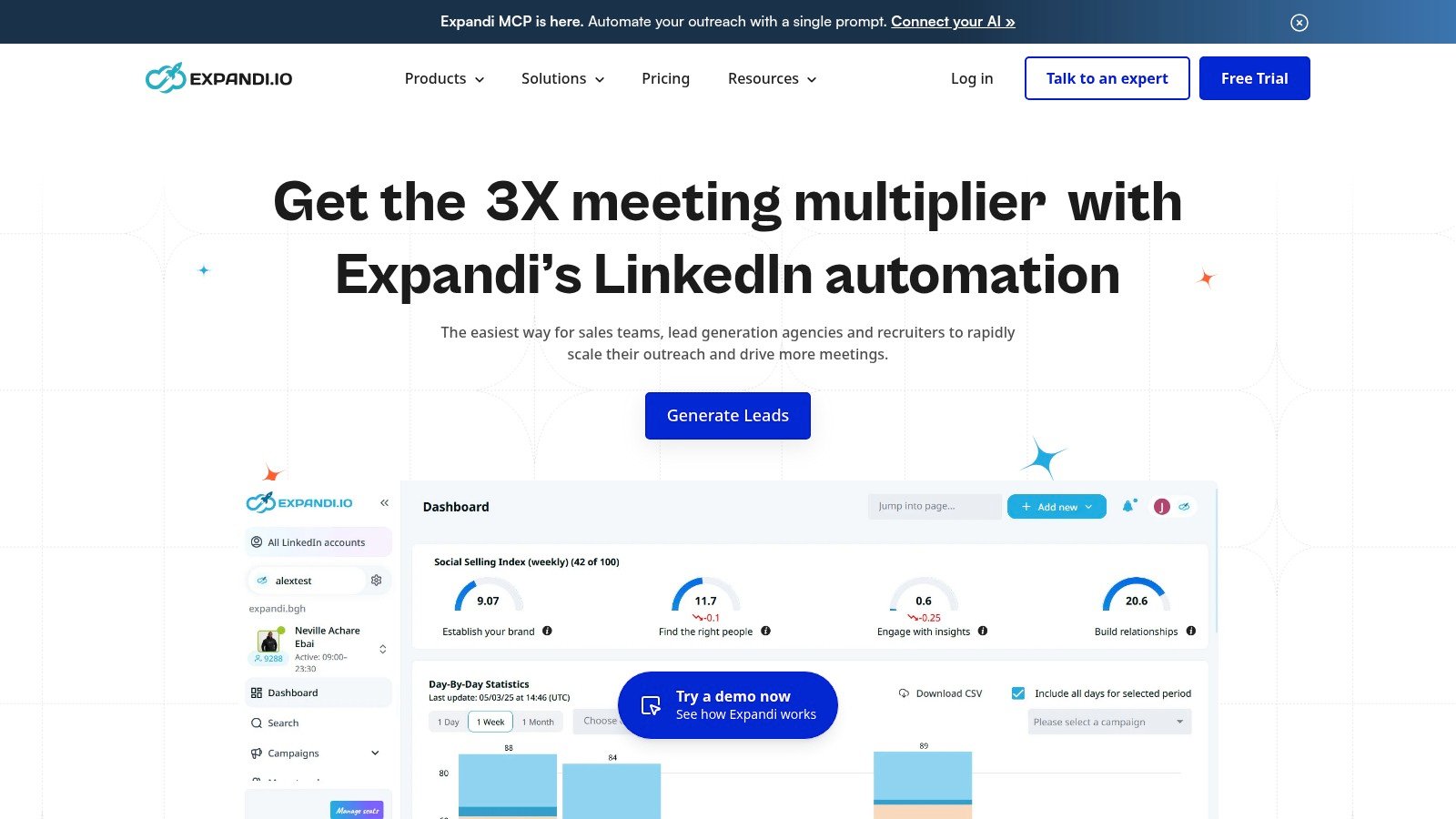
Expandi fits teams that live in LinkedIn and need tighter control over how outreach runs. It is a practical option for agencies and lean outbound teams that care more about pacing, account safety, and predictable execution than a long feature list.
What stands out
Expandi handles connection requests, messages, and follow-ups through cloud-based execution and safety controls. It also supports smart targeting, team management, and white-label options for agencies, so client work stays organized without everyone sharing the same setup.
That focus helps in day-to-day use. If you want LinkedIn automation that stays centered on LinkedIn, Expandi is easier to manage than a broader suite with extra channels layered in.
What doesn't
The trade-off is simple. Email steps usually require another tool. That works if your team already runs cold email elsewhere, but it is a weaker fit if you want one sequence that moves cleanly from LinkedIn to email.
Strong LinkedIn execution can still create account risk if the process is careless. The tool matters, but pacing, targeting, and review discipline matter just as much.
If you want a side-by-side view with another LinkedIn-first option, see the comparison table at the end of this guide. Visit the Expandi website if your team mainly wants a LinkedIn-focused system with agency-friendly controls.
Apollo.io
Apollo.io makes sense when you want prospecting data and outbound engagement in one place. It's less about pure LinkedIn automation and more about feeding reps a broad database, then letting them run email-led outreach from the same system.
Why teams choose it
Apollo combines a B2B contact and company database with enrichment, email sequences, a dialer, analytics, and a Chrome extension. That's useful when you want to prospect, enrich, and launch from one place instead of switching between separate data and sequencing tools.
It also integrates with major CRMs like Salesforce and HubSpot, which matters for teams that care about downstream reporting. The free plan is useful for trialing the workflow before moving into paid usage.
Where the fit breaks down
Apollo's strength is also its drawback. It's broad, so budgeting can get more complex because of credit-based usage, and LinkedIn automation is not native. If your team expects real LinkedIn sending inside the same campaign flow, Apollo can feel more like a prospecting platform with outreach attached than a true LinkedIn-and-email engine.
For teams that care more about prospect data than native LinkedIn automation, that trade-off is fine. For teams that live inside LinkedIn, it's usually not enough.
Visit the Apollo.io website if your priority is data-rich prospecting with email outreach in the same stack.
Snov.io
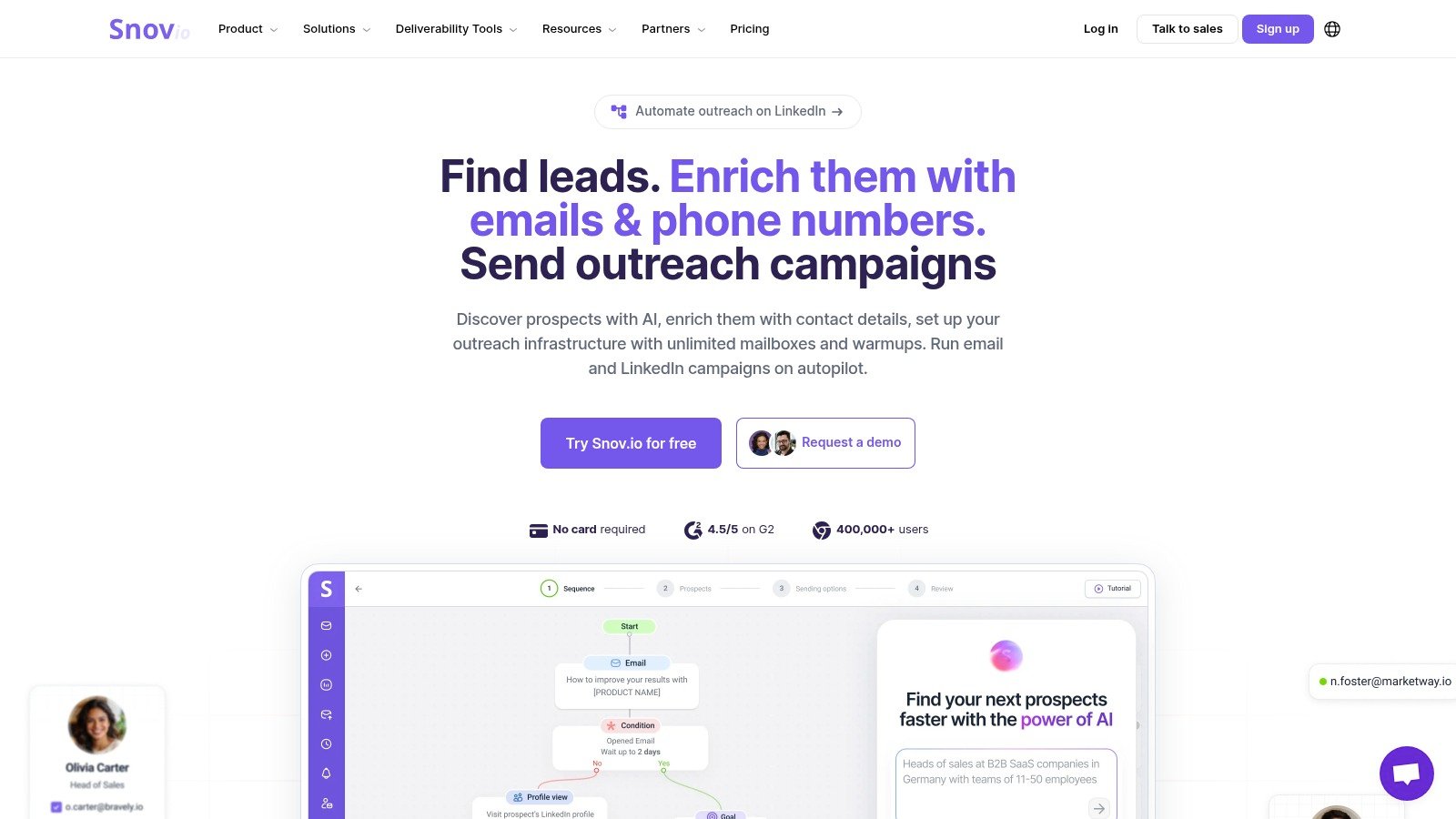
Snov.io is a practical option for smaller teams that want email finding, verification, and outreach without overbuying. It sits in a useful middle ground, especially for agencies that need verified data first and automation second.
What makes it useful
The platform combines email finding and verification, outreach sequences, a lightweight CRM, and reporting. That keeps the core workflow compact. The separate LinkedIn Automation module is the key detail, because it lets teams add LinkedIn only when they need it instead of forcing it into every plan.
That modularity helps when you're keeping a close eye on budget. It also gives teams a cleaner path to testing LinkedIn automation without committing to a more expensive all-in-one suite.
What to consider
The downside is that LinkedIn Automation has separate billing from the main plan, and Snov.io offers less enterprise governance than larger sales engagement platforms. If you're running multiple workspaces, client accounts, or strict approval flows, you may outgrow it quickly.
The email side can pair well with proper list hygiene. For a deeper take on source quality and verification, see the guide to email verification for senders.
Visit the Snov.io website if your main need is verified email discovery with the option to add LinkedIn later.
Klenty
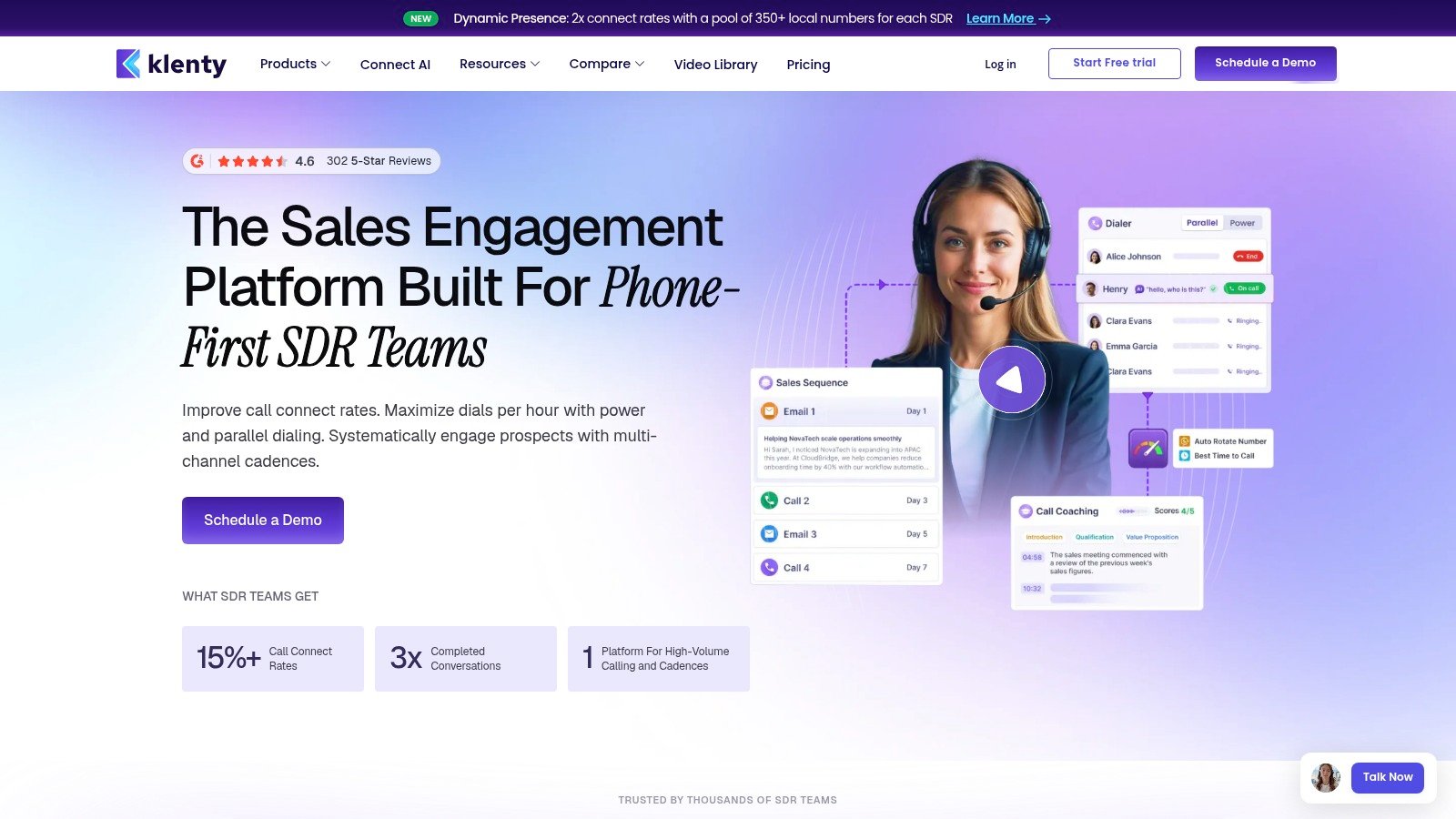
Klenty is best when your team wants a mid-market sales engagement platform that covers email, phone, SMS, and social tasks. It's more of a general outbound system than a LinkedIn-first tool, but that breadth matters for teams that still use calling and text in the same motion.
Where it helps
Klenty supports multichannel outreach across email, phone, social tasks, and SMS, and it integrates with HubSpot, Salesforce, Zoho, Pipedrive, and Microsoft Dynamics. It also includes AI features for next-step execution and call coaching, which can help reps stay on cadence without living in spreadsheets.
The platform publishes pricing, which is a real advantage if your team wants to compare options without chasing a quote. It also offers power and parallel dialer options, so calling-led teams don't have to bolt on a separate tool.
Where it falls short
LinkedIn automation is task-based, not fully automated messaging, so it's not the right choice if LinkedIn is your primary outbound motion. Data add-ons may also be needed, which can complicate the actual cost once you start scaling.
When LinkedIn is just one touchpoint in a broader sales motion, task-driven workflows are often enough. When LinkedIn is the campaign, task reminders feel like a workaround.
Go to the Klenty website if you need a broader sales engagement stack and can live with LinkedIn as a task rather than a native automation layer.
Smartlead.ai
Smartlead.ai is built for high-volume cold email. If your program is email-led and you want scale-friendly sending infrastructure, it's a strong option. If LinkedIn is central, it's usually better paired with another tool.
Why email teams like it
Smartlead includes multi-mailbox rotation, deliverability controls, warmup tools, analytics, AI-assisted personalization, and workflow automations. That makes it attractive for teams that care about sending reputation and mailbox management. Public, volume-based pricing is also useful when you want to forecast spend more clearly.
It's especially useful when you've already decided email will carry most of the load and you just need solid sending infrastructure. In that setup, its integration layer can connect with LinkedIn tools when needed.
Where it isn't the best fit
The key limitation is simple. LinkedIn steps are handled through integrations rather than natively, so Smartlead is better for email-led teams than LinkedIn-first workflows. That means extra tooling, extra setup, and another place for attribution to get muddy if you're not careful.
If you're comparing it against a LinkedIn-and-email platform, be honest about the channel split before you commit. For a direct product visit, use the Smartlead.ai website.
Salesloft
Salesloft is the better choice when your organization needs enterprise governance, onboarding support, and deep CRM alignment. It's not a lightweight alternative, and it's not built for casual testing. It's built for standardizing a larger sales org.
What it does well
Salesloft supports cadences across email, phone, and social tasks, plus a LinkedIn Sales Navigator integration. It also brings CRM synchronization, enterprise governance, and onboarding services for larger rollouts. That combination is why enterprise teams tend to short-list it when process discipline matters.
The platform is also strong when you want your managers to coach from a shared system instead of chasing activity across separate tools. For larger organizations, that visibility often matters more than raw automation volume.
Where teams hesitate
Pricing is not publicly listed and typically requires a quote. LinkedIn steps are task-driven rather than fully automated messaging, so it's not a fit if your team wants direct LinkedIn automation inside the same flow.
If you want the broader context on outbound platforms around this tier, 10 best email outreach platforms for 2026 is a useful comparison point.
For the product itself, visit the Salesloft website if you're buying for governance, process consistency, and enterprise-level rollout support.
Outreach
A sales team running email, calling, and manager coaching from one system usually ends up looking at Outreach. The platform brings cadences, calling, conversation intelligence, forecasting, and administrative controls into the same workspace, which is why larger orgs often choose it for process control.
Where it shines
Outreach supports multichannel cadences with email, call, and social tasks, plus LinkedIn task steps and Sales Navigator integration. Enterprise teams also get roles, permissions, audit, and security controls, so managers can set rules once and keep campaigns and reporting aligned.
The value here is operating-model discipline: everyone works from the same cadences, the same permissions, and the same reporting rather than a pile of switched-on features.
Where it's not the best match
Pricing is custom, so buyers need to engage sales early. LinkedIn messages are managed as tasks rather than automatically sent, which matters if your team wants LinkedIn execution inside the same workflow.
For a broader comparison of platforms at this tier, see the best email outreach platforms for 2026. For a closer look at how Outreach fits into LinkedIn outreach tooling, see The Social Search's 2026 outreach comparison. For the product itself, visit the Outreach website.
Top 10 Reply.io Alternatives Compared
| Platform | Best Fit / Audience | Outreach & Data | Experience & Governance | Value / Pricing | Standout |
|---|---|---|---|---|---|
| lemlist | 👥 Teams seeking email + LinkedIn sequences | Email, LinkedIn steps, manual tasks, lead enrichment | Templates, pacing controls, reply reporting | 💰 Data credits may raise costs at scale | ✨ Visual sequence builder and broad template library |
| 🏆 Flowkon | 👥 Sales teams, agencies, founders, recruiters | LinkedIn + email sequences, verified email discovery, CRM sync | Unified inbox, team roles, safety controls, campaign analytics; ★ 5.0/5 G2 rating | 💰 7-day free trial; plans for individuals, teams, and enterprise; exact prices not provided | ✨ Cloud-based multichannel campaigns with centralized conversations |
| Waalaxy | 👥 Solo operators and smaller teams | LinkedIn automation; email sequences on Business plan | Cloud execution, team collaboration, basic CRM sync | 💰 Lower-cost entry plans; multichannel requires Business | ✨ Quick onboarding and workflow integrations |
| Expandi | 👥 LinkedIn-focused teams and agencies | LinkedIn sequences; email usually needs another tool | Cloud execution, safety controls, team and white-label options | 💰 Published pricing | ✨ Agency white-labeling |
| Apollo.io | 👥 Teams wanting prospect data and outreach together | B2B database, enrichment, email sequences, dialer; LinkedIn via extensions or tasks | Analytics, Chrome extension, broad integrations | 💰 Free plan; credits can complicate scaling costs | ✨ Prospecting database combined with engagement tools |
| Snov.io | 👥 Small teams and agencies prioritizing email discovery | Email finding, verification, sequences; separate LinkedIn module | Lightweight CRM and reporting | 💰 Modular plans; LinkedIn automation billed separately | ✨ Email discovery and outreach in one suite |
| Klenty | 👥 Mid-market SDR teams | Email, calling, SMS, social tasks; CRM sync | AI assistance, dialers, call analytics | 💰 Published pricing; data add-ons may apply | ✨ Multichannel sales engagement with dialer options |
| Smartlead.ai | 👥 Email-led teams scaling cold outreach | High-volume email, mailbox rotation, warm-up; LinkedIn via integrations | Deliverability controls, analytics, API and webhooks | 💰 Public, volume-based pricing; no per-seat fees | ✨ Designed for scaled cold-email sending |
| Salesloft | 👥 Larger organizations standardizing sales workflows | Email, phone, social tasks; Sales Navigator integration | Enterprise governance, CRM sync, onboarding | 💰 Custom quote | ✨ Enterprise onboarding and sales engagement capabilities |
| Outreach | 👥 Mid-market and enterprise sales teams | Email, calls, LinkedIn tasks, Sales Navigator integration | Advanced reporting, AI insights, enterprise controls | 💰 Custom pricing through sales | ✨ Conversation intelligence and forecasting options |
Run a Two-Week Pilot Before You Commit
The fastest way to choose among reply io alternatives is to stop comparing feature pages and run the same sequence on a comparable audience. Pick two tools that match your channel mix, then send a small but real campaign for two weeks. Track connection acceptance, reply rate, reply handling time, and meetings booked, and watch how replies and CRM updates behave across channels.
That test matters because not every reply tool measures the same thing well. One recent benchmark set shows a 5.1% average cold-email reply rate, but only about a 1.0% meeting-booked rate and 0.22% conversion rate (2025 cold-email benchmark data). A second large study reported a 1.71% bounce rate across 7.53 million cold emails, which is a reminder that delivery isn't the same as commercial success (same benchmark source). Use those realities to judge outcome quality, not just send volume.
If LinkedIn is your primary channel and you want one inbox for LinkedIn and email, start with Flowkon's 7-day free trial and test your own sequence before you decide. That gives your team a clean way to see whether the unified workflow reduces missed replies and follow-up chaos. The right tool won't just send messages, it'll help your reps manage real conversations without losing context.
Flowkon brings LinkedIn and email into one campaign flow, with a unified inbox, CRM sync, and team governance for sales teams, agencies, founders, and recruiters. If you want a practical way to test a LinkedIn-plus-email workflow without juggling separate tools, visit Flowkon and run your first sequence against a real audience.