
Your rep sends a LinkedIn connection request on Monday. On Wednesday, the same prospect gets a cold email that never mentions it. The prospect sees two strangers, not one coordinated conversation.
Sales teams searching for Lemlist alternatives aren't short on sending capacity. They need LinkedIn and email to share prospect status, a reply on either channel to stop later follow-ups, and an inbox that helps reps decide who deserves a call.
If you use Lemlist as an email-first tool, LinkedIn can feel like an add-on to the workflow. That's a reason to inspect your actual setup, not a verdict that the product can't support multichannel outreach. Don't migrate because of an old feature comparison.
Start with the work you need to replace:
Email-first tools organize outbound around mailboxes and email campaigns.
LinkedIn-first tools start with profiles, connections, and social conversations.
Data-first tools begin with finding and enriching prospects.
Multichannel suites coordinate several channels within a broader sales process.
Use a short scorecard: deliverability, LinkedIn handling, inbox and CRM sync, personalization, and safety controls. The deciding question is where the sequence starts and where the rep handles the reply.
LinkedIn's prohibited-software policy explicitly prohibits unauthorized software that scrapes or automates activity. No outreach vendor can guarantee account safety or imply LinkedIn approval without evidence. Pacing and review controls help manage activity, but they don't remove that policy risk.
The tools below solve different problems. Choose the workflow before you compare subscriptions.
Flowkon
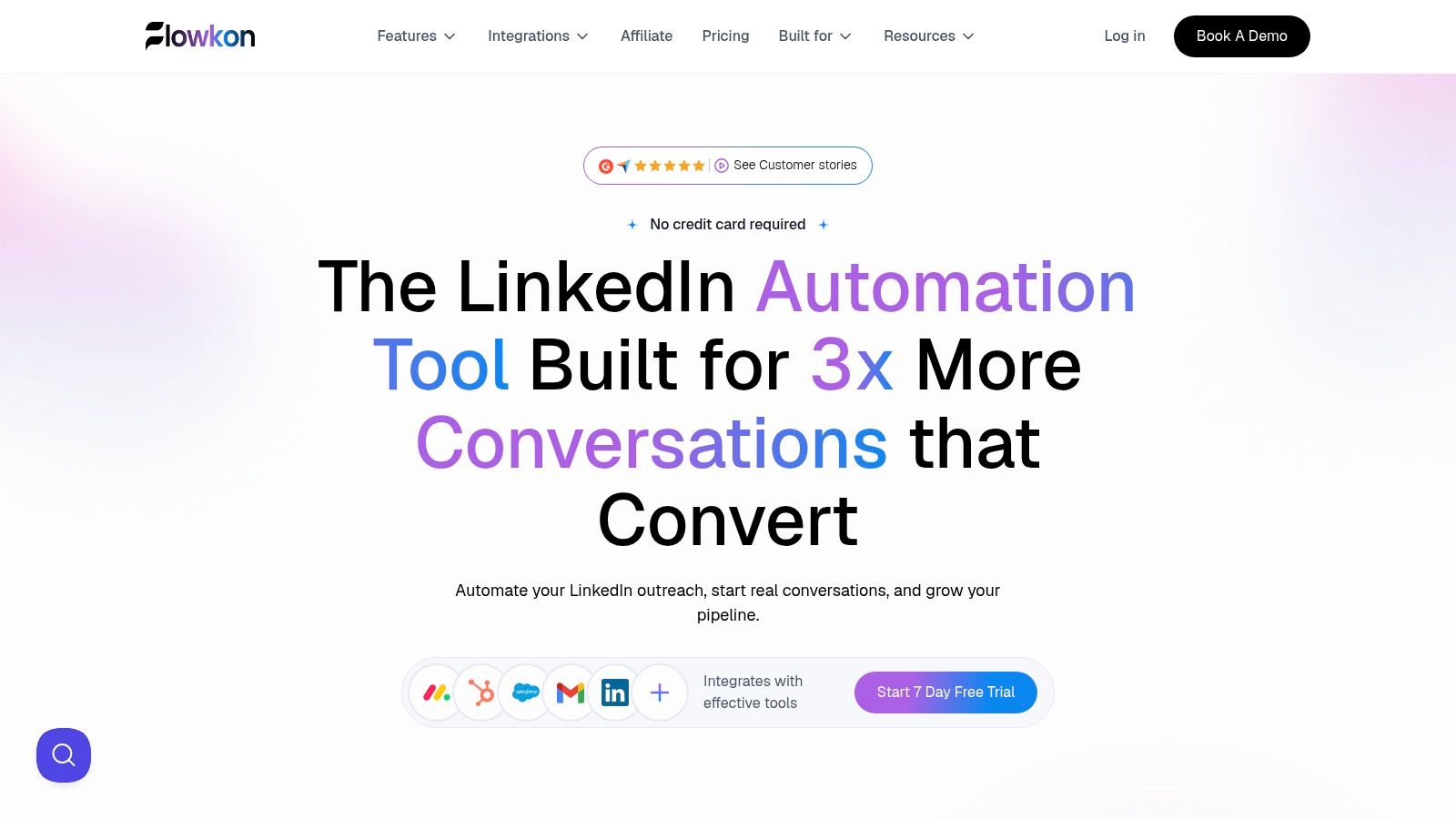
A LinkedIn connection request can lead to a message, an email, or a pause, depending on how the prospect responds. Flowkon puts LinkedIn and email steps in one visual campaign builder, with a shared inbox for LinkedIn DMs, InMails, and email replies.
Starting point: a combined LinkedIn-and-email sequence. Reply destination: a shared inbox.
Set delays between steps and use behaviour-based branches to determine what happens next. A prospect who replies exits the sequence automatically, so the rep can take over instead of sending a queued follow-up. The practical test is whether the branches match your actual handoffs, including when to switch from LinkedIn to email.
What to test beyond the campaign builder
Check how the shared inbox supports the team's reply workflow, then test lead preparation and CRM updates. Flowkon offers lead enrichment, an Email Finder & Verification tool, and imports from LinkedIn, Sales Navigator, event attendees, and CSV files. Lead data and updates can also be sent to monday.com boards.
For agencies managing multiple LinkedIn accounts, seat management controls how many accounts can connect within a workspace. Workspaces, role-based permissions, and read-only reports help define who can manage campaigns and who can view results. Test contact matching and activity synchronization with your CRM before moving live sequences.
“Streamlined LinkedIn + Email Outreach With a Unified Inbox”
Vlad, G2
The trade-off is the setup work behind the sequence. Define record ownership, suppression rules, branch behavior, and which replies need prompt human attention. Activity controls and monitoring do not override LinkedIn's rules or guarantee account safety.
Commercial fit: Individual and team plans are available, with custom enterprise options; check Flowkon's current plan details for pricing, and compare the required sender accounts and workspace permissions before judging total cost. Plans can be upgraded or downgraded at any time, and a 7-day free trial requires no credit card.
Consider Flowkon when the handoff between LinkedIn and email is the main workflow to improve. Judge it on how clearly reps can manage those conversations, not on an unsupported promise of higher reply rates.
La Growth Machine
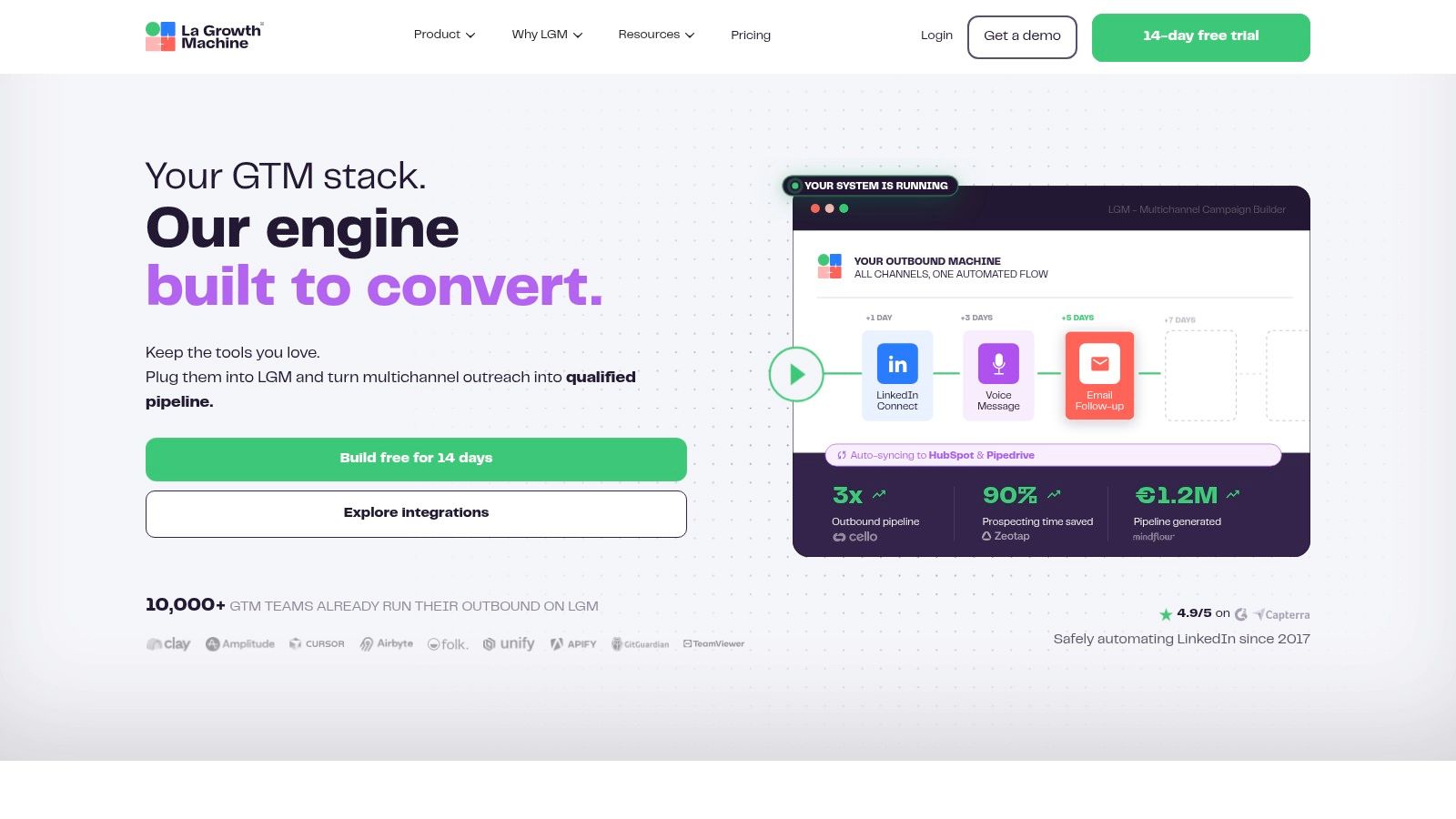
A named seller is the useful starting point for evaluating La Growth Machine. Its identity-based approach suits a rep who starts on LinkedIn and uses email to continue the same outreach plan.
Starting point: LinkedIn-led multichannel campaigns. Reply destination: a LinkedIn-and-email inbox, subject to the selected plan.
The platform combines sequencing with enrichment and supports additional channels such as X and call tasks. That breadth is useful when your sellers work those channels. It's unnecessary complexity if they only need a connection request followed by an email.
Buy the workflow, not the entry plan
The main procurement trap is assuming every subscription includes the inbox and CRM behavior you need. Advanced synchronization and workflow capabilities depend on the tier.
Sender economics: calculate cost by sending identity, not just by teammates who need access.
Inbox access: confirm the subscription includes the conversation-management workflow you intend to use.
CRM history: test whether messages and outcomes reach the correct contact and owner.
A useful demo starts with an unaccepted connection request. Ask the seller to show how that person moves to email, what happens after a reply, and where the rep answers it.
What works: keeping enrichment and LinkedIn-led sequencing close together. What doesn't: buying a lightweight subscription and assuming it replaces your full CRM and inbox process.
I'd shortlist it for social sellers and founder-led outbound. For an email-only operation, start with a specialist sender instead.
Waalaxy
Choose guided setup when the team needs consistency more than a blank canvas. Waalaxy offers LinkedIn prospecting, imports, templates, and prebuilt sequences, with email and multichannel capabilities available on higher-tier plans.
Starting point: a LinkedIn prospect list and a selected sequence. Reply destination: verify the inbox experience and access included in your subscription.
For a founder or small SDR team, templates can make campaign setup easier to review. Everyone follows the same connection and follow-up structure rather than building a slightly different process.
The limitation appears when your existing campaign needs an exception the template doesn't express. An accepted connection, an existing conversation, and an unavailable email address shouldn't all lead to the same next action.
Test the awkward records
Import a small sample containing prospects with different connection statuses. Include missing email addresses, existing customers, and people who have already replied.
Branch fit: can the available sequence represent your actual handoff?
Plan fit: does your subscription include email, CRM synchronization, and collaboration?
Conversation fit: can the assigned rep see enough history to respond properly?
The trade-off: a guided workflow reduces design decisions, but it may also constrain the sequence you can rebuild. Don't buy it solely because the first campaign looks easy.
Invitation allowances are product entitlements, not a guarantee that LinkedIn permits the activity. Keep account-risk review separate from plan capacity.
Waalaxy belongs on a shortlist for straightforward LinkedIn-led outreach. More complicated routing deserves a hands-on test before migration.
Expandi
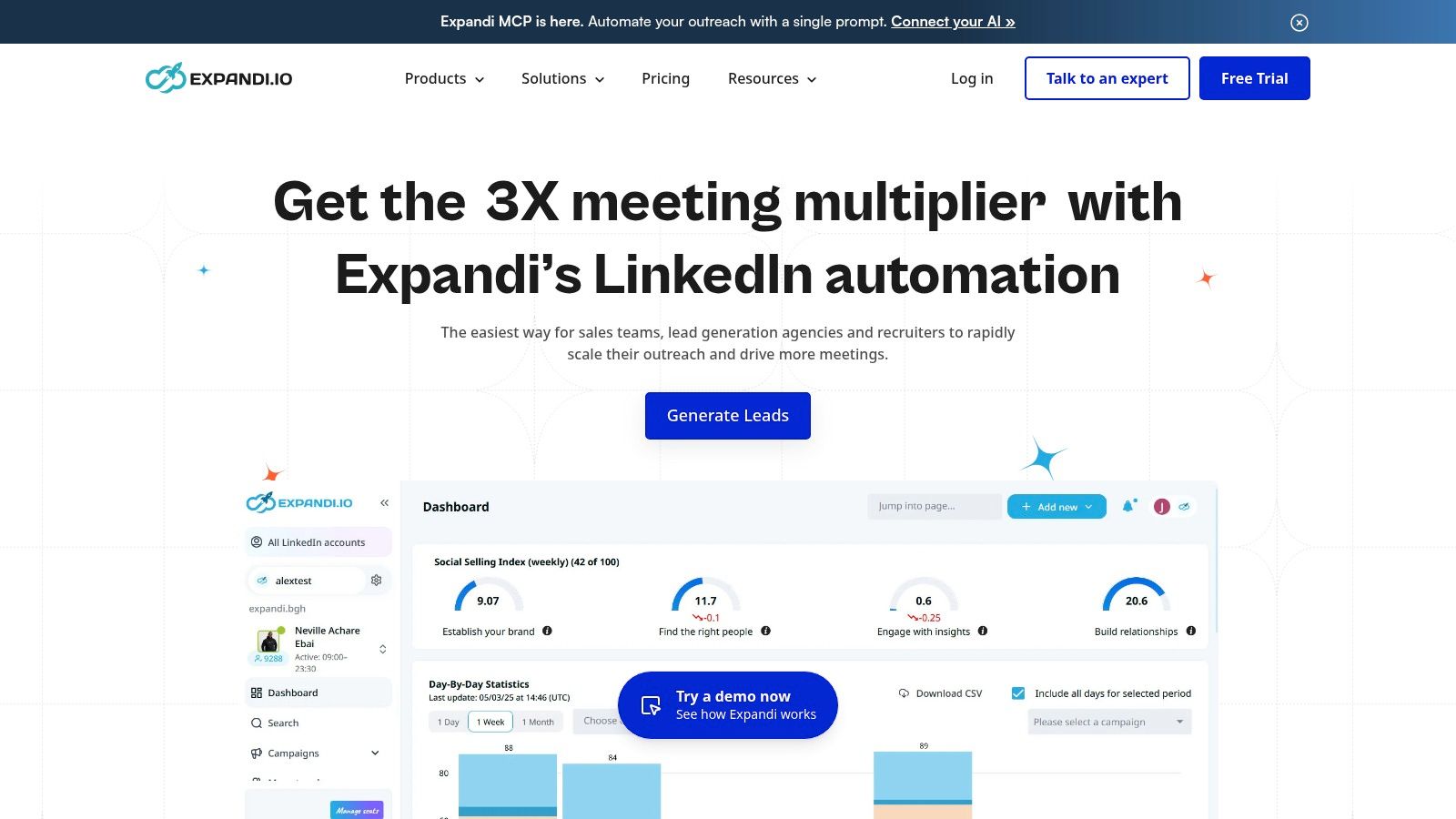
An agency running campaigns for different clients needs more than a send button. Expandi combines cloud-based LinkedIn outreach with email follow-ups, campaign conditions, scheduling, personalization, and reporting.
Starting point: LinkedIn actions inside a conditional campaign. Reply destination: inspect the distinction between LinkedIn conversation handling and connected email replies.
The campaign builder is relevant when connection status changes what should happen next. For example, an accepted request can lead to a LinkedIn message, while an unaccepted request takes an email route.
Agency capabilities include roles, permissions, client reporting, and white-label options under custom arrangements. Those features matter only if they preserve client boundaries in daily use.
Practical rule: a multichannel sequence isn't automatically a multichannel working inbox. Make the demonstrator answer a real email reply, not merely display it.
Where the trade-off sits
Expandi is a campaign-execution choice, not a substitute for a data-focused prospecting platform. Budget for how you'll source, verify, and maintain the list before enrollment.
Account-based costs also deserve attention. Count every LinkedIn sender you need, including client identities that remain connected but aren't actively sending.
Use the Expandi pricing breakdown to structure the cost comparison, then confirm the vendor's current billing terms before purchase. Don't compare a custom agency arrangement with another product's entry subscription.
I'd shortlist Expandi when conditional LinkedIn campaigns and agency controls are central. If the main complaint is scattered replies, prove the complete response workflow before committing.
HeyReach
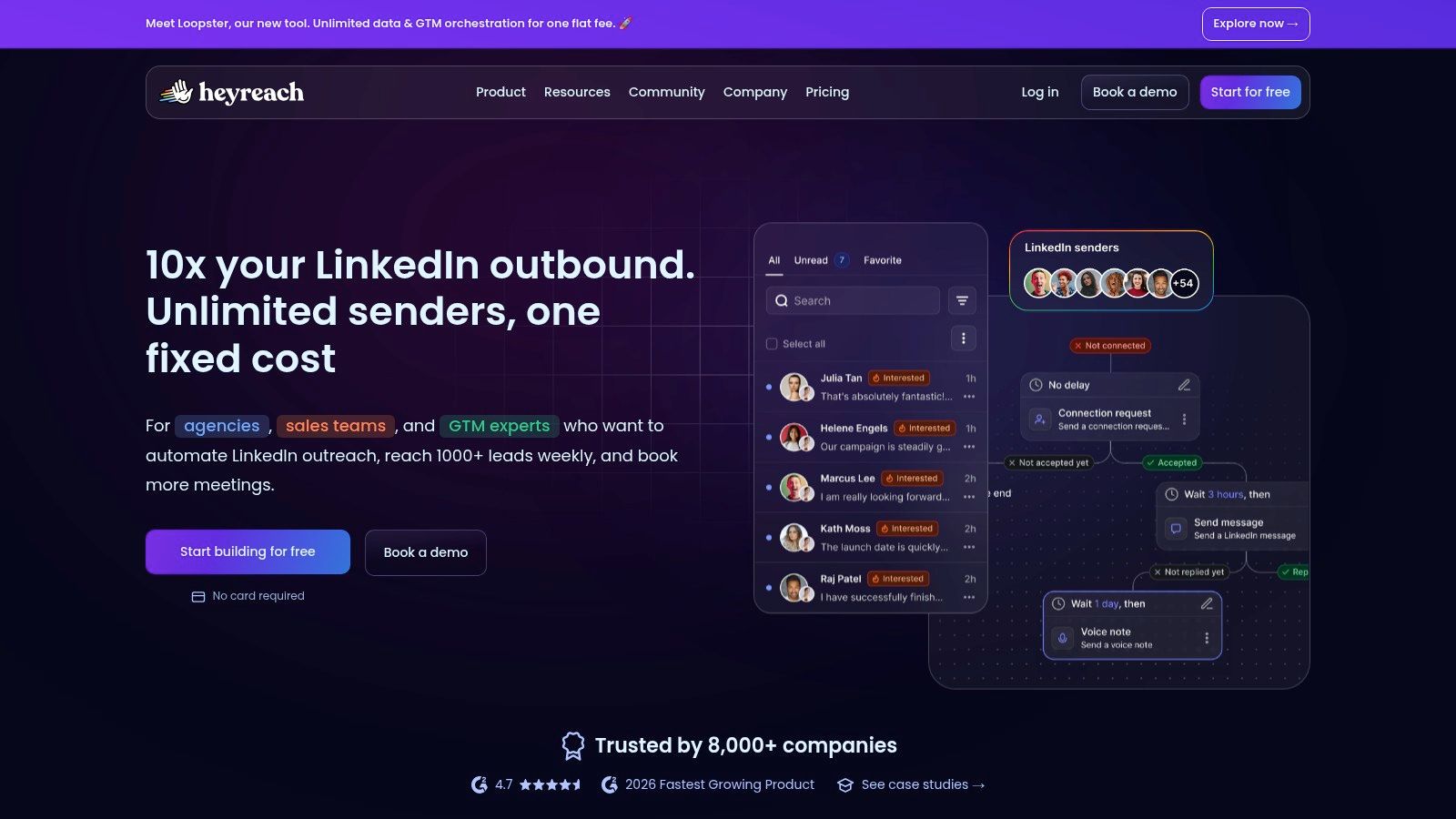
HeyReach is worth evaluating when the operating unit is multiple LinkedIn senders, not one rep with one mailbox. It provides LinkedIn campaigns, a centralized LinkedIn inbox, workspaces, and permissions.
Starting point: LinkedIn outreach across sender accounts. Reply destination: the centralized LinkedIn inbox, with email handled through connected tools.
Its integrations with Instantly and Smartlead allow teams to keep specialist email infrastructure. That can be a sensible architecture when the email operation already works and only LinkedIn management needs replacing.
The cost is coordination. Two connected tools still need clear ownership of enrollment, replies, suppression, and the next scheduled touch.
Make one system responsible for stopping outreach
Write the handoff before building it:
LinkedIn reply: stop the email sequence and assign the conversation owner.
Email reply: stop pending LinkedIn touches and surface the response to the rep.
Integration failure: hold the next action for review rather than continuing blindly.
Opt-out: apply the suppression decision across the connected workflow.
Don't accept “we have webhooks” as proof that these rules work. Test the event, the receiving action, and the failure path.
What works: separating LinkedIn account management from a specialist email sender. What doesn't: expecting the LinkedIn inbox to become a native email workspace because an integration exists.
HeyReach suits agencies and teams prepared to own that integration layer. A founder who wants fewer moving parts may prefer a single campaign and inbox system.
Reply.io
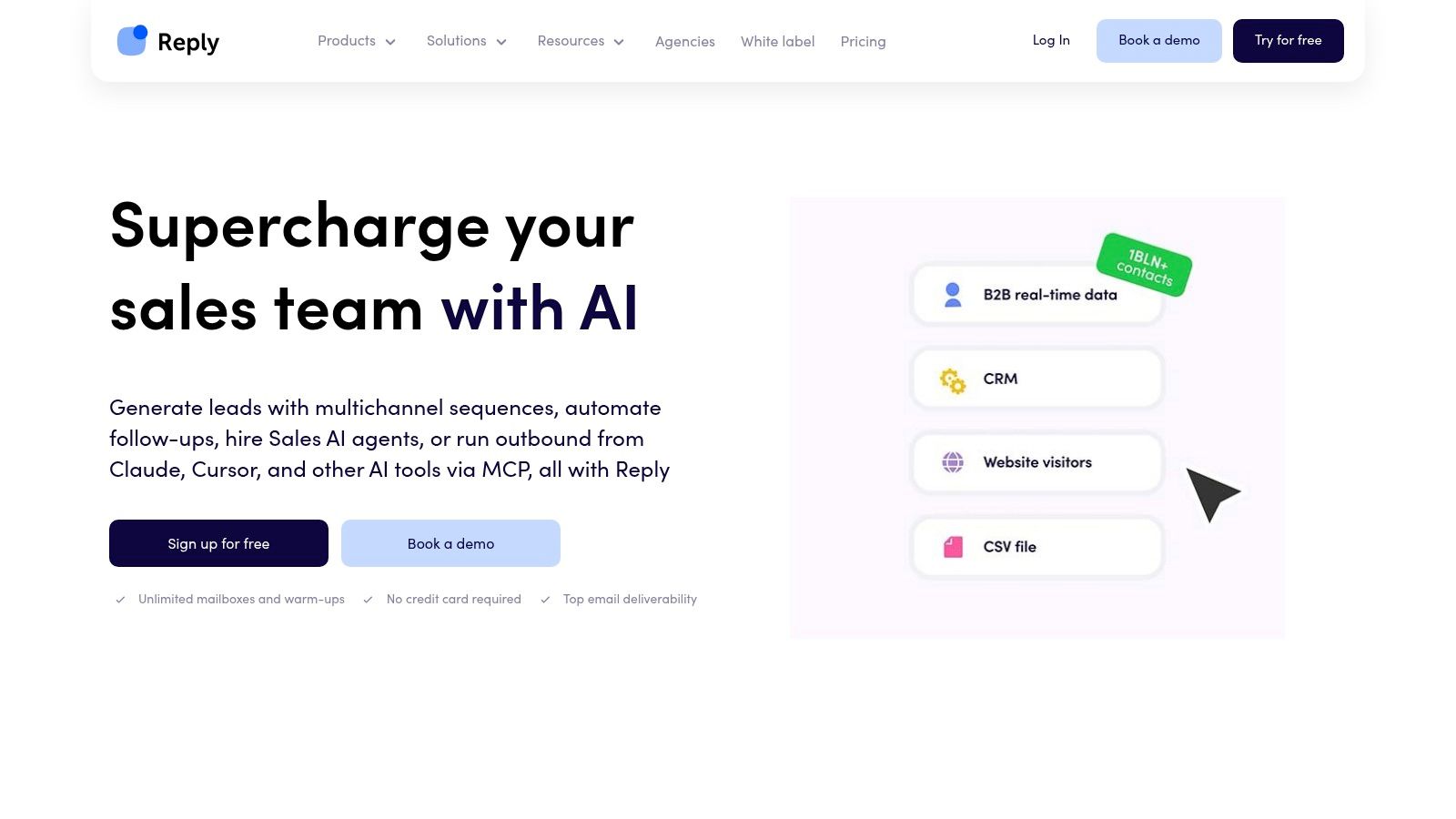
If reps make calls alongside email and LinkedIn outreach, replacing the email sender alone won't fix their day. Reply.io is a broader sales-engagement option with email-focused and multichannel plans.
Starting point: a structured sales cadence across channels. Reply destination: reply handling within the engagement workflow, with permissions and channel behavior to test.
The attraction is task coordination. A seller can work a planned cadence instead of maintaining separate lists for email, LinkedIn, and calls.
The trade-off is administrative scope. Mailbox allowances, LinkedIn automation seats, add-ons, and billing terms can change what the purchased plan supports.
Keep the evaluation tied to rep behavior
Ask a rep to complete a normal work session in the trial. They should find a reply, understand the preceding touches, stop inappropriate follow-ups, update the CRM, and choose the next action.
Manual versus automatic: identify exactly which LinkedIn actions require the rep.
Capacity: count mailboxes and LinkedIn sender seats separately.
Permissions: establish who can view and answer each conversation.
Packaging: separate the sales-engagement subscription from any additional automated SDR offering.
The limitation: breadth can leave a small team paying for channels or administration it doesn't need. Conversely, a call-heavy SDR team may benefit from keeping those tasks inside the same cadence.
I'd shortlist Reply.io when managers need a repeatable team sales process. I wouldn't buy it merely to send more cold email.
Apollo.io
A rep can execute a perfect follow-up against the wrong contact. Apollo.io addresses an earlier problem by combining B2B contact discovery, enrichment, and sales engagement.
Starting point: account and contact research. Reply destination: email engagement and CRM workflows, while LinkedIn actions are completed as manual tasks.
That distinction matters. A LinkedIn task tells the rep what to do. It isn't equivalent to a dedicated tool automatically executing the action or consolidating the resulting LinkedIn conversation.
For teams whose list-building process is weak, that may be the right compromise. Find suitable contacts, inspect their records, and enroll qualified prospects without treating every discovered address as ready for outreach.
Evaluate the list before the sequence
Choose a segment you understand well. Check job roles, company fit, email availability, duplicate records, and the fields your messaging needs.
Credit use: model research and enrichment consumption separately from sending.
Manual workload: include LinkedIn tasks in the rep's daily capacity.
CRM mapping: verify ownership, duplicate handling, and activity scope.
Reply context: establish where the rep will read the LinkedIn conversation.
The guide to email finders for verified LinkedIn data is useful when contact discovery is the main bottleneck.
What works: bringing prospect research and email execution together. What doesn't: buying a data-first platform to solve a fragmented LinkedIn inbox.
Apollo is a practical shortlist choice for revenue teams replacing contact sourcing and outbound execution together. It's less direct when the main requirement is shared LinkedIn-and-email conversation handling.
Snov.io
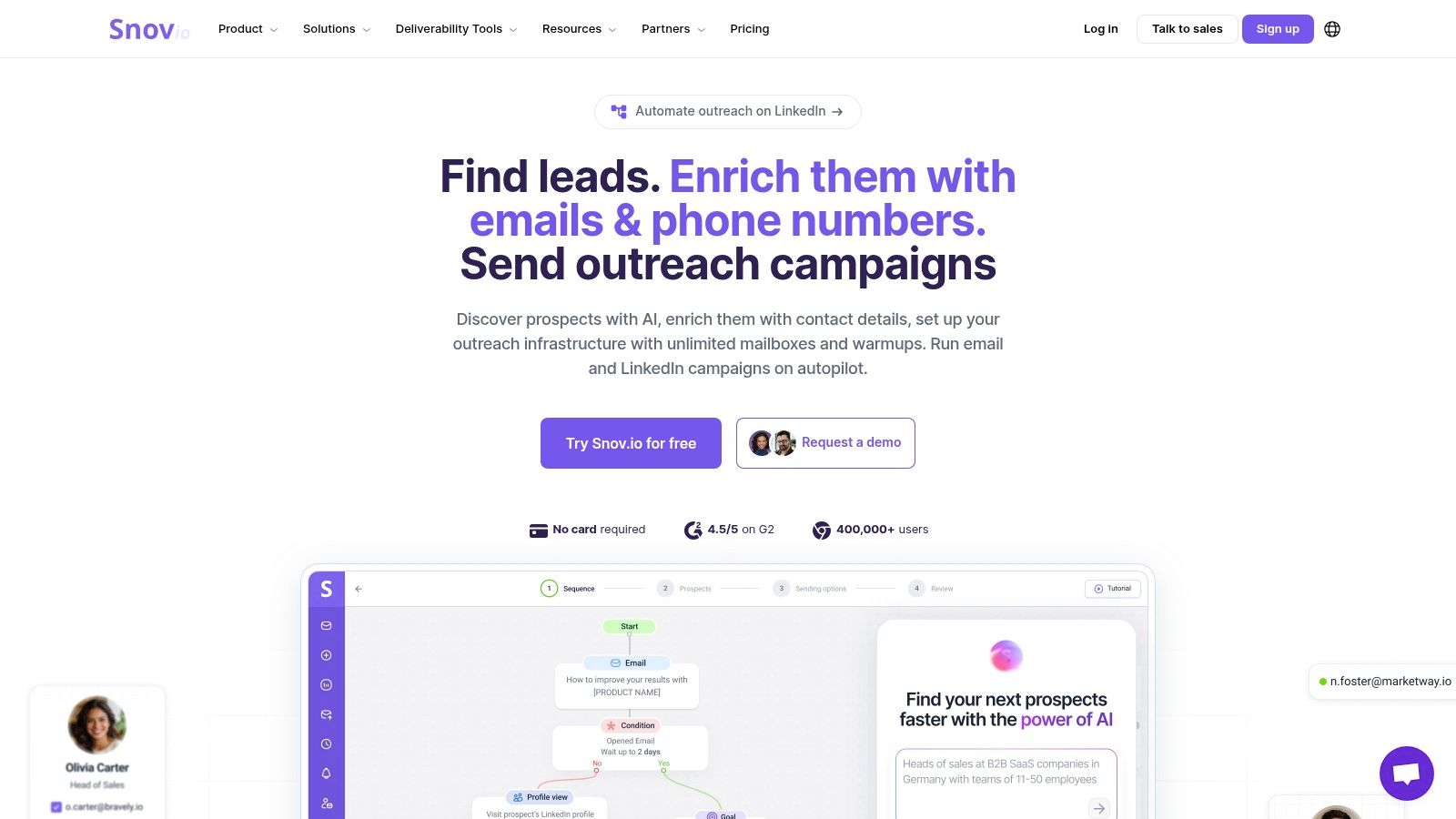
Find the contact, verify the email, then decide whether to send. Snov.io combines those lead-preparation steps with email campaigns and LinkedIn outreach tools.
Starting point: contact discovery and email preparation. Reply destination: verify the working inbox experience for both channels, rather than assuming campaign reporting provides it.
This combination can suit smaller teams that don't want separate subscriptions for finding addresses, checking them, and sending follow-ups. The procurement challenge is understanding how credits, LinkedIn slots, and recipient allowances interact.
A subscription can look sufficient until the team uses its capacity on research before launching the campaign. Model the complete path from imported prospect to verified address to active recipient.
Separate reporting from conversation handling
A dashboard showing LinkedIn replies doesn't prove that a teammate can handle the conversation from the same workspace. Test reading, replying, assigning ownership, and stopping scheduled activity.
Also inspect how campaign analytics can be exported or accessed through the API. RevOps needs to distinguish a discovered contact from an enrolled prospect and a reply from a qualified conversation.
The trade-off: consolidation can reduce tool switching, but plan mechanics become part of campaign planning. Don't assume unused capacity in one category can cover another.
I'd evaluate Snov.io for a founder or small sales team combining lead preparation with outreach. Agencies needing strict client separation and granular permissions should prove those requirements in the product.
Smartlead
Choose Smartlead when the main operational problem is email campaigns across multiple mailboxes. Its focus includes cold-email sending, warm-up, verification, and agency-oriented infrastructure and workspace options.
Starting point: email campaigns and sending accounts. Reply destination: the email conversation workflow, with LinkedIn requiring a separate arrangement.
This is a different purchase from a LinkedIn-first sequencer. It makes sense when email operations need replacing and your LinkedIn process can remain separate.
Warm-up shouldn't dominate the buying decision. Inspect authentication, suppression, mailbox health, bounce handling, and how reps take ownership of replies.
More connected mailboxes don't make an irrelevant campaign relevant. Fix targeting and the offer before adding sending capacity.
Check the domain, not just the mailbox
Google's sender guidelines apply additional bulk-sender requirements at approximately 5,000 messages to personal Gmail accounts within a day, calculated across the same primary domain. That threshold isn't a recommended prospecting quota.
For an agency, count the mailboxes sharing each client's primary domain. Then establish who can pause activity when delivery problems appear.
What works: concentrating on email infrastructure and campaign operations. What doesn't: expecting an email specialist to provide the same native LinkedIn-and-email workflow as a combined platform.
Model stored contacts, sending capacity, verification, client workspaces, and any connected LinkedIn subscription before comparing total cost. The base subscription alone won't describe the operating budget.
Instantly
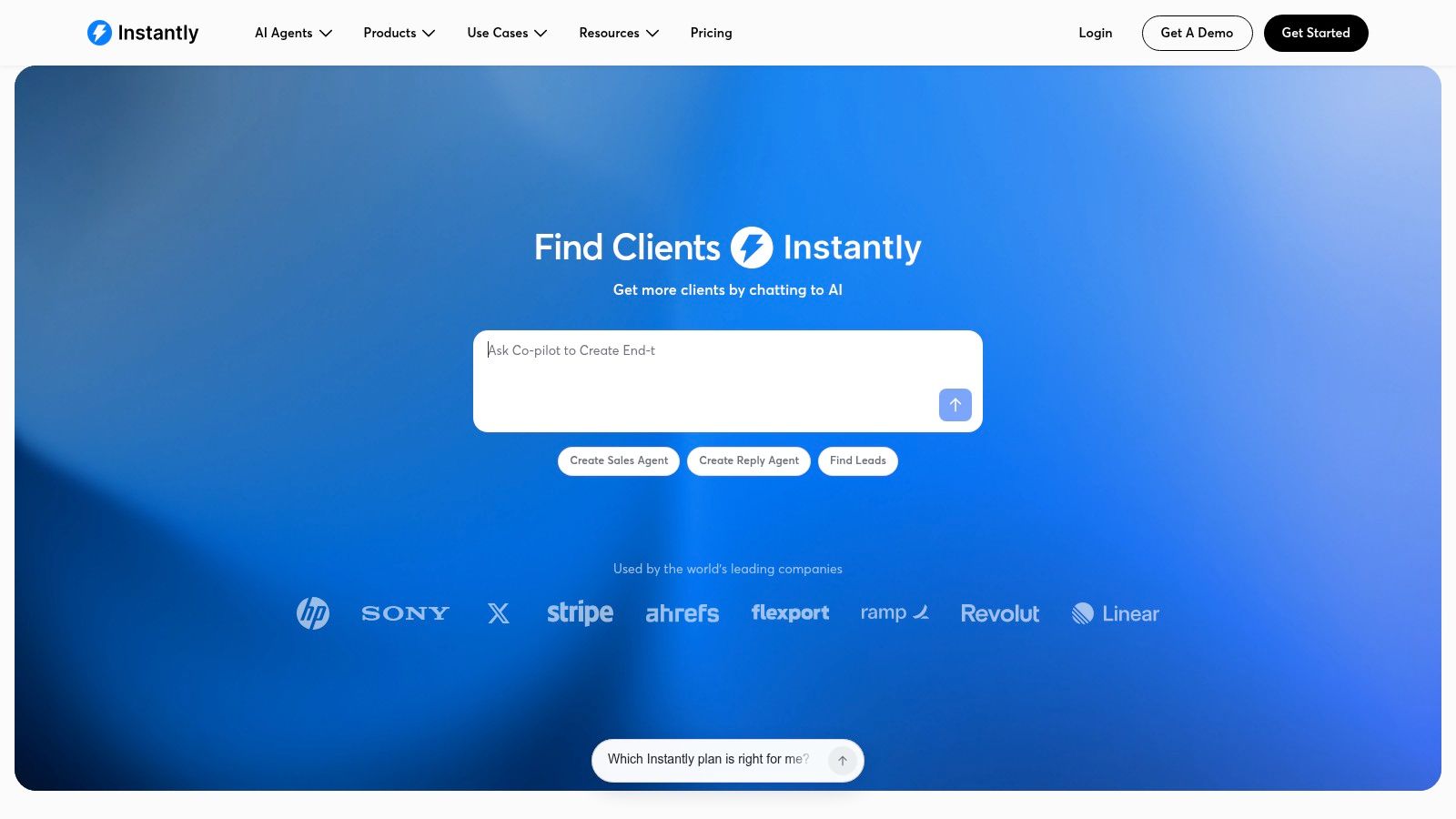
If email is your strongest channel, you don't have to replace it with a larger suite. Instantly focuses on cold-email campaigns and sending, with lead-finding, enrichment, verification, and infrastructure options across its product offerings.
Starting point: email campaigns and prospect preparation. Reply destination: the email inbox workflow included in the selected subscription; LinkedIn handling needs separate evaluation.
The practical appeal is a focused email operation. The limitation is that subscriptions and credits can divide capabilities you might expect to buy together.
Price the complete rep workspace
Write down what the rep needs after the first reply, not just what marketing needs to launch a campaign.
Conversation access: can the rep read and answer replies on the selected tier?
Research capacity: which data and verification actions consume credits?
Team access: what permissions and workspace separation are included?
LinkedIn handoff: which tool owns the next action and cross-channel stop rule?
Use the email outreach tools comparison when deciding whether an email specialist is a better fit than a broader suite.
Under the FTC's CAN-SPAM guidance, outsourcing commercial email doesn't remove the advertiser's compliance responsibility. Accurate sender details, non-deceptive subjects, and working opt-outs belong in the campaign setup.
The trade-off: a focused email stack can be appropriate, but separate LinkedIn tools introduce coordination work. Keep it only if someone owns that work.
How the Lemlist alternatives compare on deliverability, LinkedIn, inbox and CRM sync, personalization, and safety controls
Where a sequence starts and where replies land matter more than a long feature list. This table compares the tools on those workflow points, alongside deliverability, personalization, and safety controls.
| Item | Deliverability tools | LinkedIn integration | Inbox and CRM sync | Personalization | Safety controls |
|---|---|---|---|---|---|
| Flowkon | Email Finder & Verification; lead enrichment; campaign reporting | LinkedIn and email in one visual sequence builder | Shared inbox with reply detection; CRM synchronization, including monday.com | Templates, variables, and behaviour-based branching | Delays between steps; replies exit sequences automatically; seat management |
| La Growth Machine | Verified emails and email rotation | Sequences across LinkedIn, email, X, and calls | Shared LinkedIn and email inbox; CRM integrations | Multichannel sequences with conditions | Sequence scheduling and channel controls |
| Waalaxy | Email finding and verification | LinkedIn campaigns, with email and multichannel options | CRM synchronization; inbox details depend on the setup | Pre-built sequences and templates | Invitation limits depend on the plan |
| Expandi | Warm-up and configurable action limits | LinkedIn actions combined with email follow-ups | Inbox and CRM sync details depend on the setup | Personalized sequences and campaign conditions | Warm-up, scheduling, and configurable action limits |
| HeyReach | Email outreach through external integrations | LinkedIn campaigns across multiple senders | Unified LinkedIn inbox; CRM integrations | Campaign messages and follow-ups | Workspaces and permissions for separating activity |
| Reply.io | Email deliverability features depend on the selected setup | LinkedIn actions in multichannel sequences | Reply tracking and analytics; CRM sync depends on the integration | AI-assisted outreach features | LinkedIn seats and allowances depend on the plan |
| Apollo.io | Warm-up guidance and email health information | Manual LinkedIn tasks in sequences | CRM integrations; inbox details depend on the setup | Personalized email sequences | Manual LinkedIn tasks and email health guidance |
| Snov.io | Email finding and verification | LinkedIn outreach tools and reporting | Inbox and CRM sync depend on the setup | Personalized outreach sequences | Feature capacity depends on plan-based slots and credits |
| Smartlead | Email warm-up, lead verification, and sending-capacity tiers | No core native LinkedIn automation | Client workspaces; inbox and CRM sync depend on the setup | Email campaign personalization | Warm-up and sending-capacity controls |
| Instantly | Email sending infrastructure, lead enrichment, and verification | No native LinkedIn sequencing | Inbox and CRM sync depend on the setup | Email campaign personalization | Email sending controls depend on the setup |
Run a One-Week Pilot Before You Switch
Choose a pilot group of 100 to 200 suitable prospects and divide it into comparable groups. Rebuild the same LinkedIn-then-email sequence in your shortlisted tools. Keep each prospect in only one live campaign.
Hold the audience, offer, sender profile, and message structure steady. First, use internal test contacts to check that replies are detected and stop the next scheduled touch.
Migration checklist
Pause the old campaigns: prevent pending Lemlist touches from overlapping with the replacement.
Export prospect state: preserve replies, opt-outs, suppression lists, owners, campaign membership, and completed steps.
Map custom fields: check field names, company details, LinkedIn URLs, email addresses, and personalization fallbacks.
Preserve progression: don't restart an existing conversation at the opening message.
Validate CRM sync: inspect duplicate handling, contact ownership, activity records, and failed updates.
Test permissions: confirm who can see, assign, and answer conversations in each client workspace.
Check commercial limits: distinguish user seats, LinkedIn senders, email mailboxes, credits, and active prospects.
Keep suppression records out of ordinary campaign imports. For UK outreach, the ICO's business-to-business marketing guidance distinguishes corporate subscribers from sole traders and some partnerships. Business email addresses do not all have the same consent treatment.
Make the handoff sound connected
A handoff email should refer to the LinkedIn touch without implying a conversation took place. Use this example only after sending the connection request:
Subject: Following up on my LinkedIn request
Hi Maya, I sent you a LinkedIn connection request about how your team handles replies across client campaigns. I'm following up here in case email is easier. Are reps currently checking LinkedIn and email separately, or does someone own a shared reply queue?
Track replies by channel, positive replies, bounce rate, qualified conversations, and cross-channel stopping failures. Record each case where a LinkedIn reply is followed by a scheduled email, or an email reply is followed by another LinkedIn touch.
Connection acceptance is not buying intent. Ask reps whether they can identify which conversation to work next and whether the CRM has enough context to continue it.
If Flowkon is on your shortlist, test its reply-exit behavior directly. Its 7-day free trial requires no credit card, and plans can be upgraded or downgraded at any time.
Compare each vendor's current pricing page. Record the date checked, billing term, required tier, and add-ons. Check Lemlist's current feature and pricing pages too, so the replacement addresses an actual workflow gap rather than an outdated description.
Choose the tool that passes the handoff test with the least administrative work. Keep the rest of your stack unchanged until the replacement works.
Flowkon combines LinkedIn and email in one campaign sequence builder, with a shared inbox, reply detection, behavior-based branching, and CRM synchronization. Visit Flowkon to try your existing sequence and test whether a reply on either channel stops the remaining follow-ups.