
Monday morning, one of your reps sends a LinkedIn connection request. Wednesday, a cold email lands in the same prospect's inbox with a different pitch, a different call to action, and a signature from someone else on the team. Friday the prospect replies, and nobody can say which touch earned it or whether the second message nearly killed the deal.
That's usually a lead generation software problem before it's a copywriting problem. When contact data, sending, verification and reply tracking sit in four separate systems, the touches drift apart and the reporting can't reconcile them.
Buying is getting harder, not easier. Business Research Insights valued lead generation software at about $1.4 billion in 2024 and projects $4.3 billion by 2033, which is why every vendor now bills itself as all-in-one. This list sorts tools by what they do. If enrichment is the specific gap you're closing, start with a comparison of the best lead enrichment tools, then come back here for the sequencing layer.
Flowkon
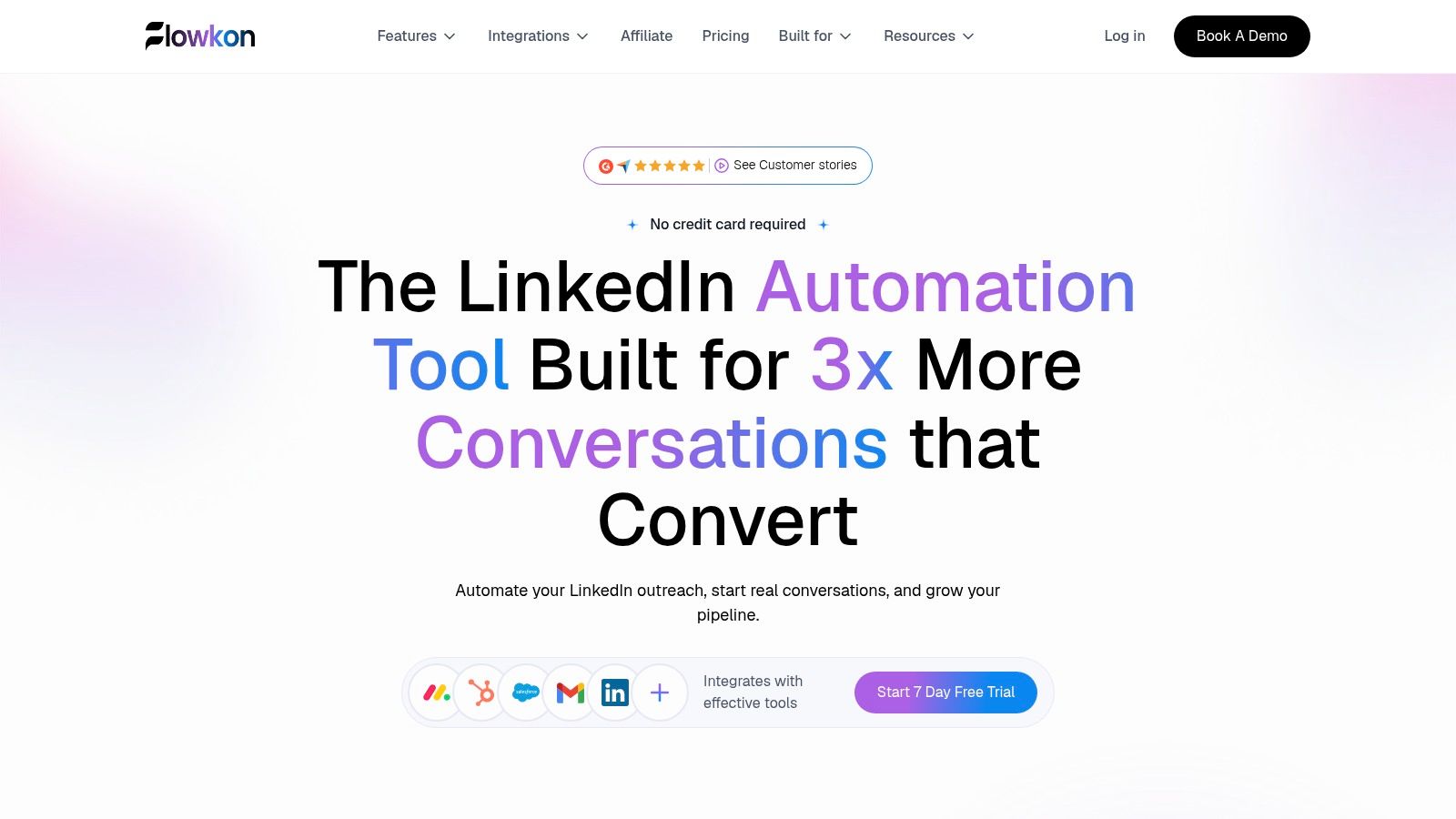
Flowkon is a cloud-based outreach platform that treats LinkedIn and email as one sequence rather than two campaigns that happen to share a list. The visual campaign builder holds connection requests, follow-ups, email touches, delays, triggers and conditional branches in a single flow, so a prospect who accepts follows one path while a prospect who ignores the request gets a different touch on schedule.
The builder is the center of the product, and it's where most of the setup time goes.
Funnel attrition is why sequencing beats one-off sending. Salesforce's Implisit research, compiled in this B2B lead generation statistics roundup, found that only 13% of leads converted into opportunities and that the average conversion period was 84 days. A sequence that stops after one message can't carry a prospect across a cycle that long. Timed follow-ups across two channels can.
What you get in the box
Multichannel sequencing with LinkedIn steps, email steps, reply detection and behavior-based branching.
Verified email discovery that pulls business addresses from LinkedIn prospects and checks them before the first send.
Personalization at scale through dynamic variables and pre-built templates for sales, founder and agency use cases.
One inbox where LinkedIn DMs, InMails and email replies land together.
Reporting on acceptance rate, reply rate, click-through and conversions at campaign and workspace level.
Governance through separate workspaces, role-based permissions and read-only access for clients or stakeholders.
CRM sync to HubSpot, Salesforce, Pipedrive, Zoho and Monday.com, plus webhooks for everything else.
Where it falls short
Two limits are honest ones. The meeting scheduler is listed as coming soon, so booking still routes through your calendar tool or CRM. Pricing isn't published on the site, so comparing cost per seat takes a trial or a sales conversation rather than a quick glance.
Platform risk needs a plain statement too. LinkedIn's Help Center guidance on third-party software says crawlers, bots, browser plug-ins and extensions aren't permitted when they scrape data, modify the site or automate activity on it, and that covers automated messaging and engagement, not just connection requests. Flowkon's warm-up actions, configurable daily limits and activity controls reduce operational risk. No tool can promise an exemption from those rules.
Test before you scale: run 50 hand-picked prospects through a manual sequence and the same 50 through a Flowkon campaign, then compare acceptance and reply rates. A matched test tells you more than any vendor page.
Flowkon reports a 5.0/5 average rating on G2 in the sales engagement category. The free trial runs seven days and needs no credit card.
pollo.io
If your bottleneck is finding enough companies to contact, Apollo is the shortest path from filters to a sent sequence. It combines a B2B contact database with list building, basic enrichment and email sequences in one login, so a rep can go from target account search to a live campaign without exporting a spreadsheet.
That model fits how B2B buying now looks. A 6sense guide to buyer research reports that only 3% of website visitors self-identify through form fills, while buyers consume an average of 13 content pieces before engaging a vendor. Demand rarely announces itself. Somebody has to go and find it.
What works. Filtering by title, seniority, headcount and technology gets a usable list in minutes, and running sequences next to the data removes a tool from the stack. The free plan is usable for testing, and listed paid pricing starts at $49 per seat per month billed annually.
What to watch. Coverage and freshness vary by market, so verify anything that matters before a high-volume send. Credits cap prospecting volume on lower tiers, and the Organization plan carries a three-seat minimum that catches small teams off guard. G2 reviewers rate Apollo 4.7/5 across roughly 9,900 reviews, with prospecting speed cited most often. Details live on Apollo.io.
ZoomInfo
ZoomInfo is what you buy when prospecting is a program rather than a side task. It combines company and contact data with buying intent signals and enrichment, and it slots into the workflow layers that larger revenue teams already run.
The platform covers far more than contact lookup.
Strengths that hold up
Enterprise account and contact coverage, where lighter databases thin out.
Intent signals that let reps prioritize accounts already researching the problem.
CRM enrichment that keeps routing, scoring and territory rules running on current records.
Pricing is quote-based, so the practical move is asking for a sample matched to your own target account list before discussing contract terms. Ask how credits, contract length and seat minimums work, because those three determine the actual cost. ZoomInfo won't publish a number you can compare on a spreadsheet.
The trade-offs are real. Feature depth exceeds what a five-person team needs, and reviewers have flagged data-freshness and CRM-matching issues in some cases. The platform also only pays off with RevOps ownership of required fields, enrichment rules and duplicate handling. Without that discipline, reps get competing sources of truth and stop trusting the records.
Cognism
Cognism is built around compliant prospecting and phone data. That makes it a better fit for teams whose outreach relies on direct dials than for teams focused mainly on email.
The platform offers contact and company data, firmographic and technographic filters, CSV prospecting, CRM enrichment, and a data-as-a-service option for teams that need records delivered. Higher tiers add premium mobile data, on-demand mobile verification, and intent data. Cognism's plan outline describes the available options.
Who it fits
Direct-dial teams that prioritize calling over repeated email follow-ups.
Compliance-sensitive buyers selling into markets where consent and data sourcing need documentation.
RevOps teams enriching an existing CRM rather than building a list from scratch.
Pricing is quote-based, with features varying by tier. Ask which capabilities are included and which cost extra before comparing proposals. Data value depends on coverage in your target markets, so assess it against your own accounts rather than relying on a vendor sample.
LinkedIn Sales Navigator
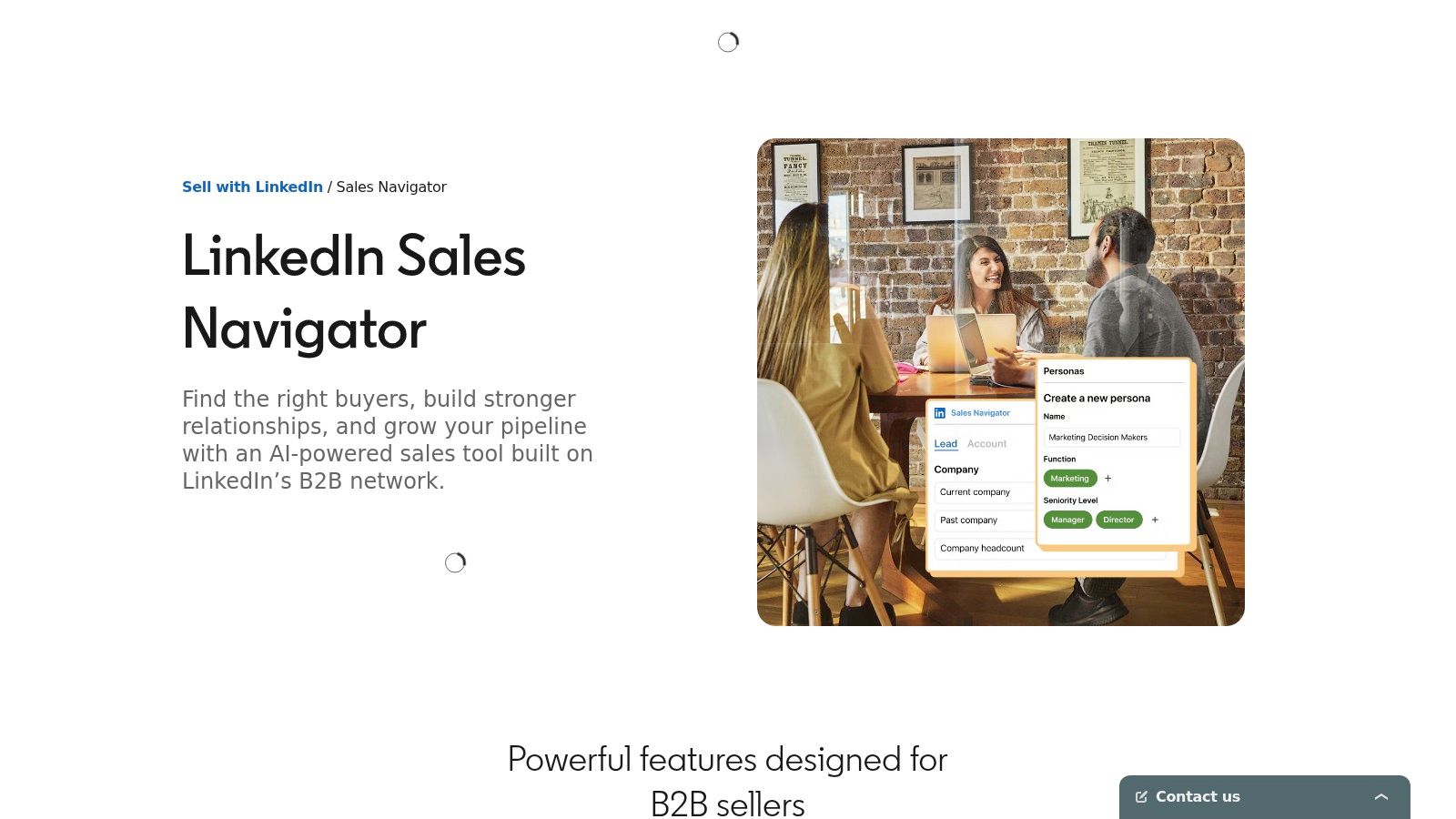
A rep can find a well-matched prospect in Sales Navigator, track account changes and save leads for follow-up. It is a prospecting and research tool, with advanced search filters, custom lists, alerts, and InMail credits. The outreach workflow still needs other tools.
U.S. starting prices listed by LinkedIn are $119.99 per month for Core and $159.99 per month for Advanced; Advanced Plus is quoted individually. Compare what each plan includes in this Sales Navigator pricing breakdown.
Sales Navigator helps reps identify whom to approach and when a change at a target account might create a relevant opening. It does not run multistep campaigns or verify business email addresses. Teams can export leads or sync LinkedIn leads into CRM before sequencing them in a separate outreach platform. Check the plan's CRM options and the rest of your stack before choosing a tier.
Search is the core value; follow-up remains a separate workflow.
Sales Navigator helps you find and track prospects. Reaching them and following up requires other tools.
Keep account activity within LinkedIn's rules. Its User Agreement prohibits bots and other unauthorized automated methods for adding or downloading contacts, sending messages, or scraping profiles and service data. Use Sales Navigator for prospect research, and check the applicable rules before automating account actions.
Lusha
Lusha helps outbound teams find contact details. Use it to identify business emails and phone numbers, then move those records into a CRM or outreach platform for follow-up.
Search in Lusha or use its browser extension to reveal a contact and send the record to another tool. Paid tiers add bulk enrichment, API access, webhooks and team management. A free plan supports light use, while paid plans are billed annually.
Credits are consumed when you reveal contact details, so forecast research volume as well as seat count. For LinkedIn prospects, compare how different tools find and verify business emails. This guide to email finders for verified LinkedIn data outlines what to assess.
Where it falls short. Lusha does not sequence outreach, so you'll need a separate tool to send messages and manage follow-ups. Check contact coverage in your target market before scaling, and review Lusha's current credit rules before choosing a plan.
Clay
Clay makes other tools look rigid, and that's both the pitch and the problem. It's a prospecting and enrichment workspace where you build the workflow yourself: pull rows from LinkedIn, Google Maps, GitHub or a CRM, then run them through enrichment providers, waterfalls that try multiple sources for the same field, and AI research steps.
The output can beat any single database, because you decide which sources to trust per field. RevOps, growth and technical sales teams use it to build custom data points they can reference in a first line. A free plan includes 500 actions per month, and Launch is listed from $167 per month billed annually.
Reality check: Clay is a build project, not a purchase. If nobody on your team owns the workflow, it will decay within a quarter.
Usage-based enrichment also means modeling your own actions and credits before signing, because the subscription line is not the whole bill. And it won't sequence outreach or manage replies, so you'll still need a sending layer. Review the current model on Clay before you plan around it.
lemlist
lemlist covers both sides of cold outreach: finding people and messaging them. That's rare enough to matter when you're tired of moving CSVs between a data tool and a sequencer.
What the plans actually include
Sequencing across email first, with a Multichannel plan that adds LinkedIn steps, SMS and calling tasks.
Data tools including a lead database, email finder and verification.
Deliverability support with email warm-up and sending controls.
Shared workflows through CRM integrations, templates and a centralized inbox on relevant plans.
The Email plan is listed from $55 per month billed annually, and Multichannel from $87 per user per month billed annually. Data features use credits, so budget above the subscription line.
Compliance is where outreach tools differ, and it's worth knowing the floor. The U.S. CAN-SPAM Act compliance guide requires accurate sender information, a non-deceptive subject line, a valid physical postal address and a working opt-out, and that opt-out method must stay functional for at least 30 days after the message goes out, with requests honored within 10 business days. B2B email isn't exempt. Confirm your tool syncs suppression across email and CRM records, or later steps will contact people who already opted out.
Where it falls short. Per-user multichannel pricing climbs as the team grows, and email-only teams pay for channels they'll never use. Capterra reviewers praise the usability; some also flag price and limits. Check lemlist for current tier details.
Reply.io
Reply.io centers its outbound workflow on managing responses. Reply detection and reply management are prominent features, and agency workspaces let teams run campaigns for several clients without mixing data.
The platform combines sales engagement, multichannel sequences, email warm-up, contact data with AI-assisted personalization, reply workflows and CRM sync. Listed pricing starts at $59 per month for email-focused plans and $89 per user per month for Multichannel when billed annually. G2 reviewers rate it 4.6/5 across roughly 1,580 reviews.
Attribution is worth testing hard during a trial. A 2025 marketing attribution report highlights missing touchpoints and CRM designs built around people records rather than account-level journeys. It reports that only 28% of B2B organizations have a unified attribution model connecting marketing activity to closed revenue. Before buying, ask how the system credits replies and LinkedIn touches.
Where it falls short. Lead-data credits are limited on some plans, and multichannel features vary by tier. Test reply handling against your team's workflow before committing, since the experience can vary. See Reply.io.
Instantly
Instantly is built for sending volume, and it's honest about that. If your motion is cold email at scale across multiple sender accounts, with warm-up and inbox rotation in one place, it fits better than a LinkedIn-first platform.
Where the money goes
Campaign management plus warm-up for connected sending accounts.
Unibox for handling replies in a single queue.
Data options through a lead database and data credits, billed separately from outbound.
Higher-volume tiers for teams and agencies running many domains.
Listed pricing starts at $85 per month for the entry plan and $175 per month for Scale, with outbound and data billed separately. Model both lines before comparing it to an all-in-one.
Volume doesn't guarantee the inbox. Google's sender guidelines recommend keeping user-reported spam rates below 0.1% and say senders above 0.3% are ineligible for mitigation, with eligibility returning after seven consecutive days below that level. Treat 0.1% as an alert threshold and pause the risky sequence rather than adding more senders to it.
Where it falls short. There's no real LinkedIn sequencing, so if you want both channels in one flow, you'll be stitching tools together. This breakdown of email outreach tools covers the rest of the field. Details are on Instantly.
How the 10 options compare on price, free access and primary focus
| Item | Starting price (as listed) | Free option | Primary focus |
|---|---|---|---|
| Flowkon (Recommended) | Pricing not specified | 7-day free trial | LinkedIn and email outreach campaigns |
| Apollo.io | $49 per seat/month, billed annually | Free plan | B2B prospecting, contact data, and sales engagement |
| ZoomInfo | Quote-based | Not listed | Sales intelligence and go-to-market data |
| Cognism | Quote-based | Not listed | Compliant B2B contact data and prospecting |
| LinkedIn Sales Navigator | $119.99/month for Core; $159.99/month for Advanced | Not listed | LinkedIn prospecting and account research |
| Lusha | $37.45/month, billed annually | Free plan | Business contact discovery and enrichment |
| Clay | $167/month, billed annually | Free plan with 500 actions/month | Custom prospecting and data-enrichment workflows |
| lemlist | $55/month for Email; $87/user/month for Multichannel, billed annually | Not listed | Lead discovery and multichannel outreach |
| Reply.io | $59/month for email; $89/user/month for Multichannel, billed annually | Not listed | AI-supported multichannel sales engagement |
| Instantly | $85/month | Not listed | Cold-email campaigns and inbox management |
Choose by Workflow, Then Test With Your Own List
Don't pick a winner from a comparison page, including this one. Map your current workflow first: where contacts come from, who writes the first message, where replies land, and how the record reaches the CRM. Every gap you find belongs to a category of lead generation software, and typically two or three categories are needed, not ten.
Then shortlist two or three tools that cover your actual gaps. Load the same 200 prospects into each, write one sequence, and run them in parallel for two weeks. It's the only test that reflects your list, your market and your sender reputation.
Measure four things during that window: acceptance rate, reply rate, bounce rate, and the hours your team spends on manual follow-up. Everything else is vanity at this stage.
Add a fifth metric that many teams overlook, which is response time. Data compiled from InsideSales and XANT research by Martal found conversion rates roughly eight times higher when the first attempt happened within five minutes rather than between five minutes and 24 hours, yet only 0.1% of inbound leads were engaged that fast. If your stack can't trigger an immediate automated touch and a human task with a timer, the rest of the tooling is compensating for a bottleneck you can remove.
At the end of two weeks you'll know two things: which tool produced more conversations per hundred prospects, and which one your team will keep using. If you run LinkedIn and email together and want them in one sequence and one inbox, a 7-day free trial with no credit card is a low-risk way to test that workflow against your own numbers.
Flowkon runs LinkedIn and email in one sequenced campaign, with a shared inbox, built-in email finding and verification, and native sync to HubSpot, Salesforce, Pipedrive, Zoho and Monday.com. You can start from a pre-built template, set daily activity limits you're comfortable with, and read acceptance and reply rates in the dashboard from the first week. Start the 7-day free trial at Flowkon, no credit card required.