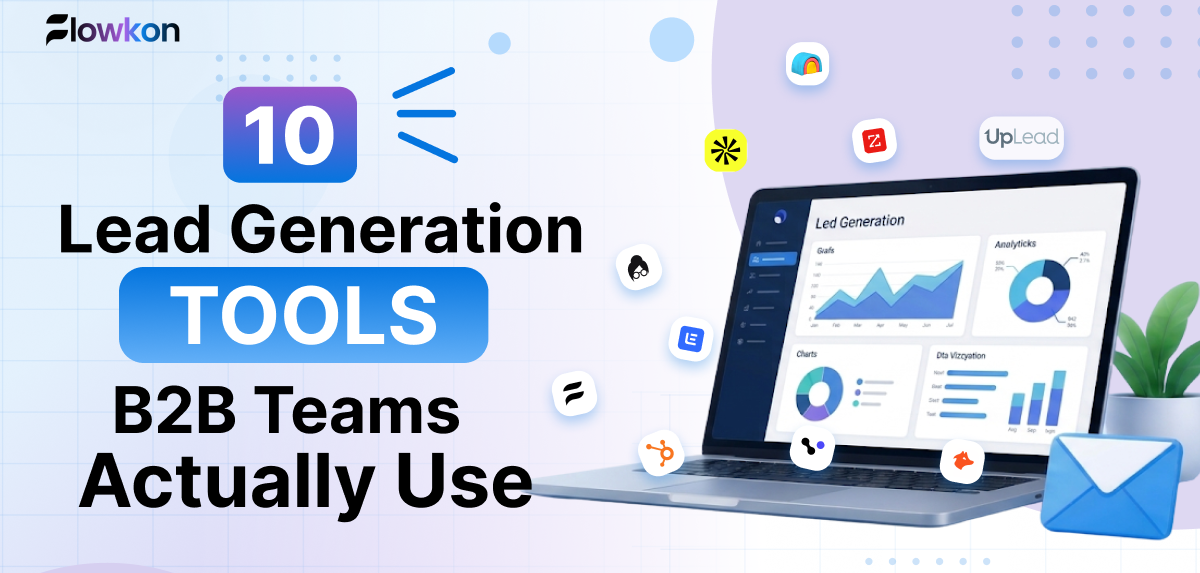
Sales representatives spend 60% of their time on non-selling work, according to Salesforce's State of Sales material. Buying another prospecting subscription won't help if it creates more exports, duplicate records, and inboxes to monitor. The right lead generation tools remove the specific work stopping your team from starting qualified conversations.
Most lead gen tool lists tell you features. This one tells you where each tool breaks. Your problem might be finding decision-makers, verifying business emails, keeping follow-ups consistent, or getting replies and ownership into the CRM. Those are different buying decisions.
Choose by the job you need done:
Database and contact discovery: Apollo.io, ZoomInfo, Cognism, Lusha, and UpLead.
Enrichment and verification: Clay and Hunter, alongside database-specific enrichment.
Outbound engagement: Flowkon and lemlist, with Apollo.io also covering sequencing.
Inbound capture and nurturing: HubSpot Marketing Hub.
These categories overlap, but overlap isn't a reason to buy everything. A founder might need a database and sequencer in one subscription. An agency might care more about separate workspaces, permissions, and reply ownership.
Every option below includes limitations and a practical evaluation step. Verify current features, credits, and commercial terms against each vendor's own pages before committing. No LinkedIn automation tool is safe by guarantee, and pacing controls don't remove platform-policy or account-restriction risk.
Flowkon
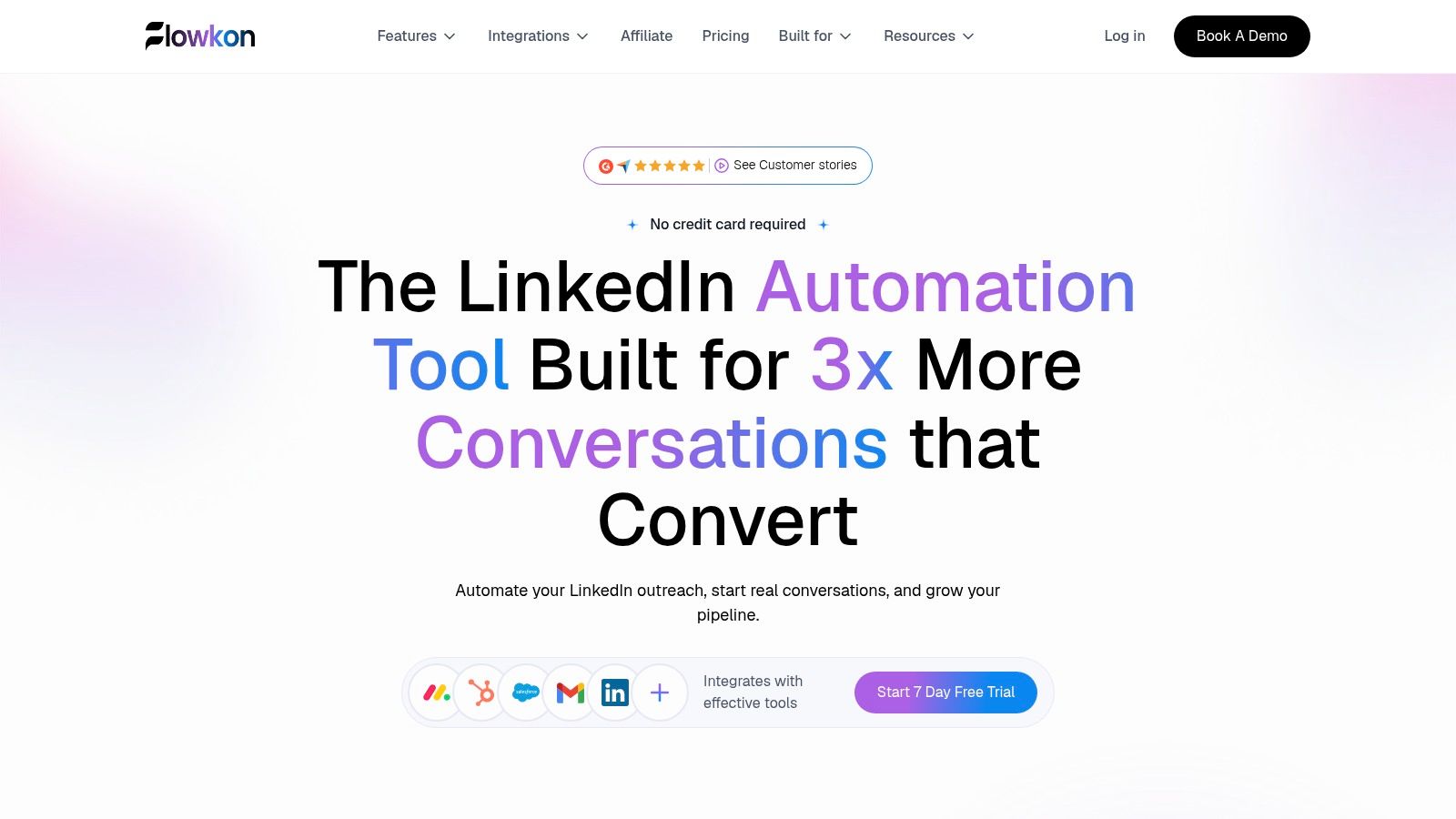
Best for teams that already know whom to target but struggle to coordinate LinkedIn and email follow-up. Flowkon brings those channels into a cloud-based campaign builder with personalized messages, delays, conditional steps, and reply detection.
You can import prospects from Sales Navigator or CSV, find and verify business emails, and manage LinkedIn DMs, InMails, and email replies in a shared inbox. That combination matters when a prospect answers on LinkedIn while an email follow-up is still scheduled.
Where the combined workflow helps
Build a sequence around a clear reason to contact the account, not around every available action. Import a qualified segment, enrich the records, personalize the message, and branch subsequent steps according to engagement.
For example, an agency targeting businesses hiring sales managers could use:
Hi {{first_name}}, noticed you're hiring for sales leadership. Are new reps inheriting a defined prospecting process, or building their own lists and follow-ups?
Keep the observation factual and review any enrichment-dependent wording before launch.
Campaign execution: Templates, dynamic variables, visual sequencing, and behavior-based branching support repeatable outreach.
Conversation management: A centralized inbox helps reps retain context across channels.
Team governance: Workspaces, role-based access, and read-only reporting suit agencies and multi-account teams.
CRM handoff: Native integrations include HubSpot, Salesforce, Pipedrive, Zoho, and Monday.com, alongside webhooks.
Analytics cover acceptance, replies, clicks, and conversions. Adjustable activity controls and warm-up tools support more controlled execution, but they can't guarantee protection from LinkedIn restrictions.
The 7-day free trial requires no credit card. Paid-plan pricing isn't specified in the available product information, so establish the subscription cost before budgeting. The website displays a 5.0/5 G2 rating and feedback about campaign management, CRM synchronization, and visibility, but advertised reply or acceptance improvements aren't guaranteed campaign results.
Apollo.io
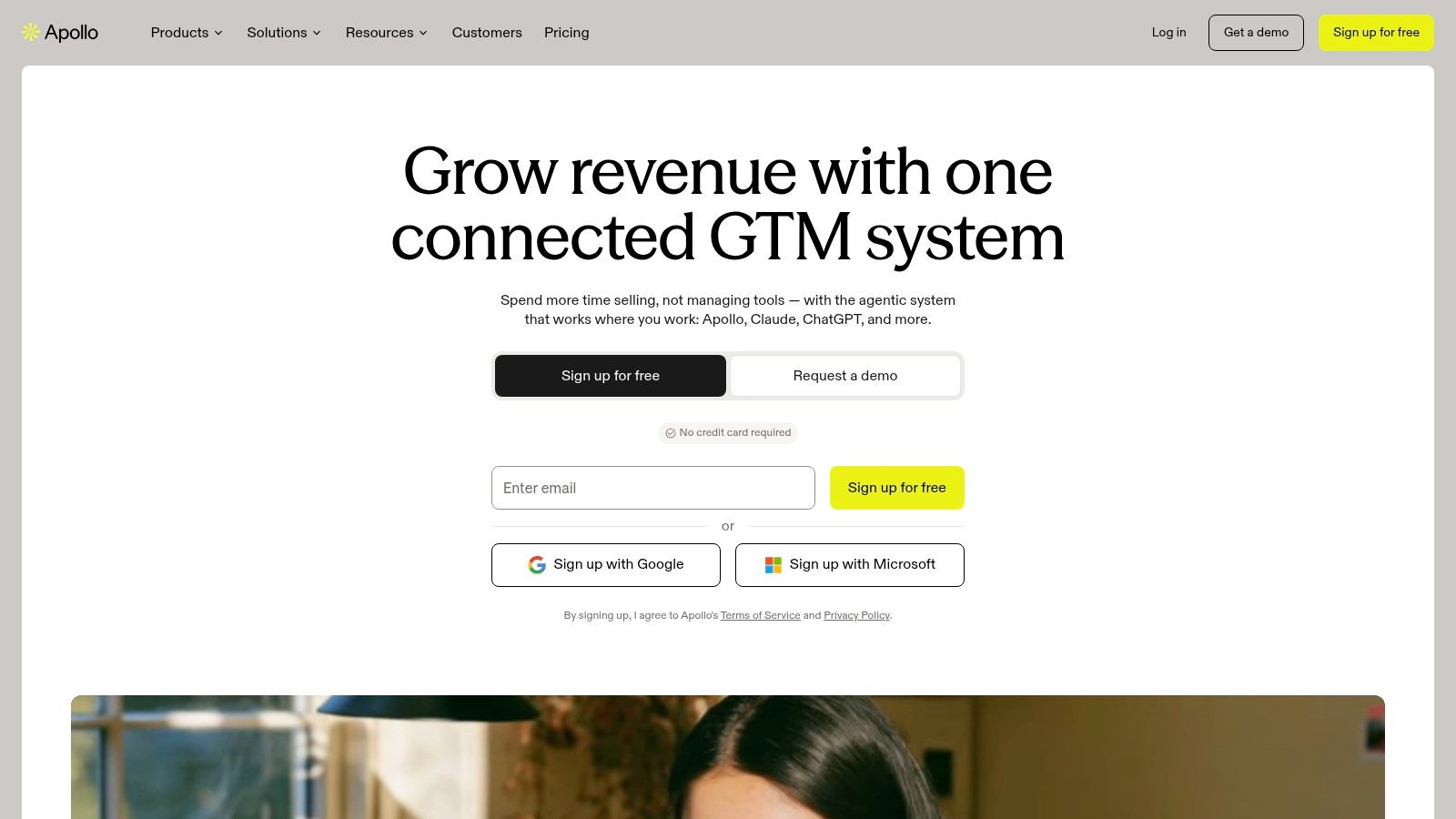
A founder who needs both a prospect list and somewhere to run email sequences should evaluate Apollo.io before assembling separate subscriptions. It combines contact and company search, enrichment, and sales engagement.
Apollo.io offers a free plan, with paid plans listed from $49 per user/month when billed annually. Search filters and buying-intent signals support list building, while sequences, outreach tasks, and eligible-plan A/B testing cover campaign execution.
The practical advantage is fewer handoffs. A rep can build a segment, enrich records, and prepare outreach without repeatedly exporting the same contacts.
Test coverage before convenience
The bundled database is only useful if it covers your actual market. A searchable title isn't proof that the person still owns the problem you're selling against.
Check a representative segment: Include the regions, company sizes, and specialist roles you expect to target.
Model credit consumption: Account for the data reveals, enrichment, and exports your workflow needs.
Inspect CRM behavior: Test CSV imports and exports, field mapping, ownership, and duplicate handling.
Where it breaks: teams can mistake list-building speed for qualification. Broad filters produce a plausible audience, but someone still needs to confirm account fit and message relevance.
Compare the complete workflow against other B2B sales prospecting tools. If you already have a strong sequencer, evaluate Apollo primarily on data quality and usable-contact cost, rather than paying for overlapping functionality.
ZoomInfo
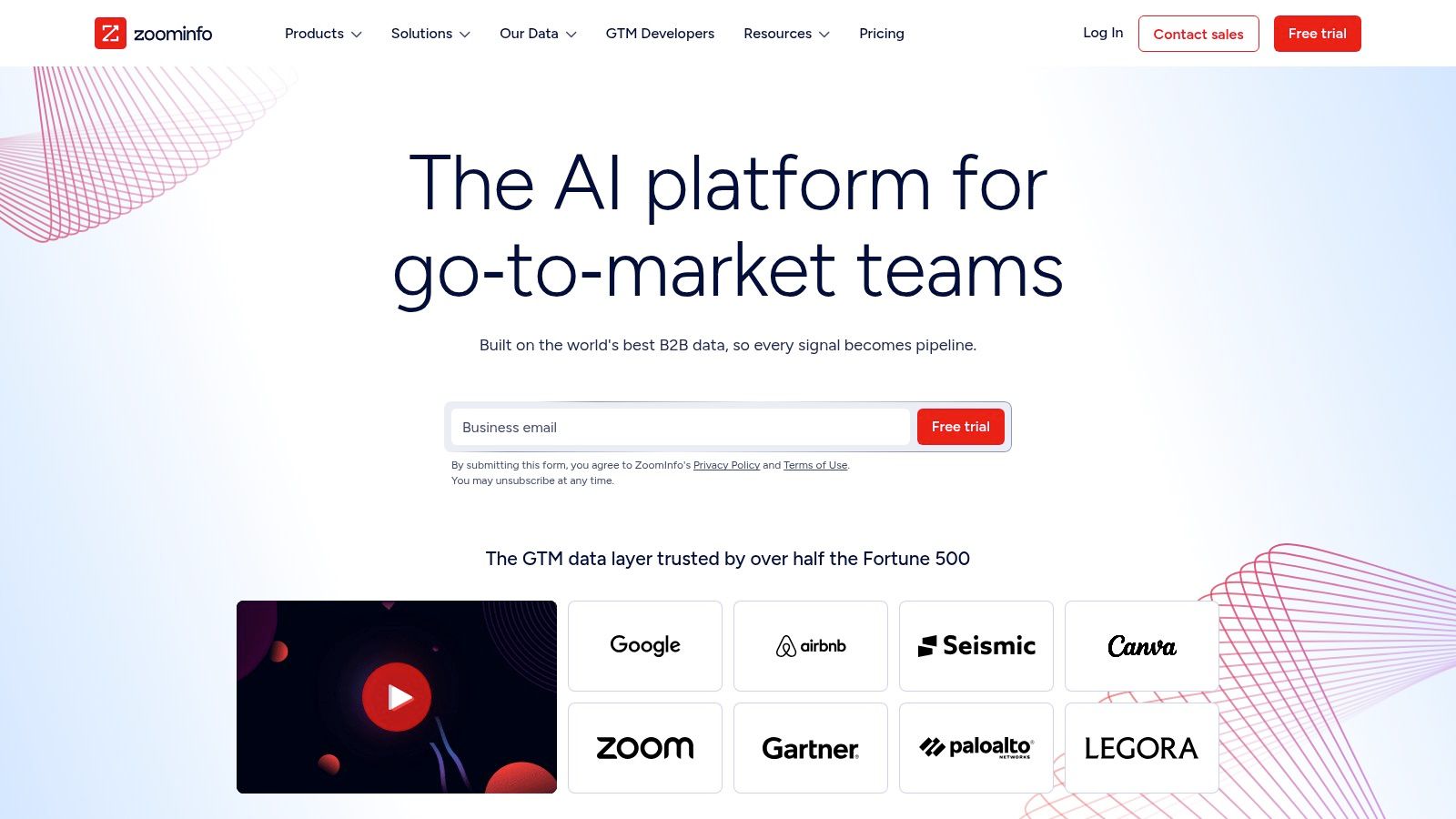
ZoomInfo fits a centralized data-buying decision more naturally than a lightweight email-finding task. Established sales, marketing, recruiting, and operations teams can use its company and contact intelligence to support account research and enrichment.
ZoomInfo provides searchable B2B intelligence, business attributes, buying signals, and integrations with CRM and sales-engagement workflows. Pricing is custom and sales-led, so a meaningful comparison requires a quote covering your intended users and usage.
The stronger buying case is shared infrastructure. If several teams need consistent account information, evaluate whether the platform can support a common enrichment process instead of separate departmental purchases.
Buying rule: Evaluate the records your team needs to act on, not the breadth of the demonstration.
What to put in the evaluation
Give the vendor a target-account sample that includes difficult cases: regional subsidiaries, specialist job titles, and companies outside your strongest territory. Review missing fields and incorrect matches as closely as successful matches.
Before enabling enrichment, RevOps should define which system owns each field. A new provider shouldn't overwrite a rep-confirmed title or existing account owner without an explicit rule.
The trade-off: extensive research capabilities can justify centralized procurement, but they can also exceed a small team's needs. Custom pricing makes casual comparisons difficult, and broad coverage doesn't establish accuracy in your niche.
Choose it when the organization needs a managed intelligence layer. Don't buy it merely because individual reps need occasional email addresses.
Cognism
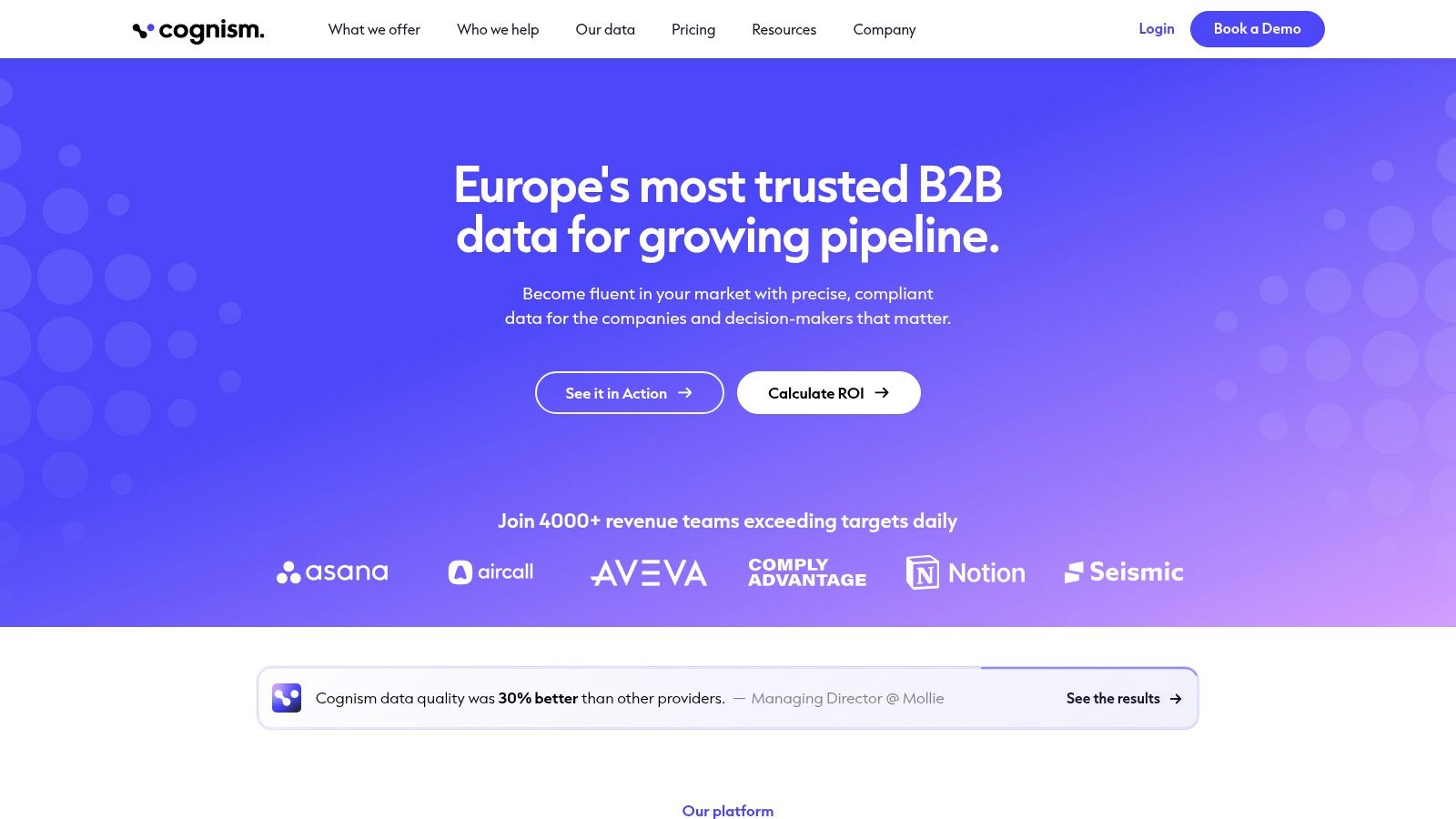
Start with your outreach channel. If phone conversations are central to your sales motion, mobile-data quality deserves its own evaluation, rather than being treated as a bonus inside an email database.
Cognism focuses on B2B prospecting data and CRM enrichment, emphasizing verified mobile numbers, contextual signals, and compliance-conscious prospecting. Pricing is custom and depends on the product, team setup, and usage.
Its capabilities include firmographic and technographic filters, hiring and funding signals, intent information, and CSV enrichment. Premium mobile data, on-demand mobile verification, API access, and CRM enrichment depend on the package or product selected.
Evaluate contactability, not just matches
A matched contact record doesn't tell you whether the number reaches the intended decision-maker. During evaluation, have reps record wrong-person results, outdated roles, and unusable contact details separately.
Phone-led teams: Test the relevant mobile-data package against your actual territories and buyer roles.
International teams: Review regional coverage and your legal basis for contacting prospects.
RevOps teams: Compare CRM enrichment as an add-on or standalone purchase against the existing enrichment process.
Where it breaks: occasional email lookups may not justify a broader package. Credit rules and package differences also make it important to price the workflow you intend to run, not the entry-level demonstration.
Compliance-conscious sourcing doesn't replace your own obligations. Your team still needs suppression handling, appropriate regional rules, and a clear process for responding to objections or removal requests.
Lusha
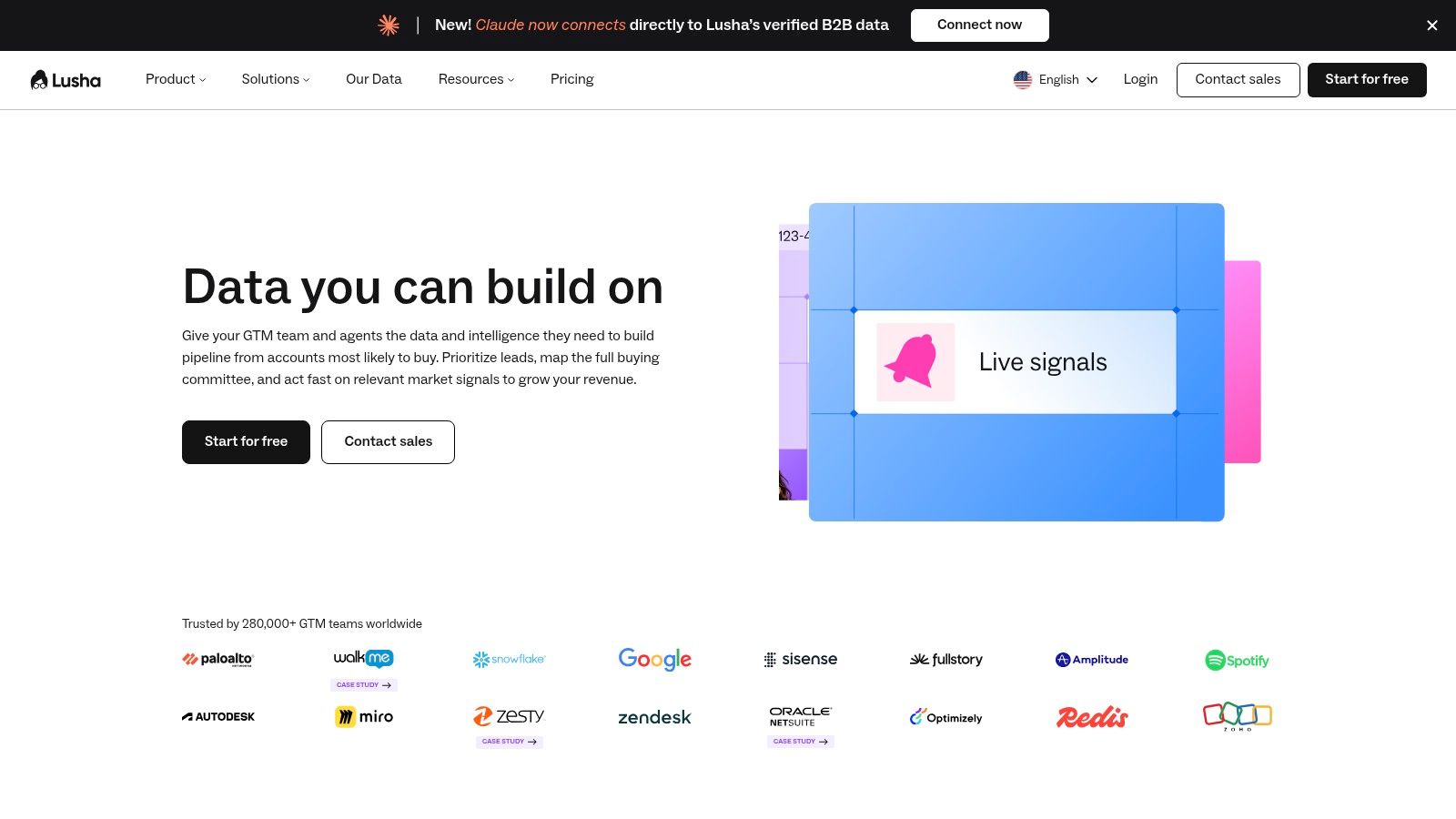
Lusha is worth considering when contact discovery is the missing piece, not the entire outbound process. A freelancer, founder, or smaller sales team can evaluate self-serve access without beginning with enterprise procurement.
Lusha offers contact and company search, business-email and phone-number reveals, and a free plan containing 40 credits per month. Higher tiers add larger allowances and team features, with bulk enrichment, API access, webhooks, and buying-intent capabilities available on eligible plans.
Say you've already selected target accounts in your CRM. The useful test is whether Lusha supplies the missing details needed to contact the right people, not whether it can generate another large list.
The credit model is the buying decision
Phone numbers consume more credits than emails. A team that starts with email lookup but later introduces calling needs to recalculate its expected usage.
Count the required information: Decide whether reps need emails, phones, or both before comparing plans.
Check the handoff: Confirm that revealed data reaches the right CRM record and campaign.
Separate responsibilities: Keep qualification and messaging decisions distinct from contact discovery.
The limitation: teams needing full multichannel sequences and a shared conversation inbox may still need another platform. Larger teams may also require a higher tier or custom arrangement.
I'd shortlist Lusha when the existing CRM and engagement tools work well. Replacing those systems just to solve missing contact details introduces unnecessary migration work.
UpLead
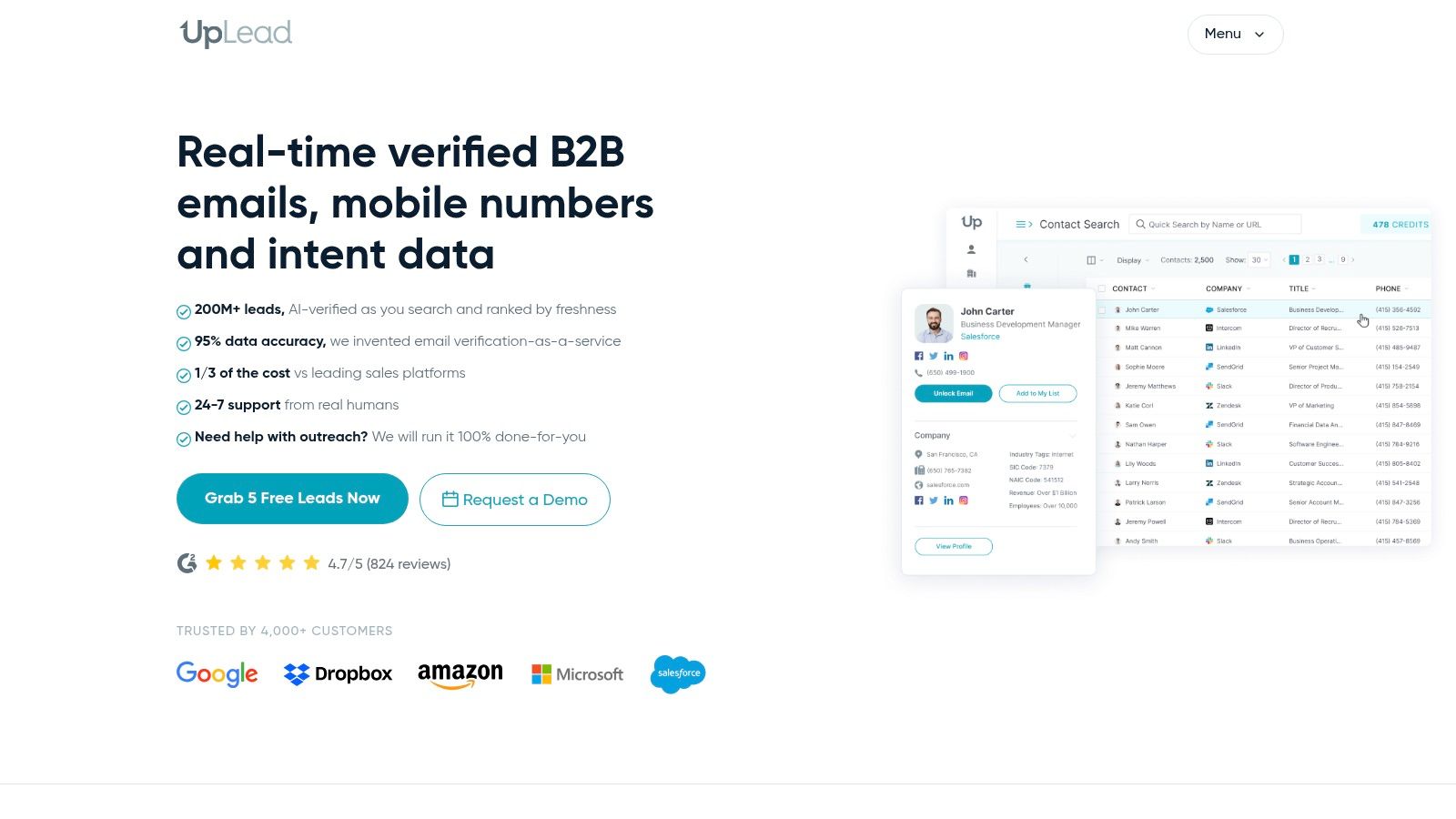
Not every database needs to become your campaign platform. UpLead suits teams that want to research contacts, verify details, and hand approved records into an existing sales stack.
UpLead provides contact and company filters, email verification, direct dials, and CRM integrations. Essentials and Plus have publicly listed annual-billing plans, while Professional pricing is custom.
Paid-plan capabilities include verified business emails and mobile direct dials. Enrichment, technographics, suppression lists, and API access depend on the selected tier.
Keep the research-to-outreach boundary clear
A useful workflow is to build an account segment, exclude existing customers and active opportunities, review the relevant contacts, then export or synchronize approved records. Keep source information attached so reps can understand where the data originated.
Suppression lists matter here. Without exclusions, a rep can purchase or reimport contacts the business already knows, then enroll them in an inappropriate acquisition campaign.
Strength: Public self-serve plans make initial cost comparisons easier.
Operational benefit: CRM integrations support a defined handoff rather than manual retyping.
Constraint: Monthly credits require usage planning, and advanced functionality may require a different tier.
Where it breaks: UpLead doesn't provide the same built-in multichannel sequencing as a dedicated engagement suite. That's acceptable when your team already has reliable execution tools.
It becomes a weaker choice when you're expecting the database purchase to solve missed follow-ups or fragmented replies. Those problems sit downstream of contact sourcing and need a different category of tool.
Clay
Clay is for teams that need to design an enrichment process, rather than accept the fields and matching logic of a single provider. It's most useful when someone owns that process after launch.
Clay connects multiple data providers and supports waterfall lookups that try sources in sequence. A free plan is available, with published paid entry plans starting at $185 per month.
Its capabilities include enrichment, AI-assisted research and personalization, integrations, and automated CRM synchronization on eligible plans. The flexibility is valuable, but every additional lookup needs a reason.
Build around an action
For a campaign targeting companies expanding their sales teams, enrich for hiring evidence only if it changes qualification, prioritization, or the message. Preserve the underlying evidence so a rep can review the claim.
A practical workflow is:
Qualify first: Exclude accounts outside the target market before running expensive enrichment.
Use fallback sources deliberately: Try another provider when a required field is missing.
Review uncertain outputs: Route ambiguous company matches or unsupported personalization for human approval.
Sync approved fields: Keep provenance and prevent unwanted CRM overwrites.
A Demandbase survey of large B2B organizations found that only 45% of marketers felt very confident connecting data across teams. More connected providers aren't automatically better-governed records.
The trade-off: configuration, maintenance, and provider-dependent costs. Monitor credits and action allowances, and remove enrichments that don't change what a rep does next.
Hunter
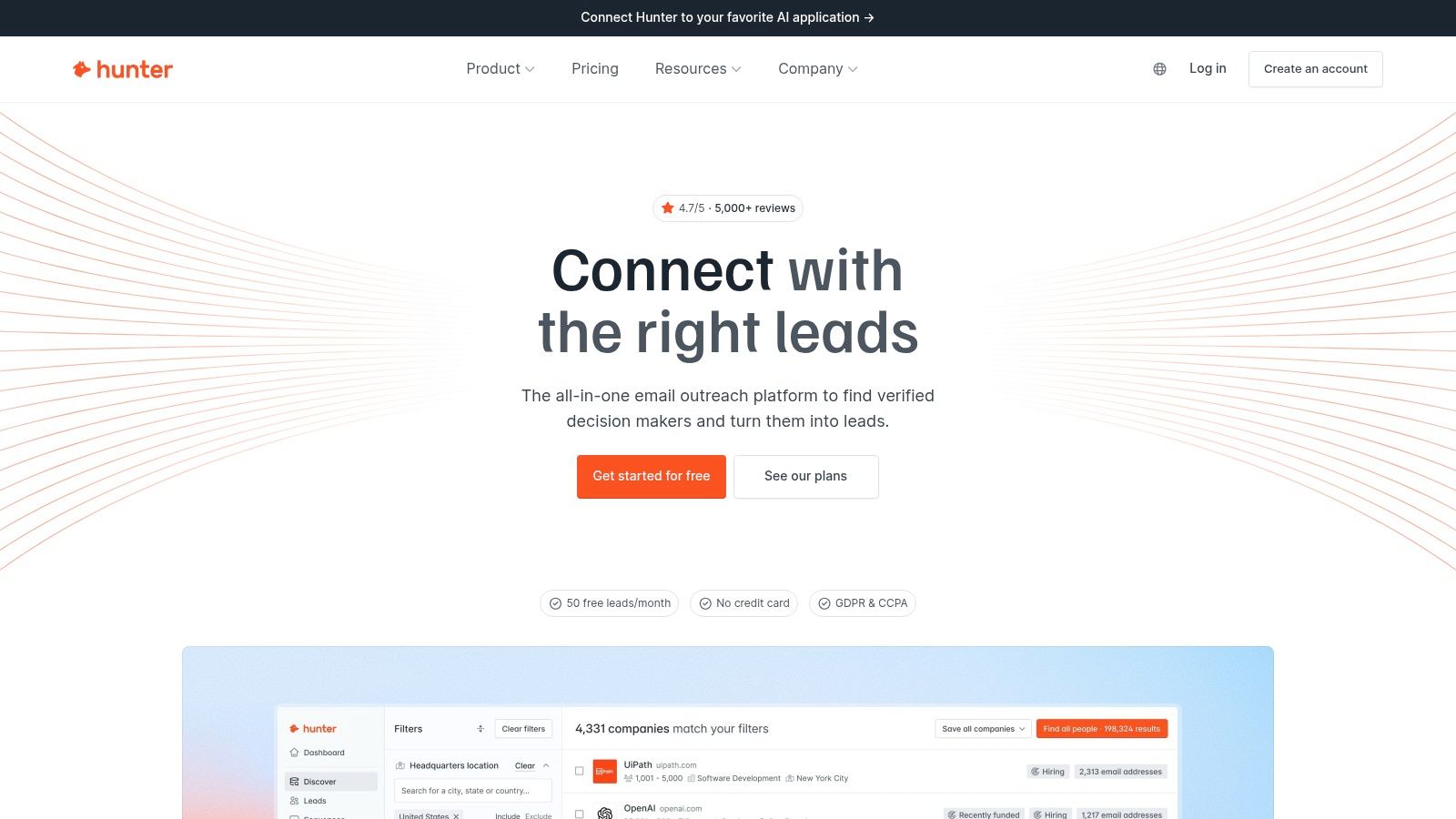
Already have a named account list? Hunter is a focused option for finding and verifying professional email addresses, without buying a broader intelligence platform.
Hunter offers Domain Search, Email Finder, verification, company discovery, bulk tools, API options, and email sequences with connected mailboxes. A free plan is available, with paid All-in-one plans listed from $34 per month.
Listed plans include unlimited team members sharing credit quotas. That can suit collaborative research, but shared access doesn't remove the need to manage consumption.
Verification isn't a sending strategy
Verification helps assess an address. It doesn't establish that the recipient wants your message, that your offer is relevant, or that mailbox providers will place it in the inbox.
Google's sender requirements require senders to Gmail accounts to authenticate with SPF or DKIM and keep the reported spam rate below 0.3%. Configure authentication before launching, monitor complaints, and investigate targeting problems rather than increasing volume.
A verified address is permission to evaluate contactability, not proof that you should contact the person.
Where it breaks: email-first workflows don't replace integrated LinkedIn outreach or a broader multichannel inbox. Credits apply, unused credits don't roll over, and mailbox setup still needs an owner.
For LinkedIn-sourced prospect lists, compare the discovery and verification workflow in this email finder guide for verified LinkedIn data. Choose based on how your team starts its research, not just the lookup interface.
HubSpot Marketing Hub
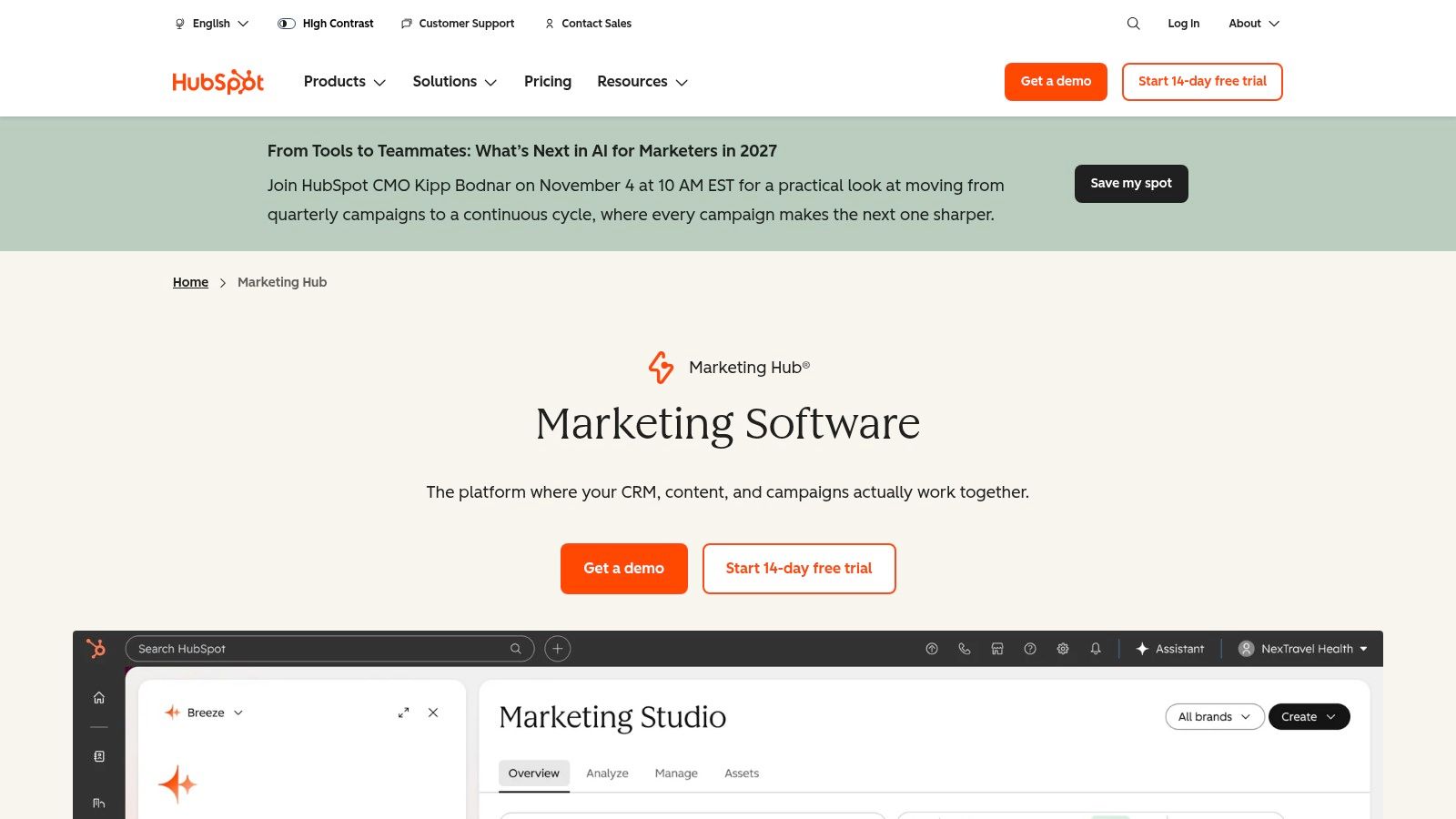
A demo request sitting without an owner is a different problem from an SDR missing a prospect's email. HubSpot Marketing Hub addresses inbound capture and nurturing, not primarily cold-contact discovery.
HubSpot Marketing Hub connects forms and website interactions with CRM contact records. Free tools provide an entry point, while paid tiers add more advanced automation and reporting.
Contact management, segmentation, marketing email, and campaign reporting support the work after capture. The practical benefit is keeping a submission attached to its context instead of moving it through a spreadsheet.
Test the handoff with real scenarios
Submit your form as a target buyer, an existing customer, and an unsuitable prospect. Check the record created, assigned owner, follow-up, and lifecycle stage.
High-intent requests: Give sales clear ownership and a relevant next action.
Educational interest: Nurture according to the topic requested rather than forcing a meeting.
Existing relationships: Prevent acquisition campaigns from conflicting with account management.
Don't confuse captured leads with total demand. 6sense's guide to changing B2B buyer research states that only 3% of website visitors identify themselves through forms. Form reporting therefore shouldn't be your only measure of marketing influence.
The trade-off: advanced automation and analytics require paid plans, and higher tiers can represent a substantial commitment. Choose this category when capture, routing, and nurture are the bottleneck, not when your team needs a prospecting database.
lemlist
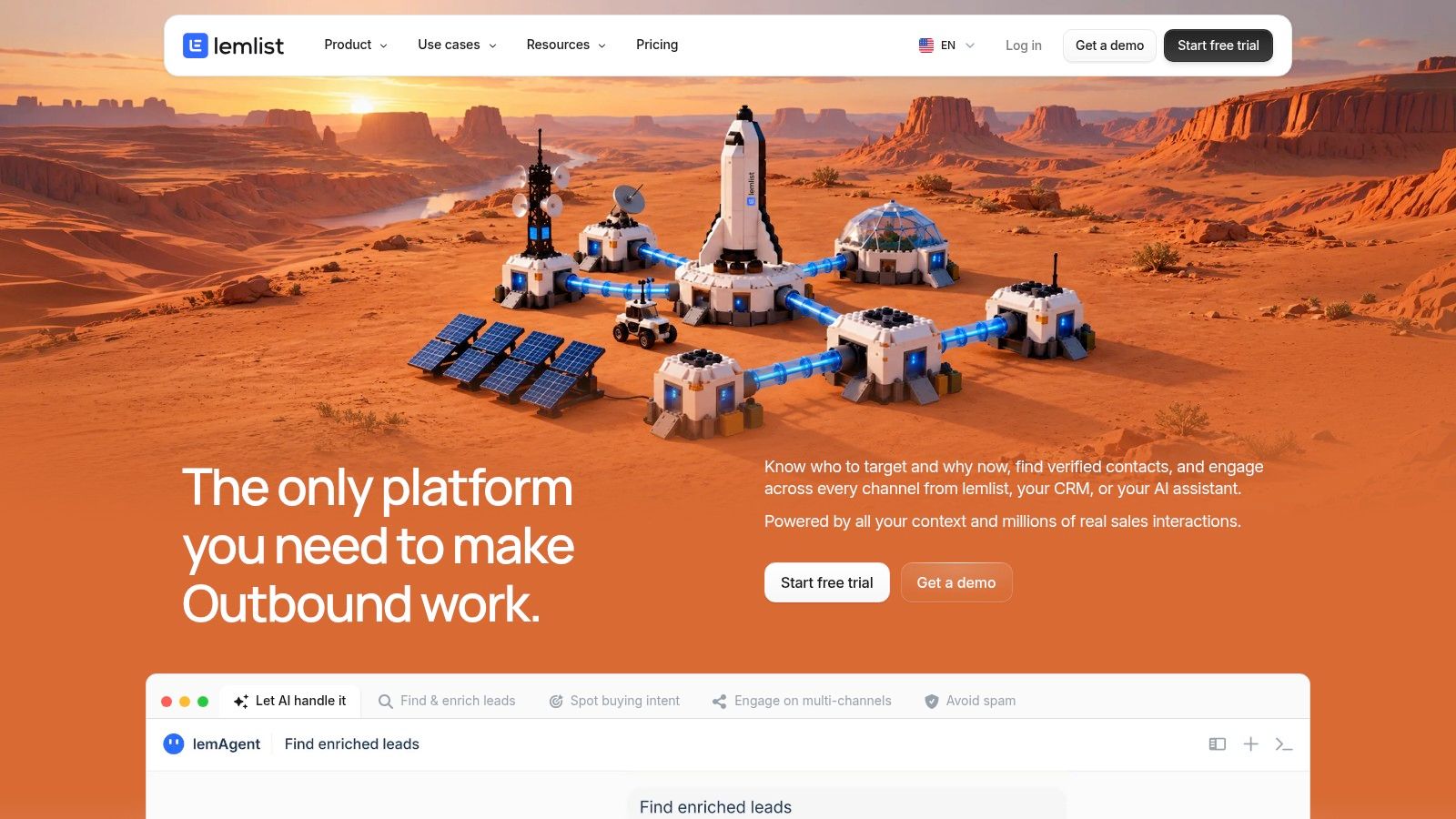
lemlist belongs on the shortlist when campaign execution is the problem. It combines outbound sequences with contact discovery and enrichment options, without requiring every team to choose the same channel mix.
lemlist offers an Email plan for email-only campaigns and a Multichannel plan coordinating email, LinkedIn actions, and calls. The vendor offers a 14-day trial of Multichannel features, while enrichment is a separate add-on.
That separation makes the buying decision clearer. Teams with an established data provider can evaluate engagement independently, while teams needing additional contact information can budget for enrichment credits.
Price the complete campaign
The Multichannel plan is priced per user, and data enrichment costs extra. Include both in the operating model rather than comparing the engagement subscription alone.
Execution features: Email and multichannel sequences support structured follow-up.
Workflow support: Deliverability features and CRM integrations help connect sending with sales administration.
Main limitation: It's primarily an outbound engagement platform, not a full inbound capture system.
Use a controlled segment to evaluate reply handling, campaign management, and CRM logging. A polished sequence builder won't compensate for weak qualification or an unclear offer.
Compare alternatives through this email outreach platform guide. Also distinguish engagement pods versus outreach automation: content-engagement activity and direct prospect conversations serve different purposes.
LinkedIn actions still carry policy and account risk. Deliverability tools and activity controls support execution; neither guarantees inbox placement, recipient interest, or unrestricted platform access.
Lead Generation Tools Compared
| Best for | Core strength | Free plan / trial | Starting price |
|---|---|---|---|
| Flowkon, teams coordinating LinkedIn and email outreach | Sequenced campaigns, unified inbox, CRM integrations | 7-day free trial; no credit card required | Not provided |
| Apollo.io, SDRs and smaller teams | B2B prospecting data and sales engagement in one platform | Free plan available | $49 per user/month, billed annually |
| ZoomInfo, established go-to-market teams | Broad company and contact intelligence with buying signals | Not specified | Custom pricing |
| Cognism, teams prospecting internationally | Prospecting data with verified mobile numbers and compliance-conscious workflows | Not specified | Custom pricing |
| Lusha, individuals and smaller sales teams | Contact discovery and enrichment with credit-based reveals | Free plan with 40 credits per month | Not provided |
| UpLead, teams researching and exporting contacts | B2B contact database with email verification and CRM integrations | Not specified | Not provided |
| Clay, teams building custom enrichment workflows | Multi-provider enrichment and flexible workflow automation | Free plan available | $185 per month |
| Hunter, email-led prospecting teams | Professional email discovery, verification, and sequences | Free plan available | $34 per month |
| HubSpot Marketing Hub, businesses focused on inbound lead capture | Lead capture, CRM management, and marketing automation | Free tools available | Not provided |
| lemlist, teams running outbound email and multichannel campaigns | Email and LinkedIn campaign execution with enrichment options | 14-day trial of Multichannel features | Not provided |
How to Pick Your Stack (and Test It in a Week)
Start with a failed handoff, not a product demo. Trace a recent prospect from account selection through enrichment, outreach, reply handling, and CRM update, then identify where a person had to repair the process.
Buy the category that fixes that failure first. Missing decision-makers point toward a database. Uncertain records point toward enrichment and verification. Missed follow-ups point toward engagement, while unassigned form submissions point toward capture and routing.
Low reply rates need closer diagnosis before another purchase. Review audience fit, message relevance, deliverability, and the offer separately. Switching sequencers won't fix outreach to the wrong role.
Stack specialists or consolidate
Keep specialist tools when they provide coverage or control you genuinely need, and someone can maintain the connections. Consolidate when reps repeatedly copy records between systems, monitor overlapping inboxes, or lose track of which campaign owns the next action.
Keep one source of truth: Your CRM should make ownership and next steps clear, even when several tools contribute data.
Run a 7–14 day evaluation with a small, reviewed list before committing budget. Use the opening days to test records and configuration, then launch a narrow campaign and inspect both conversations and administrative work.
Trial checklist
Credit math: Record what consumes credits, including unsuccessful lookups, verification, phone reveals, exports, and enrichment retries.
Deliverability setup: Authenticate sending domains, verify addresses, and confirm bounce, reply, and unsubscribe handling.
CRM sync: Test new records, existing contacts, conflicting field values, ownership, activity logging, and suppression.
Team permissions: Confirm client separation, rep access, stakeholder reporting, and responsibility for campaign changes.
Campaign outcomes: Review qualified replies, meeting quality, opportunity progression, and time spent correcting records, not opens alone.
Compliance needs its own test. The FTC's CAN-SPAM compliance guide states that commercial email has no B2B exemption and requires unsubscribe requests to be honored within 10 business days. Suppress internally as soon as someone opts out, and verify that connected campaigns respect that status.
For LinkedIn, review platform-policy exposure before enabling automated actions. Lower activity and human oversight aren't guarantees against restrictions.
If you plan to implement AI for qualified leads, establish qualification rules and review points first. Automation should execute a defined process, not invent the reasons someone belongs in your pipeline.
Launch a small test campaign with a named owner and clear stop conditions. Our 7-day free trial requires no credit card, making it a low-friction way to evaluate a combined LinkedIn and email sequence before committing budget.
Flowkon combines LinkedIn and email sequences, verified email discovery, a shared inbox, and CRM synchronization. Visit Flowkon to start a small test campaign and check whether a combined workflow reduces missed follow-ups and manual handoffs for your team.