
You send a LinkedIn connection request on Monday. On Wednesday, a cold email goes out as if that message never existed. The prospect replies on LinkedIn, your sequence still sends the next email, and your CRM shows neither conversation.
That's not a copy problem. It's a handoff problem. List building, verification, sequencing, reply handling, and CRM sync sit in different tools, so reps spend their time exporting files and checking tabs instead of talking to buyers.
Judge email prospecting software by the handoffs it removes, not by the longest feature list. Ask four questions before you trial anything.
List to launch: Can you find and verify an address inside the same workflow?
LinkedIn to email: Does one sequence pause when a prospect replies anywhere?
Reply to CRM: Do conversations land in one inbox and sync without manual updates?
Send to inbox: Can you separate delivery, bounces, and replies by domain?
Email still scales as a channel. The Radicati Group worldwide email market forecast projected 4.371 billion email users in 2023, rising to 4.849 billion in 2027. That includes consumers, so it isn't your prospect count. It does explain why verification and pacing matter now.
Inbound matters too. Pair outbound with landing pages that grow email lists so warm subscribers don't sit outside the workflow you're cleaning up.
1. Flowkon
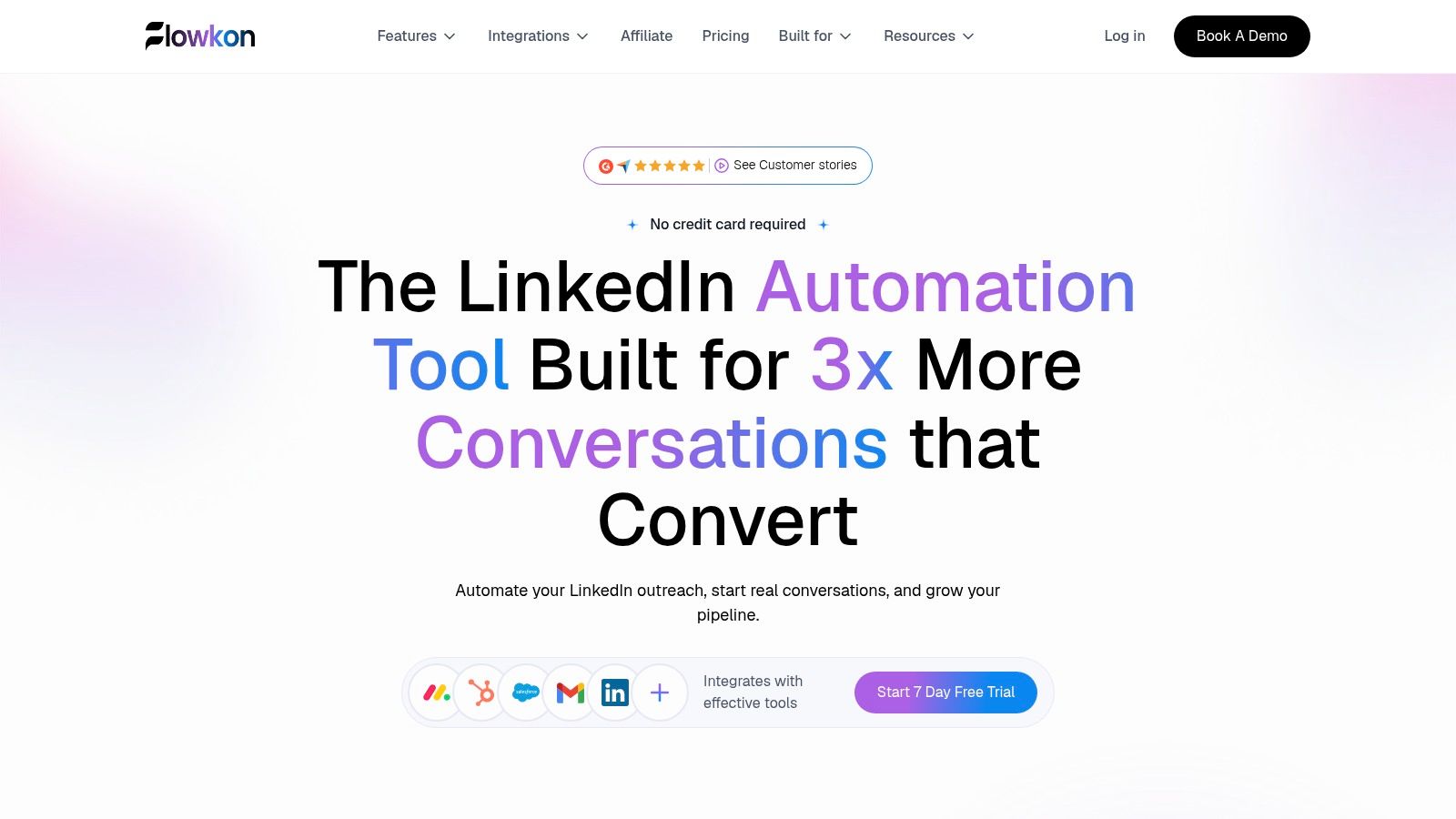
Flowkon is a cloud-based LinkedIn and email outreach platform for sales teams, agencies, founders, and recruiters. Its visual sequence builder combines LinkedIn connection requests, follow-ups, and email steps, with timing, conditions, and personalized messages using lead data.
The main workflow advantage is keeping those channel steps together. Prospects can be imported from LinkedIn, Sales Navigator, LinkedIn event attendees, or CSV uploads. Leads are enriched with verified data before reps reach out, and the Email Finder & Verification finds and verifies business email addresses from LinkedIn prospects in seconds.
Where It Holds Up in Daily Use
Dynamic variables pull lead details into outreach messages, helping reps personalize campaigns without managing spreadsheet merges. LinkedIn automation handles connection requests, follow-ups, and profile visits. Email steps can be scheduled and tracked, with Gmail and Outlook integration.
Campaigns combine LinkedIn and email in one sequence builder. A unified inbox, reply detection, and behaviour-based branching help teams manage conversations and adjust follow-ups when prospects respond. That can reduce manual handoffs, but the workflow still depends on importing a relevant list and setting up sensible sequences.
Trade Offs, Pricing, and Fit
Flowkon reports reply rates on campaigns of up to 3x higher than manual prospecting, a platform benchmark rather than a guaranteed outcome. It offers a 7-day free trial with no credit card. The platform also has a 5.0/5 G2 rating. Reviewers describe a unified workflow for client prospecting and LinkedIn outreach, as well as consistent, personalized outreach.
Pros: LinkedIn and email campaigns in one workflow, verified lead enrichment, reply handling in a shared inbox, and CRM integrations with HubSpot, Salesforce, Pipedrive, Zoho, and Monday.com.
Team controls: Workspaces, role-based permissions, and read-only reports support teams managing multiple accounts.
Cons: LinkedIn automation carries account and platform policy risk. Pacing and usage controls can help manage activity, but cannot guarantee against restrictions. The meeting scheduler is announced as coming soon.
For teams running LinkedIn and email together, Flowkon keeps sequence steps and replies in one workflow. Teams focused mainly on list volume may still need to judge prospect coverage and CRM handoff against their specific process.
2. Apollo.io
Apollo.io suits teams whose bottleneck is finding prospects and getting an initial sequence out. It combines a B2B contact database, prospect search, and email sequencing, letting reps filter companies, find contacts, and start outreach in one product.
That breadth has a trade-off: database coverage can be uneven in narrow niches. Check a sample against your target market before committing credits. Stale job titles or thin coverage mean the list needs cleaning before it reaches a sequencer.
Strengths: Prospect discovery and outreach in one place. Apollo integrates with Salesforce, HubSpot, and Microsoft email, so teams can connect it to their existing sales and communication workflow.
Watch for: Setup can feel complex because there is a lot to configure. Some capabilities are limited by plan or credits.
For teams that need to build lists quickly, Apollo can serve as the prospect source, with verified contacts passed into a separate engagement workflow if CRM rules are more complex. Start with the free account, export a small segment, and verify it separately. That test can reveal list-quality issues before you scale outreach.
3. Instantly
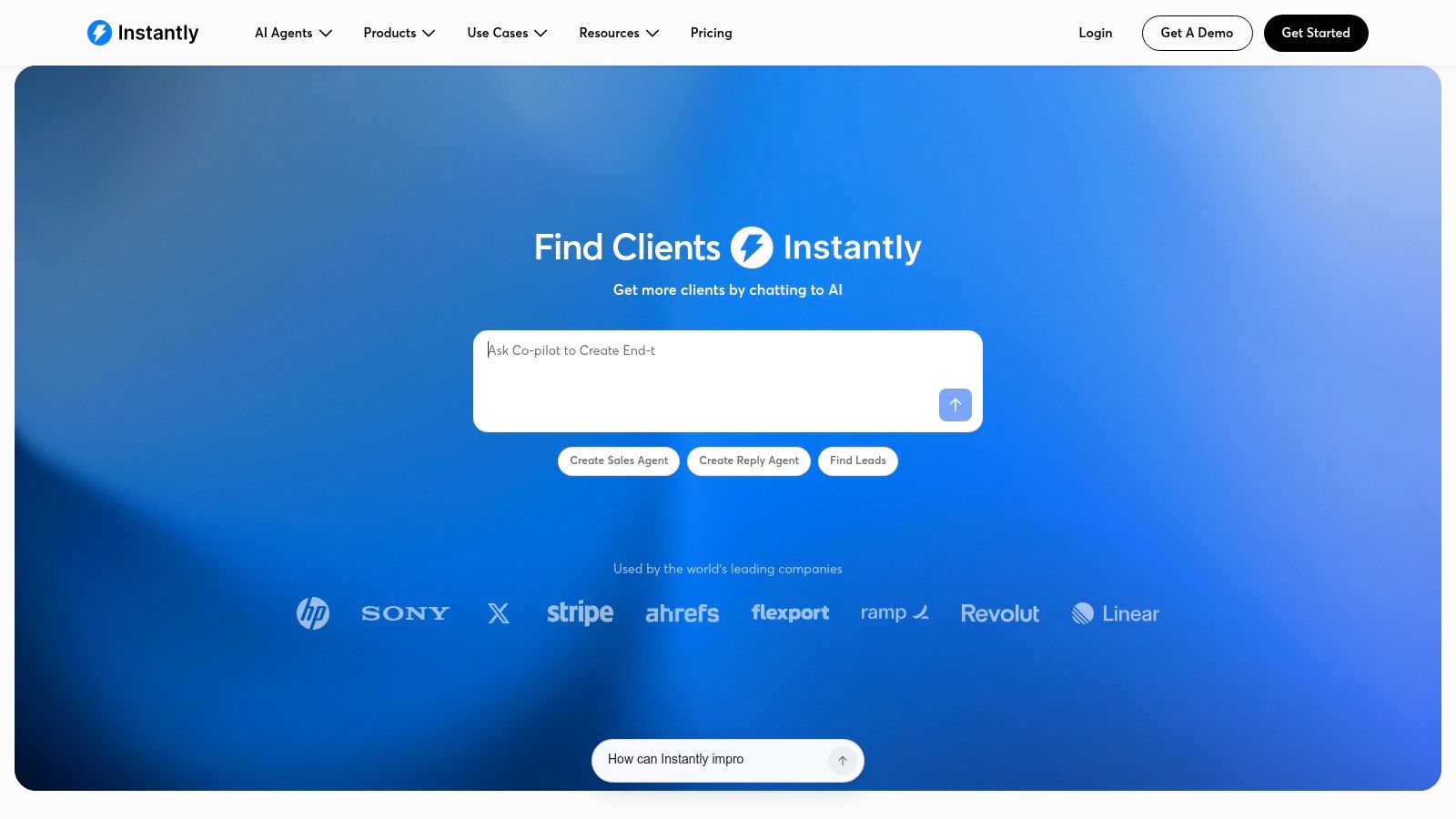
Instantly does one job well. It runs cold email campaigns across many sending accounts, with automated sequences, follow-ups, account warm-up, and a unified inbox for replies. It isn't trying to be your database or your LinkedIn tool, and that focus keeps campaign execution simple.
The trap is the split pricing. Outreach, prospecting credits, CRM, and inbox placement sit in separate products, so the headline price rarely matches the stack you end up running. Price the full bundle before you migrate domains.
More inboxes don't fix a bad list. They just spread the damage faster.
Deliverability discipline decides whether Instantly works for you. Google's sender guidance says keep user reported spam rates below 0.1% and prevent them from reaching 0.3% or higher. Treat 0.3% as a stop line, not a target. Pause the segment producing complaints and fix targeting before you add volume.
Strengths: Purpose built for outbound email, solid campaign automation, and reporting reviewers consistently praise.
Watch for: No native LinkedIn and email campaign system, and some reviewers find onboarding and lead search confusing.
If you're weighing senders against each other, our email outreach tools compared breakdown covers the wider field. Instantly suits a solo operator or small team sending email only, at steady volume, from several warmed domains.
4. Smartlead
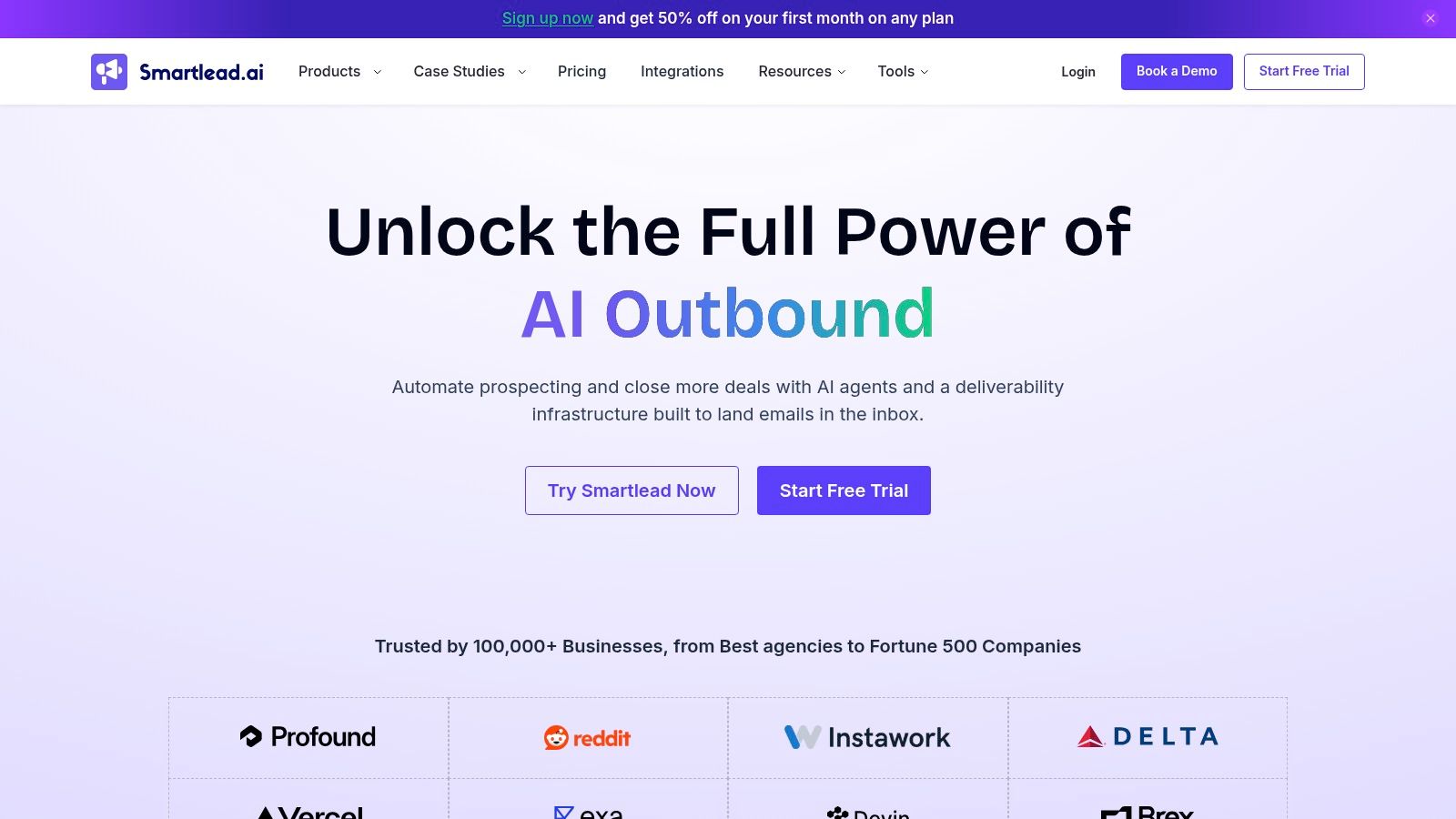
Agencies running outreach for several clients should look at Smartlead. It coordinates many mailboxes and campaigns with sequencing, inbox rotation, and warm-up across the listed plans. Agency oriented workspaces keep client sending separate, which matters when one client's list quality shouldn't touch another's reputation.
What You Still Need Beside It
Contact discovery isn't the focus here. You'll bring your own lead source and verification, or pay for add-ons covering inbox provisioning, verification, and deliverability testing. That's fine for an agency with a data supplier already. It's a gap for a founder starting from zero.
Strengths: Scales across inboxes and client workspaces, with CRM access and API on applicable plans.
Watch for: Infrastructure features that are add-ons or plan dependent, so total cost climbs past the base tier.
Capacity isn't placement. Rotating forty inboxes over a purchased list still lands in spam, just from more addresses. Smartlead earns its place when you already have clean data and need operational control at volume. Start each client on a small segment, watch bounces per domain, and scale only the domains that stay clean.
5. lemlist
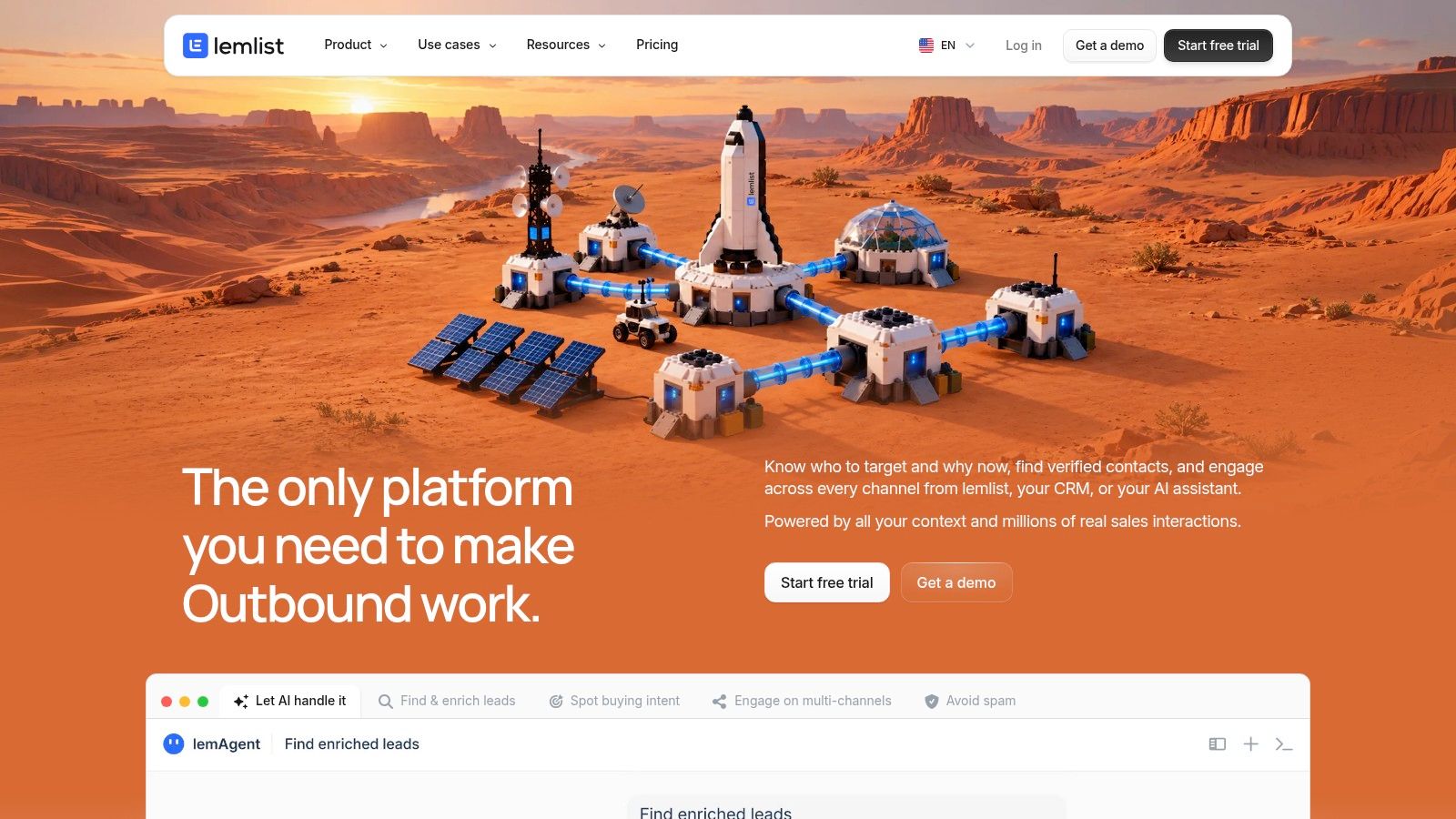
Start with the question lemlist answers best. Do you want email plus LinkedIn and other steps in one sequence, with a contact database attached? Multichannel plans combine email sequences with LinkedIn steps, an email finder, a phone number finder, warm-up, and a centralized inbox.
The catch lies in the plan split. Email only costs less, multichannel costs more, and switching plan types may require a new team or help from support. Decide whether you run LinkedIn steps weekly before paying for them. Plenty of teams buy multichannel and use email ninety percent of the time.
Credits Decide the Real Price
Enrichment and some advanced features run on credits, so heavy list building costs more than the seat price suggests. Estimate your monthly finder usage first. A team enriching small, targeted lists stays comfortable. A team pulling large databases weekly should model the credit burn.
Strengths: Discovery and campaign creation together, plus a listed 4.7/5 G2 rating from more than 1,300 reviews.
Watch for: Credit costs on top of the plan, and LinkedIn capability that's thinner than a LinkedIn first platform.
Lemlist fits teams that alternate channels inside one sequence. If LinkedIn is an occasional manual touch, a cheaper email-only sender plus disciplined manual follow-up does the same job.
6. Snov.io
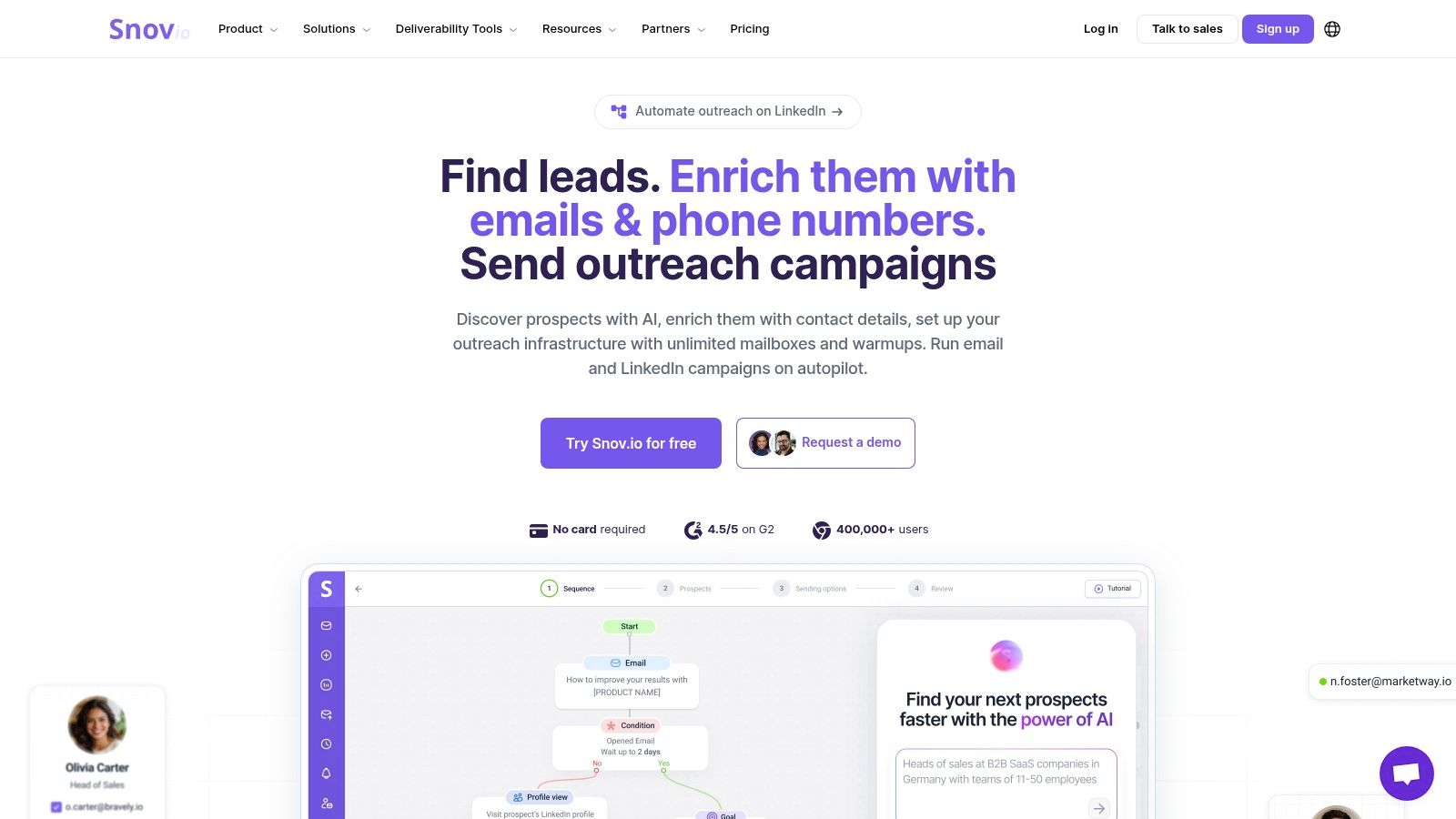
Snov.io bundles the front end of prospecting into one subscription. You search for prospects and companies, find and verify email addresses, then run automated campaigns from the same account. A shared inbox, analytics, and a basic sales CRM round it out for teams without a heavy CRM already.
Verification before sending is the habit that separates teams with stable domains from teams rebuilding them quarterly. If you want the sourcing detail behind that, this walkthrough on finding verified emails from LinkedIn data covers the workflow.
Where the Bundle Gets Complicated
Credits and recipient limits determine the actual cost, and LinkedIn automation is a separately priced add-on, not included in the listed Starter price. The wide range of features also requires more configuration than a lightweight sender. Allow time for setup, not just subscription expenses.
Strengths: Discovery, verification, and outreach together, unlimited team seats on the listed Starter plan, and integrations with HubSpot and Pipedrive.
Watch for: Credit consumption at scale, and shared limits that a growing team can outrun quickly.
I'd shortlist Snov.io for a small team that has no data tool at all and wants one login. Run its verifier against a list you already know is dirty. If it catches the bad addresses you planted, the bundle does its job.
7. Woodpecker
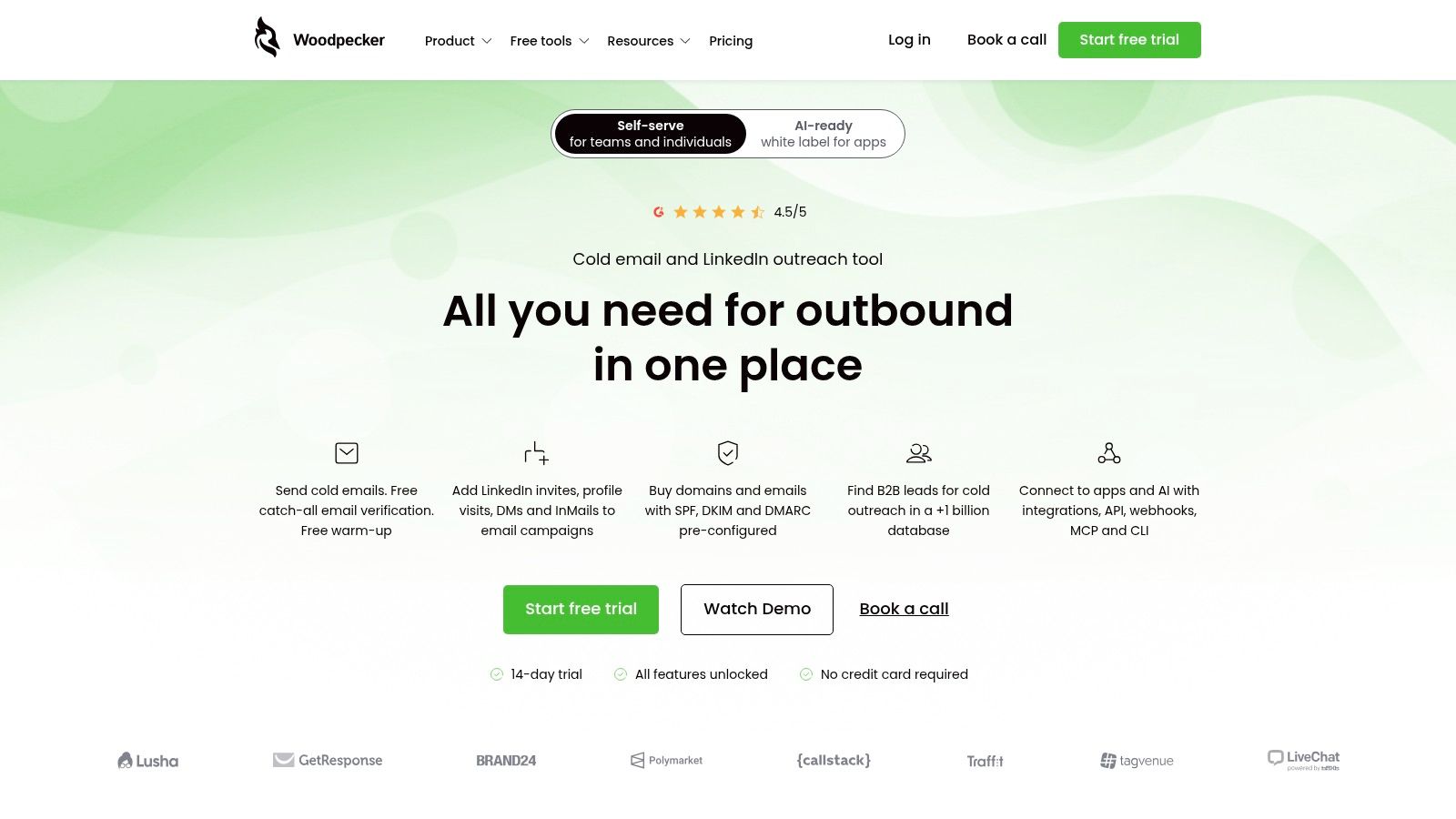
Woodpecker puts deliverability controls at the center of its outreach workflow. It offers condition-based sequences, multivariate testing, verification, warm-up, inbox rotation, and deliverability monitoring, with LinkedIn and call steps in combined workflows. Agencies also get dedicated features. Those controls are useful when several channels and sending accounts make it harder to spot where a campaign is failing.
Inbox placement varies by provider. Validity's 2025 deliverability benchmark measured Microsoft as the hardest major mailbox provider, with 75.6% inbox placement. A delivered message may still go unseen, so segment campaign results by provider before changing copy.
Practical rule: Fix authentication and placement first. Better copy sent to a spam folder changes nothing.
The report also found that DMARC use rose in early 2024, while most new adopters kept the policy at monitoring only. Set up SPF and DKIM alignment, review aggregate reports, and move toward enforcement once legitimate sending sources check out.
Strengths: Branching logic and built-in deliverability checks.
Watch for: Compare the plan's prospect and account limits with your sending volume before committing. Larger teams should also check whether the workflow hands campaign replies to their CRM as needed.
8. Saleshandy
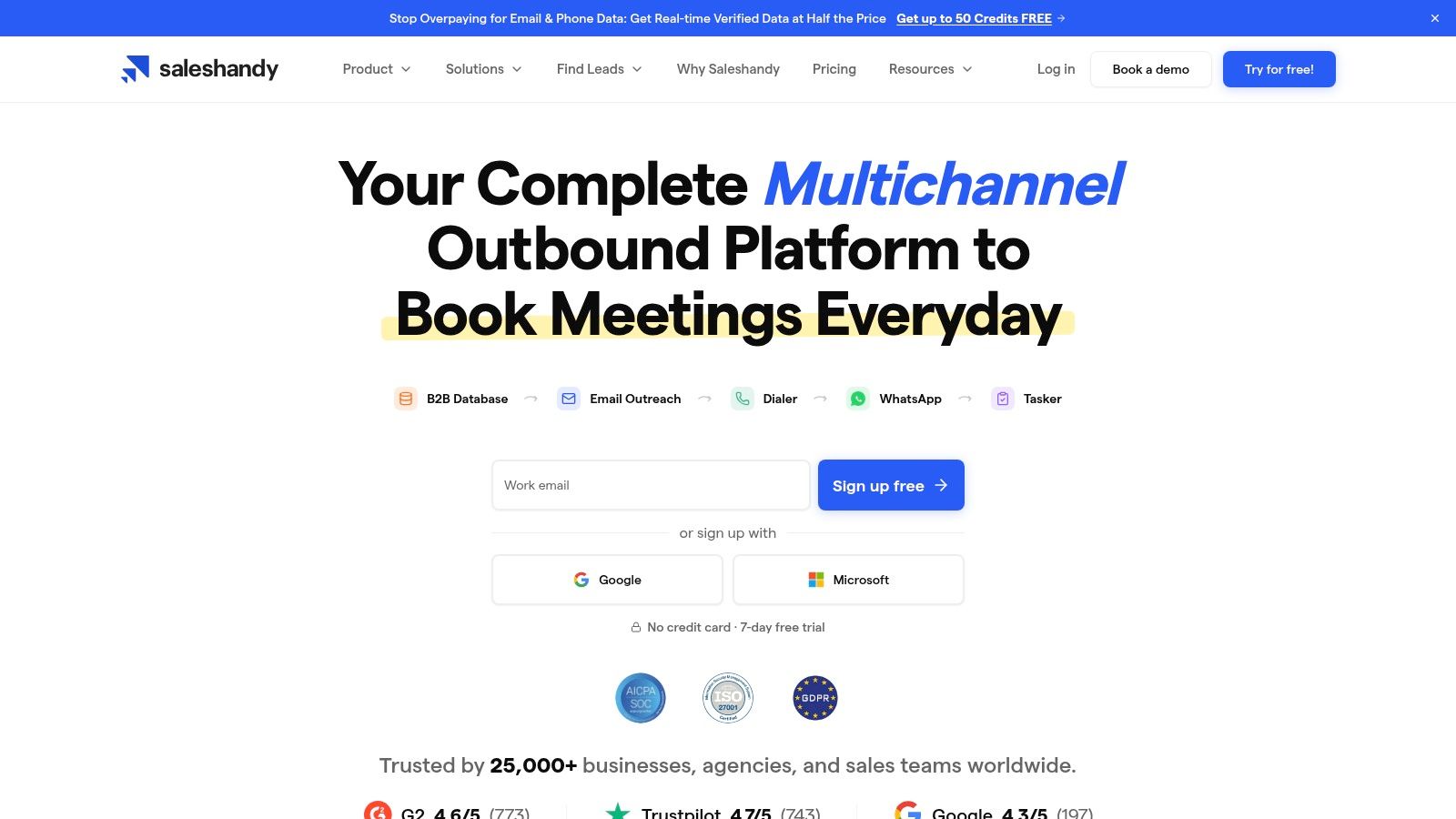
Saleshandy pitches the same bundle logic as Snov.io but leans harder into sending. It combines lead finding, a multi provider verification lookup, personalized sequences, automated follow-ups, and warm-up. For a team buying data and delivery in one contract, public pricing and a free trial make the evaluation easy.
Multi provider lookup is worth testing, not trusting on faith. Run a known list through it and compare the verdicts with addresses you've already mailed. Verification tools disagree on catch-all domains, and your own sending history is the best reference set you own.
What to Check Before You Scale
Allowances: Prospect and verification credits vary by plan, so map them against your monthly list size.
Integrations: Advanced integrations and reporting sit in higher tiers. Confirm your CRM connection works the way your pipeline needs.
Multichannel depth: If LinkedIn steps and calls become central later, verify the fit now rather than migrating in six months.
Saleshandy suits a lean team that wants sourcing and sending under one invoice. It gets less comfortable when RevOps needs complex routing, custom objects, or detailed attribution. At that point you're buying workarounds along with the subscription.
9. QuickMail
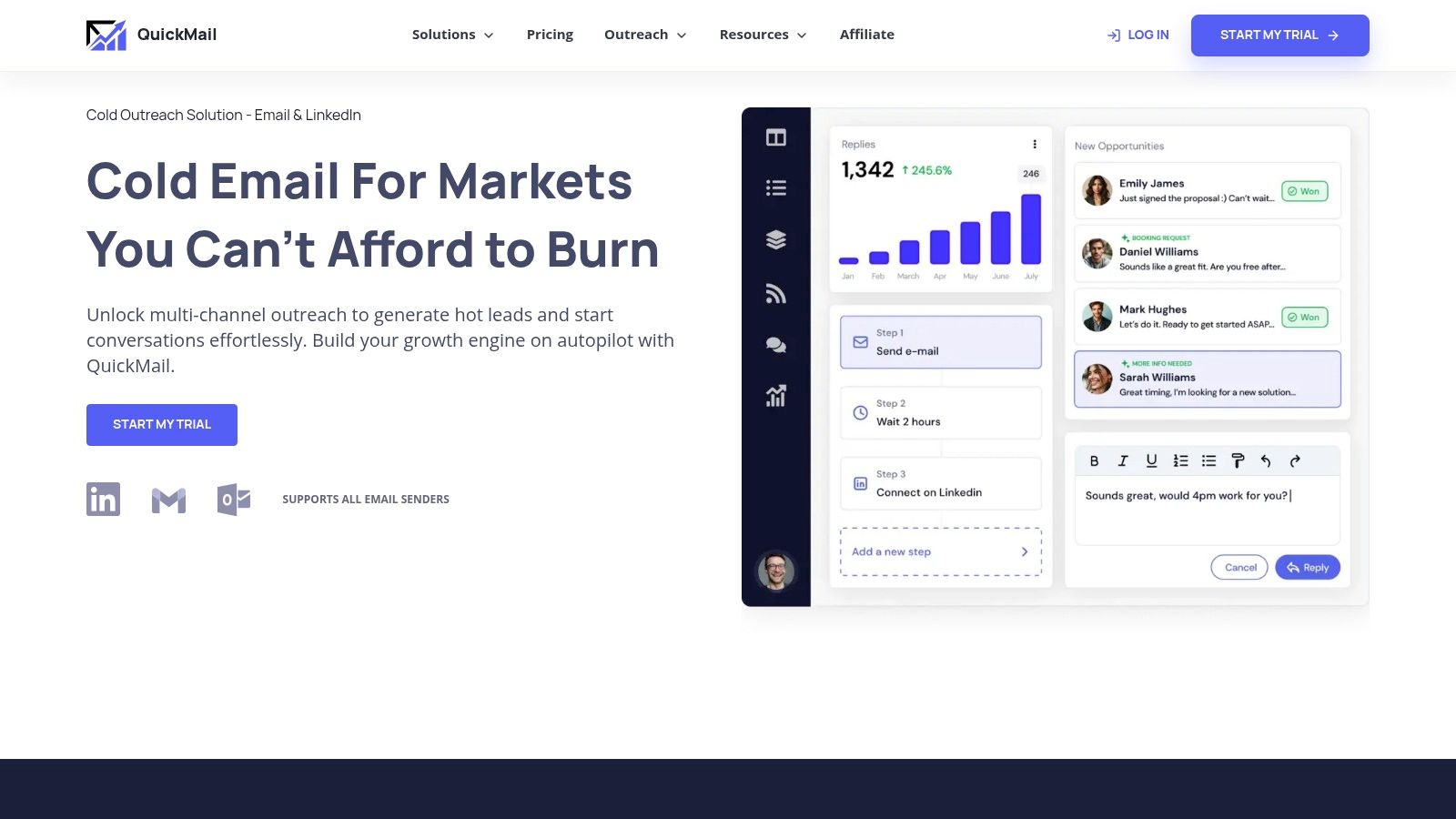
QuickMail expects you to bring a clean list. It does not offer a prospect database as a core feature. In return, it provides automated sequences, scheduling, email and LinkedIn sender support, warm-up through MailFlow, and agency workspaces. That makes it a better fit for teams with sourcing and verification handled elsewhere.
Messages send through your connected email providers rather than QuickMail's own mail servers. Teams that want control over their sending infrastructure may prefer this setup, but it adds configuration work. New users may find the technical setup challenging, so assign domain and DNS responsibilities before starting a trial.
Pricing and Limits
Public pricing, a 14-day trial, and seat-friendly plan terms make costs easier to plan. Workspace and sending limits differ by plan, so check how many client workspaces your operation needs. Reviewers on G2 generally praise its automation and support.
Strengths: Clean campaign execution, API and webhooks on higher plans, and no per-seat penalty as teams grow.
Watch for: Contact sourcing and email verification require separate tools.
QuickMail suits teams that already have a reliable list pipeline and need a sender for coordinated email and LinkedIn campaigns. The trade-off is clear: sending is covered, but list quality still depends on your sourcing and verification process. If contact discovery is a weekly bottleneck, this tool leaves that work outside the platform.
10. Mailshake
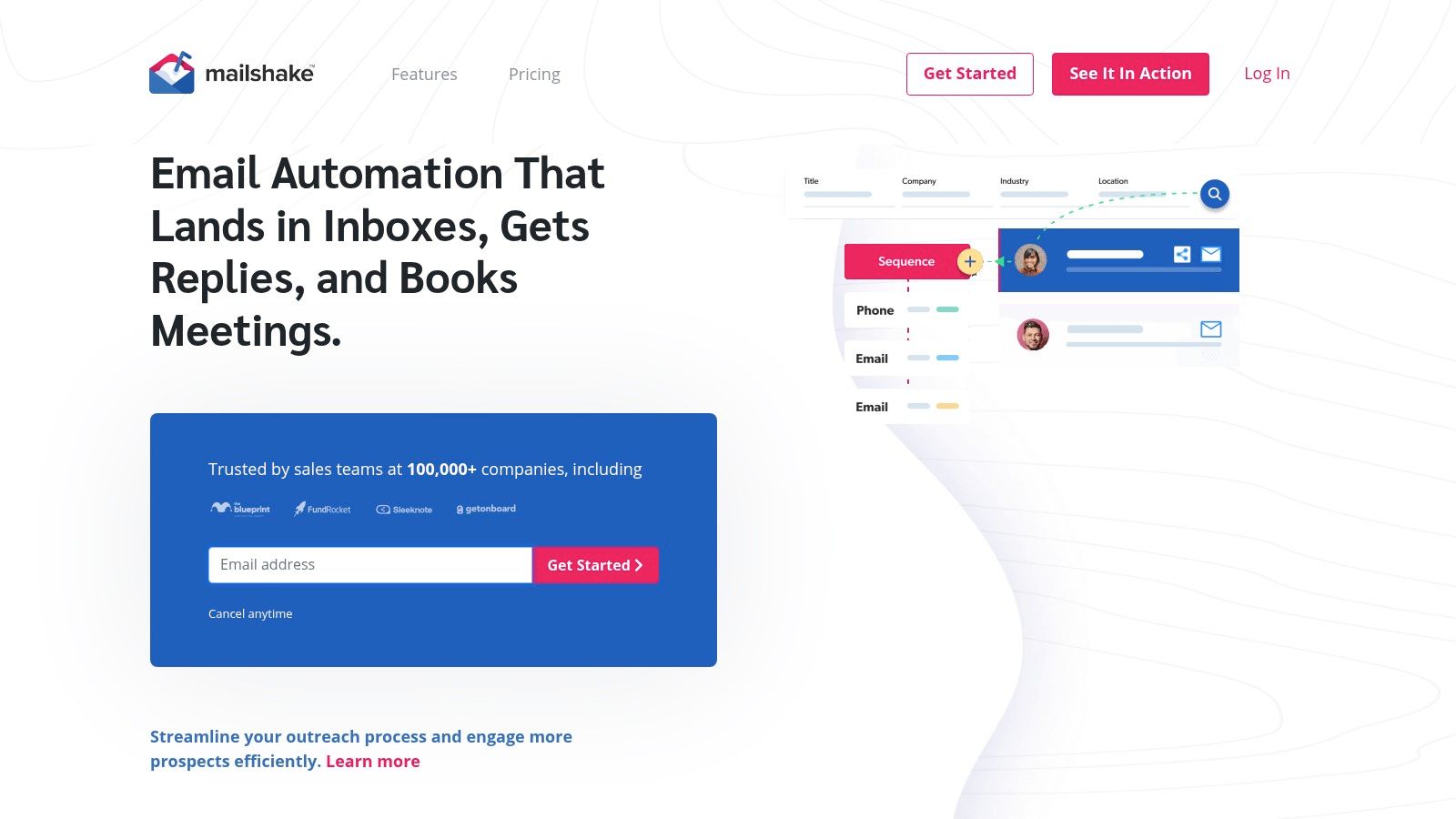
Your reps already live in a phone and email routine. Mailshake is built for that world. It runs personalized email sequences and follow-ups, and higher tiers add a dialer and broader sales engagement functions, with CRM connections for team processes. If you want the wider category picture, this sales engagement platform guide explains where tools like it sit.
Do the seat math carefully. Pricing is per user, and connected mailbox counts are limited by plan and seat count. A five rep team each sending from several inboxes can find mailbox allowances, not features, become the constraint. Agencies juggling many sending identities usually find better economics elsewhere.
Strengths: A straightforward entry point for sales teams, with the option to combine email and calling in higher tiers.
Watch for: Paying for a dialer your email only team never opens.
There's a buyer preference angle here too. Gartner's 2025 sales survey found 61% of B2B buyers prefer an overall rep-free buying experience, while 73% actively avoid suppliers that send irrelevant outreach. Buyers still want seller input on fit. They don't want volume. Whichever sender you pick, let automation handle timing and route real engagement to a person with context.
How the 10 tools compare on the attributes that shape a prospecting workflow
| Item | Best for | LinkedIn in the sequence | Email finding and verification | Trial or free option |
|---|---|---|---|---|
| Flowkon | Teams combining LinkedIn and email outreach | LinkedIn requests and follow-ups in email sequences | Lead enrichment plus email discovery and verification | 7-day free trial; no credit card required |
| Apollo.io | B2B prospecting and email outreach in one platform | Not specified | B2B contact database; verification not specified | Free account available |
| Instantly | Cold-email campaigns across multiple inboxes | No native LinkedIn-and-email campaigns | Prospecting credits and tools available separately; verification not specified | Not specified |
| Smartlead | Cold email at scale across multiple mailboxes | Not specified | Not a core focus; verification available as an add-on | Not specified |
| lemlist | Contact discovery and multichannel outreach | LinkedIn steps on multichannel plans | Contact database and email finder; verification not specified | Not specified |
| Snov.io | Prospect discovery and email outreach | Optional, separately priced LinkedIn automation | Finds and verifies email addresses | Not specified |
| Woodpecker | Conditional cold-email campaigns and agency workflows | LinkedIn steps in combined workflows | Email verification included among deliverability tools | 14-day trial |
| Saleshandy | Teams bundling lead sourcing with cold-email sending | Not specified | Lead finding and verification features | Free trial available |
| QuickMail | Outbound campaign execution and reply management | LinkedIn sender support | No core built-in contact finder or lead database | 14-day trial |
| Mailshake | Sales teams combining email outreach with optional calling | Not specified | Not specified | Not specified |
Choose the Stack Your Team Will Actually Run Every Week
A prospecting stack has to fit the work your team repeats each week. Map where leads come from, how LinkedIn and email steps connect, and who handles replies. Choose the tool that removes unnecessary handoffs from that workflow, not the one with the longest feature list.
Match the setup to your team and sending volume. A founder contacting a few hundred targeted accounts needs verified addresses and a simple sequence, not a large pool of rotating inboxes. An agency running client campaigns needs separate workspaces, permissions, and reporting for each client. A sales team with an established CRM needs dependable syncing that avoids duplicate records when prospects reply.
Measure What Buyers Actually Did
Open rates can look precise without showing whether a person read a message. The DMA email benchmarking report figures cited for 2024 included a 98% overall delivery rate, a 35.9% open rate, and a 2.3% unique click rate. The report also noted that opens kept rising after Apple Mail Privacy Protection. Treat opens as directional context, not proof of attention.
Judge a campaign on positive replies, booked meetings, and pipeline created. Track opens only as directional context.
For a reply benchmark, Hunter's 2025 State of Cold Email report analyzed 11 million cold emails sent in 2024 and found an average campaign reply rate of 4.1%. Use that figure as a reference, then monitor your own share of positive replies. A dashboard may count an angry response as a reply, so total replies alone can flatter a campaign.
Compliance Is Part of the Workflow
A sending platform cannot take responsibility for your legal obligations. The FTC CAN-SPAM compliance guide states that B2B email is covered, with no B2B exception. Use accurate sender information, avoid deceptive subject lines, provide a valid physical postal address, and include a clear opt-out. Honor opt-outs within 10 business days, and update suppression lists promptly.
Requirements differ by market. The ICO direct marketing guidance explains that under UK PECR, marketing to generic corporate addresses generally does not require consent, while sole traders have stronger protection. Separate incorporated companies, named employees, and sole traders before launch, and record the basis for contacting each group.
Run One Small Test Before You Commit
Pilot a combined workflow with 50 to 100 contacts. Review bounces, complaint signals, and reply quality before increasing volume. Include LinkedIn and email steps in the test, and make sure they complement rather than repeat each other. The choice depends on your workflow: an email-only sender may suit a simpler process, while teams coordinating LinkedIn and email need those steps to work together.
The 7-day free trial requires no credit card, and plans can be upgraded or downgraded at any time. Use the trial to test the list and sequence, not just to browse features. Fit the tools to your LinkedIn and email handoffs, reply handling, and reporting needs.
Start with the workflow, then choose the tool that runs it with fewer exports, fewer open tabs, and fewer missed replies.