.webp)

You're usually not shopping for “the best” email outreach tools, you're trying to fix a workflow that's already breaking. Maybe replies are scattered, your CRM is stale, your inboxes are uneven, or your LinkedIn touches and email steps don't line up. The right pick depends on the motion you need, not the hype around the logo. My verdict is simple, choose the platform that matches your campaign goal, team size, and compliance load.
I've tested enough outreach setups to see the same failure pattern repeat. When LinkedIn and email live in separate tools, replies get scattered, follow-ups slip, and someone ends up copying leads into the CRM by hand. Consolidating the workflow changes the day-to-day. In one setup, the Salesforce sync saved five hours per week and supported a reported 2x increase in meetings booked.
What Are Email Outreach Tools
A sales rep opens the day with replies in three inboxes, follow-ups spread across separate sequences, and prospect records waiting for manual CRM updates. Email outreach tools bring those tasks into one workflow. They support personalized outbound email, follow-up timing, reply handling, sender reputation controls, and performance tracking. Depending on the product, they may also include verification, inbox rotation, LinkedIn actions, or call tasks.
Choose the category by the workflow it must support. In practice, use an outreach platform for cold prospecting with reply handling, inbox rotation, and controlled sending. Use an email marketing platform for newsletter design, segmentation, and campaigns sent to opted-in subscribers. Sales engagement platforms cover a wider operating model, combining email with CRM workflows, calling, multichannel steps, and team governance.
For B2B prospecting, check how a tool handles verified data, sending pace, unsubscribe requests, bounce prevention, and access controls. A polished sequence builder cannot compensate for poor data or unmanaged sender reputation.
Email remains useful when the process is disciplined. A 2023 GetResponse benchmark covering 4.4 billion emails from active senders with at least 500 contacts reported a 39.64% open rate, 3.25% click-through rate, and 8.62% click-to-open rate. It also recorded a 0.15% unsubscribe rate, 2.33% bounce rate, and spam-complaint rate below 0.01%.
Practical rule: choose a tool that reduces bounces and improves reply handling, not one that only increases send volume.
How We Scored the Tools
A tool can look polished in a demo and still create extra work for an SDR team. I scored each platform against the workflow it supports: inbox infrastructure, multichannel sequencing, prospect data, team governance, and enterprise engagement. Deliverability receives the largest share because a sequence cannot create pipeline if messages do not reach the inbox.
Performance measurement also shaped the scoring. Mailchimp reports an average open rate of approximately 34.23% and average click-through rate of 2.66%, while results vary by industry and campaign type Mailchimp benchmarks. I therefore treated opens as a diagnostic signal, not a reliable measure of intent. Replies, qualified opportunities, CRM-stage changes, and booked meetings carry more weight.
For inbox infrastructure, the Validity benchmark informed our bounce and complaint-rate checks. The Google sender rules guided our review of authentication, unsubscribe handling, and bulk-sender requirements.
The final scores reflect workflow fit, not a universal ranking. A founder may value simple sequencing, while a revenue team may prioritize governance, CRM control, and coordinated engagement across channels.
Best Email Outreach Tools in 2026
1. Flowkon
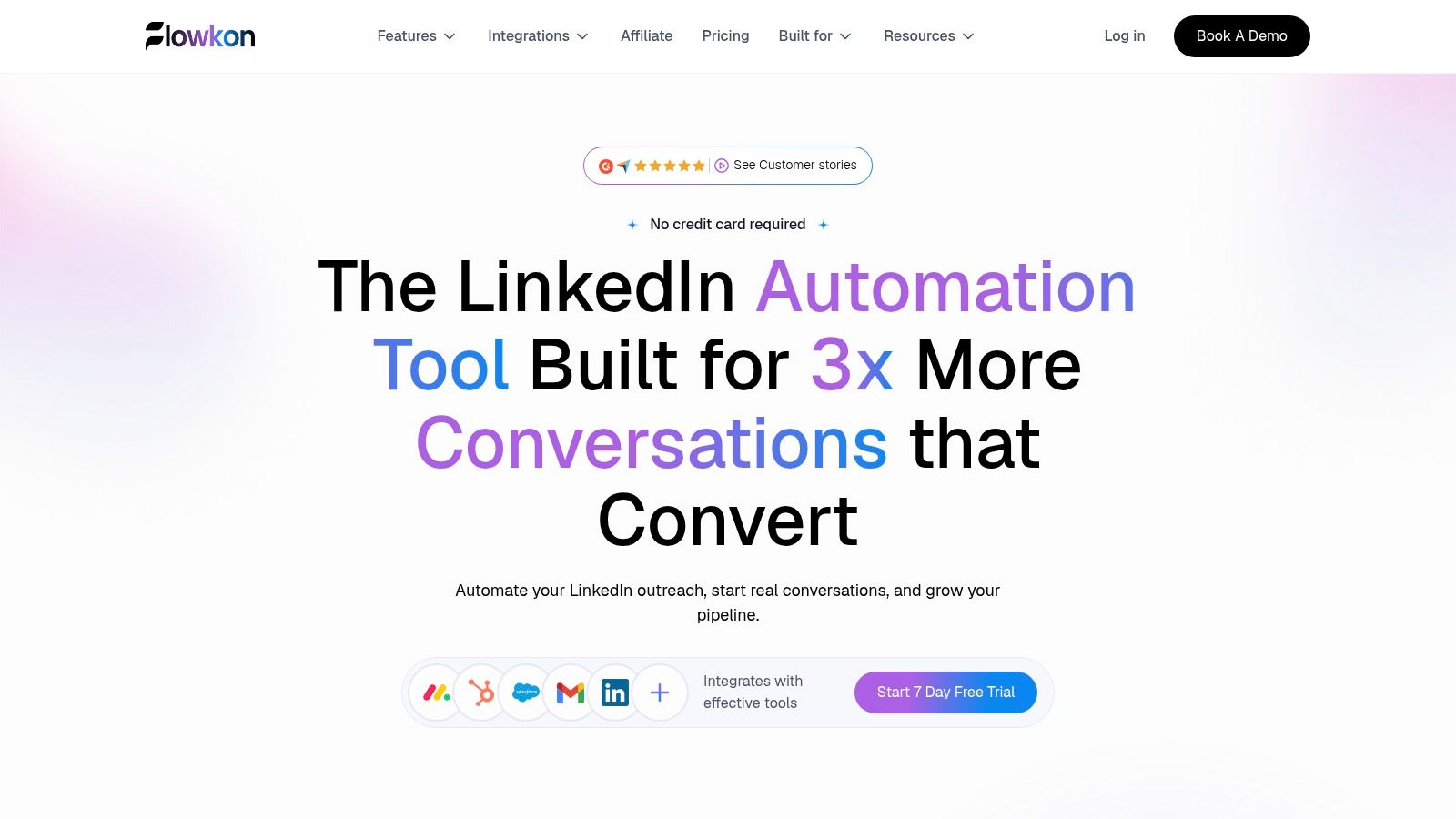
Flowkon is the strongest fit when your actual workflow spans LinkedIn, email, inbox management, and CRM sync in one campaign motion. It's built for teams that don't want to juggle a sender, a LinkedIn tool, and a separate reply inbox.
Why it stands out
Flowkon combines a visual multichannel campaign builder with triggers, delays, and conditional logic, plus a centralized inbox for LinkedIn DMs, InMails, and email replies. Native CRM sync to HubSpot, Salesforce, Pipedrive, Zoho, and Monday.com is the part that saves real time, because the team doesn't have to re-key activity after every sequence step.
The other advantage is data quality. Built-in email finder and verification reduce the bounce-risk mess that often shows up once prospect lists get old. That matters because bounce rate isn't just a reporting metric, it's a sender reputation issue, and poor data can materially reduce reach.
Pros and cons
What I like most: one campaign framework for LinkedIn and email means the reply context stays in one place, which cuts missed follow-ups.
Pros
- True multichannel sequencing: build one flow that mixes LinkedIn actions and email steps with triggers and delays.
- Unified inbox and CRM sync: LinkedIn DMs, InMails, and email replies are consolidated and synced to major CRMs.
- Built-in data quality and safety: verified email discovery, account warm-up, and pacing controls help reduce bounce and risk.
- Team and agency governance: workspaces, role permissions, templates, and reporting fit multi-account operations.
Cons
- Pricing requires a sales conversation for some tiers, so it's less transparent than self-serve tools.
- Some capabilities are still rolling out, including the meeting scheduler.
- LinkedIn automation still carries platform risk, so good practice matters more than promises.
Verdict
Choose Flowkon when you need a single operating system for LinkedIn and email outreach, especially if CRM hygiene and reply visibility matter as much as sending volume.
2. Mailshake
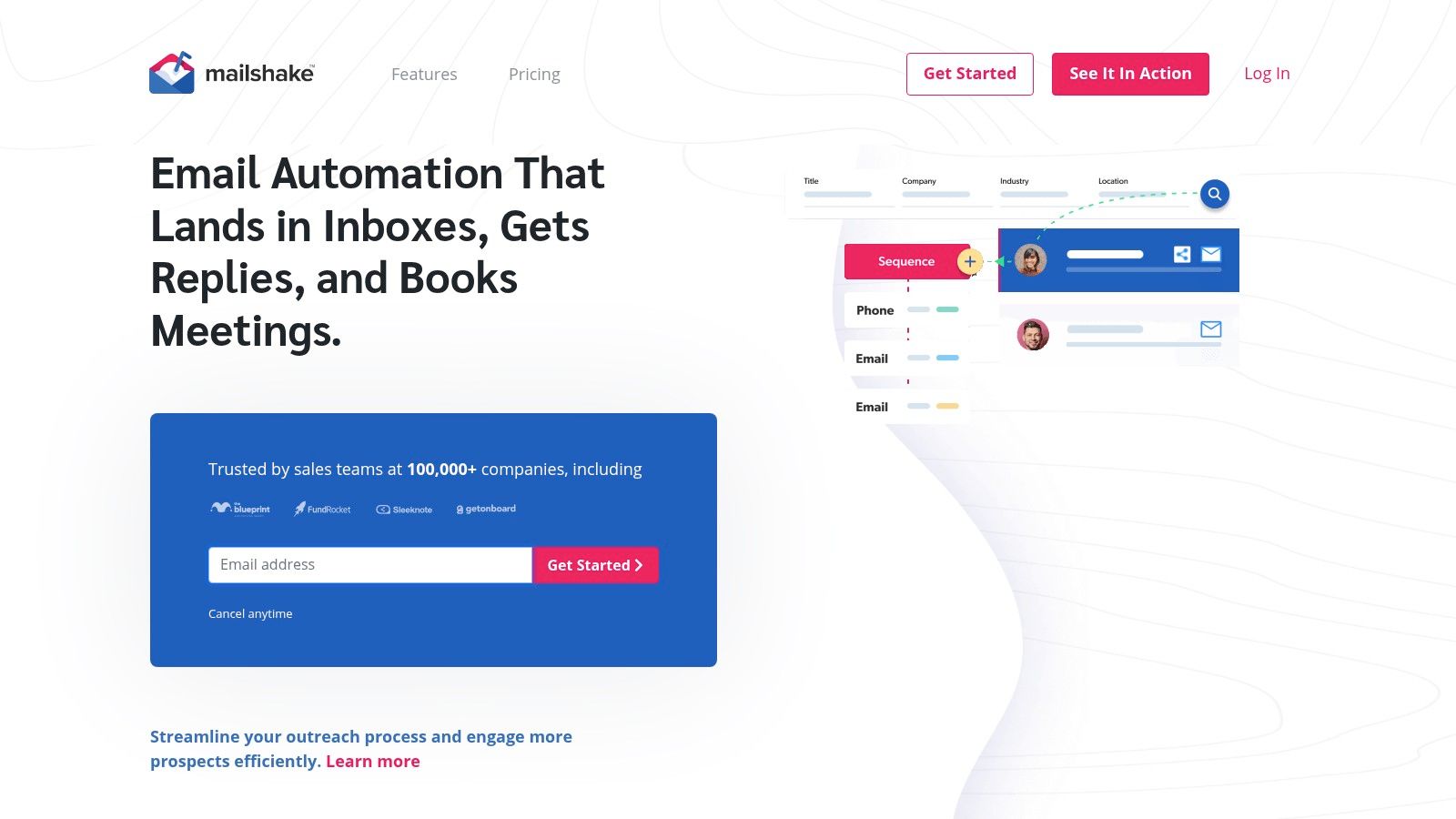
Mailshake is a straightforward choice if your team wants cold email done cleanly without a heavy sales suite. It's the kind of tool SDR managers often like because the learning curve is mild and the campaign structure is easy to explain.
Why teams use it
Mailshake leans into email-first sequencing, A/B testing, a unified inbox, and CRM integrations with HubSpot, Salesforce, Pipedrive, and Zapier. It also includes throttling and sending controls, which is where a lot of teams get into trouble if they skip them.
It's not the deepest multichannel suite, but it is easy to run. That matters for small teams that don't want to overbuild a workflow before they've proven message-market fit.
Pros and cons
Pros
- Simple UI: easier for SDRs and small teams to adopt.
- Solid deliverability controls: rotation, scheduling, and pause-on-reply behavior.
- Good testing workflow: A/B testing and analytics are easy to use.
- Optional dialer: useful if calling is part of the motion.
Cons
- No free trial: you pay to start, so test carefully.
- Calls require a higher plan: multichannel depth isn't fully included.
- Less suited to teams needing LinkedIn in the same workflow.
Verdict
Pick Mailshake if you want a reliable email outreach platform with enough structure to run campaigns well, but you don't need deep data, LinkedIn automation, or an enterprise engagement layer.
3. lemlist
lemlist is a good fit when you want multichannel outreach plus a large prospecting layer in the same system. It tries to reduce tool sprawl, and it's one of the more established all-in-one outbound platforms in the market.
Why it works
lemlist combines email, LinkedIn, calls, SMS, and WhatsApp with a unified inbox, plus a large lead database and verification tools. It also has a deliverability hub, inbox rotation, and AI-assisted research and message generation. That mix is useful when one team owns prospecting and outreach end to end.
I'd be cautious with the complexity, though. The broader the feature set, the more a team needs a disciplined operating process, or campaigns get messy fast.
Pros and cons
Pros
- Broad multichannel coverage: email, LinkedIn, calls, SMS, and WhatsApp.
- Lead database included: useful when prospecting and outreach sit together.
- Deliverability tooling: inbox rotation and alerting help with scale.
- AI-assisted personalization: useful for research-heavy outbound.
Cons
- Credit and pricing model can be complex.
- May be more than you need if your motion is email-only.
- The interface can feel busy to new users.
Verdict
Choose lemlist if you want one place for data, sequencing, and multichannel touches, and your team is ready to manage that complexity. For a direct comparison, see Flowkon vs Lemlist.
4. Apollo.io
Apollo makes sense when you want prospect data and outreach in one stack. It's especially useful for teams that care about sourcing, enrichment, and sequencing without stitching together separate databases.
Where it fits
Apollo pairs a large B2B database with email and call sequencing, CRM integrations, AI assistance, and deliverability controls on higher tiers. That makes it appealing for teams that need lead generation and engagement in the same environment.
The trade-off is the interface. Apollo is powerful, but it asks users to understand sales engagement software pretty quickly. Newer teams can waste time clicking around if they haven't already defined a repeatable motion.
Pros and cons
Pros
- Prospecting plus outreach: good when data and sequencing need to live together.
- Strong integrations: Salesforce, HubSpot, Zapier, and API support.
- Good value for many teams: especially if you need both data and outbound.
Cons
- Credit management requires administration.
- Some features sit behind higher tiers.
- The interface can feel crowded for beginners.
Verdict
Choose Apollo if your team needs a sales intelligence layer alongside email outreach, and you can handle a more complex operating model. See Flowkon vs Apollo if you're comparing multichannel workflow against data-heavy sequencing.
5. Instantly
Instantly is the email-first scale play. Agencies and growth teams like it because the economics of running many inboxes are straightforward, and the platform is designed around high-volume cold email.
Why people pick it
The big draw is unlimited sending accounts and unlimited warm-up across plans, plus scheduling, sequencing, analytics, and API/webhook support. It also offers optional lead database and AI add-ons.
That makes Instantly useful when you're managing many inboxes and want budget-friendly per-inbox economics. The downside is that it stays very email-first, so if you need LinkedIn steps inside the same workflow, you'll need another tool.
Pros and cons
Pros
- Unlimited accounts and warm-up: strong fit for multi-inbox operations.
- Clean interface: easy to get campaigns moving.
- Good for agencies: simple capacity planning.
- AI support: helpful for copy and campaign iteration.
Cons
- Mostly email-only.
- Add-ons can raise the cost quickly.
- Reporting is less deep than some bigger suites.
Verdict
Pick Instantly when your job is to send a lot of email from many inboxes without dragging a bigger sales platform into the stack. For teams that need email plus LinkedIn and CRM sync, it's often only part of the answer.
6. Smartlead
Smartlead is built for teams that run a lot of mailboxes and care about sender rotation. It's popular with agencies because the infrastructure model fits multi-domain, multi-inbox operations.
What stands out
Smartlead includes unlimited email accounts on all plans, automatic sender rotation, sends and contacts caps by plan, API and webhooks, and add-ons for servers, verification, and mailbox provisioning. That's attractive when you manage outreach infrastructure for multiple clients or brands.
The trade-off is usability. The platform is functional, but it isn't the most polished option, and true multichannel work still needs outside tools. That's fine if you want a sender engine, not a full engagement stack.
Pros and cons
Pros
- Very cost-efficient for multi-mailbox operations.
- Unlimited accounts on all plans.
- Useful infrastructure add-ons.
- Strong deliverability orientation.
Cons
- Interface is less polished than bigger suites.
- Learning curve is steeper for beginners.
- LinkedIn steps require another tool.
Verdict
Choose Smartlead if your agency or growth team is built around inbox infrastructure and you want scale without per-seat pressure. If you need to keep LinkedIn, inbox, and CRM in one place, compare it carefully against a unified workflow tool.
RichAPI's MCP Claude to Smartlead guide
7. Woodpecker
Woodpecker appeals to teams that want control. The platform is structured around deliverability, condition-based campaigns, and pricing that's tied to contacted prospects rather than a pure seat model.
Why it's different
The deliverability toolkit is the reason to look at Woodpecker. Inbox rotation, adaptive sending, a deliverability monitor, centralized inbox, A/B tests, and manual tasks give experienced operators more control over how campaigns run.
The pricing model takes a minute to understand if you're used to per-seat software. Still, once you know your prospect volume, it can be a useful way to align cost with usage.
Pros and cons
Pros
- Strong deliverability toolkit.
- Flexible, usage-based approach.
- Good for agencies needing control.
- LinkedIn is available as an add-on.
Cons
- Per-contact pricing is unfamiliar to some teams.
- Add-ons can change the overall cost.
- Not the simplest UI for absolute beginners.
Verdict
Woodpecker works best for teams that care about control more than flash, and for agencies that want a lot of deliverability discipline in the stack.
8. Snov.io
Snov.io is useful when you want prospecting and outreach in one predictable package. It combines email finding, verification, enrichment, and drip campaigns, with optional LinkedIn automation.
Why teams choose it
The appeal is the combo of data and outreach. If you're running outbound from a small team and don't want to buy a separate verifier, finder, and sequencer, Snov.io keeps the stack lighter.
Its own email finder and verification page is useful if you're trying to cut bounce risk before a campaign goes live, which is a real operational issue rather than a nice-to-have Snov.io email finder and verification.
Pros and cons
Pros
- Good all-in-one for prospecting and email outreach.
- Predictable enrichment tokens.
- Email finder and verifier built in.
- Easy entry point for smaller teams.
Cons
- LinkedIn automation is a separate module.
- Data quality can vary by ICP, so validation matters.
- Costs can climb once modules stack up.
Verdict
Snov.io is best when you need prospecting and email outreach under one roof, but don't need enterprise-grade engagement governance.
9. Reply.io
Reply.io is a stronger fit for teams that want multichannel engagement without jumping into a heavyweight enterprise suite. Email, LinkedIn, SMS, and calls all sit in the same cadence layer.
Why it matters
Reply.io gives you broad channel coverage in one UI, plus CRM integrations, a dialer, and AI reply categorization. That makes it useful when the team wants a single engagement layer rather than a set of disconnected tools.
The downside is cost creep. Per-user pricing can add up, and some advanced AI or LinkedIn functionality may sit behind add-ons or higher tiers.
Pros and cons
Pros
- Broad channel coverage.
- Good for standardizing outreach workflows.
- Useful CRM integration and dialer support.
- AI categorization helps triage responses.
Cons
- Per-user pricing can scale up fast.
- Advanced features may cost extra.
- Not the simplest option for small teams.
Verdict
Reply.io makes sense if your sales motion depends on email plus LinkedIn plus calling, and you want a broad engagement layer instead of a single-channel sender.
10. Salesloft
Salesloft is the enterprise-style option in this list. It's built for teams that need sales workflow governance, deep reporting, and tighter alignment with a larger revenue operation.
Salesloft
Why it belongs here
Salesloft centralizes communication, manages leads, and supports data-driven sales processes. It integrates well with Salesforce, and the platform is typically chosen when process consistency matters more than lean outbound setup.
The trade-off is cost and complexity. Smaller teams often don't need this much structure. Larger teams, though, may need exactly this level of control.
Pros and cons
Pros
- Strong enterprise integrations.
- Good analytics and reporting.
- Suitable for governed sales processes.
- Works well in larger revenue stacks.
Cons
- No free trial.
- Pricing is on request.
- LinkedIn automation is not a major strength.
Verdict
Salesloft is a serious option for enterprise sales organizations that want process control and reporting depth more than lightweight outbound convenience.
11. HubSpot Sales Hub
HubSpot Sales Hub fits teams that already live in HubSpot and want email outreach tied tightly to the CRM. It's more of a revenue workflow choice than a pure cold-email specialist.
HubSpot Sales Hub
Where it's useful
The main advantage is integration depth. If your pipeline, lifecycle stages, notes, and tasks are already in HubSpot, keeping outreach there reduces context switching and reporting friction.
The limit is specialization. It can support outreach, but it's not the first choice for teams chasing aggressive cold-email infrastructure or advanced multichannel sequencing.
Pros and cons
Pros
- Excellent CRM alignment.
- Easy to adopt for existing HubSpot teams.
- Good for visibility across sales operations.
- Useful if reporting already lives there.
Cons
- Not a specialist cold email platform.
- Less advanced on LinkedIn workflows.
- Can be overkill if you only need sending.
Verdict
HubSpot Sales Hub is best for teams already committed to HubSpot as the system of record and who want outreach to sit inside that stack.
12. Klenty
Klenty sits in the middle ground between email-first tools and broader sales engagement platforms. It's a practical option when you want sequencing, deliverability controls, and a path to add calling later.
Why it's worth a look
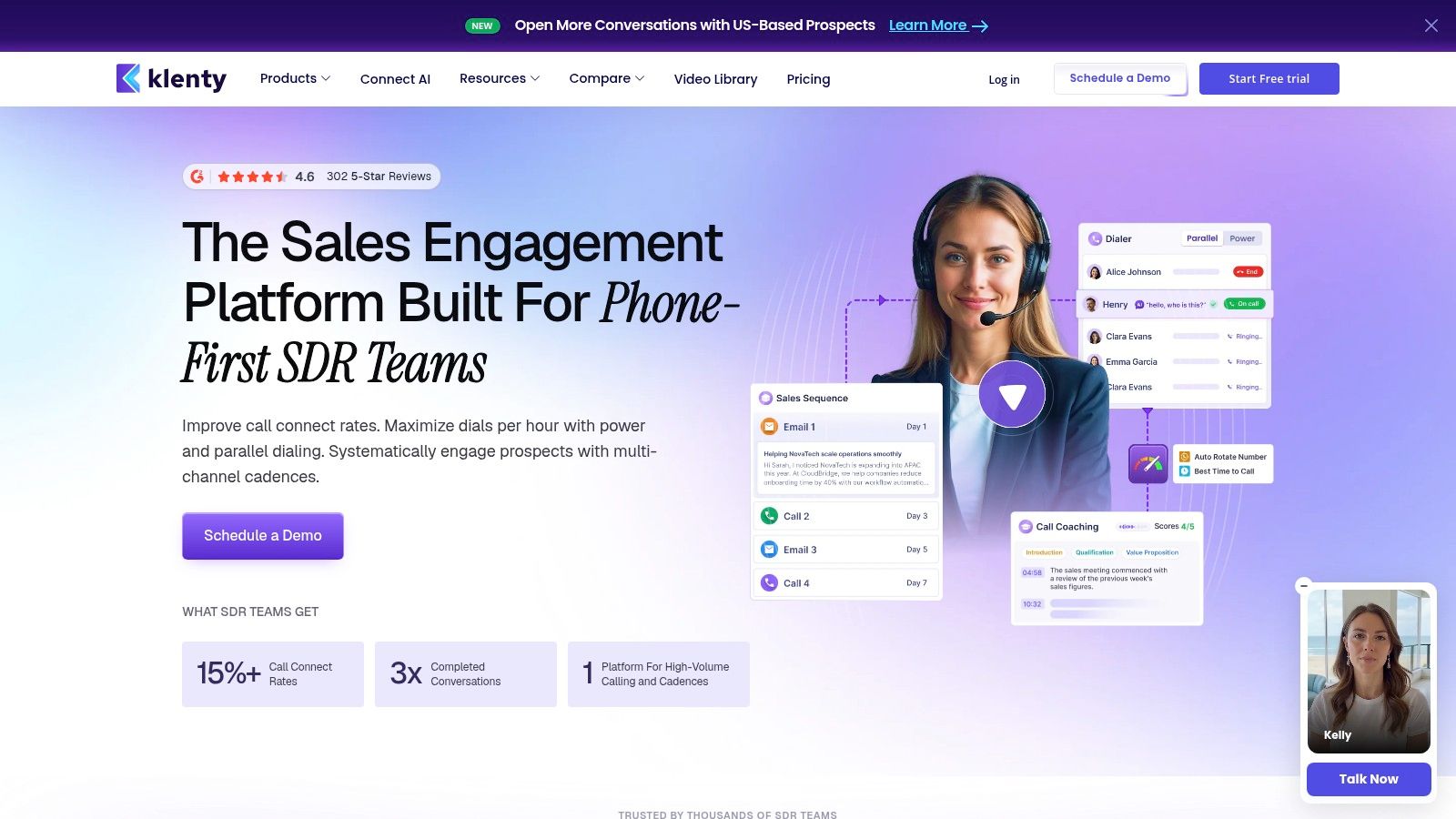
Klenty includes custom tracking domains, randomized intervals, volume controls, A/B testing, and a live engagement feed on the email side. Higher tiers add a dialer, minutes, CRM automations, and AI call coaching.
That gives teams a measured upgrade path. Start with outbound email, then add calling or coaching only if the motion needs it.
Pros and cons
Pros
- Flexible plan structure.
- Good email deliverability controls.
- Path to calling and coaching later.
- Useful for teams that want to grow into the platform.
Cons
- Pricing units can feel mixed.
- Not as deep as heavyweight enterprise suites.
- Multichannel coverage is decent, not dominant.
Verdict
Klenty works well for teams that want a sensible sales engagement platform and don't want to overbuy on day one.
Top 10 Email Outreach Tools, Feature Comparison
Best Email Outreach Software by Use Case
For agencies, I'd look first at Flowkon, Smartlead, and lemlist. Agencies usually need multi-account governance, reply visibility, and enough structure to keep client campaigns separated without adding chaos. Flowkon is strongest if the agency runs LinkedIn and email together, Smartlead is strong when the agency is mailbox-heavy, and lemlist is useful when prospecting data and multichannel outreach need to live together.
For startups, Instantly, Apollo, and Mailshake are the easiest shortlist. Instantly is best if the startup is sending cold email from multiple inboxes and wants quick scale. Apollo is better when the team needs data and sequencing together. Mailshake makes sense when the team wants a cleaner first outbound system without a sprawling feature set.
For solo founders, Snov.io, Woodpecker, and Mailshake are practical choices. A solo founder usually needs clear setup, manageable cost, and enough structure to keep campaigns consistent. I'd avoid overbuying here, because too much tooling slows the actual outreach motion.
For enterprise, Salesloft, HubSpot Sales Hub, and Flowkon are the most relevant in different ways. Salesloft fits governance-heavy sales operations, HubSpot Sales Hub fits teams already organized around HubSpot, and Flowkon fits teams that want structured multichannel outreach with centralized reply handling and CRM sync.
Practical rule: if the team can't explain who owns the inbox, who owns the CRM, and who owns the next step, the tool choice won't save the workflow.
Best LinkedIn Outreach Automation Tools
LinkedIn automation works only when each action has a clear place in the broader sequence. Keep connection requests, profile visits, and follow-ups within platform limits, vary the timing, and stop the sequence when a prospect replies. Sending the same message through LinkedIn and email creates unnecessary pressure.
Flowkon fits teams that need LinkedIn connection requests, profile visits, InMails, and email steps in one sequence. Its unified inbox keeps LinkedIn messages and email replies together, which helps teams assign ownership and prevent missed handoffs. Use warm-up and pacing controls, and review daily activity before increasing volume.
lemlist suits multichannel campaigns that also depend on prospect data. LinkedIn actions can sit beside personalized email steps, but teams need to monitor credits, permissions, and sequence logic. It is a better fit for deliberate campaigns than unattended automation.
Reply.io works for sales teams coordinating LinkedIn, calls, SMS, and email in one cadence. Confirm how LinkedIn actions are triggered, who handles replies, and whether the workflow pauses automatically after engagement.
Klenty is practical when email is the starting point and LinkedIn becomes a later touch. Its lighter setup can reduce operational overhead, though teams may need separate tools for deeper LinkedIn controls or InMail management.
Before choosing, check connection-request pacing, profile-visit settings, InMail handling, reply detection, stop conditions, audit logs, and CRM ownership. See the compliance subsection in section 7 for Google, FTC, and ICO requirements.
How to Choose an Email Outreach Platform
A tool should match the work your team needs to control. Choose inbox infrastructure for multiple sender accounts, prospect data for list building, multichannel sequencing for LinkedIn and email, team governance for ownership and approvals, or enterprise engagement for complex account workflows. Flowkon can consolidate LinkedIn, email, inbox, and CRM activity when those channels need one operating view.
Use a scored vendor matrix rather than a feature checklist:
Test the workflow with a small campaign before committing. Confirm authentication support, bounce handling, suppression, unsubscribe processing, and CRM handoffs.
Validity's benchmark cited earlier places permission-based bounce rates around 1.5%, with complaint rates below 0.3%, ideally below 0.1%. Google's sender rules set operational requirements for high-volume Gmail sending. Review the Validity benchmark alongside your sending data, then choose the platform that supports the controls your workflow requires.
Outreach Email Strategy That Gets Replies
A revenue operations lead at a regulated enterprise should not receive the same opening email as a founder at a small SaaS company. Segment prospects by role, industry, account type, and reason for contact before building a sequence. The workflow, message, and follow-up timing should reflect the account.
Personalization should point to a real business context. Use the person's role, a recent company change, or an operational trigger. “Noticed you're growing” says little. A note about CRM handoffs, hiring, or inconsistent follow-up gives the recipient a reason to respond.
Choose the tool around the workflow you need. Inbox infrastructure matters when deliverability, pacing, and reply handling are the priority. Multichannel sequencing fits teams combining email with LinkedIn. Prospect-data platforms reduce research and enrichment work. Team governance requires ownership, suppression controls, and shared visibility. Enterprise engagement platforms add structured processes across larger teams. Flowkon can consolidate LinkedIn, email, inbox, and CRM activity when one operating view is more useful than separate tools.
A short sequence is easier to manage and measure than a long series. Use four steps for a focused motion, with a fifth message to close the loop when the account remains relevant.
Sample cadence
- Day 1. Send a short email with one clear ask.
- Day 3. Add a new reason to reply.
- Day 6. Share a specific use case or proof point.
- Day 10. Address a likely objection or close the thread.
- Day 14. Send a final check-in if the account still fits.
Keep subject lines plain and specific. “Question about outbound”, “Quick follow-up”, and “Reaching out about CRM sync” identify the purpose without trying to sound clever.
Copy-ready templates
Template 1, direct B2B opener
Hi [First name],
Reaching out because [company] looks like a fit for a workflow that helps teams follow up across email and LinkedIn. I can send a short example of how teams structure that motion.
Worth a look?
Template 2, value-first follow-up
Hi [First name],
One issue I often see is missed replies and stale CRM data. If that affects your team, I can show you the sequence and handoff setup.
Should I send it?
Template 3, breakup email
Hi [First name],
I haven't heard back, so I'll assume this is not a priority right now. If outreach becomes relevant later, I can share the workflow and follow-up structure.
Would it help to keep this open?
What to track
Track qualified replies, positive reply rate, meetings booked, bounce rate, and unsubscribe rate. Opens can be distorted by privacy features or automated scanning. Judge the sequence by whether it creates qualified sales activity.
Compliance checklist
FAQs
What is the difference between email outreach tools and email marketing tools?
Email outreach tools are built for cold or semi-cold B2B prospecting, reply handling, and deliverability control. Email marketing tools are built for opted-in lists, newsletters, and bulk campaigns.
Which email outreach tools are best for agencies?
Flowkon, Smartlead, and lemlist are strong agency picks because they support multi-account workflows and client-style campaign management.
Which tool is best for email-only outreach?
Instantly, Mailshake, and Woodpecker are strong email-first options if you don't need deep LinkedIn automation.
Which tool is best if I need data and outreach together?
Apollo and Snov.io make sense when prospect finding, enrichment, verification, and sequencing need to happen in one place.
Do I need warm-up?
If you're sending cold email from new or low-activity inboxes, warm-up and pacing controls are important. Deliverability is operational work, not a one-time setup.
Is LinkedIn automation safe?
No tool makes it completely safe. Use conservative volume, avoid repetitive behavior, and make sure your process respects platform limits and recipient experience.
What matters more, opens or replies?
Replies matter more. Opens can be distorted, while qualified replies and booked meetings are closer to business outcomes.
How should I choose a pricing model?
Use per-seat pricing for stable in-house teams and usage-based or per-account pricing for agencies or mailbox-heavy teams. Then test actual send volume before committing.
Can I run email and LinkedIn together?
Yes, but only if the platform keeps the workflow and reply handling clean. That's where unified systems like Flowkon, lemlist, and Reply.io help.
What should I verify before buying?
Check pricing, mailbox limits, sending controls, CRM integrations, and current compliance support on the vendor's site.
9. Conclusion
Choose by workflow, not by a universal ranking. Email-first teams should prioritize inbox infrastructure, deliverability controls, and mailbox limits. Teams that need prospect data and sequencing should choose a platform that combines enrichment, verification, and follow-up. LinkedIn and email users need multichannel sequencing with clear reply ownership. Larger sales organizations need governance, permissions, reporting, and CRM control.
Before buying, check pricing, integrations, sending controls, data quality, and compliance features. Verify current Gmail sender requirements, CAN-SPAM, and PECR guidance on the official sites referenced in section 7, including Google sender rules, FTC CAN-SPAM guide, and ICO PECR guidance.
Use a practical test: define the goal, verify a small prospect segment, write the first email, run a four-step sequence, route replies, and measure qualified conversations rather than opens. Compare the time spent managing inboxes, LinkedIn tasks, and CRM updates.
Flowkon can consolidate LinkedIn, email, inbox handling, verified email discovery, and CRM sync in one workflow. Test its data coverage and controls against your process before committing.
Image suggestion: alt text, “Decision checklist for selecting an email outreach platform by team size and campaign channel.”
Ready to consolidate LinkedIn, email, and CRM sync? Start a 7-day trial of Flowkon and run your next sequence from one inbox. Visit Flowkon to review the workflow.





.svg)

