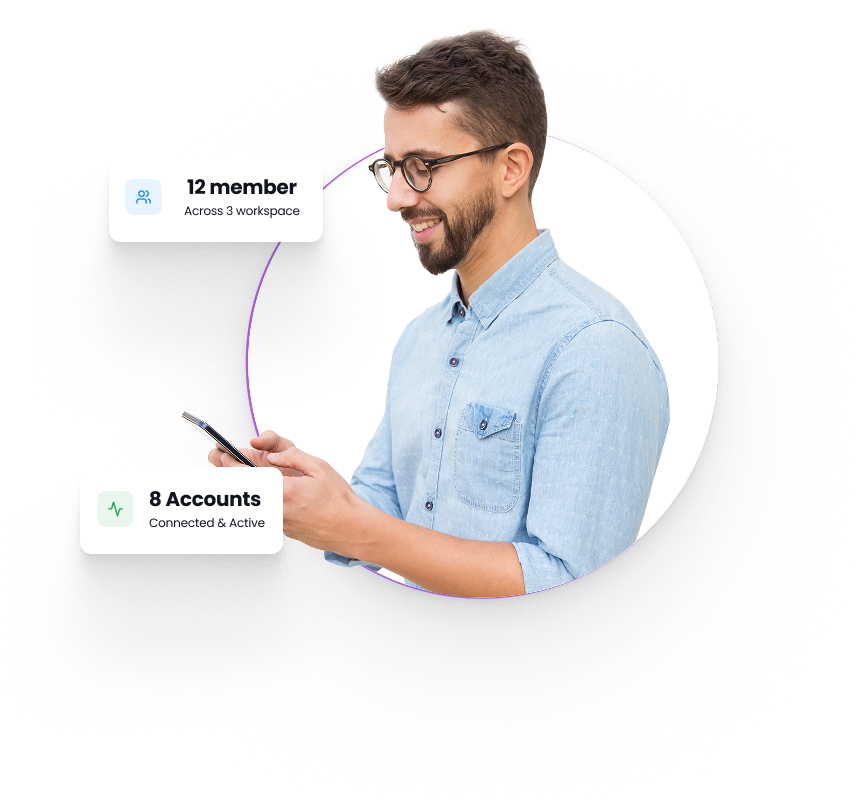
One Sales Navigator License, Your Whole Team
Only the person extracting leads needs Sales Navigator. They pull a search into Flowkon and share the list, so your teammates get the leads without their own license.
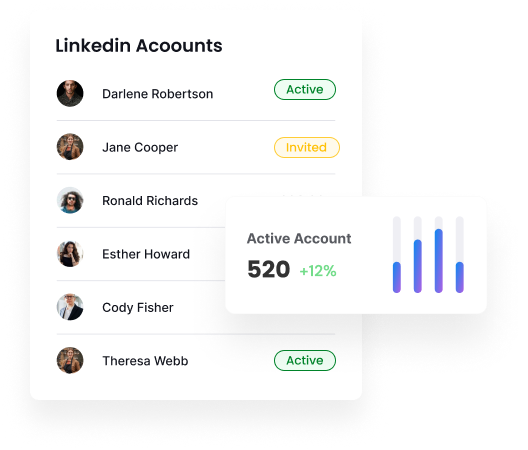
No Two Teammates Contacting the Same Lead
Everyone runs campaigns from the same shared list, and Flowkon makes sure two people are not campaigning on the same lead at the same time.
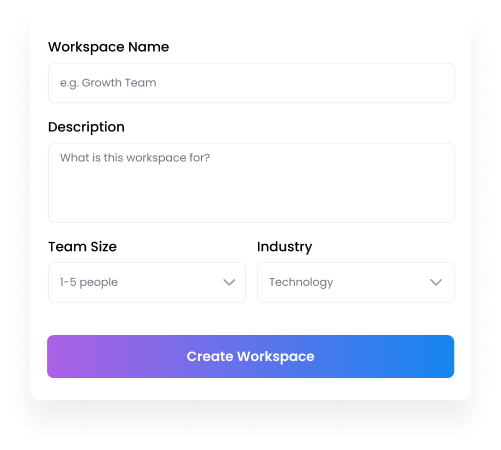
Keep Control With Workspace Roles
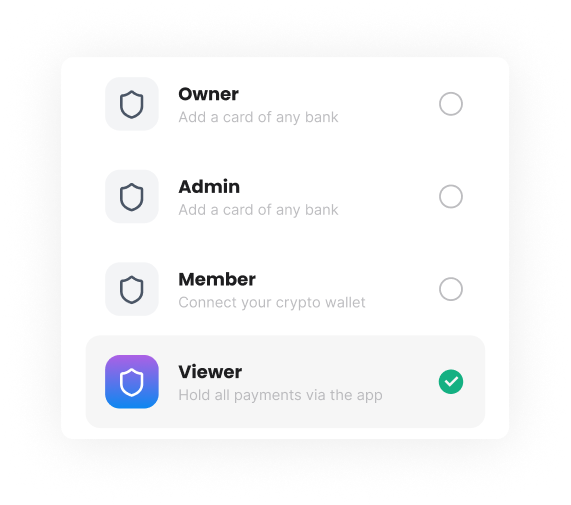
Use your workspace roles (Owner, Admin, Member and Viewer) to decide who works with the shared lists.
Frequently Asked Questions
What are shared Sales Navigator lead lists?
A shared list is a set of leads extracted from LinkedIn Sales Navigator by one team member and made available to everyone in the workspace, so the whole team can run campaigns on it.
Which plans include shared lead lists?
Shared lead lists are available on the Professional plan and on Custom plans. See the pricing page for details.
Does every teammate need a Sales Navigator license?
No. One team member with a Sales Navigator license extracts the leads and shares the list. The rest of the team can use those leads in their campaigns without their own license.
Do I need to export a CSV to share leads?
No. The list lives in your Flowkon workspace, so there is no export or re-upload between teammates.
How do I control who can access shared lists?
Access follows your workspace roles: Owner, Admin, Member and Viewer. Invite teammates from your workspace dashboard and assign a role.
Can two teammates contact the same lead?
No. When a list is shared, Flowkon makes sure two team members are not campaigning on the same lead at the same time, so prospects don't get duplicate messages from your team.
Can I remove a team member from a workspace?
Yes. Owners and admins can remove any team member from a workspace at any time
How many workspaces can I create?
You can create multiple workspaces based on your subscription plan.
How do workspaces work in Flowkon for managing multiple clients?
Each workspace in Flowkon is a fully isolated environment with its own LinkedIn accounts, campaigns, inbox, templates, and analytics. Admins assign team members to specific workspaces with view or edit permissions. Switching between clients takes one click, and billing can be managed centrally — making workspaces the core unit for agency account management.
.webp)